Kinsman SSH
Simple secure SSH client
Entwickelt für iPhone, iPad
Kostenlos · In-App-Käufe
- Altersfreigabe4+
- KategorieEntwickler-Tools
- EntwicklerJames Kinsman
- SprachenEnglisch
- Größe10,9 MB
Verlinkt auf die offizielle App Store-Seite
Download.org hostet keine Datei von Kinsman SSH. Die Schaltfläche öffnet die App-Seite bei App Store, wo James Kinsman die App veröffentlicht. Eintrag zuletzt geprüft am 12.11.2026.
Screenshots
Info
Der Entwickler hat diesen Text nicht in Ihrer Sprache bereitgestellt.
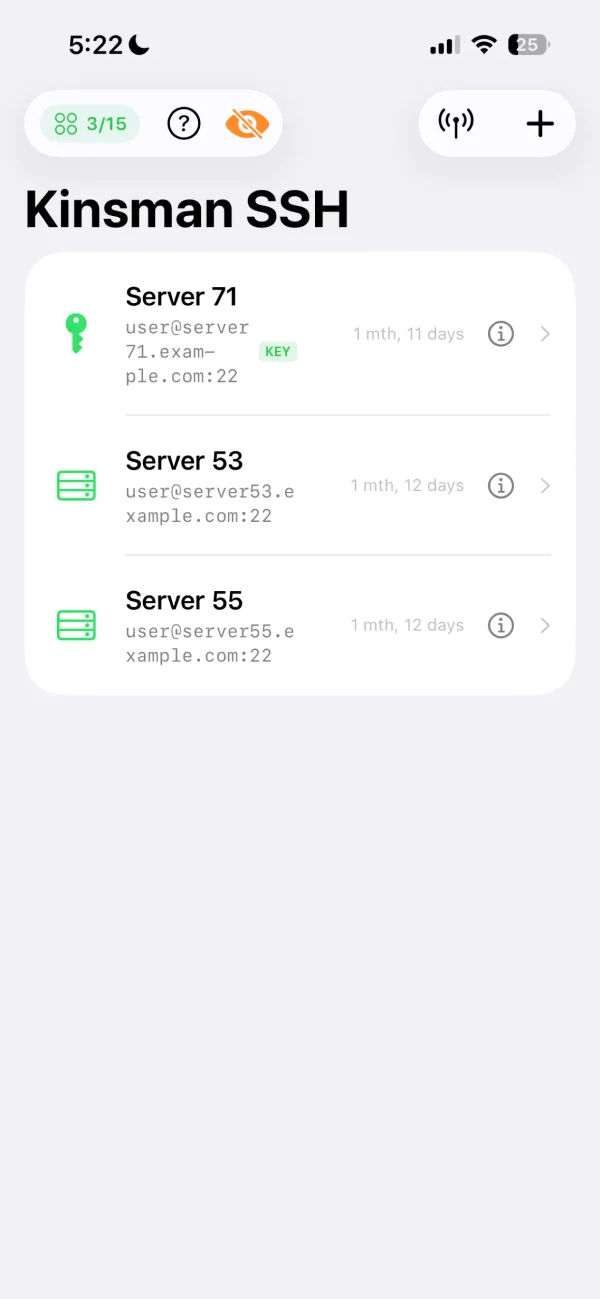
Kinsman SSH is a focused, no-nonsense SSH client for iPhone and iPad. Connect to your servers securely with password or private key authentication.
Features:
- Save multiple SSH host connections
- Password and private key authentication
- Import keys via Files, AirDrop, QR code scan, or directly from your Mac over local WiFi
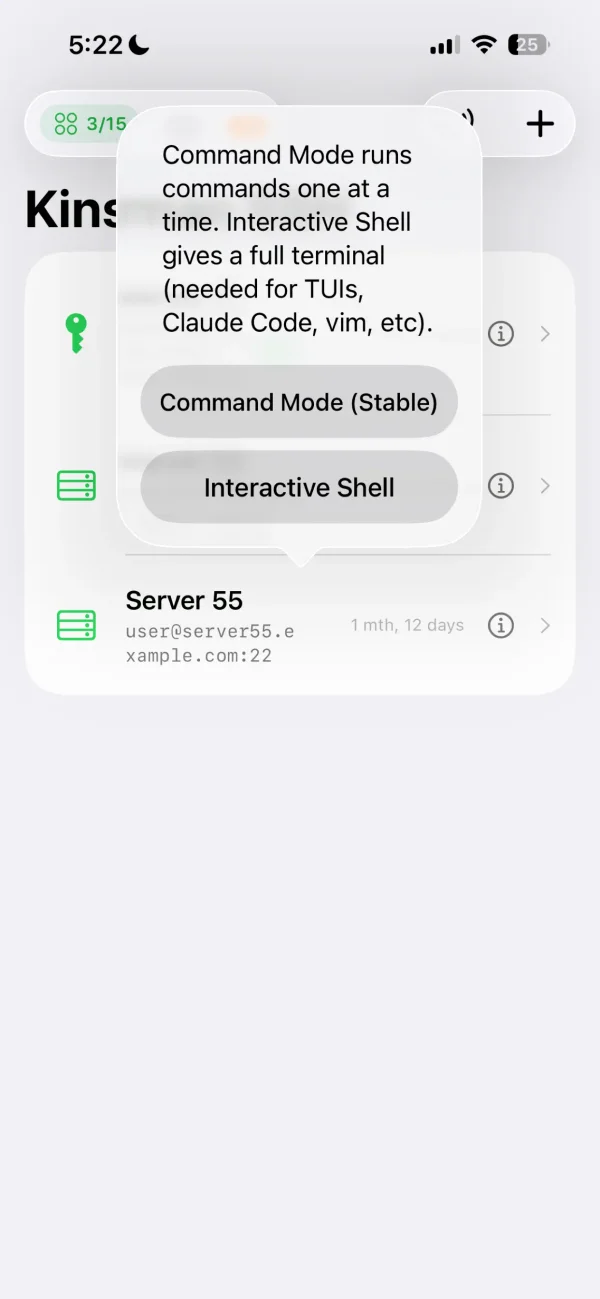
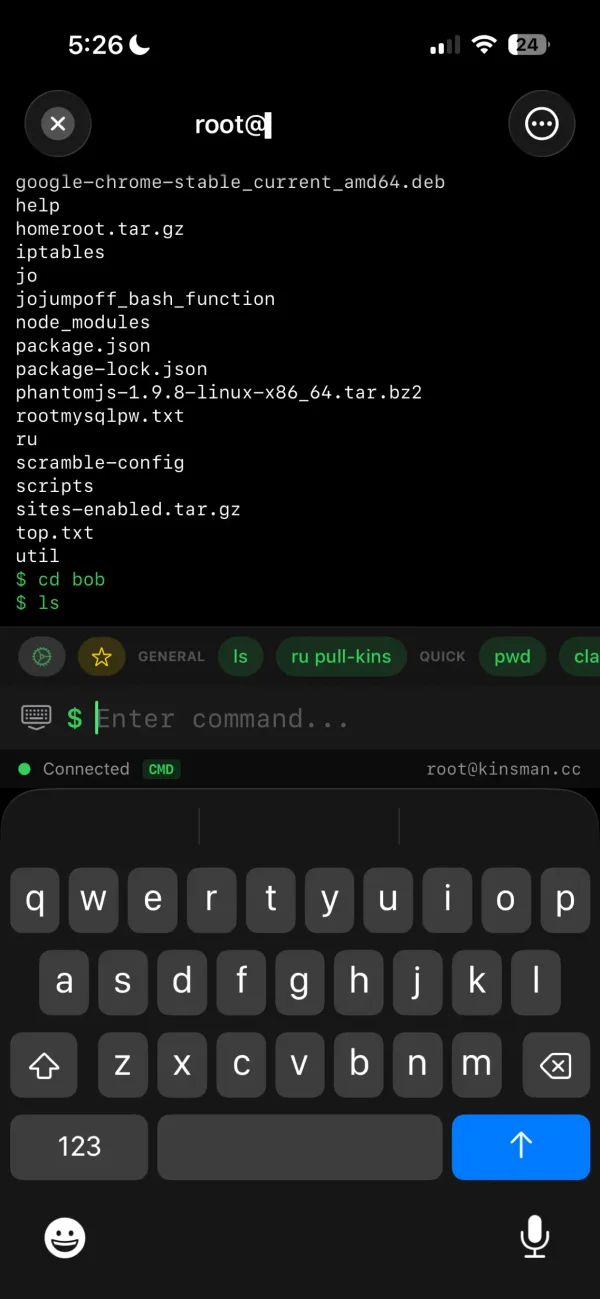
- Full interactive terminal with command input
- Secure credential storage in Keychain
- Universal Clipboard support — copy on Mac, paste in app
- Copy terminal output with one tap
- Clean, dark terminal interface
- Works on iPhone and iPad
5 free connection slots included. Purchase more as needed.
Remote Control
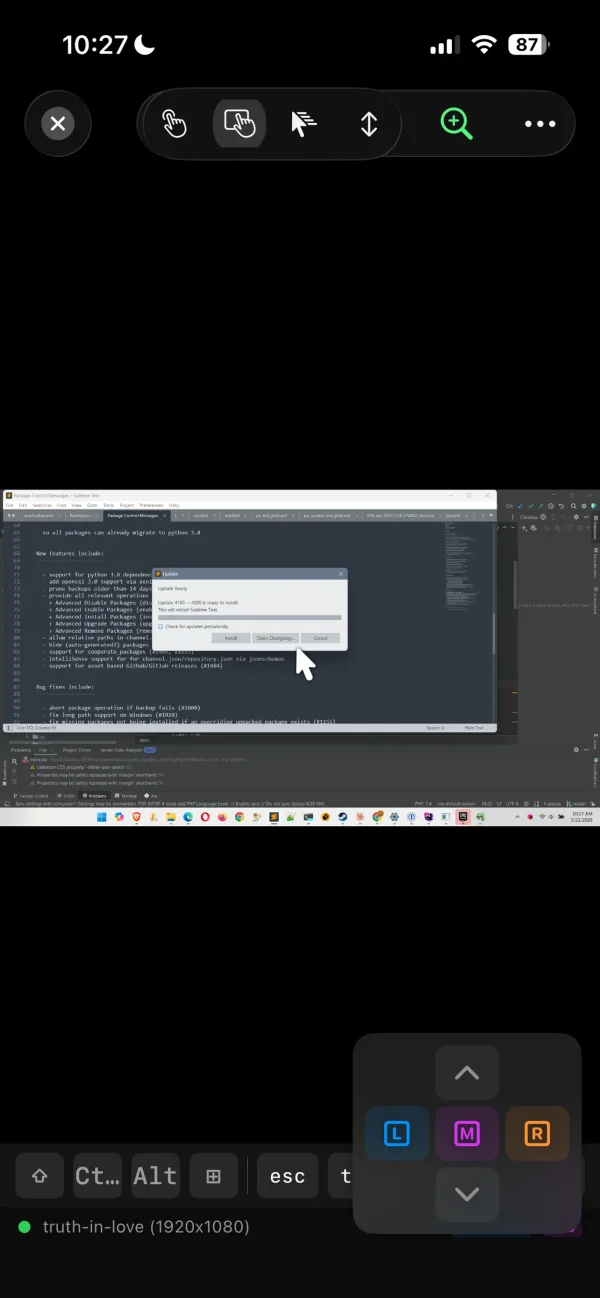
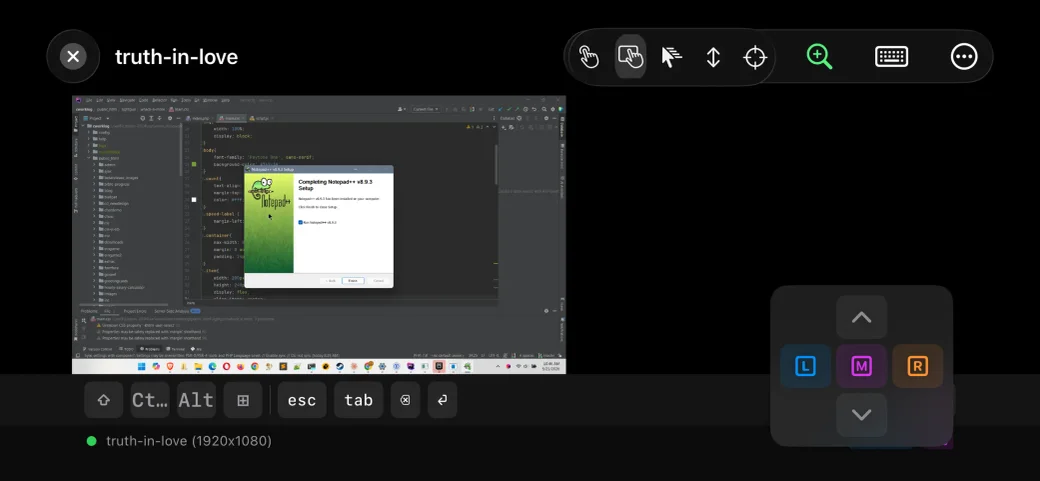
Pair with Kinsman Terminal on your Mac by scanning a QR code, then drive a terminal tab from your phone — switch and search tabs, send one command to several at once, take a screenshot of the Mac's terminal, and reuse recent commands.
Data Bridge
Use your iPhone's cellular connection from your Mac when the Wi-Fi you are both on has no working internet. Protected by a PIN, with a live traffic log, block and allow rules, and an optional data cap. Runs only while the app is open.
VNC Screen Sharing is available as an in-app purchase.
Neue Funktionen
Version 1.1.3 · 12.08.2026
Remote Control — drive your Mac's terminal from your iPhone. Scan a QR code to pair, then connect the fastest way available: same Wi-Fi, Nearby, SSH, or the web. Switch and search tabs, stack several and send one command to all of them at once, grab a screenshot of the Mac's real terminal, and reuse recent commands. Paired Macs are saved and reconnect like any other connection.
Data Bridge — share your iPhone's cellular data with your Mac. One tap copies the command to run on the Mac, a 4-digit PIN keeps it yours, and a live traffic log shows what is going through — with block and allow rules for anything you would rather it did not.
VNC Screen Sharing is now available as an in-app purchase.
In Remote Control's Web tab, a new "What is this?" explains what the Server URL is and how the relay works, and you can now clear a saved server address in one tap.
Fixes: a crash on launch, a blank screen after scanning the pairing QR code, and the Send button going dead on stale tabs.
App-Datenschutz
Was James Kinsman im App Store zum Umgang dieser App mit Daten angibt.
-
Keine Daten erfasst
Der Entwickler erfasst keine Daten von dieser App.
Die Datenschutzpraktiken können variieren, zum Beispiel je nach den von Ihnen verwendeten Funktionen oder Ihrem Alter.
Informationen
- Anbieter
- James Kinsman
- Kategorie
- Entwickler-Tools
- Version
- 1.1.3
- Aktualisiert
- 12.08.2026
- Veröffentlicht
- 06.05.2026
- Größe
- 10,9 MB
- Erfordert
- iOS 17.0 oder neuer
- Altersfreigabe
- 4+
- Preis
- Kostenlos
- In-App-Käufe
- Ja
- Sprachen
- Englisch
- Copyright
- © 2026 Kinsman Software LLC
Das könnte Ihnen auch gefallen
-
 W/Y expertEntwickler-Tools
-
 Rafter Homelab ConsoleEntwickler-Tools
-
 teletype computerEntwickler-Tools
-
 dev-mux: AI coding fleet mgmtEntwickler-Tools
-
 SimpleSSM - Terminal for EC2Entwickler-Tools
-
 Gumpbox - AI SSH clientEntwickler-Tools
-
 WaycarEntwickler-Tools
-
 pmoshSSH-Terminal, gebaut für tmux
-
 BalauDeckEntwickler-Tools
-
 Pocket-DevEntwickler-Tools