Kinsman SSH
Simple secure SSH client
Projetado para iPhone, iPad
Grátis · Compras no app
- Classificação etária4+
- CategoriaPara desenvolvedores
- DesenvolvedorJames Kinsman
- IdiomasInglês
- Tamanho10,9 MB
Leva à página oficial na App Store
O Download.org não hospeda nenhum arquivo de Kinsman SSH. O botão abre a página do app na App Store, onde James Kinsman o publica. Página verificada pela última vez em 12/11/2026.
Capturas de tela
Sobre
O desenvolvedor não forneceu este texto no seu idioma.
Kinsman SSH is a focused, no-nonsense SSH client for iPhone and iPad. Connect to your servers securely with password or private key authentication.
Features:
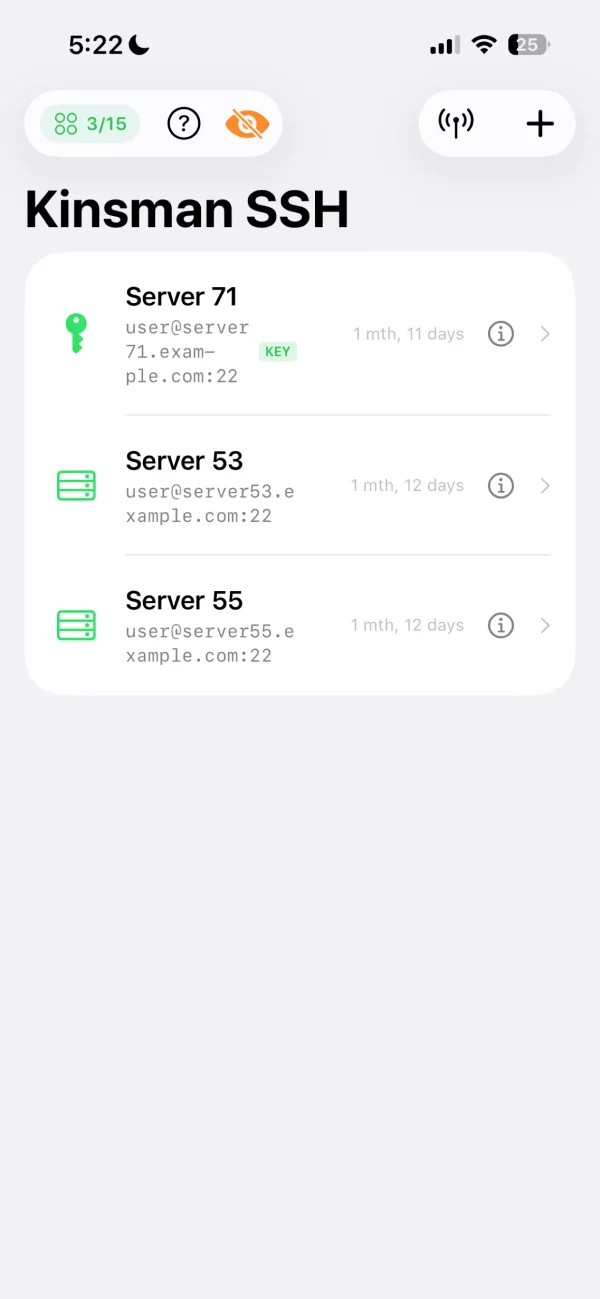
- Save multiple SSH host connections
- Password and private key authentication
- Import keys via Files, AirDrop, QR code scan, or directly from your Mac over local WiFi
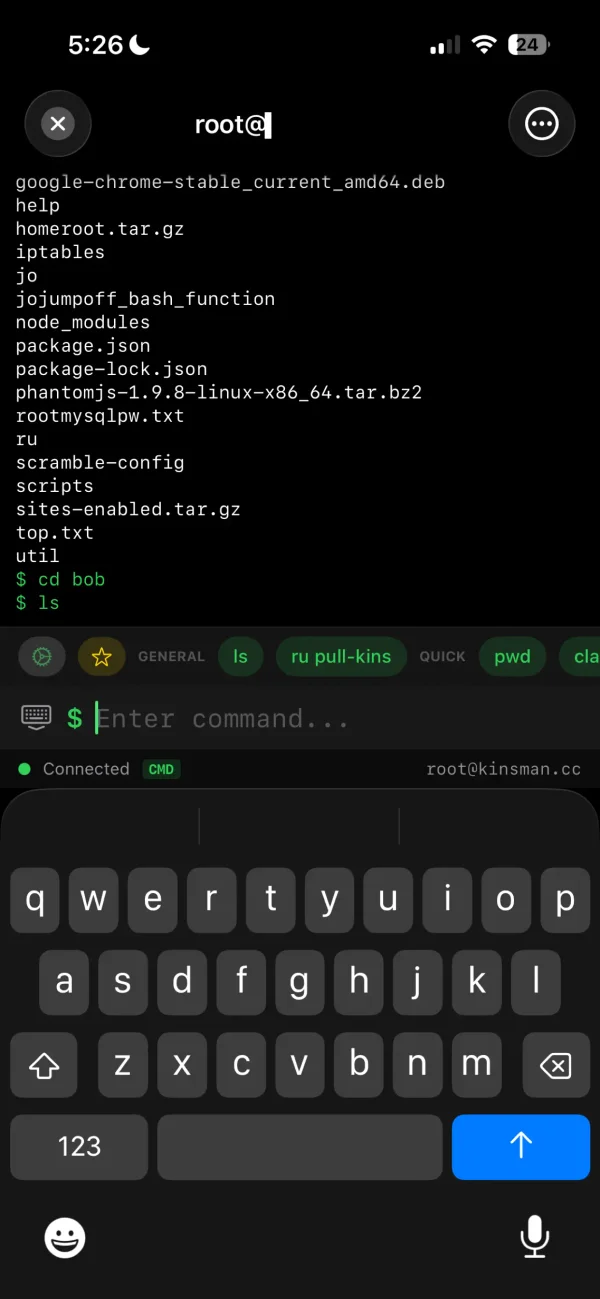
- Full interactive terminal with command input
- Secure credential storage in Keychain
- Universal Clipboard support — copy on Mac, paste in app
- Copy terminal output with one tap
- Clean, dark terminal interface
- Works on iPhone and iPad
5 free connection slots included. Purchase more as needed.
Remote Control
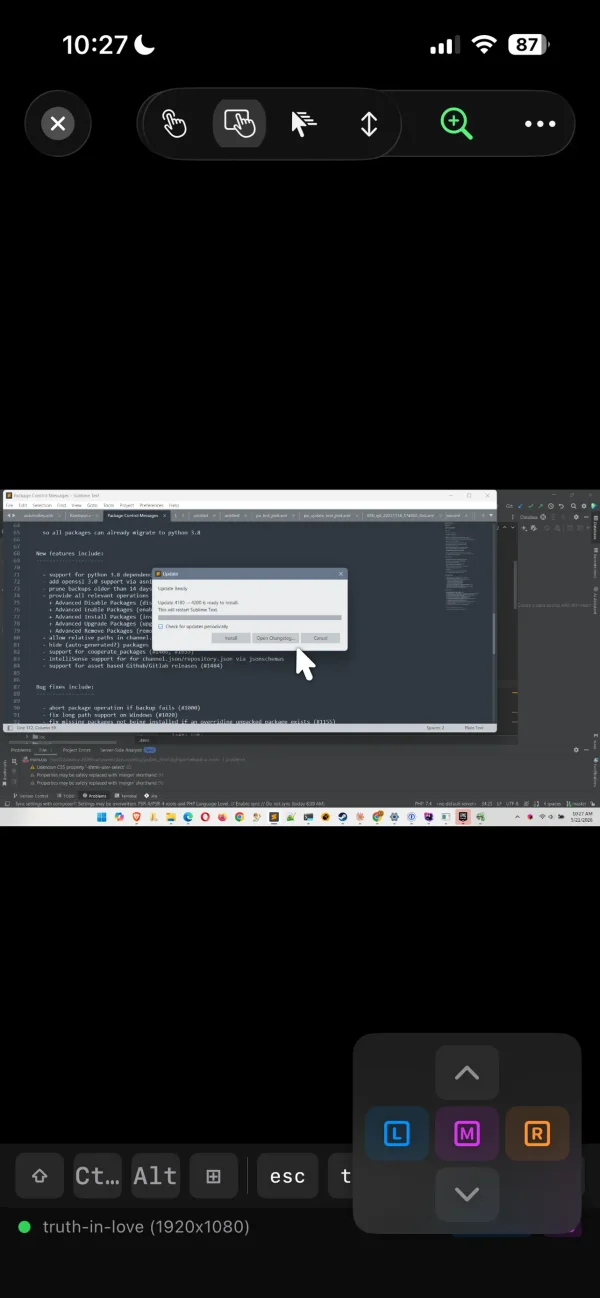
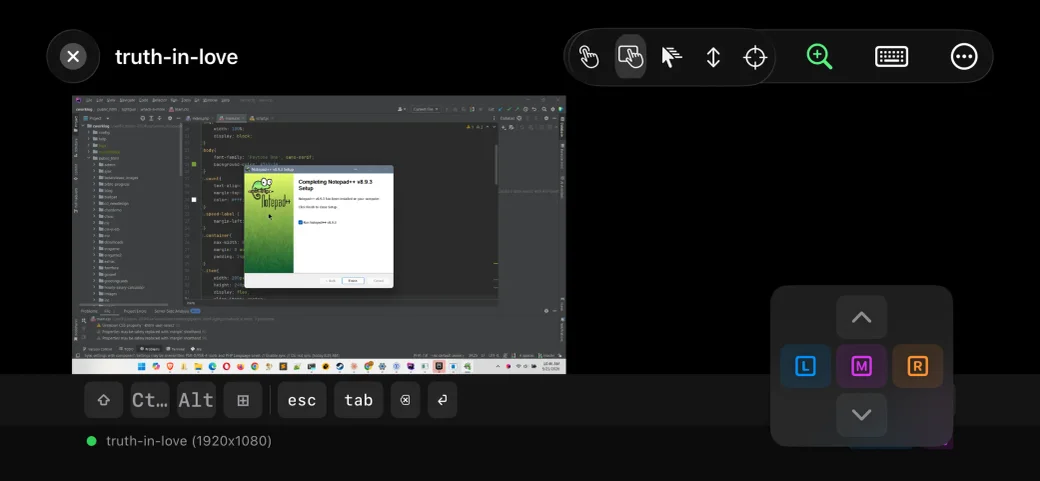
Pair with Kinsman Terminal on your Mac by scanning a QR code, then drive a terminal tab from your phone — switch and search tabs, send one command to several at once, take a screenshot of the Mac's terminal, and reuse recent commands.
Data Bridge
Use your iPhone's cellular connection from your Mac when the Wi-Fi you are both on has no working internet. Protected by a PIN, with a live traffic log, block and allow rules, and an optional data cap. Runs only while the app is open.
VNC Screen Sharing is available as an in-app purchase.
Novidades
Versão 1.1.3 · 12/08/2026
Remote Control — drive your Mac's terminal from your iPhone. Scan a QR code to pair, then connect the fastest way available: same Wi-Fi, Nearby, SSH, or the web. Switch and search tabs, stack several and send one command to all of them at once, grab a screenshot of the Mac's real terminal, and reuse recent commands. Paired Macs are saved and reconnect like any other connection.
Data Bridge — share your iPhone's cellular data with your Mac. One tap copies the command to run on the Mac, a 4-digit PIN keeps it yours, and a live traffic log shows what is going through — with block and allow rules for anything you would rather it did not.
VNC Screen Sharing is now available as an in-app purchase.
In Remote Control's Web tab, a new "What is this?" explains what the Server URL is and how the relay works, and you can now clear a saved server address in one tap.
Fixes: a crash on launch, a blank screen after scanning the pairing QR code, and the Send button going dead on stale tabs.
Privacidade do app
O que James Kinsman declara na App Store sobre como este app lida com os dados.
-
Dados não coletados
O desenvolvedor não coleta nenhum dado deste app.
As práticas de privacidade podem variar, por exemplo, com base nos recursos que você usa ou na sua idade.
Informações
- Vendedor
- James Kinsman
- Categoria
- Para desenvolvedores
- Versão
- 1.1.3
- Atualizado
- 12/08/2026
- Lançamento
- 06/05/2026
- Tamanho
- 10,9 MB
- Requer
- iOS 17.0 ou posterior
- Classificação etária
- 4+
- Preço
- Grátis
- Compras no app
- Sim
- Idiomas
- Inglês
- Copyright
- © 2026 Kinsman Software LLC
Você também pode gostar
-
 W/Y expertPara desenvolvedores
-
 Rafter Homelab ConsolePara desenvolvedores
-
 teletype computerPara desenvolvedores
-
 dev-mux: AI coding fleet mgmtPara desenvolvedores
-
 SimpleSSM - Terminal for EC2Para desenvolvedores
-
 Gumpbox - AI SSH clientPara desenvolvedores
-
 WaycarPara desenvolvedores
-
 pmosh: tabs for tmuxPara desenvolvedores
-
 BalauDeckPara desenvolvedores
-
 Pocket-DevPara desenvolvedores