Kinsman SSH
Simple secure SSH client
iPhone, iPad için tasarlandı
Ücretsiz · Uygulama içi satın alma
- Yaş sınırı4+
- KategoriGeliştirici Araçları
- GeliştiriciJames Kinsman
- Dillerİngilizce
- Boyut10,9 MB
Resmi App Store sayfasına bağlanır
Download.org, Kinsman SSH için hiçbir dosya barındırmaz. Düğme, uygulamanın App Store üzerindeki sayfasını açar; uygulamayı orada James Kinsman yayınlar. Sayfanın son kontrolü: 12.11.2026.
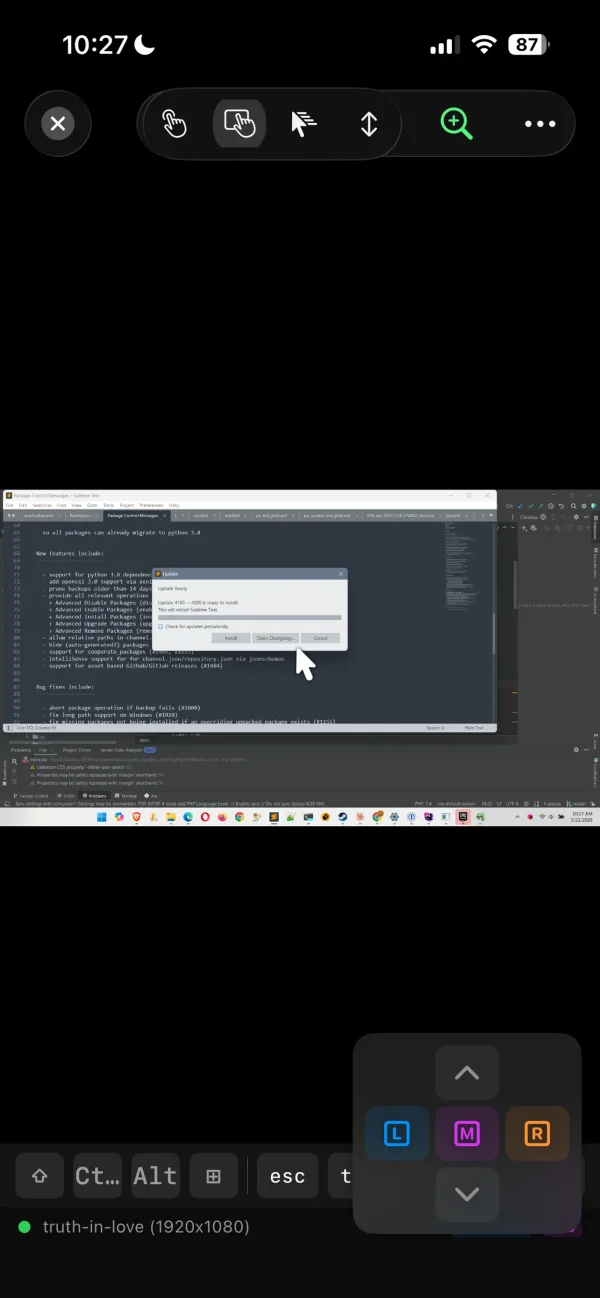
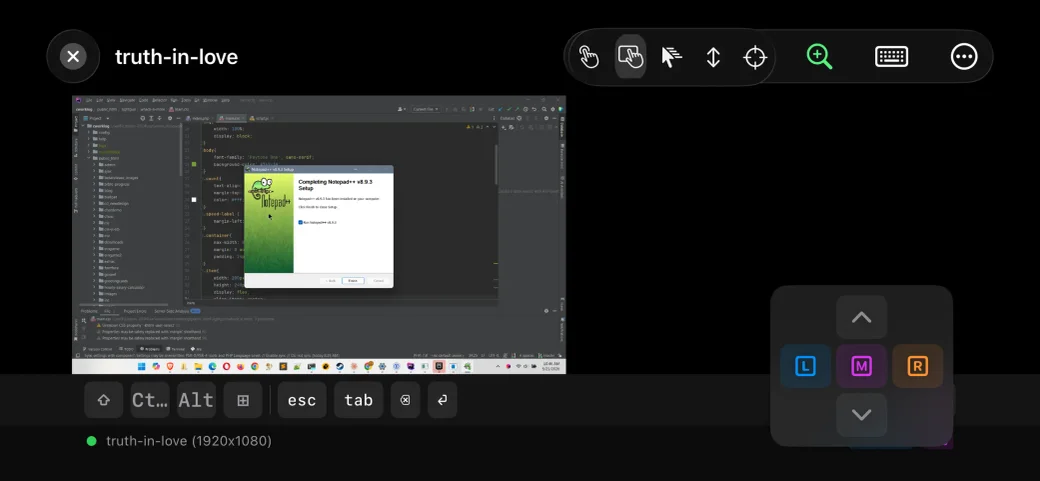
Ekran görüntüleri
Hakkında
Geliştirici bu metni dilinizde sunmamış.
Kinsman SSH is a focused, no-nonsense SSH client for iPhone and iPad. Connect to your servers securely with password or private key authentication.
Features:
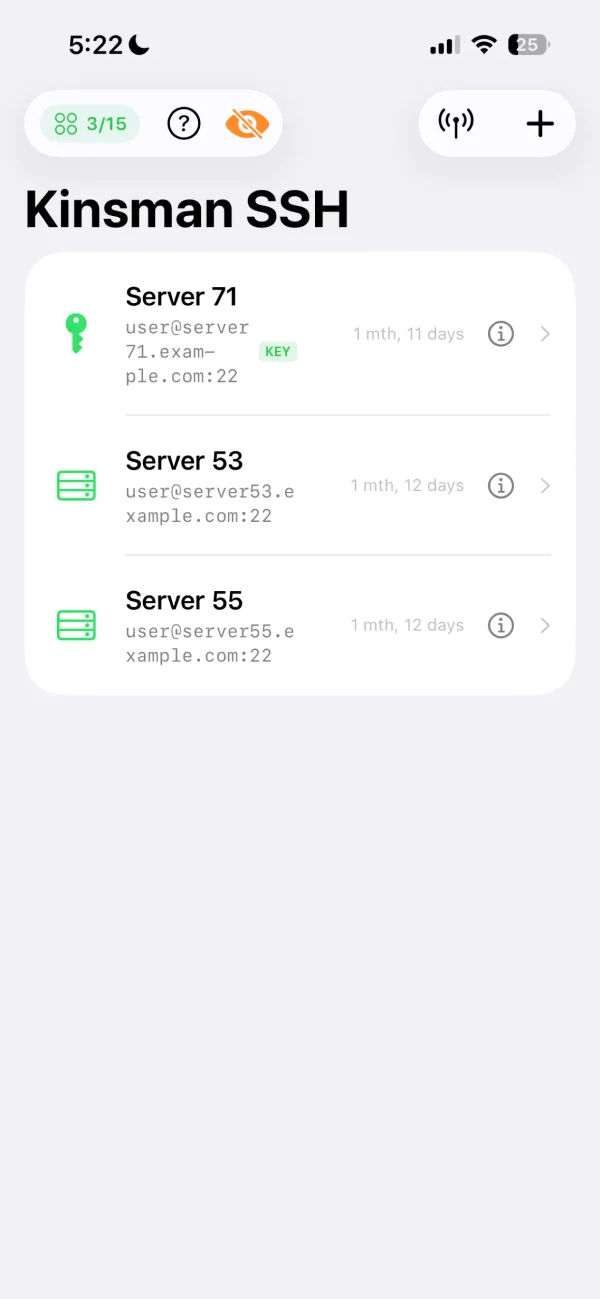
- Save multiple SSH host connections
- Password and private key authentication
- Import keys via Files, AirDrop, QR code scan, or directly from your Mac over local WiFi
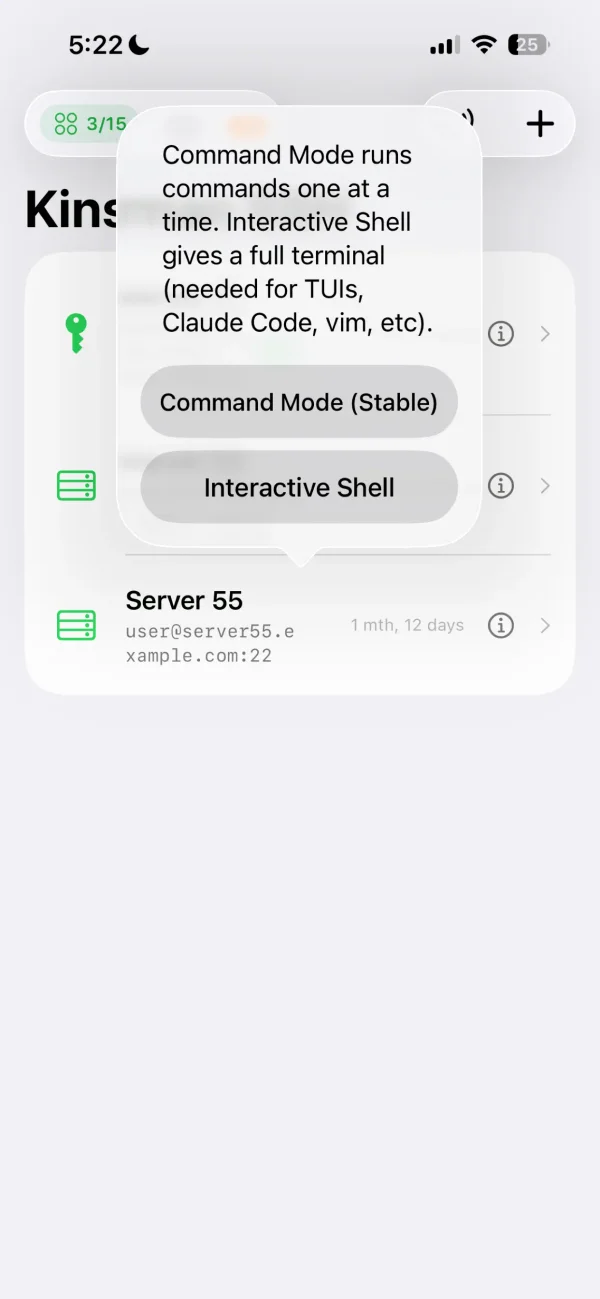
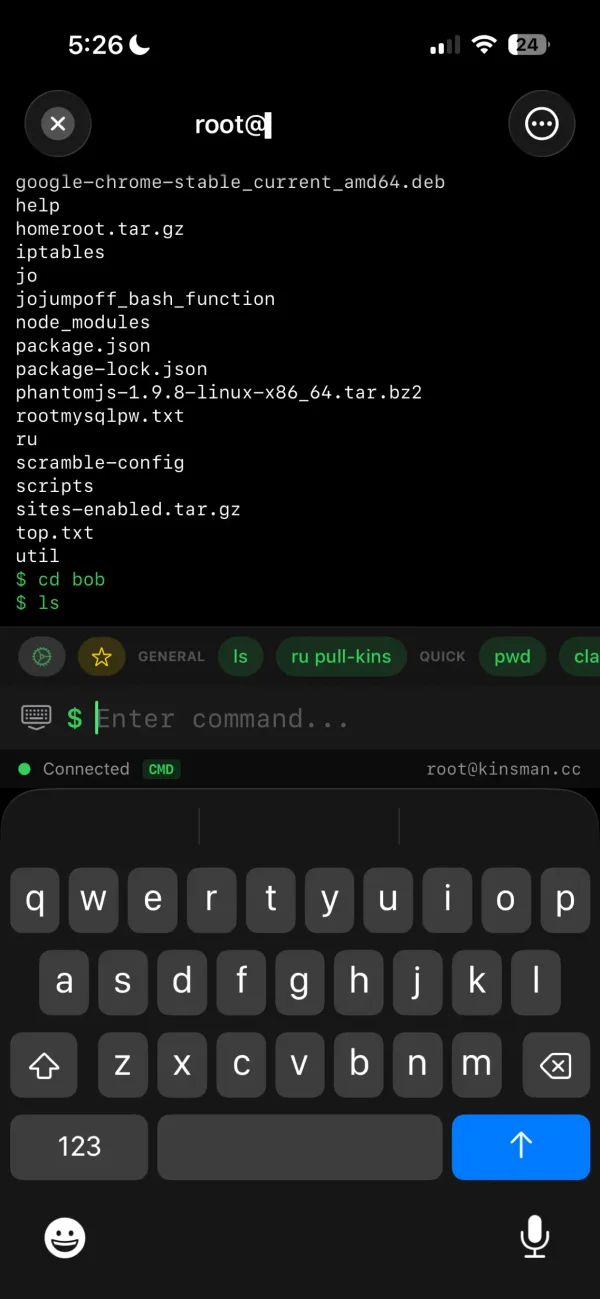
- Full interactive terminal with command input
- Secure credential storage in Keychain
- Universal Clipboard support — copy on Mac, paste in app
- Copy terminal output with one tap
- Clean, dark terminal interface
- Works on iPhone and iPad
5 free connection slots included. Purchase more as needed.
Remote Control
Pair with Kinsman Terminal on your Mac by scanning a QR code, then drive a terminal tab from your phone — switch and search tabs, send one command to several at once, take a screenshot of the Mac's terminal, and reuse recent commands.
Data Bridge
Use your iPhone's cellular connection from your Mac when the Wi-Fi you are both on has no working internet. Protected by a PIN, with a live traffic log, block and allow rules, and an optional data cap. Runs only while the app is open.
VNC Screen Sharing is available as an in-app purchase.
Yenilikler
Sürüm 1.1.3 · 12.08.2026
Remote Control — drive your Mac's terminal from your iPhone. Scan a QR code to pair, then connect the fastest way available: same Wi-Fi, Nearby, SSH, or the web. Switch and search tabs, stack several and send one command to all of them at once, grab a screenshot of the Mac's real terminal, and reuse recent commands. Paired Macs are saved and reconnect like any other connection.
Data Bridge — share your iPhone's cellular data with your Mac. One tap copies the command to run on the Mac, a 4-digit PIN keeps it yours, and a live traffic log shows what is going through — with block and allow rules for anything you would rather it did not.
VNC Screen Sharing is now available as an in-app purchase.
In Remote Control's Web tab, a new "What is this?" explains what the Server URL is and how the relay works, and you can now clear a saved server address in one tap.
Fixes: a crash on launch, a blank screen after scanning the pairing QR code, and the Send button going dead on stale tabs.
Uygulama gizliliği
Bu uygulamanın verileri nasıl işlediği hakkında James Kinsman tarafından App Store üzerinde yapılan beyan.
-
Veri toplanmıyor
Geliştirici bu uygulamadan hiçbir veri toplamıyor.
Gizlilik uygulamaları, örneğin kullandığınız özelliklere veya yaşınıza göre değişiklik gösterebilir.
Bilgiler
- Satıcı
- James Kinsman
- Kategori
- Geliştirici Araçları
- Sürüm
- 1.1.3
- Güncellendi
- 12.08.2026
- Yayın tarihi
- 06.05.2026
- Boyut
- 10,9 MB
- Gereksinim
- iOS 17.0 veya sonrası
- Yaş sınırı
- 4+
- Fiyat
- Ücretsiz
- Uygulama içi satın alma
- Evet
- Diller
- İngilizce
- Telif hakkı
- © 2026 Kinsman Software LLC
Bunları da beğenebilirsiniz
-
 W/Y expertGeliştirici Araçları
-
 Rafter Homelab ConsoleGeliştirici Araçları
-
 teletype computerGeliştirici Araçları
-
 dev-mux: AI coding fleet mgmtGeliştirici Araçları
-
 SimpleSSM - Terminal for EC2Geliştirici Araçları
-
 Gumpbox - AI SSH clientGeliştirici Araçları
-
 WaycarGeliştirici Araçları
-
 pmoshGeliştirici Araçları
-
 BalauDeckGeliştirici Araçları
-
 Pocket-DevGeliştirici Araçları