Kinsman SSH
Simple secure SSH client
Được thiết kế cho iPhone, iPad
Miễn phí · Mua hàng trong ứng dụng
- Độ tuổi4+
- Danh mụcCông Cụ Nhà Phát Triển
- Nhà phát triểnJames Kinsman
- Ngôn ngữTiếng Anh
- Kích thước10,9 MB
Liên kết đến trang App Store chính thức
Download.org không lưu trữ tệp nào của Kinsman SSH. Nút này mở trang ứng dụng trên App Store, nơi James Kinsman phát hành ứng dụng. Trang được kiểm tra lần cuối: 12/11/2026.
Ảnh chụp màn hình
Giới thiệu
Nhà phát triển chưa cung cấp nội dung này bằng ngôn ngữ của bạn.
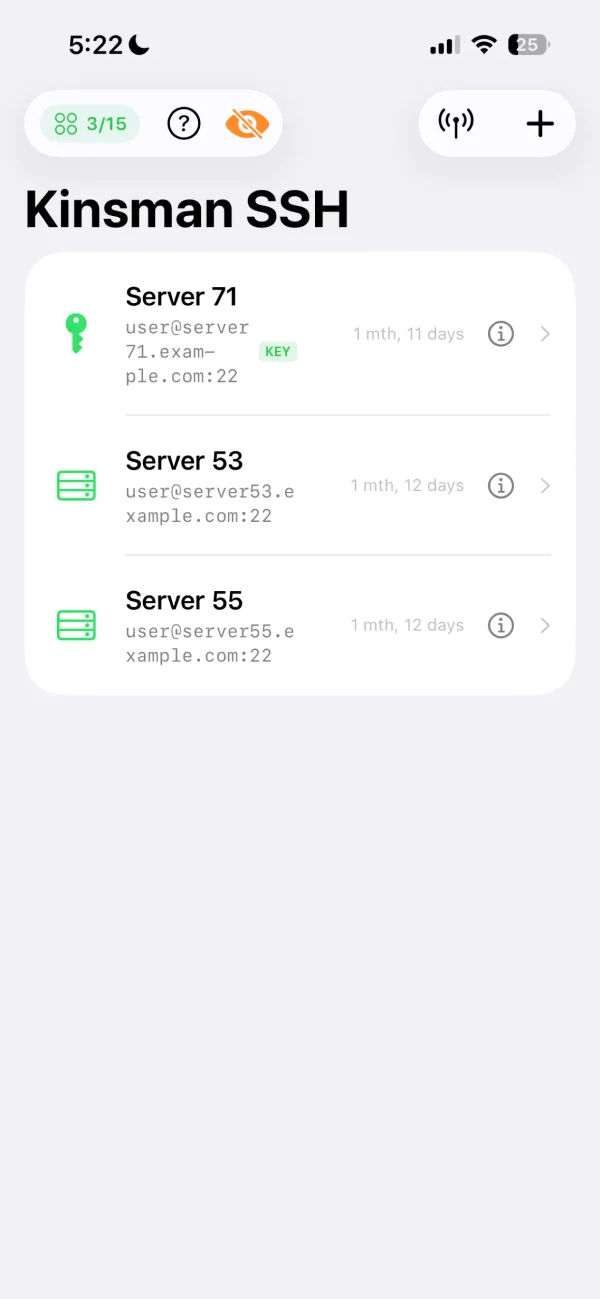
Kinsman SSH is a focused, no-nonsense SSH client for iPhone and iPad. Connect to your servers securely with password or private key authentication.
Features:
- Save multiple SSH host connections
- Password and private key authentication
- Import keys via Files, AirDrop, QR code scan, or directly from your Mac over local WiFi
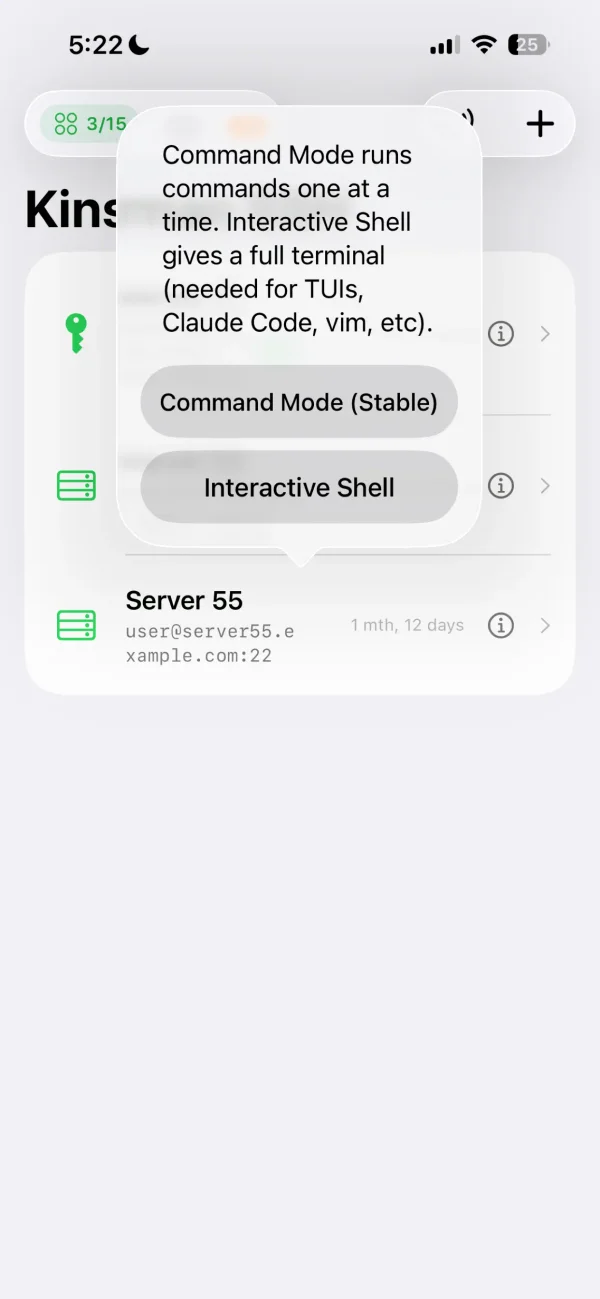
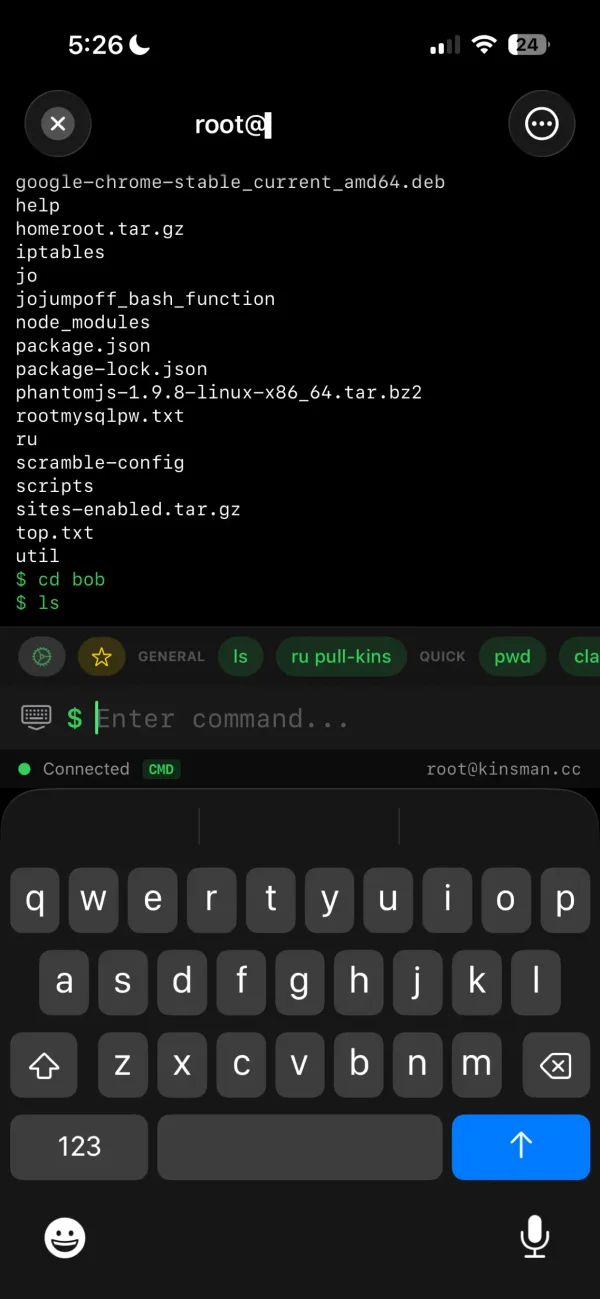
- Full interactive terminal with command input
- Secure credential storage in Keychain
- Universal Clipboard support — copy on Mac, paste in app
- Copy terminal output with one tap
- Clean, dark terminal interface
- Works on iPhone and iPad
5 free connection slots included. Purchase more as needed.
Remote Control
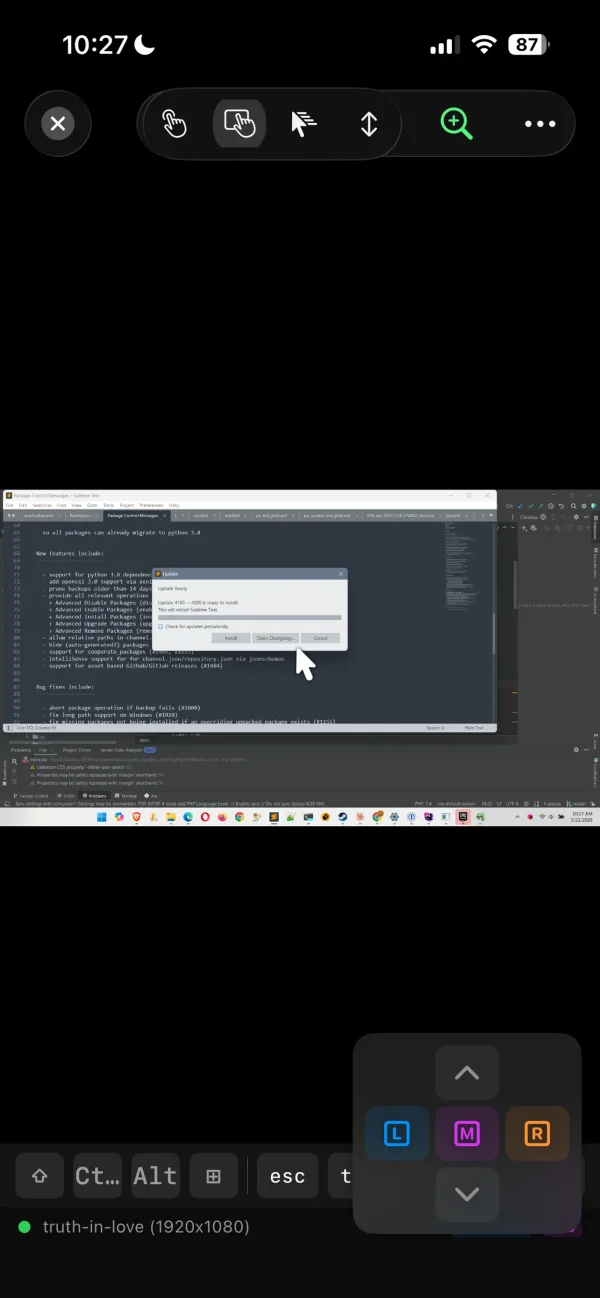
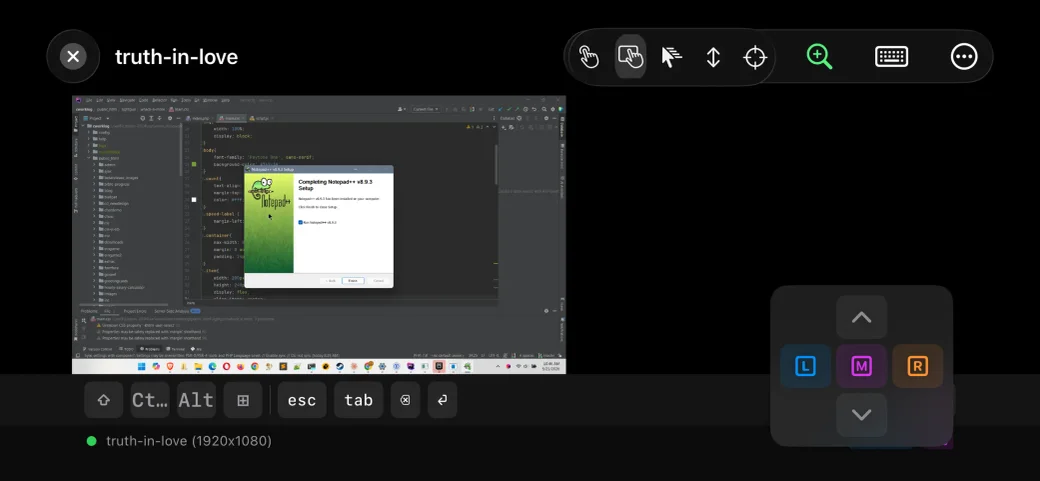
Pair with Kinsman Terminal on your Mac by scanning a QR code, then drive a terminal tab from your phone — switch and search tabs, send one command to several at once, take a screenshot of the Mac's terminal, and reuse recent commands.
Data Bridge
Use your iPhone's cellular connection from your Mac when the Wi-Fi you are both on has no working internet. Protected by a PIN, with a live traffic log, block and allow rules, and an optional data cap. Runs only while the app is open.
VNC Screen Sharing is available as an in-app purchase.
Có gì mới
Phiên bản 1.1.3 · 12/08/2026
Remote Control — drive your Mac's terminal from your iPhone. Scan a QR code to pair, then connect the fastest way available: same Wi-Fi, Nearby, SSH, or the web. Switch and search tabs, stack several and send one command to all of them at once, grab a screenshot of the Mac's real terminal, and reuse recent commands. Paired Macs are saved and reconnect like any other connection.
Data Bridge — share your iPhone's cellular data with your Mac. One tap copies the command to run on the Mac, a 4-digit PIN keeps it yours, and a live traffic log shows what is going through — with block and allow rules for anything you would rather it did not.
VNC Screen Sharing is now available as an in-app purchase.
In Remote Control's Web tab, a new "What is this?" explains what the Server URL is and how the relay works, and you can now clear a saved server address in one tap.
Fixes: a crash on launch, a blank screen after scanning the pairing QR code, and the Send button going dead on stale tabs.
Quyền riêng tư của ứng dụng
Những gì James Kinsman khai báo trên App Store về cách ứng dụng này xử lý dữ liệu.
-
Dữ liệu không được thu thập
Nhà phát triển không thu thập bất kỳ dữ liệu nào từ ứng dụng này.
Phương thức đảm bảo quyền riêng tư có thể khác nhau, chẳng hạn như tuỳ theo các tính năng bạn sử dụng hoặc độ tuổi của bạn.
Thông tin
- Người bán
- James Kinsman
- Danh mục
- Công Cụ Nhà Phát Triển
- Phiên bản
- 1.1.3
- Cập nhật
- 12/08/2026
- Phát hành
- 06/05/2026
- Kích thước
- 10,9 MB
- Yêu cầu
- iOS 17.0 trở lên
- Độ tuổi
- 4+
- Giá
- Miễn phí
- Mua hàng trong ứng dụng
- Có
- Ngôn ngữ
- Tiếng Anh
- Bản quyền
- © 2026 Kinsman Software LLC
Có thể bạn cũng thích
-
 W/Y expertCông Cụ Nhà Phát Triển
-
 Rafter Homelab ConsoleCông Cụ Nhà Phát Triển
-
 teletype computerCông Cụ Nhà Phát Triển
-
 dev-mux: AI coding fleet mgmtCông Cụ Nhà Phát Triển
-
 SimpleSSM - Terminal for EC2Công Cụ Nhà Phát Triển
-
 Gumpbox - AI SSH clientCông Cụ Nhà Phát Triển
-
 WaycarCông Cụ Nhà Phát Triển
-
 pmosh: tabs for tmuxCông Cụ Nhà Phát Triển
-
 BalauDeckCông Cụ Nhà Phát Triển
-
 Pocket-DevCông Cụ Nhà Phát Triển