- Altersfreigabe4+
- KategorieProduktivität
- EntwicklerLastPass US LP
- SprachenEnglisch+ 6 weitere
- Größe38,7 MB
Verlinkt auf die offizielle App Store-Seite
Download.org hostet keine Datei von LastPass Authenticator. Die Schaltfläche öffnet die App-Seite bei App Store, wo LastPass US LP die App veröffentlicht. Eintrag zuletzt geprüft am 21.11.2026.
Screenshots
Info
Der Entwickler hat diesen Text nicht in Ihrer Sprache bereitgestellt.
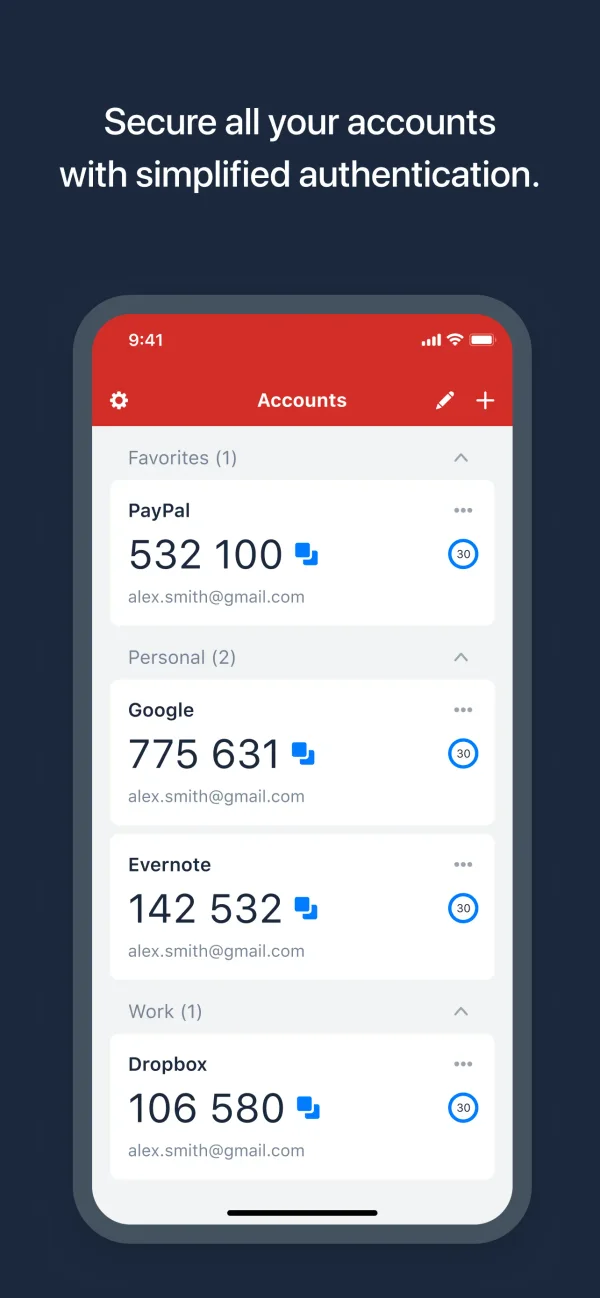
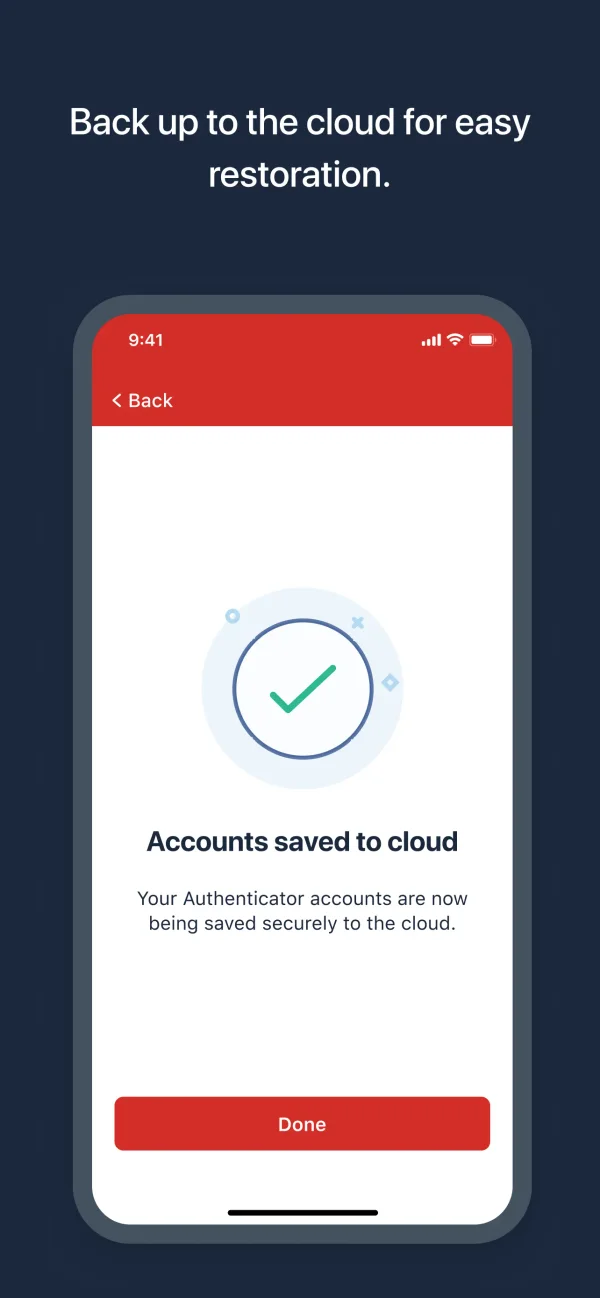
LastPass Authenticator offers effortless two-factor authentication for your LastPass account and other supported apps. With one-tap verification and secure cloud backup, LastPass Authenticator gives you all the security, without any of the frustration.
ADD MORE SECURITY
Safeguard your LastPass account by requiring two-factor authentication codes when signing in. Two-factor authentication improves your digital security by protecting your account with an additional login step. Even if your password is compromised, your account can’t be accessed without the two-factor authentication code.
You can even mark a device as “trusted”, so you won’t be prompted for codes on that device while your account remains protected by two-factor authentication.
TURNING IT ON
To turn on LastPass Authenticator for your LastPass account:
1. Download LastPass Authenticator to your mobile device.
2. Log in to LastPass on your computer and launch “Account Settings” from your vault.
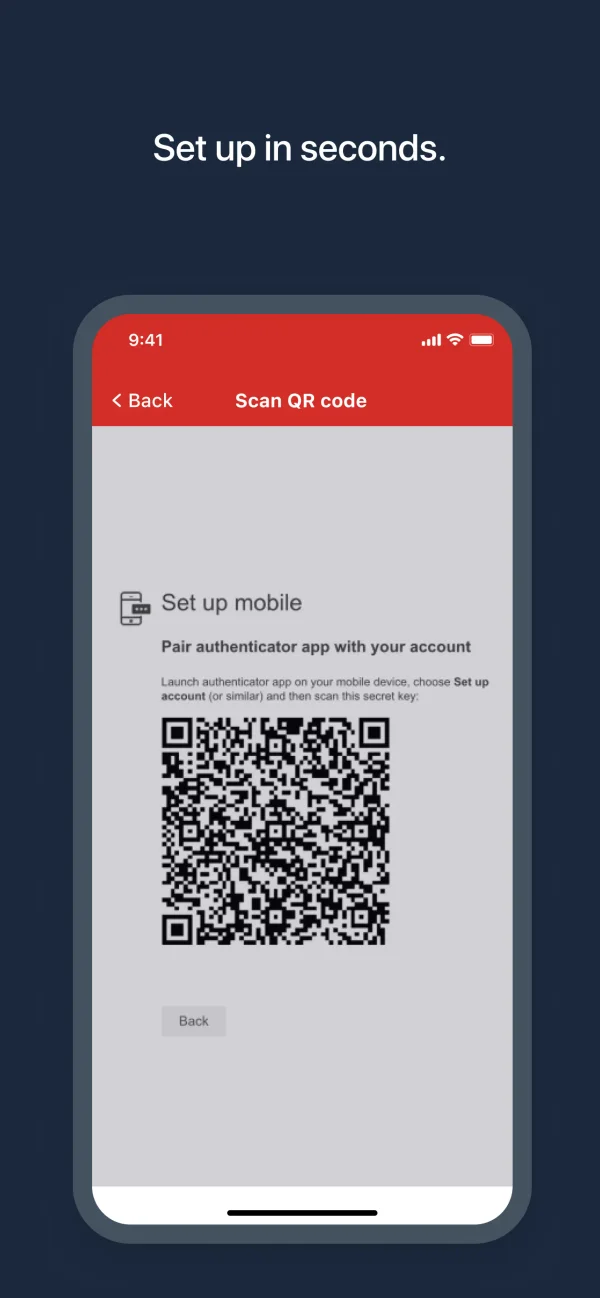
3. In “Multifactor Options”, edit LastPass Authenticator and view the barcode.
4. Scan the barcode with the LastPass Authenticator app.
5. Set your preferences and save your changes.
LastPass Authenticator can also be turned on for any service or app that supports Google Authenticator or TOTP-based two-factor authentication.
LOGGING IN
To login to your LastPass account or other supported vendor service:
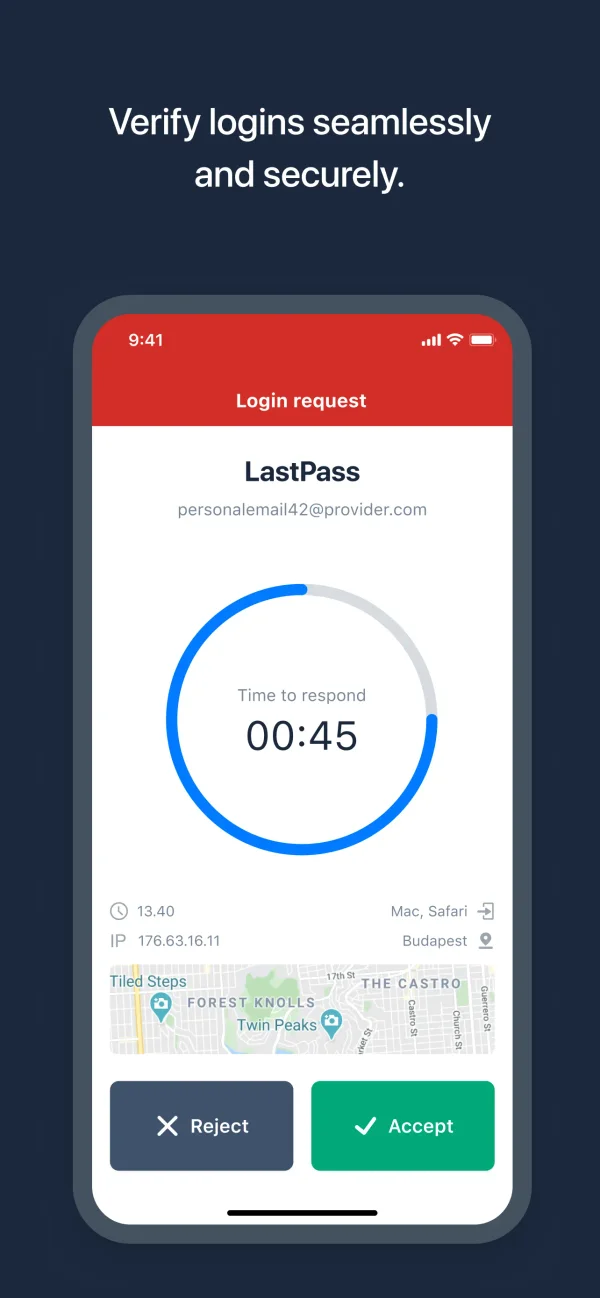
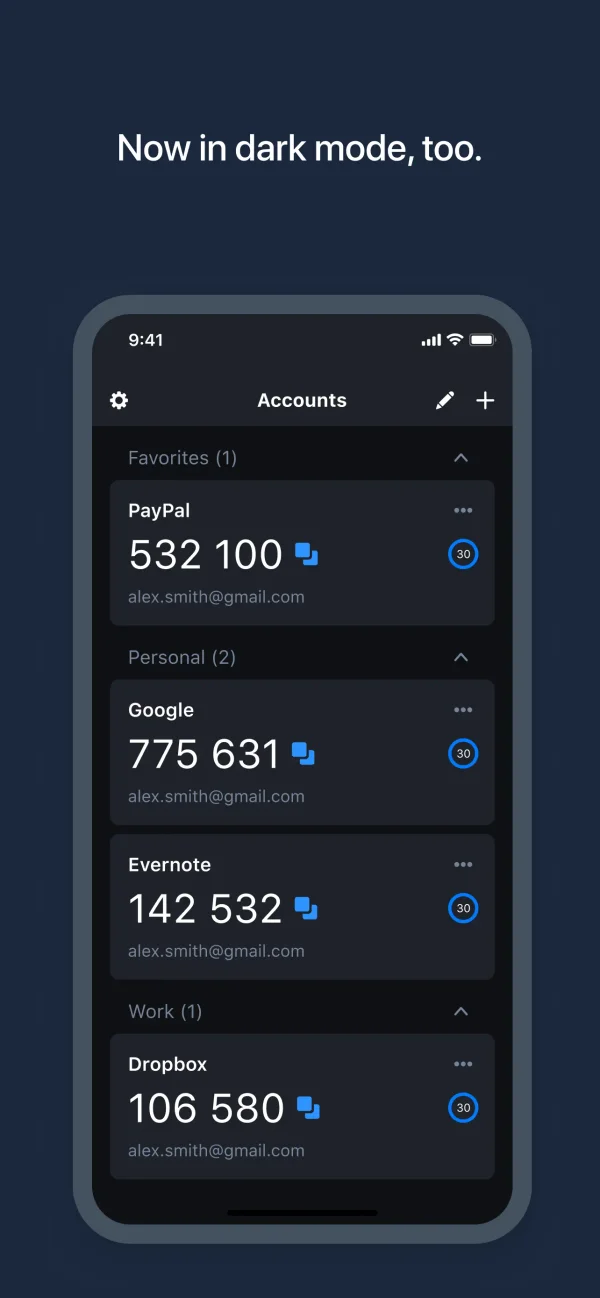
1. Open the app to generate a 6-digit, 30-second code OR approve/deny an automated push notification
2. Alternatively, send SMS code
3. Enter the code into the login prompt on your device OR hit approve/deny request
FEATURES
- Generates 6-digit codes every 30 seconds
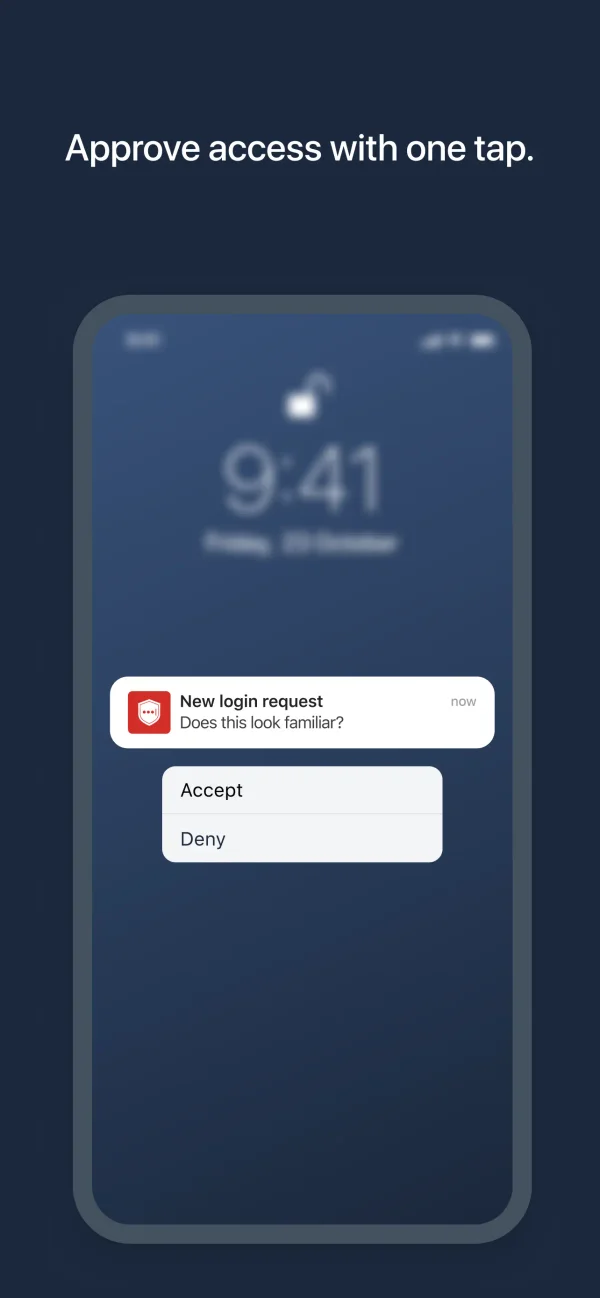
- Push notifications for one-tap approval
- Free encrypted backup to restore your tokens on a new/reinstalled device
- Support for SMS codes
- Automated set-up via QR code
- Support for LastPass accounts
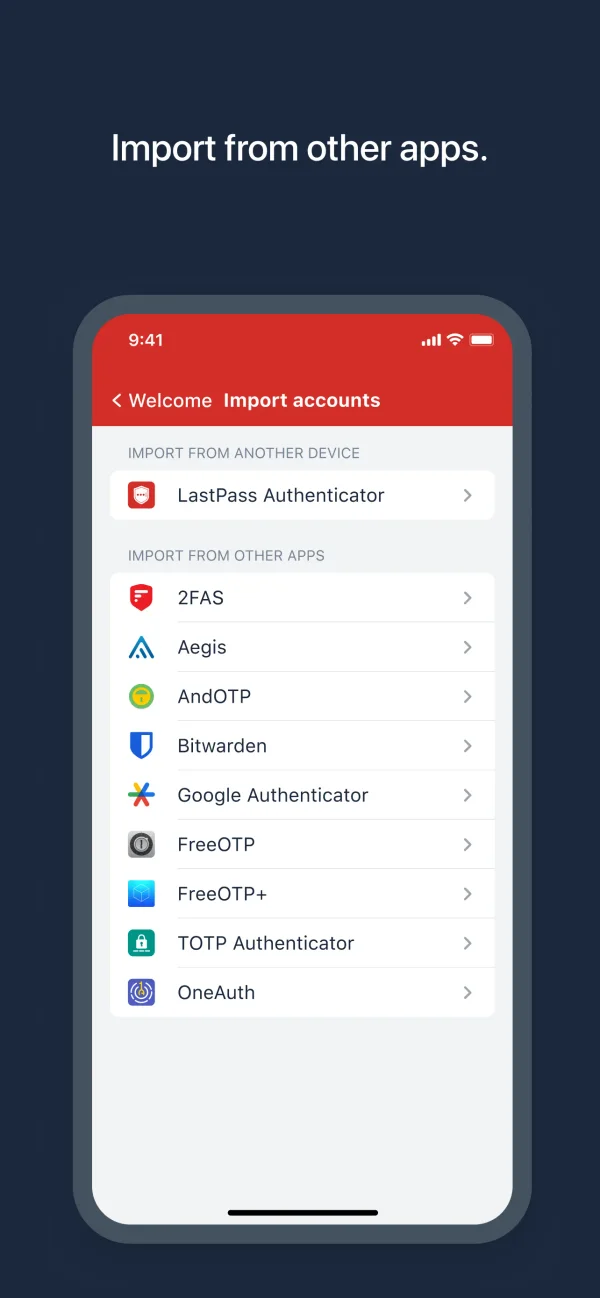
- Support for other TOTP-compatible services and apps (including any that support Google Authenticator)
- Add multiple accounts
Neue Funktionen
Version 2.27.0 · 22.09.2026
Added support for AutoFill of TOTP verification codes in the app.
The latest version of the app includes minor bug fixes and UI improvements.
App-Datenschutz
Was LastPass US LP im App Store zum Umgang dieser App mit Daten angibt.
-
Mit Ihnen verknüpfte Daten
Können erfasst und mit Ihrer Identität verknüpft werden.
- Standort
- Kennungen
- Nutzungsdaten
-
Nicht mit Ihnen verknüpfte Daten
Können erfasst werden, sind aber nicht mit Ihrer Identität verknüpft.
- Diagnose
Die Datenschutzpraktiken können variieren, zum Beispiel je nach den von Ihnen verwendeten Funktionen oder Ihrem Alter.
Informationen
- Anbieter
- LastPass US LP
- Kategorie
- Produktivität
- Version
- 2.27.0
- Aktualisiert
- 22.09.2026
- Veröffentlicht
- 16.03.2016
- Größe
- 38,7 MB
- Erfordert
- iOS 17.0 oder neuer
- Altersfreigabe
- 4+
- Preis
- Kostenlos
- Sprachen
- Englisch, Niederländisch, Französisch, Deutsch, Italienisch, Portugiesisch, Spanisch
- Copyright
- Copyright © 2016-2023 by LastPass US LP. All rights reserved.
Das könnte Ihnen auch gefallen
-
 2FA Authenticator (2FAS)#1 Rated 2FA Authenticator
-
 Authenticator AppProduktivität
-
 Authenticator +2FA Authentifizierungs App
-
 1Password: Password ManagerSave & share passwords safely
-
 Authenticator App ©2FA: Two-Factor Authentication
-
 Yubico AuthenticatorProduktivität
-
 Microsoft 365 AdminProduktivität
-
 Passwort manager - Proton PassPasswörter, schlüsselbund, 2FA
-
 Bitwarden PasswortmanagerProduktivität
-
 Keeper Passwort-ManagerSicherheit für Ihre Passwörter