- Độ tuổi4+
- Danh mụcHiệu Suất
- Nhà phát triểnLastPass US LP
- Ngôn ngữTiếng Anh+ 6 ngôn ngữ khác
- Kích thước38,7 MB
Liên kết đến trang App Store chính thức
Download.org không lưu trữ tệp nào của LastPass Authenticator. Nút này mở trang ứng dụng trên App Store, nơi LastPass US LP phát hành ứng dụng. Trang được kiểm tra lần cuối: 21/11/2026.
Ảnh chụp màn hình


Giới thiệu
Nhà phát triển chưa cung cấp nội dung này bằng ngôn ngữ của bạn.
LastPass Authenticator offers effortless two-factor authentication for your LastPass account and other supported apps. With one-tap verification and secure cloud backup, LastPass Authenticator gives you all the security, without any of the frustration.
ADD MORE SECURITY
Safeguard your LastPass account by requiring two-factor authentication codes when signing in. Two-factor authentication improves your digital security by protecting your account with an additional login step. Even if your password is compromised, your account can’t be accessed without the two-factor authentication code.
You can even mark a device as “trusted”, so you won’t be prompted for codes on that device while your account remains protected by two-factor authentication.
TURNING IT ON
To turn on LastPass Authenticator for your LastPass account:
1. Download LastPass Authenticator to your mobile device.
2. Log in to LastPass on your computer and launch “Account Settings” from your vault.
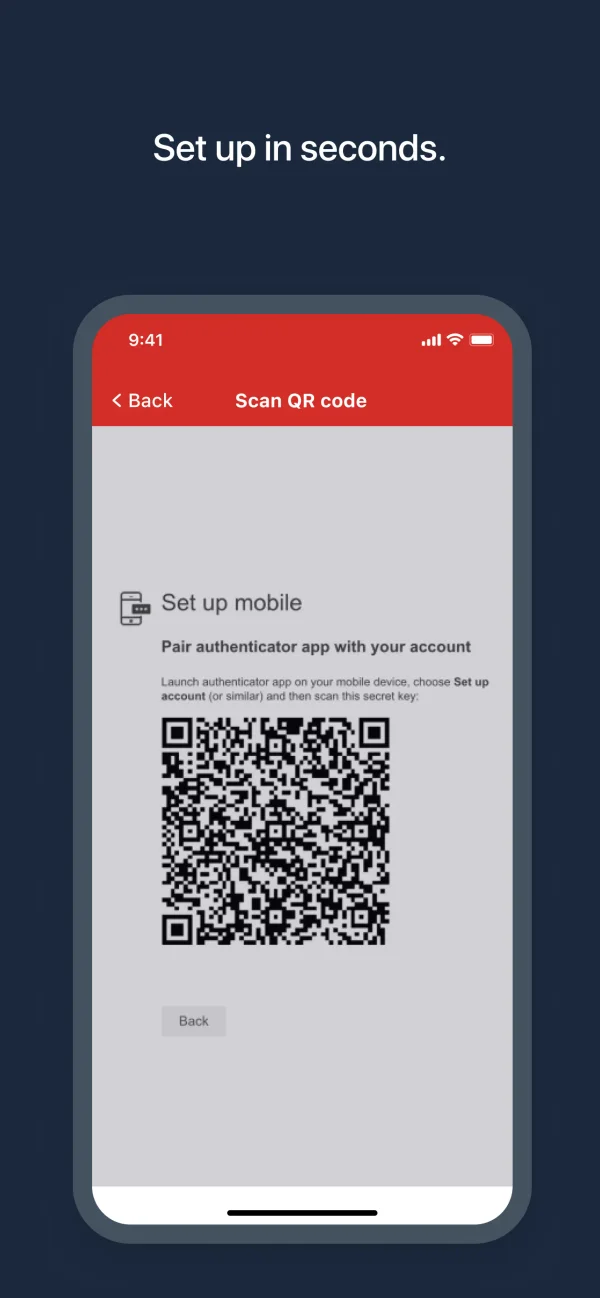
3. In “Multifactor Options”, edit LastPass Authenticator and view the barcode.
4. Scan the barcode with the LastPass Authenticator app.
5. Set your preferences and save your changes.
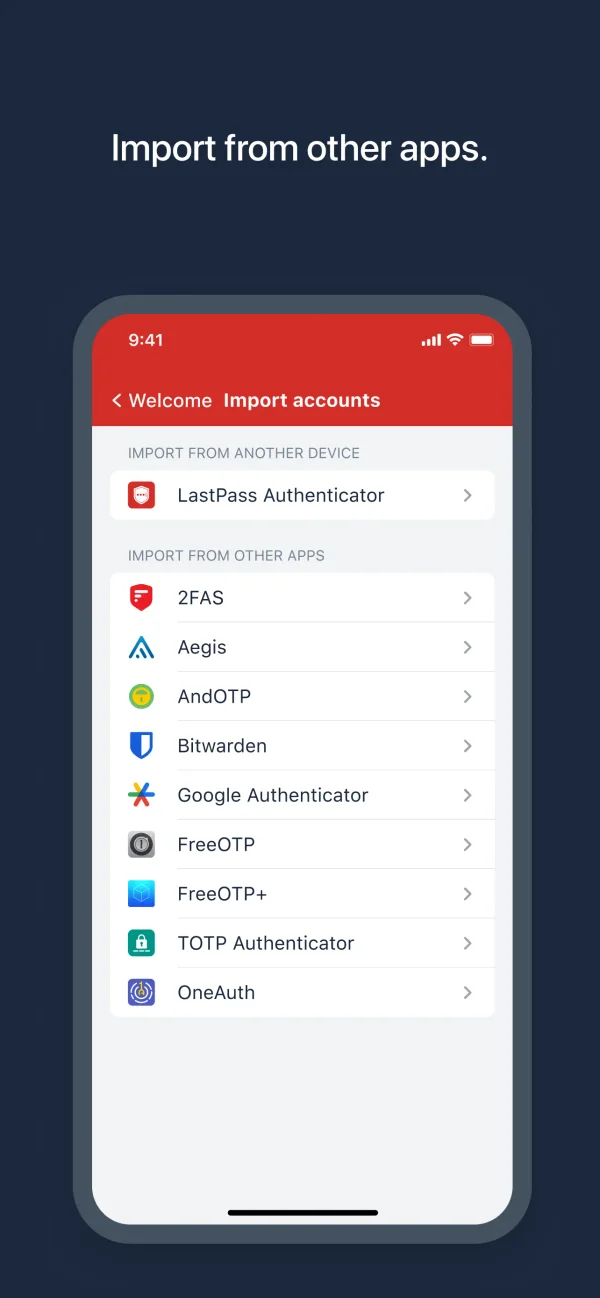
LastPass Authenticator can also be turned on for any service or app that supports Google Authenticator or TOTP-based two-factor authentication.
LOGGING IN
To login to your LastPass account or other supported vendor service:
1. Open the app to generate a 6-digit, 30-second code OR approve/deny an automated push notification
2. Alternatively, send SMS code
3. Enter the code into the login prompt on your device OR hit approve/deny request
FEATURES
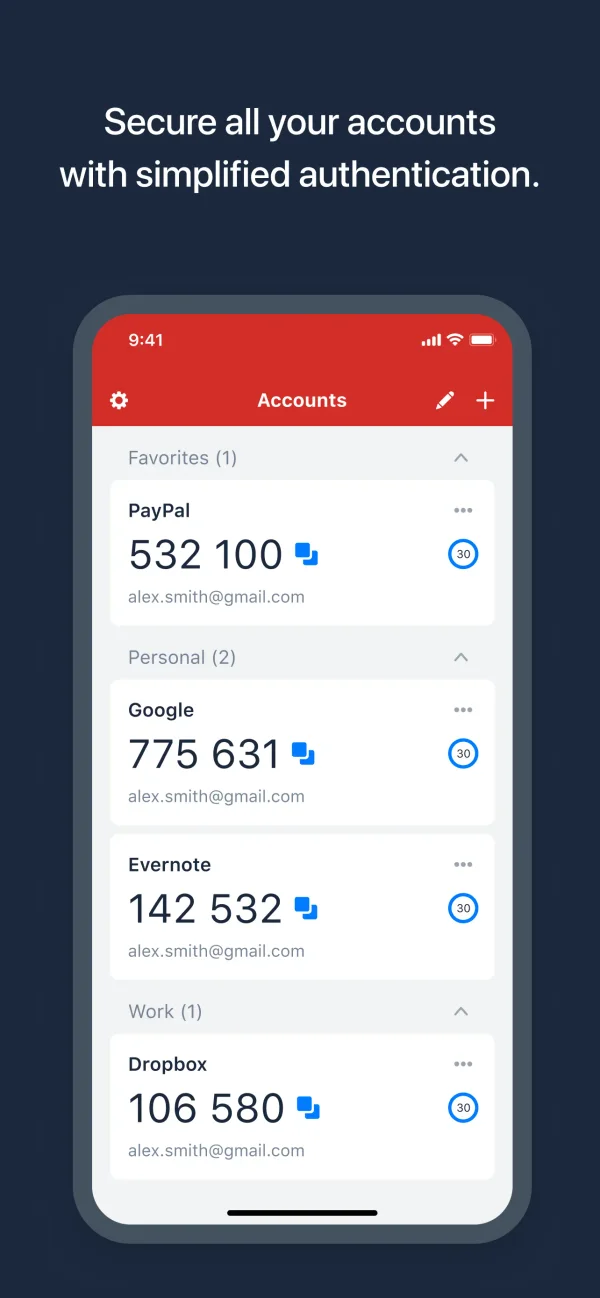
- Generates 6-digit codes every 30 seconds
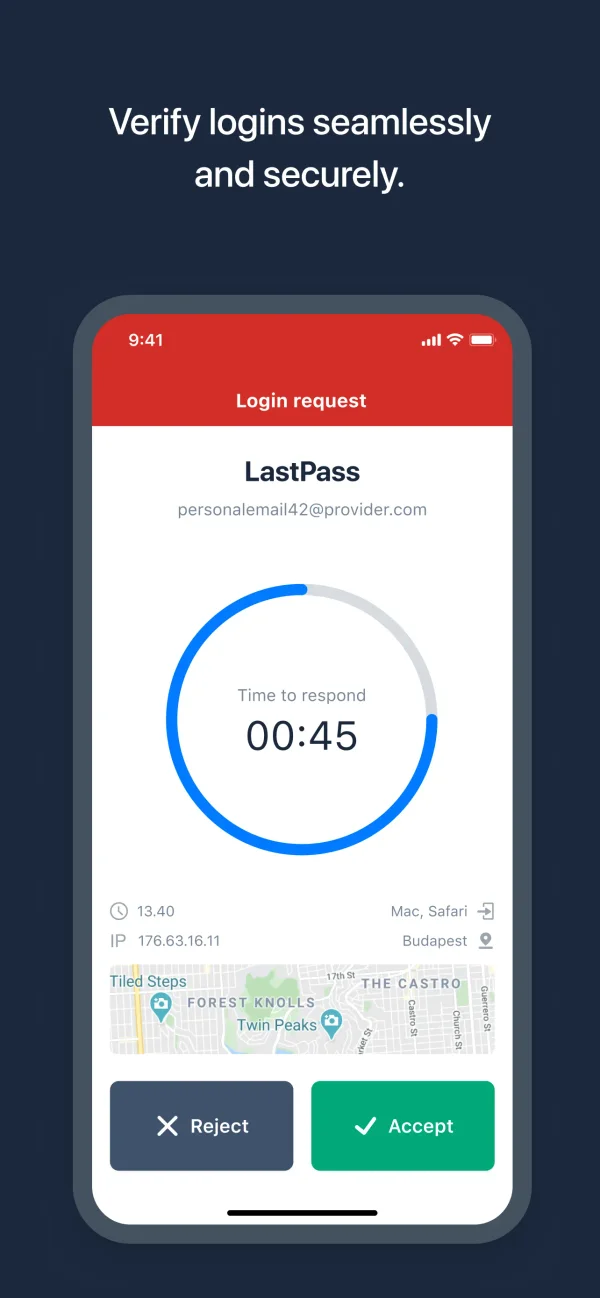
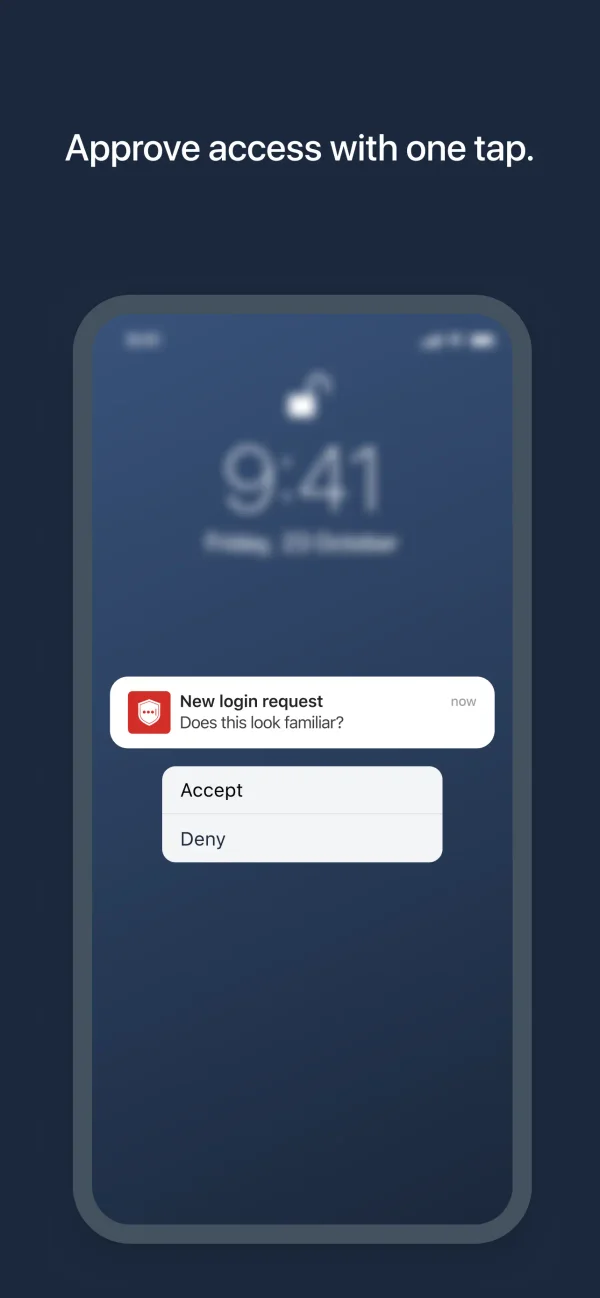
- Push notifications for one-tap approval
- Free encrypted backup to restore your tokens on a new/reinstalled device
- Support for SMS codes
- Automated set-up via QR code
- Support for LastPass accounts
- Support for other TOTP-compatible services and apps (including any that support Google Authenticator)
- Add multiple accounts
Có gì mới
Phiên bản 2.27.0 · 22/09/2026
Added support for AutoFill of TOTP verification codes in the app.
The latest version of the app includes minor bug fixes and UI improvements.
Quyền riêng tư của ứng dụng
Những gì LastPass US LP khai báo trên App Store về cách ứng dụng này xử lý dữ liệu.
-
Dữ liệu liên kết với bạn
Có thể được thu thập và liên kết với danh tính của bạn.
- Vị trí
- Mã định danh
- Dữ liệu sử dụng
-
Dữ liệu không liên kết với bạn
Có thể được thu thập nhưng không liên kết với danh tính của bạn.
- Chẩn đoán
Phương thức đảm bảo quyền riêng tư có thể khác nhau, chẳng hạn như tuỳ theo các tính năng bạn sử dụng hoặc độ tuổi của bạn.
Thông tin
- Người bán
- LastPass US LP
- Danh mục
- Hiệu Suất
- Phiên bản
- 2.27.0
- Cập nhật
- 22/09/2026
- Phát hành
- 16/03/2016
- Kích thước
- 38,7 MB
- Yêu cầu
- iOS 17.0 trở lên
- Độ tuổi
- 4+
- Giá
- Miễn phí
- Ngôn ngữ
- Tiếng Anh, Tiếng Hà Lan, Tiếng Pháp, Tiếng Đức, Tiếng Ý, Tiếng Bồ Đào Nha, Tiếng Tây Ban Nha
- Bản quyền
- Copyright © 2016-2023 by LastPass US LP. All rights reserved.
Có thể bạn cũng thích
-
 2FA Authenticator (2FAS)Hiệu Suất
-
 Authenticator AppHiệu Suất
-
 Authenticator +2fa OTP Mobile Authentication
-
 1Password: Password ManagerHiệu Suất
-
 Authenticator App ©Hiệu Suất
-
 Yubico AuthenticatorHiệu Suất
-
 Microsoft 365 AdminHiệu Suất
-
 Proton trình quản lý mật khẩuTrình tạo mật khẩu, 2FA
-
 BitwardenHiệu Suất
-
 Keeper Password ManagerHiệu Suất