- 対象年齢4+
- カテゴリ仕事効率化
- 開発元LastPass US LP
- 言語英語ほか6言語
- サイズ38.7 MB
App Storeの公式ページにリンクしています
Download.orgはLastPass Authenticatorのファイルを一切ホストしていません。ボタンを押すと、LastPass US LPが公開しているApp Storeのアプリページが開きます。ページの最終確認:2026/11/21。
スクリーンショット
概要
開発元はこのテキストをお使いの言語で提供していません。
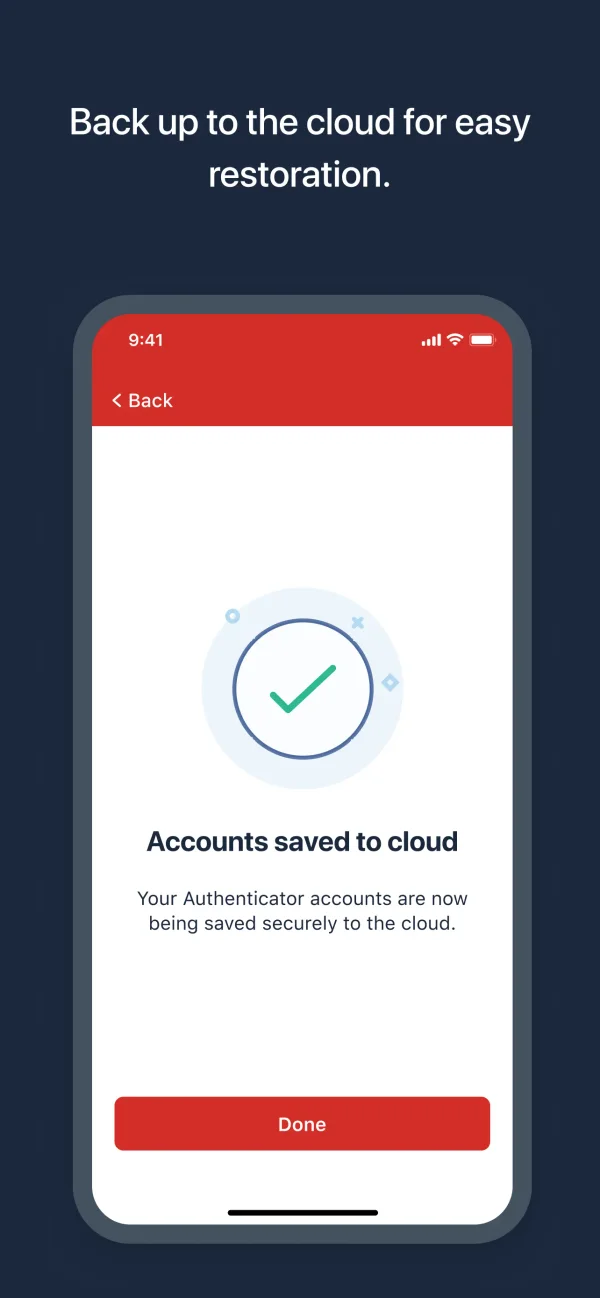
LastPass Authenticator offers effortless two-factor authentication for your LastPass account and other supported apps. With one-tap verification and secure cloud backup, LastPass Authenticator gives you all the security, without any of the frustration.
ADD MORE SECURITY
Safeguard your LastPass account by requiring two-factor authentication codes when signing in. Two-factor authentication improves your digital security by protecting your account with an additional login step. Even if your password is compromised, your account can’t be accessed without the two-factor authentication code.
You can even mark a device as “trusted”, so you won’t be prompted for codes on that device while your account remains protected by two-factor authentication.
TURNING IT ON
To turn on LastPass Authenticator for your LastPass account:
1. Download LastPass Authenticator to your mobile device.
2. Log in to LastPass on your computer and launch “Account Settings” from your vault.
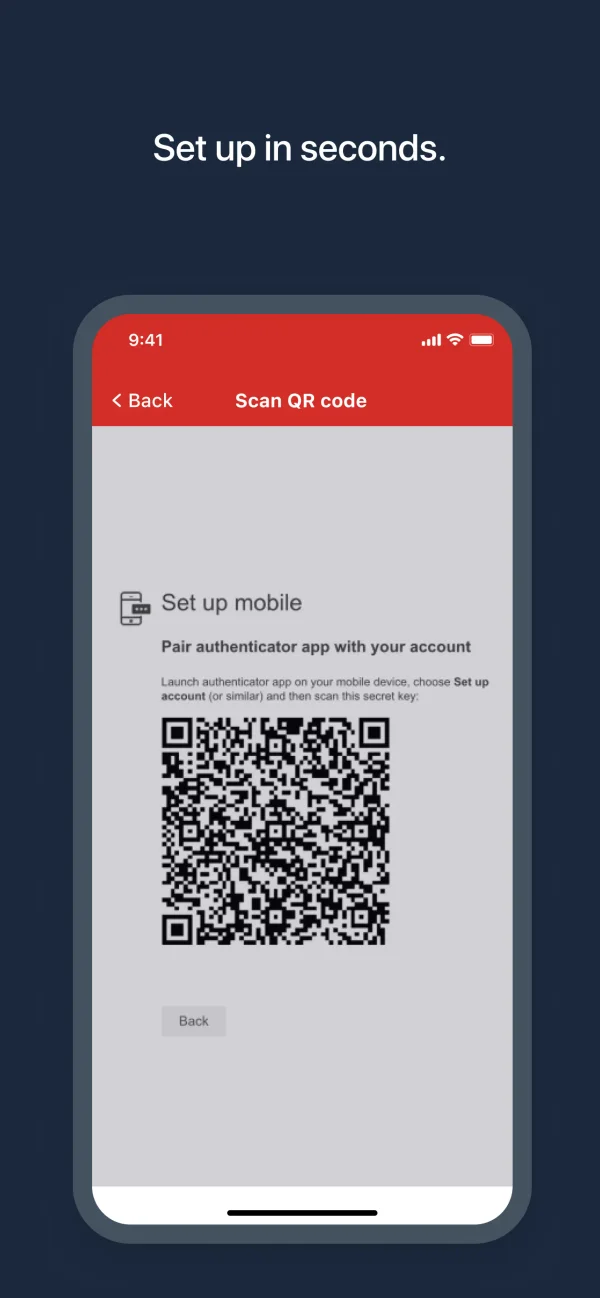
3. In “Multifactor Options”, edit LastPass Authenticator and view the barcode.
4. Scan the barcode with the LastPass Authenticator app.
5. Set your preferences and save your changes.
LastPass Authenticator can also be turned on for any service or app that supports Google Authenticator or TOTP-based two-factor authentication.
LOGGING IN
To login to your LastPass account or other supported vendor service:
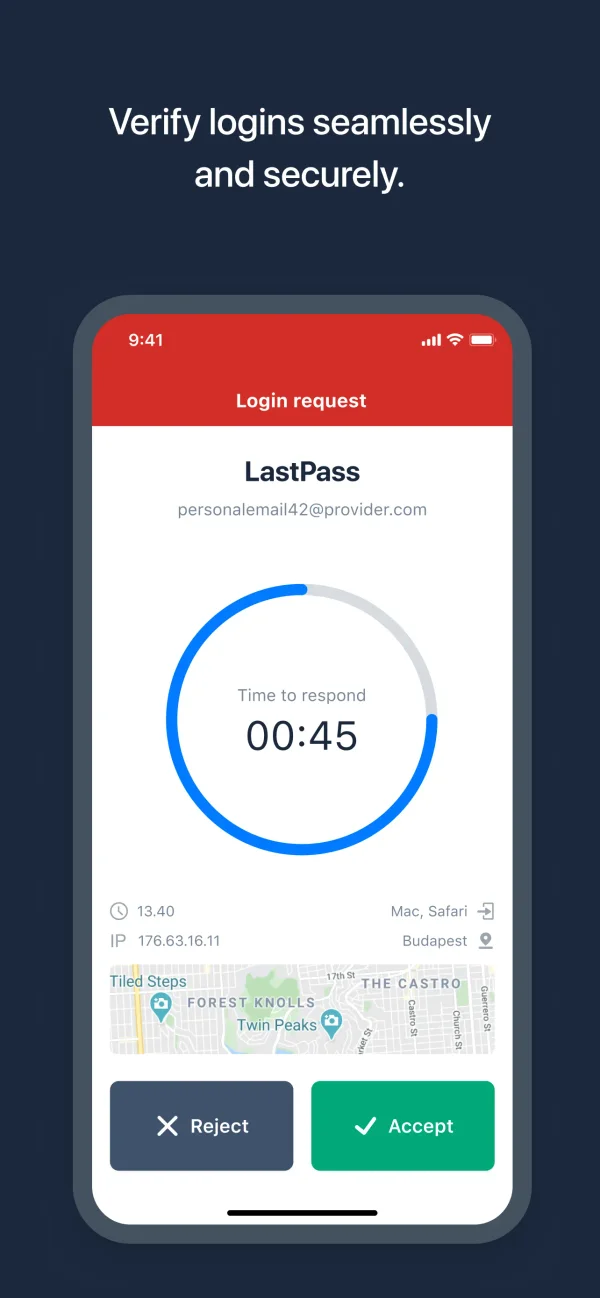
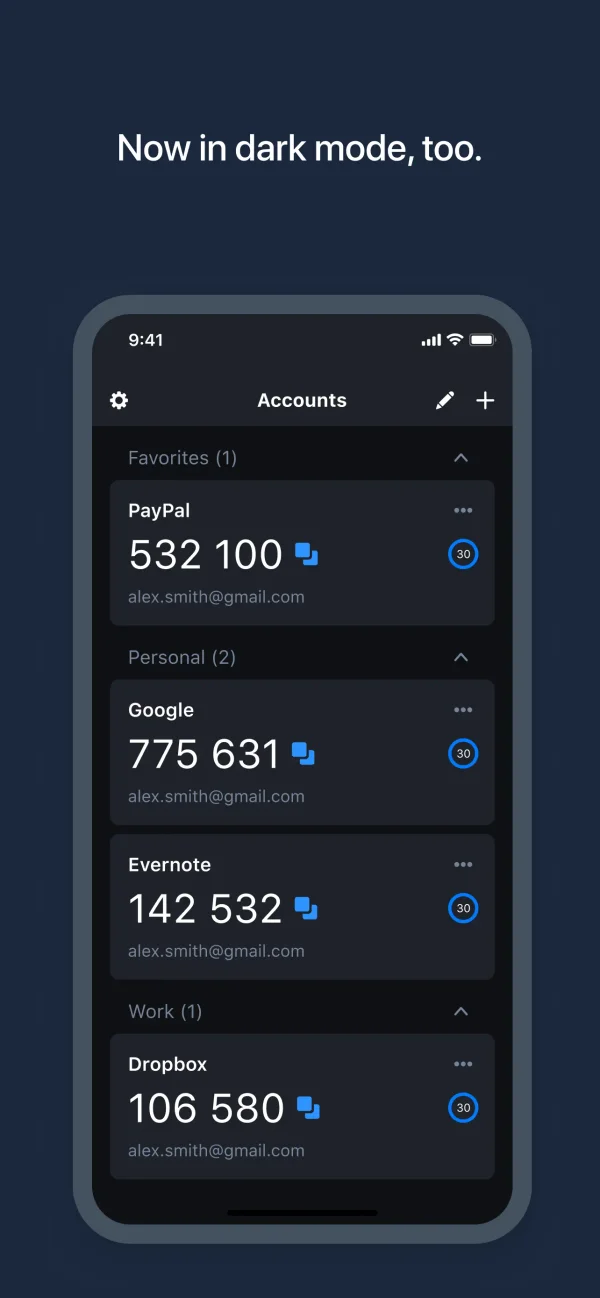
1. Open the app to generate a 6-digit, 30-second code OR approve/deny an automated push notification
2. Alternatively, send SMS code
3. Enter the code into the login prompt on your device OR hit approve/deny request
FEATURES
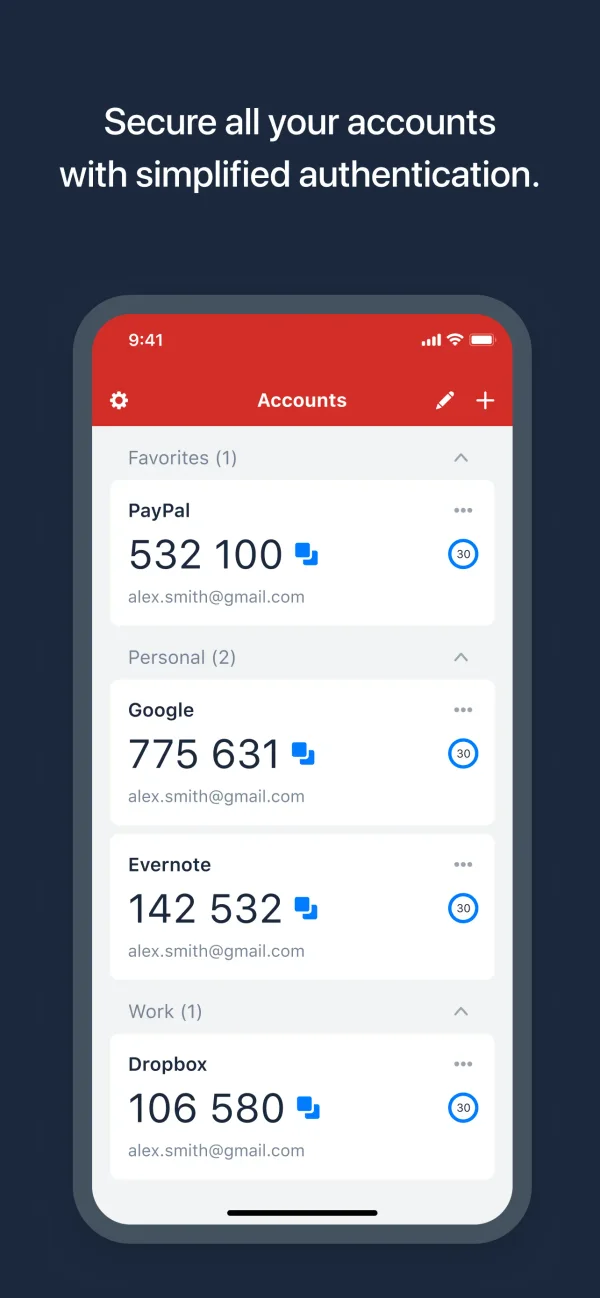
- Generates 6-digit codes every 30 seconds
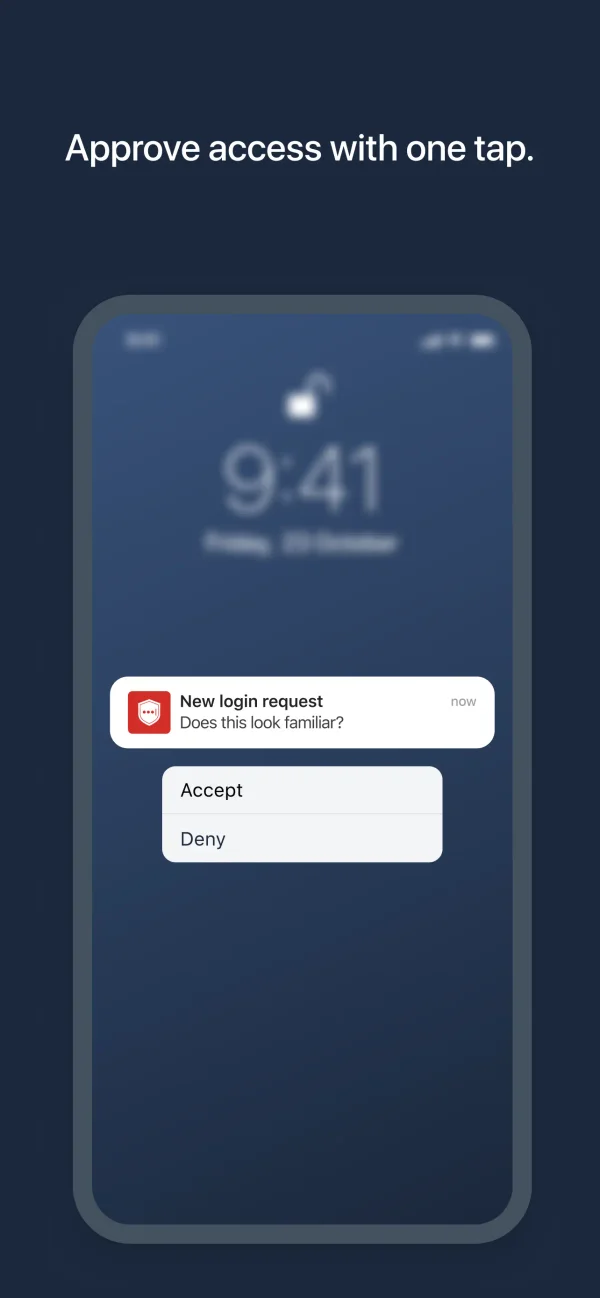
- Push notifications for one-tap approval
- Free encrypted backup to restore your tokens on a new/reinstalled device
- Support for SMS codes
- Automated set-up via QR code
- Support for LastPass accounts
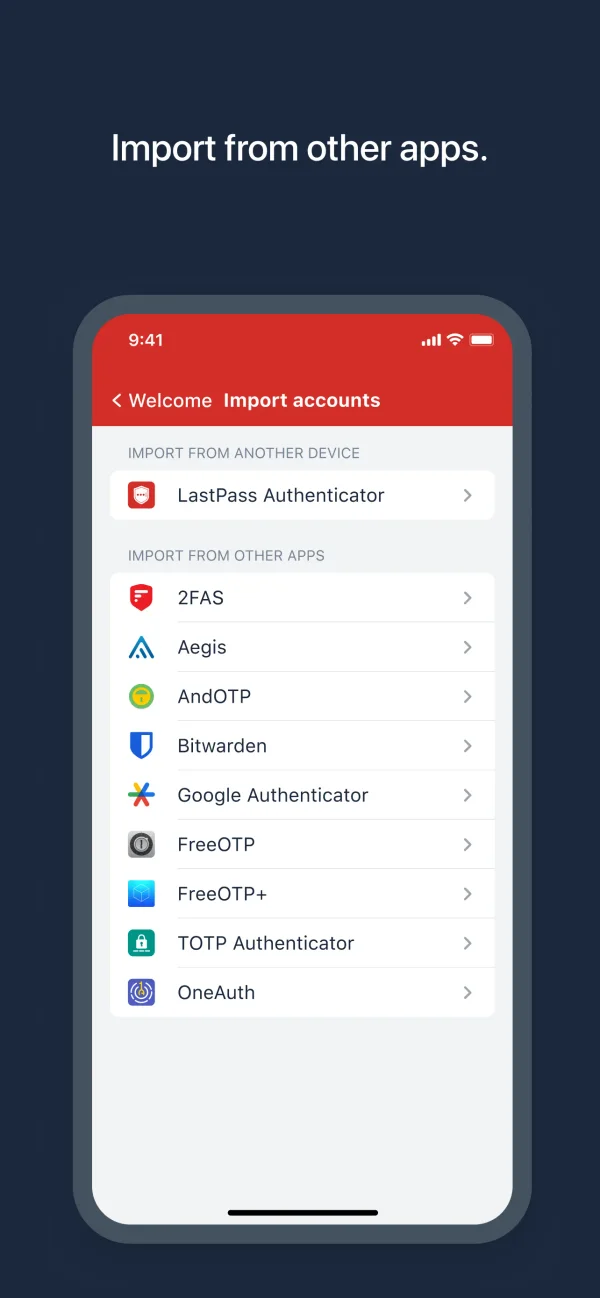
- Support for other TOTP-compatible services and apps (including any that support Google Authenticator)
- Add multiple accounts
新機能
バージョン 2.27.0 · 2026/9/22
Added support for AutoFill of TOTP verification codes in the app.
The latest version of the app includes minor bug fixes and UI improvements.
アプリのプライバシー
このアプリのデータの取り扱いについて、LastPass US LPがApp Storeで申告している内容です。
-
ユーザーに関連付けられたデータ
収集され、ユーザーの識別情報に関連付けられる場合があります。
- 位置情報
- ID
- 使用状況データ
-
ユーザーに関連付けられないデータ
収集される場合がありますが、ユーザーの識別情報には関連付けられません。
- 診断
プライバシーの取り扱いは、ご利用の機能やお客様の年齢などに応じて異なる場合があります。
情報
- 販売元
- LastPass US LP
- カテゴリ
- 仕事効率化
- バージョン
- 2.27.0
- 更新日
- 2026/9/22
- リリース
- 2016/3/16
- サイズ
- 38.7 MB
- 必要条件
- iOS 17.0以降
- 対象年齢
- 4+
- 価格
- 無料
- 言語
- 英語, オランダ語, フランス語, ドイツ語, イタリア語, ポルトガル語, スペイン語
- 著作権
- Copyright © 2016-2023 by LastPass US LP. All rights reserved.
こちらもおすすめ
-
 2FA Authenticator (2FAS)#1 Rated 2FA Authenticator
-
 Authenticator App仕事効率化
-
 Authenticator +認証アプリ、オーセンティケーター、MFA Mobile
-
 1Password: Password ManagerSave & share passwords safely
-
 Authenticator App ©2段階認証 , MFA, ワンタイムパスワード
-
 Yubico Authenticator仕事効率化
-
 Microsoft 365 Admin仕事効率化
-
 パスワード管理 Proton Pass - パスワードアプリエンドツーエンド暗号化の安全パスワードアプリ
-
 Bitwarden パスワードマネージャー仕事効率化
-
 Keeper パスワード管理セキュリティー, アカウント管理, パスワードマネージャー