- Classification d’âge4+
- CatégorieProductivité
- DéveloppeurLastPass US LP
- LanguesAnglais+ 6 de plus
- Taille38,7 Mo
Renvoie vers la page App Store officielle
Download.org n’héberge aucun fichier de LastPass Authenticator. Le bouton ouvre la page de l’application sur App Store, où LastPass US LP la publie. Fiche vérifiée pour la dernière fois le 21/11/2026.
Captures d’écran


À propos
Le développeur n’a pas fourni ce texte dans votre langue.
LastPass Authenticator offers effortless two-factor authentication for your LastPass account and other supported apps. With one-tap verification and secure cloud backup, LastPass Authenticator gives you all the security, without any of the frustration.
ADD MORE SECURITY
Safeguard your LastPass account by requiring two-factor authentication codes when signing in. Two-factor authentication improves your digital security by protecting your account with an additional login step. Even if your password is compromised, your account can’t be accessed without the two-factor authentication code.
You can even mark a device as “trusted”, so you won’t be prompted for codes on that device while your account remains protected by two-factor authentication.
TURNING IT ON
To turn on LastPass Authenticator for your LastPass account:
1. Download LastPass Authenticator to your mobile device.
2. Log in to LastPass on your computer and launch “Account Settings” from your vault.
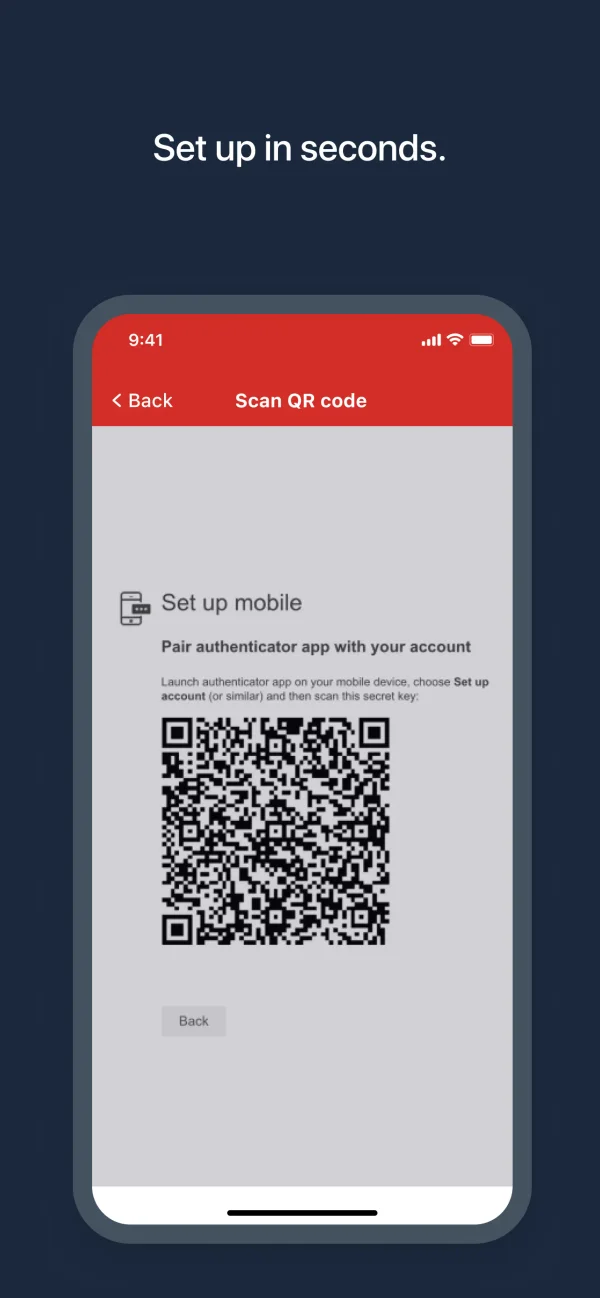
3. In “Multifactor Options”, edit LastPass Authenticator and view the barcode.
4. Scan the barcode with the LastPass Authenticator app.
5. Set your preferences and save your changes.
LastPass Authenticator can also be turned on for any service or app that supports Google Authenticator or TOTP-based two-factor authentication.
LOGGING IN
To login to your LastPass account or other supported vendor service:
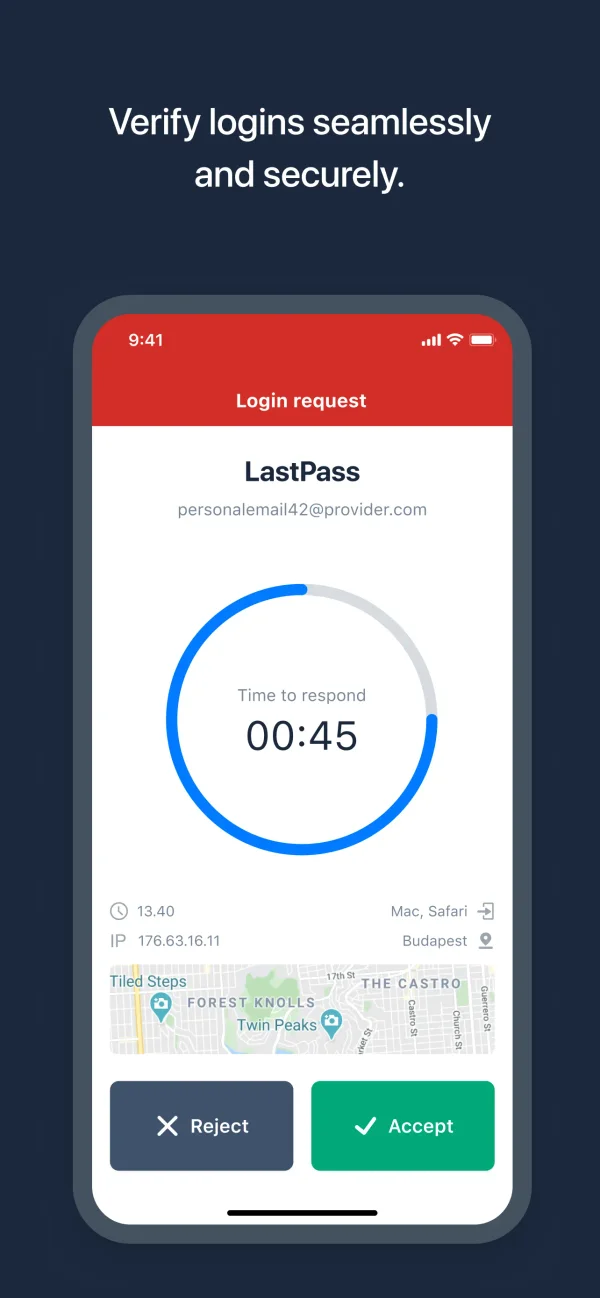
1. Open the app to generate a 6-digit, 30-second code OR approve/deny an automated push notification
2. Alternatively, send SMS code
3. Enter the code into the login prompt on your device OR hit approve/deny request
FEATURES
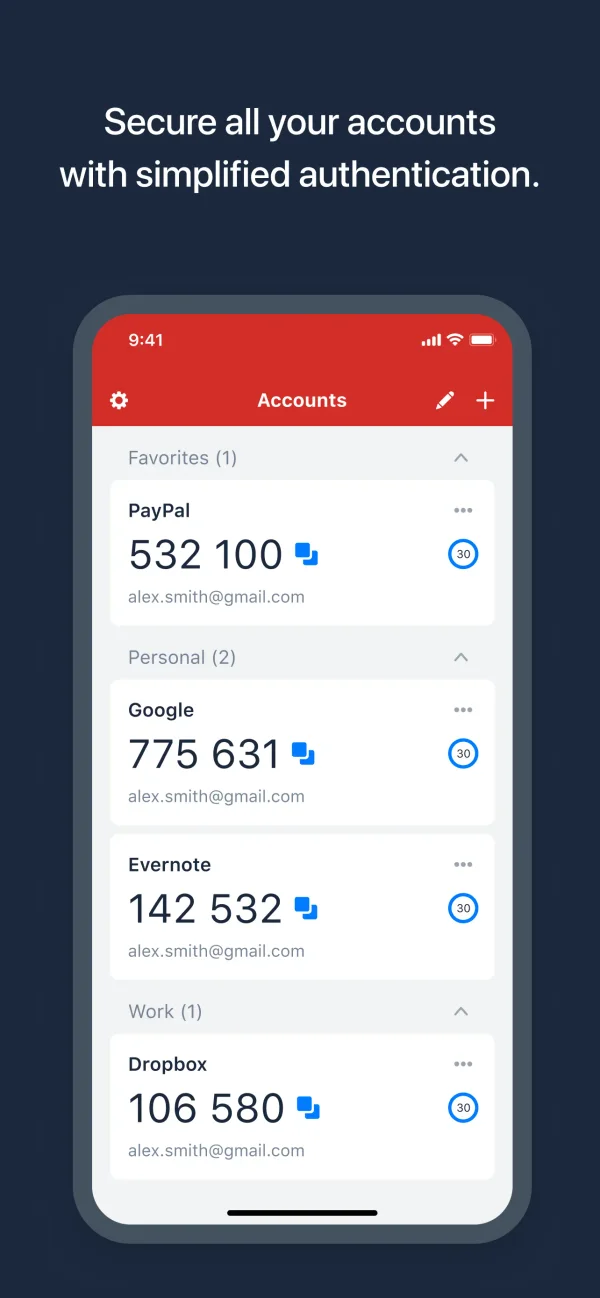
- Generates 6-digit codes every 30 seconds
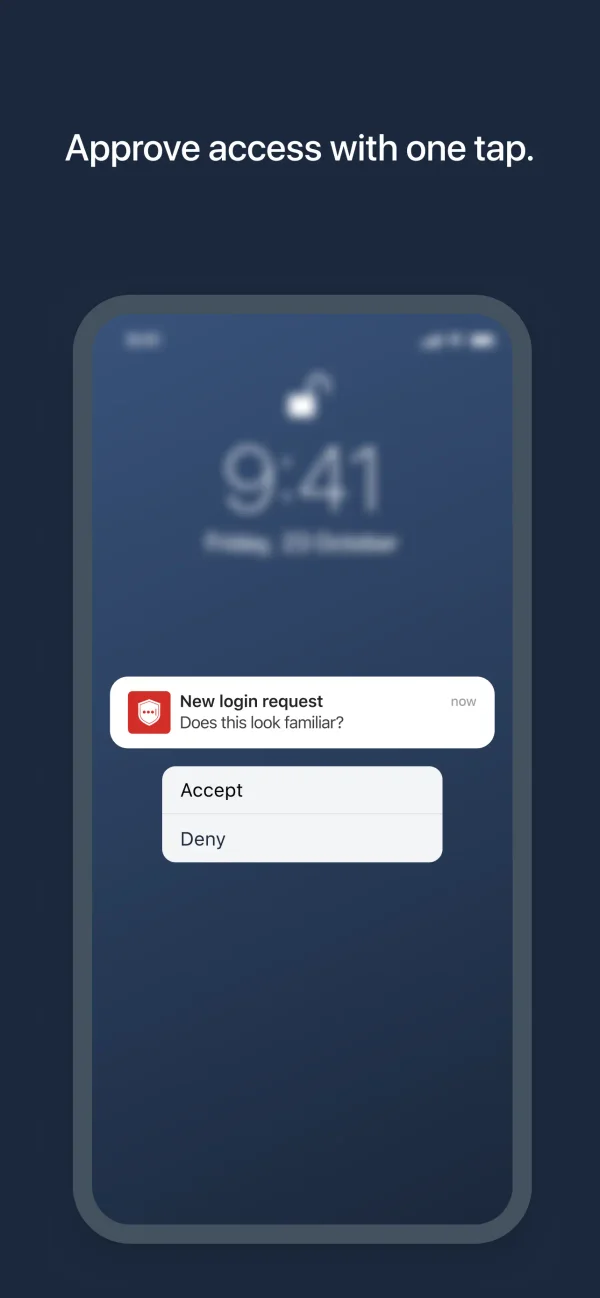
- Push notifications for one-tap approval
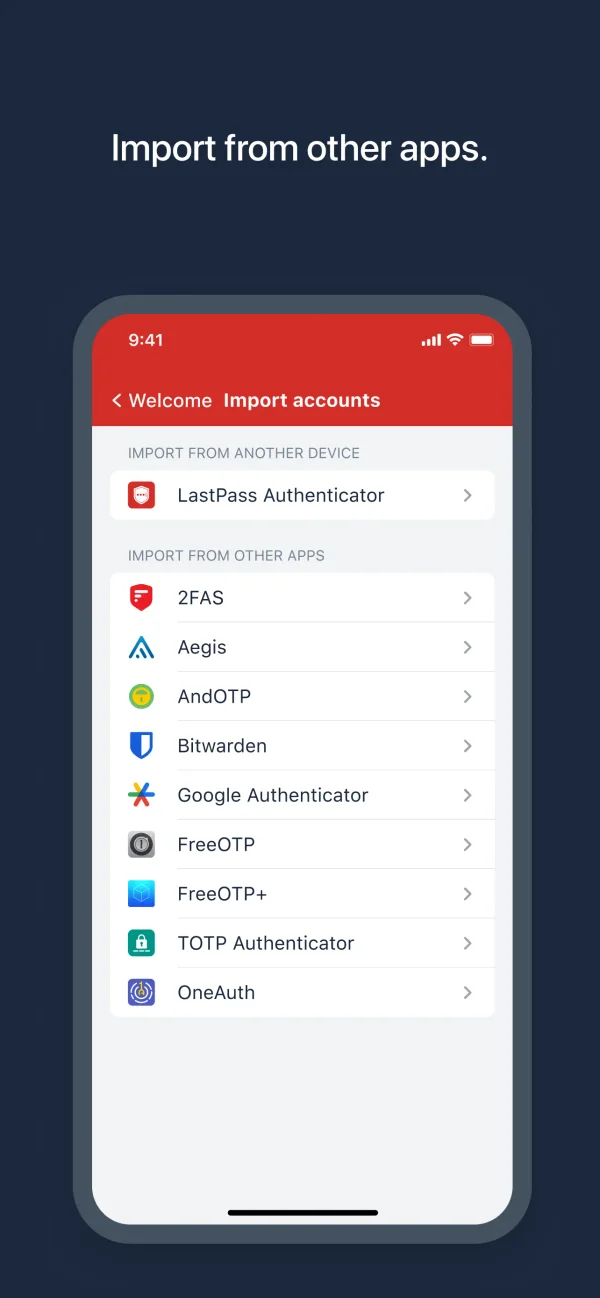
- Free encrypted backup to restore your tokens on a new/reinstalled device
- Support for SMS codes
- Automated set-up via QR code
- Support for LastPass accounts
- Support for other TOTP-compatible services and apps (including any that support Google Authenticator)
- Add multiple accounts
Nouveautés
Version 2.27.0 · 22/09/2026
Added support for AutoFill of TOTP verification codes in the app.
The latest version of the app includes minor bug fixes and UI improvements.
Confidentialité de l’application
Ce que LastPass US LP déclare sur l’App Store au sujet du traitement des données par cette application.
-
Données établissant un lien avec vous
Peuvent être collectées et liées à votre identité.
- Emplacement
- Identifiants
- Données d’utilisation
-
Données n’établissant aucun lien avec vous
Peuvent être collectées, mais ne sont pas liées à votre identité.
- Diagnostic
Les pratiques en matière de confidentialité peuvent varier, notamment en fonction des fonctionnalités que vous utilisez ou de votre âge.
Informations
- Vendeur
- LastPass US LP
- Catégorie
- Productivité
- Version
- 2.27.0
- Mis à jour
- 22/09/2026
- Publié
- 16/03/2016
- Taille
- 38,7 Mo
- Nécessite
- iOS 17.0 ou version ultérieure
- Classification d’âge
- 4+
- Prix
- Gratuit
- Langues
- Anglais, Néerlandais, Français, Allemand, Italien, Portugais, Espagnol
- Copyright
- Copyright © 2016-2023 by LastPass US LP. All rights reserved.
Vous aimerez peut-être aussi
-
 2FA Authenticator (2FAS)#1 Rated 2FA Authenticator
-
 Authenticator AppProductivité
-
 Authenticator +Authentification 2FA
-
 1Password: Password ManagerSave & share passwords safely
-
 Authenticator App ©2FA: Two-Factor Authentication
-
 Yubico AuthenticatorProductivité
-
 Microsoft 365 AdminProductivité
-
 Coffre mots de passe - ProtonGestionnaire sécurisé & 2FA
-
 BitwardenProductivité
-
 Keeper Vault de mot de passeGestionnaire de mot de passe