- Altersfreigabe4+
- KategorieProduktivität
- EntwicklerMatthew Aguiar
- SprachenEnglisch
- Größe11,6 MB
Markdown Studio Pro ist bei App Store derzeit möglicherweise nicht verfügbar
Bei unserer letzten Prüfung war der Store-Eintrag nicht erreichbar. Der Link führt weiterhin zur offiziellen App Store-Seite.
Screenshots

Info
Der Entwickler hat diesen Text nicht in Ihrer Sprache bereitgestellt.
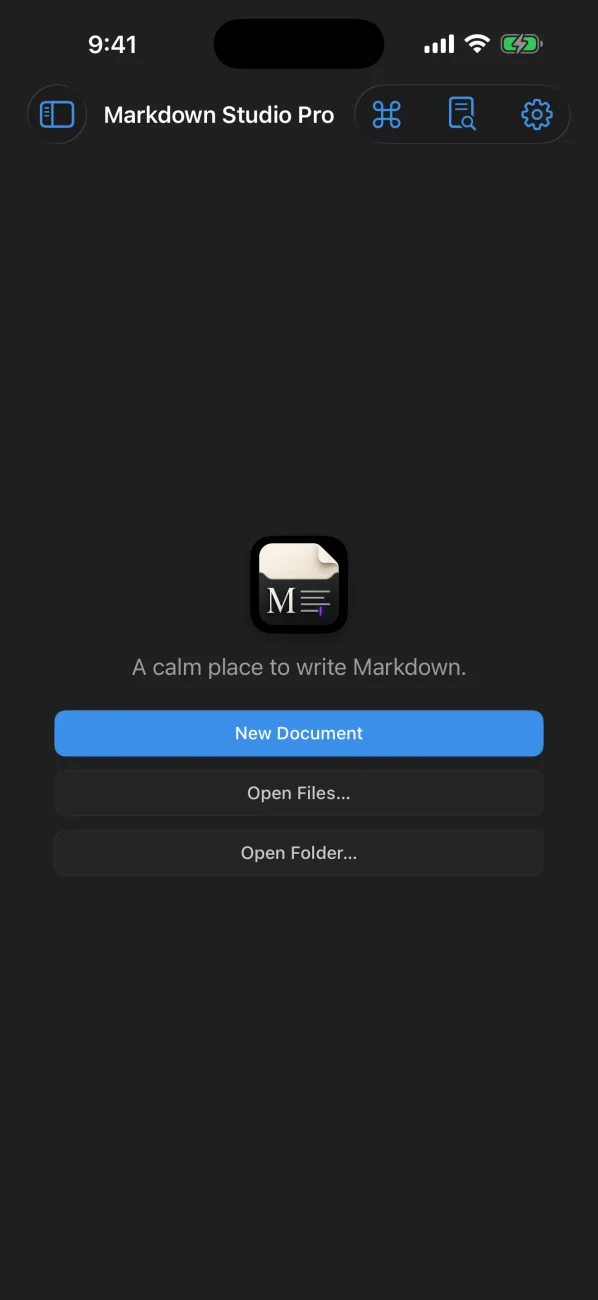
Markdown Studio Pro is a calm place to write Markdown.
It is built for people who want a beautiful writing surface without giving up portable files. What you save is real Markdown — headings, lists, tables, code, and images — that opens in any editor, forever.
WRITE YOUR WAY
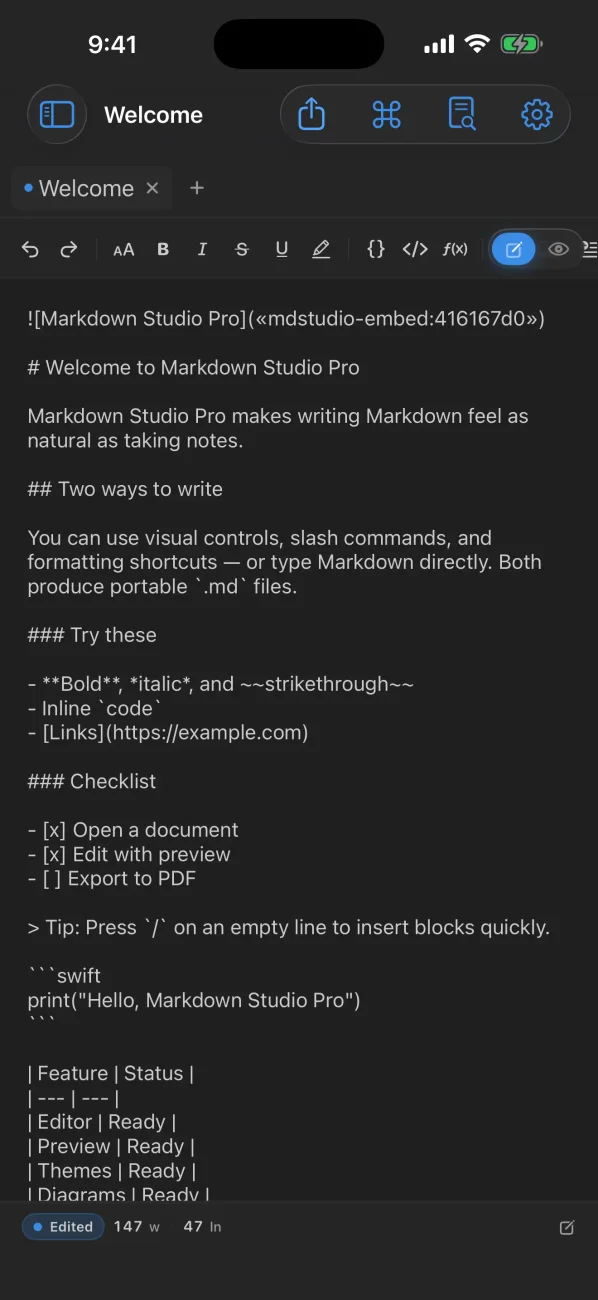
• Source editor with a formatting toolbar and slash inserts
• Live preview beside your words, or on its own
• Split view on iPad and Mac so draft and result stay in conversation
• Command palette and Quick Open to move without hunting through menus
STAY IN THE FILE
• Open and save .md, .markdown, .mdown, and .mkd
• Folder workspaces and recents on every Apple device
• Autosave when a document already has a path
• Images embed in the file so a note stays self-contained
LOOKS LIKE YOU MEAN IT
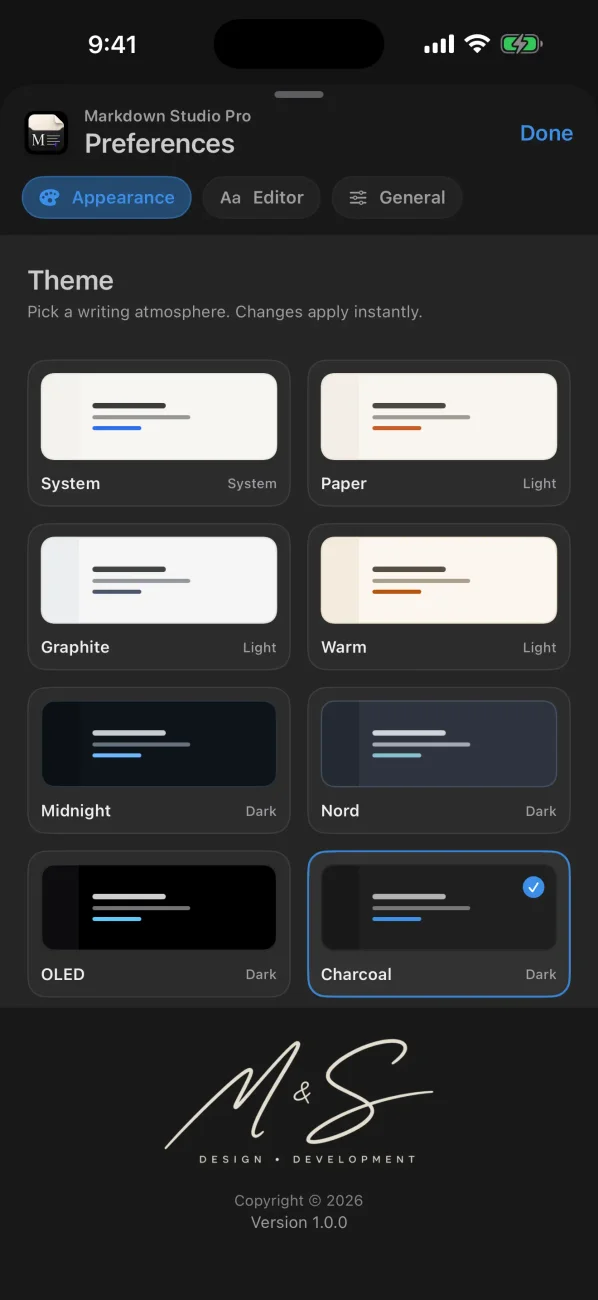
• Shared themes from paper-warm days to ink-quiet nights
• Typography you can actually live in — size, family, line numbers
• Export to PDF, HTML, or plain text, and print with the system sheet
PRIVATE BY DESIGN
Markdown Studio Pro does not require an account. It does not include analytics, ads, or tracking. Documents live where you put them: on device, in the Files app, or in a folder you choose on Mac.
Designed for iPhone, iPad, and Mac.
Neue Funktionen
Version 1.1 · 12.11.2026
What’s new in Markdown Studio Pro
• Built for iPhone Duo — Book fold split puts editor and preview on each side
• Larger formatting toolbar touch targets on iPhone for easier editing
• Split view when you have the room (iPad and Duo); editor or preview on compact iPhone
• Live preview, slash inserts, themes, and export to PDF or HTML
• Documents stay portable Markdown on your device — no account, no lock-in
Thanks for writing with us.
App-Datenschutz
Was Matthew Aguiar im App Store zum Umgang dieser App mit Daten angibt.
-
Keine Daten erfasst
Der Entwickler erfasst keine Daten von dieser App.
Die Datenschutzpraktiken können variieren, zum Beispiel je nach den von Ihnen verwendeten Funktionen oder Ihrem Alter.
Informationen
- Anbieter
- Matthew Aguiar
- Kategorie
- Produktivität
- Version
- 1.1
- Aktualisiert
- 12.11.2026
- Veröffentlicht
- 04.09.2026
- Größe
- 11,6 MB
- Erfordert
- iOS 17.0 oder neuer
- Altersfreigabe
- 4+
- Sprachen
- Englisch
- Copyright
- © 2026
Das könnte Ihnen auch gefallen
-
 släktProduktivität
-
 Shot Done: Screenshot InboxProduktivität
-
 Markleaf - Markdown EditorNativ, leicht und fokussiert
-
 Ad And Stuff DNS FilterProduktivität
-
 skim: Catch What MattersProduktivität
-
 NoterivProduktivität
-
 Video Note – NotedeoProduktivität
-
 Spkr - Article To PodcastProduktivität
-
 NotePlus - Markdown EditorProduktivität