- Độ tuổi4+
- Danh mụcHiệu Suất
- Nhà phát triểnMatthew Aguiar
- Ngôn ngữTiếng Anh
- Kích thước11,6 MB
Markdown Studio Pro hiện có thể không có trên App Store
Ở lần kiểm tra gần nhất, chúng tôi không truy cập được trang trên cửa hàng. Liên kết vẫn dẫn đến trang App Store chính thức.
Ảnh chụp màn hình

Giới thiệu
Nhà phát triển chưa cung cấp nội dung này bằng ngôn ngữ của bạn.
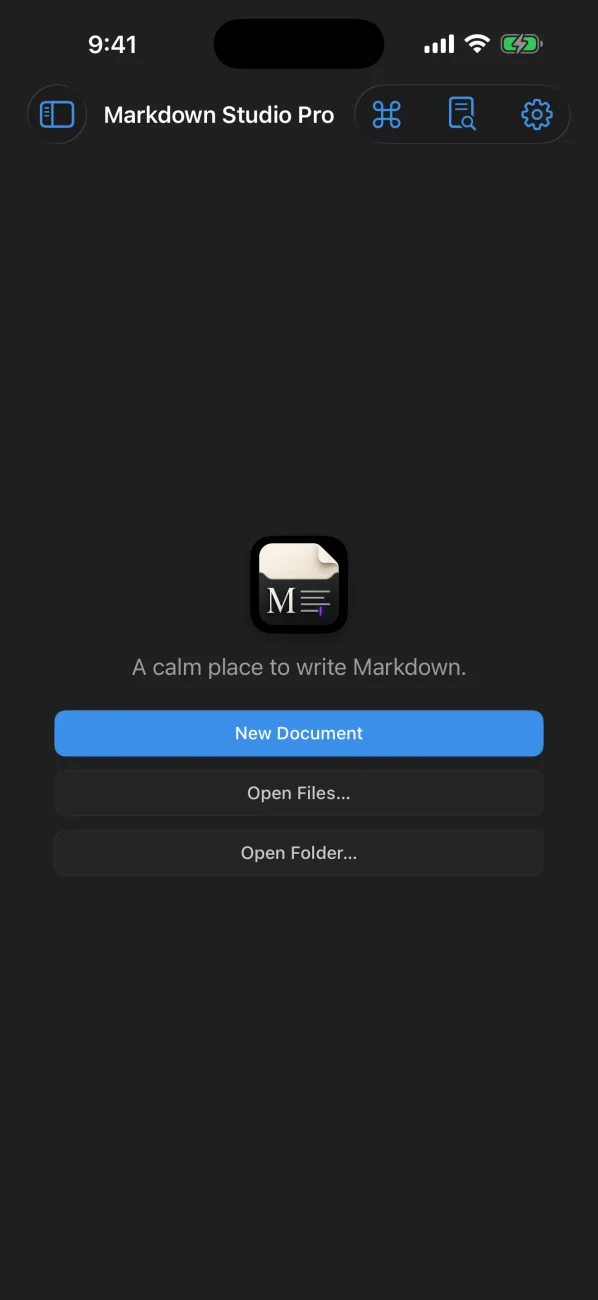
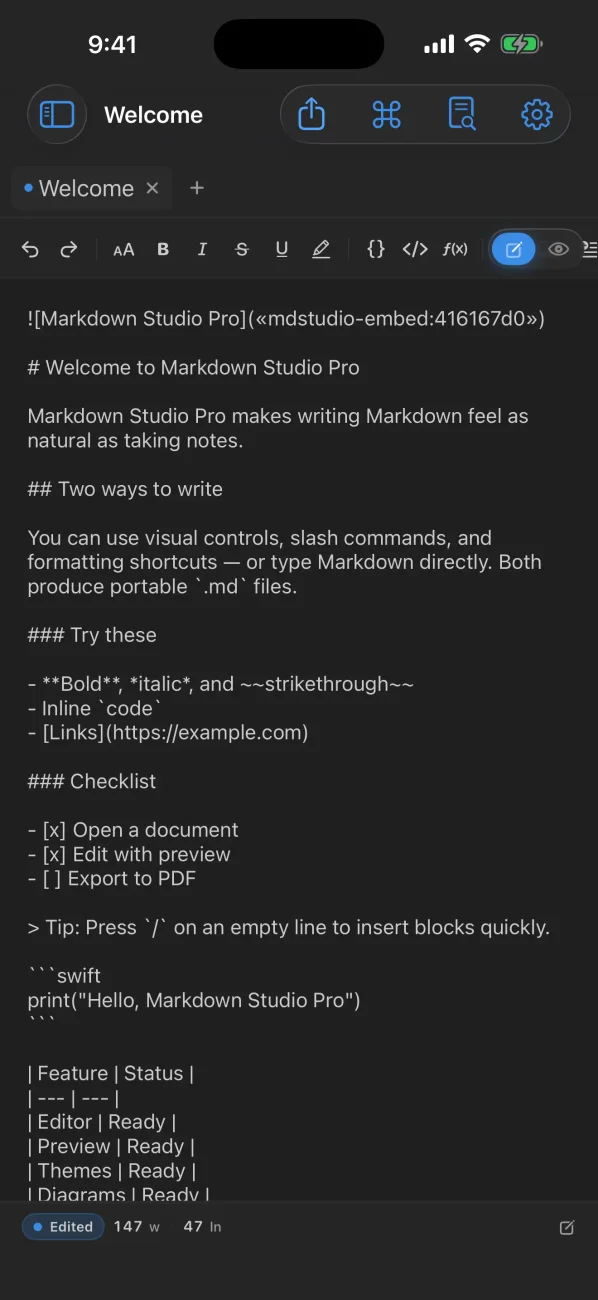
Markdown Studio Pro is a calm place to write Markdown.
It is built for people who want a beautiful writing surface without giving up portable files. What you save is real Markdown — headings, lists, tables, code, and images — that opens in any editor, forever.
WRITE YOUR WAY
• Source editor with a formatting toolbar and slash inserts
• Live preview beside your words, or on its own
• Split view on iPad and Mac so draft and result stay in conversation
• Command palette and Quick Open to move without hunting through menus
STAY IN THE FILE
• Open and save .md, .markdown, .mdown, and .mkd
• Folder workspaces and recents on every Apple device
• Autosave when a document already has a path
• Images embed in the file so a note stays self-contained
LOOKS LIKE YOU MEAN IT
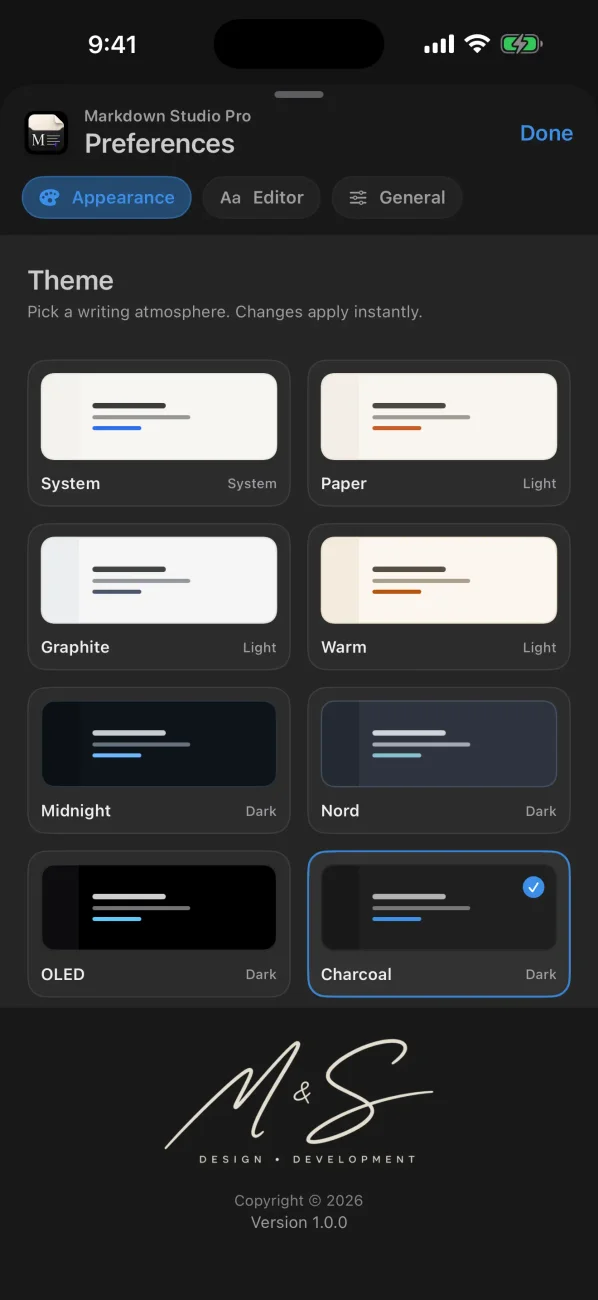
• Shared themes from paper-warm days to ink-quiet nights
• Typography you can actually live in — size, family, line numbers
• Export to PDF, HTML, or plain text, and print with the system sheet
PRIVATE BY DESIGN
Markdown Studio Pro does not require an account. It does not include analytics, ads, or tracking. Documents live where you put them: on device, in the Files app, or in a folder you choose on Mac.
Designed for iPhone, iPad, and Mac.
Có gì mới
Phiên bản 1.1 · 12/11/2026
What’s new in Markdown Studio Pro
• Built for iPhone Duo — Book fold split puts editor and preview on each side
• Larger formatting toolbar touch targets on iPhone for easier editing
• Split view when you have the room (iPad and Duo); editor or preview on compact iPhone
• Live preview, slash inserts, themes, and export to PDF or HTML
• Documents stay portable Markdown on your device — no account, no lock-in
Thanks for writing with us.
Quyền riêng tư của ứng dụng
Những gì Matthew Aguiar khai báo trên App Store về cách ứng dụng này xử lý dữ liệu.
-
Dữ liệu không được thu thập
Nhà phát triển không thu thập bất kỳ dữ liệu nào từ ứng dụng này.
Phương thức đảm bảo quyền riêng tư có thể khác nhau, chẳng hạn như tuỳ theo các tính năng bạn sử dụng hoặc độ tuổi của bạn.
Thông tin
- Người bán
- Matthew Aguiar
- Danh mục
- Hiệu Suất
- Phiên bản
- 1.1
- Cập nhật
- 12/11/2026
- Phát hành
- 04/09/2026
- Kích thước
- 11,6 MB
- Yêu cầu
- iOS 17.0 trở lên
- Độ tuổi
- 4+
- Ngôn ngữ
- Tiếng Anh
- Bản quyền
- © 2026