- Age rating4+
- CategoryProductivity
- DeveloperMatthew Aguiar
- LanguagesEnglish
- Size11.6 MB
Links to the official App Store page
Download.org hosts no file of Markdown Studio Pro. The button opens its official App Store page, published by Matthew Aguiar. Listing last checked on Nov 23, 2026.
Screenshots

About
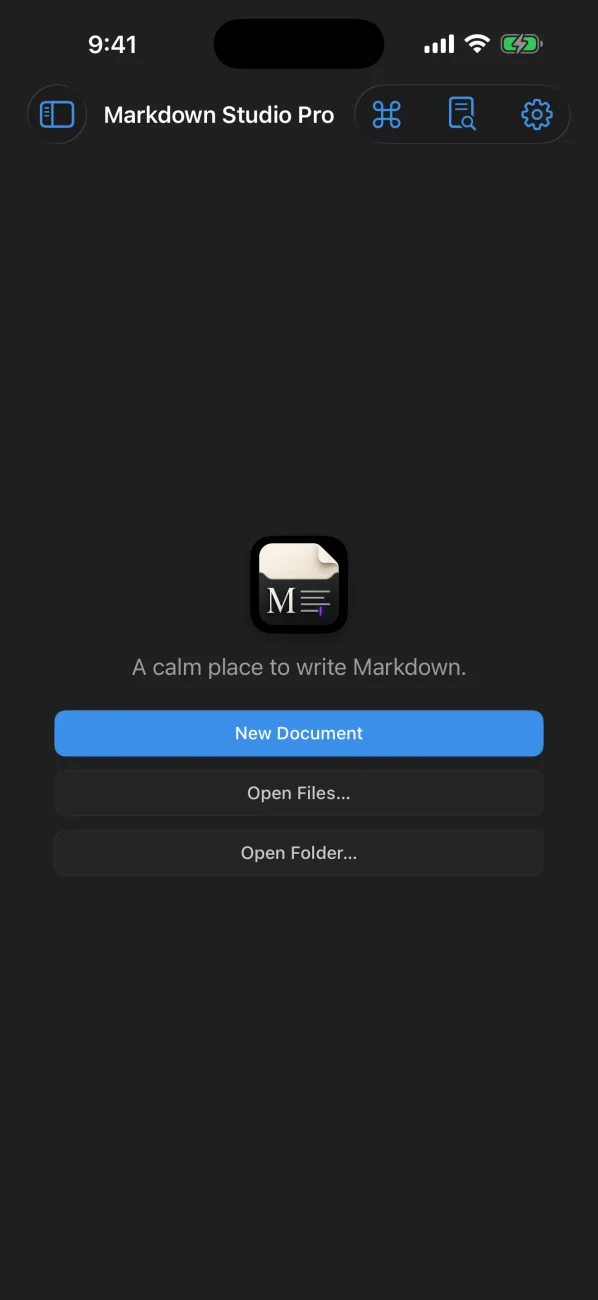
Markdown Studio Pro is a calm place to write Markdown.
It is built for people who want a beautiful writing surface without giving up portable files. What you save is real Markdown — headings, lists, tables, code, and images — that opens in any editor, forever.
WRITE YOUR WAY
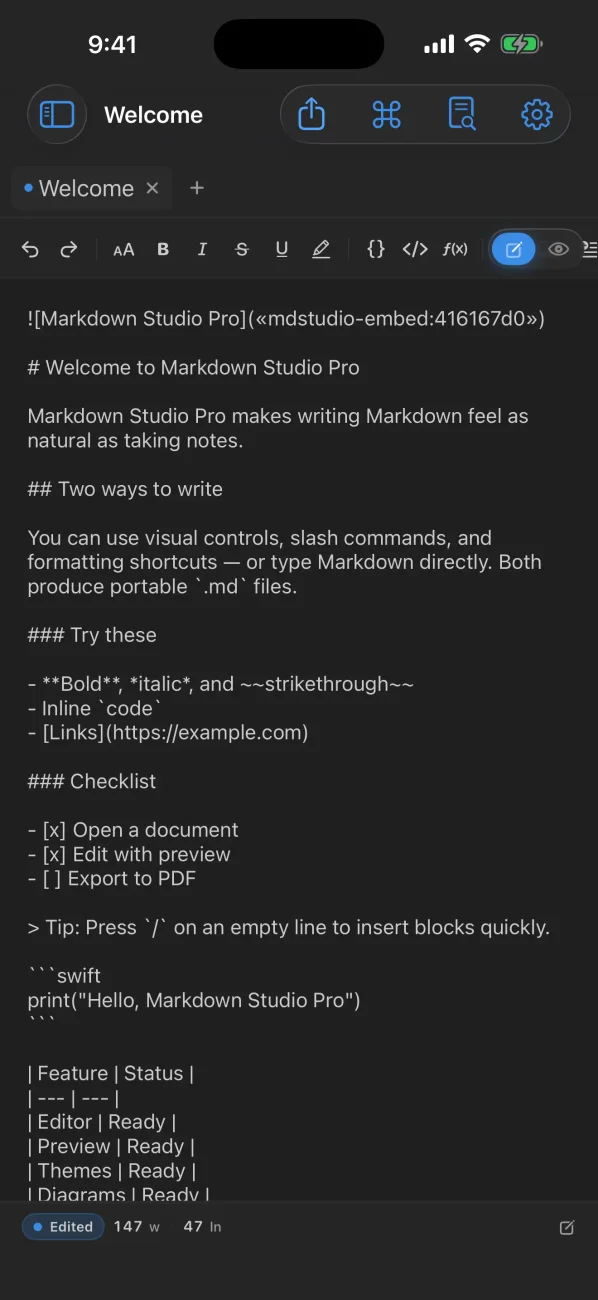
• Source editor with a formatting toolbar and slash inserts
• Live preview beside your words, or on its own
• Split view on iPad and Mac so draft and result stay in conversation
• Command palette and Quick Open to move without hunting through menus
STAY IN THE FILE
• Open and save .md, .markdown, .mdown, and .mkd
• Folder workspaces and recents on every Apple device
• Autosave when a document already has a path
• Images embed in the file so a note stays self-contained
LOOKS LIKE YOU MEAN IT
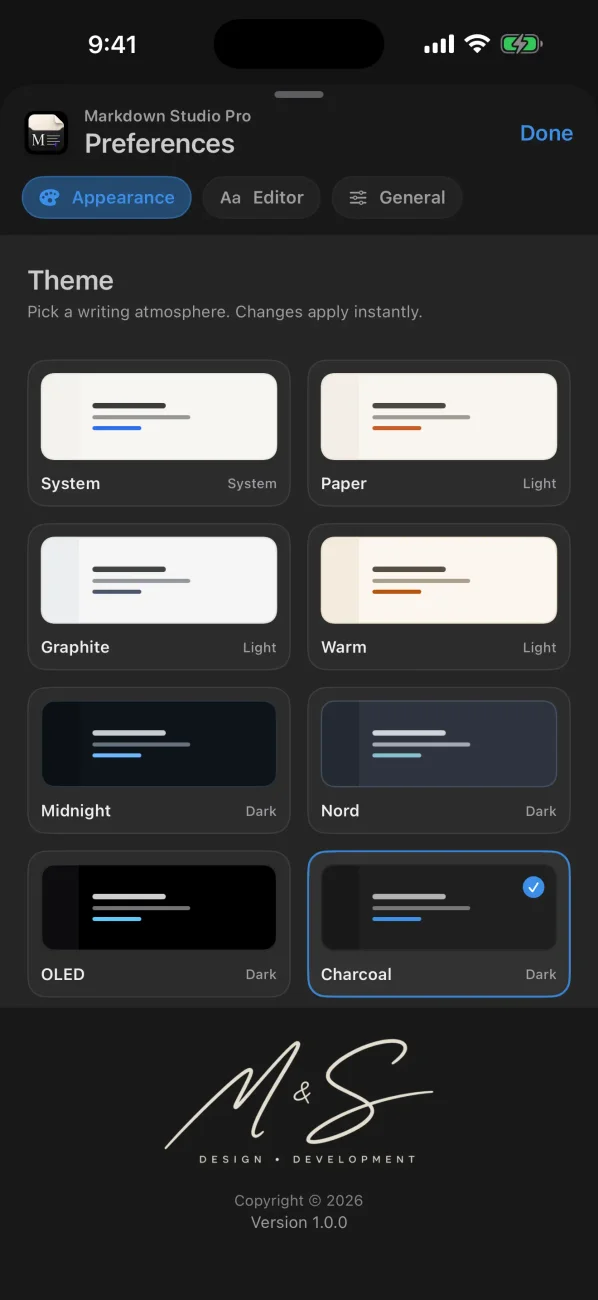
• Shared themes from paper-warm days to ink-quiet nights
• Typography you can actually live in — size, family, line numbers
• Export to PDF, HTML, or plain text, and print with the system sheet
PRIVATE BY DESIGN
Markdown Studio Pro does not require an account. It does not include analytics, ads, or tracking. Documents live where you put them: on device, in the Files app, or in a folder you choose on Mac.
Designed for iPhone, iPad, and Mac.
What’s new
Version 1.1 · Nov 12, 2026
What’s new in Markdown Studio Pro
• Built for iPhone Duo — Book fold split puts editor and preview on each side
• Larger formatting toolbar touch targets on iPhone for easier editing
• Split view when you have the room (iPad and Duo); editor or preview on compact iPhone
• Live preview, slash inserts, themes, and export to PDF or HTML
• Documents stay portable Markdown on your device — no account, no lock-in
Thanks for writing with us.
App privacy
What Matthew Aguiar declares on the App Store about how this app handles data.
-
Data not collected
The developer does not collect any data from this app.
Privacy practices may vary, for example with the features you use or your age.
Information
- Seller
- Matthew Aguiar
- Category
- Productivity
- Version
- 1.1
- Updated
- Nov 12, 2026
- Released
- Sep 4, 2026
- Size
- 11.6 MB
- Requires
- iOS 17.0 or later
- Age rating
- 4+
- Price
- Free
- Languages
- English
- Copyright
- © 2026
You might also like
-
 släktEasy Family Chore Manager
-
 Shot Done: Screenshot InboxSave now. Deal with it later.
-
 Markleaf - Markdown EditorNative, lightweight, focused
-
 Ad And Stuff DNS FilterProductivity
-
 skim: Catch What MattersNews & Podcasts, skimmed
-
 NoterivMarkdown notes in plain files
-
 Video Note – NotedeoProductivity
-
 Spkr - Article To PodcastRead less. Listen more.
-
 NotePlus - Markdown EditorNative Markdown Notes