- Classification d’âge4+
- CatégorieProductivité
- DéveloppeurMatthew Aguiar
- LanguesAnglais
- Taille11,6 Mo
Markdown Studio Pro n’est peut-être pas disponible sur App Store pour le moment
La fiche de la boutique était inaccessible lors de notre dernière vérification. Le lien mène toujours à la page App Store officielle.
Captures d’écran

À propos
Le développeur n’a pas fourni ce texte dans votre langue.
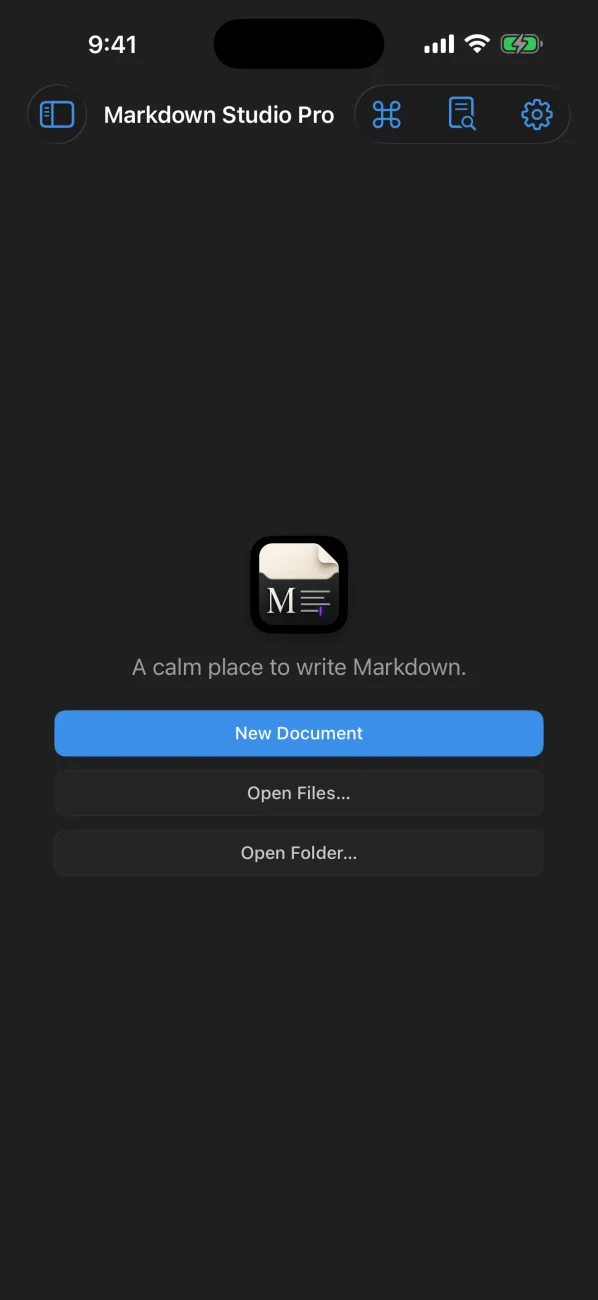
Markdown Studio Pro is a calm place to write Markdown.
It is built for people who want a beautiful writing surface without giving up portable files. What you save is real Markdown — headings, lists, tables, code, and images — that opens in any editor, forever.
WRITE YOUR WAY
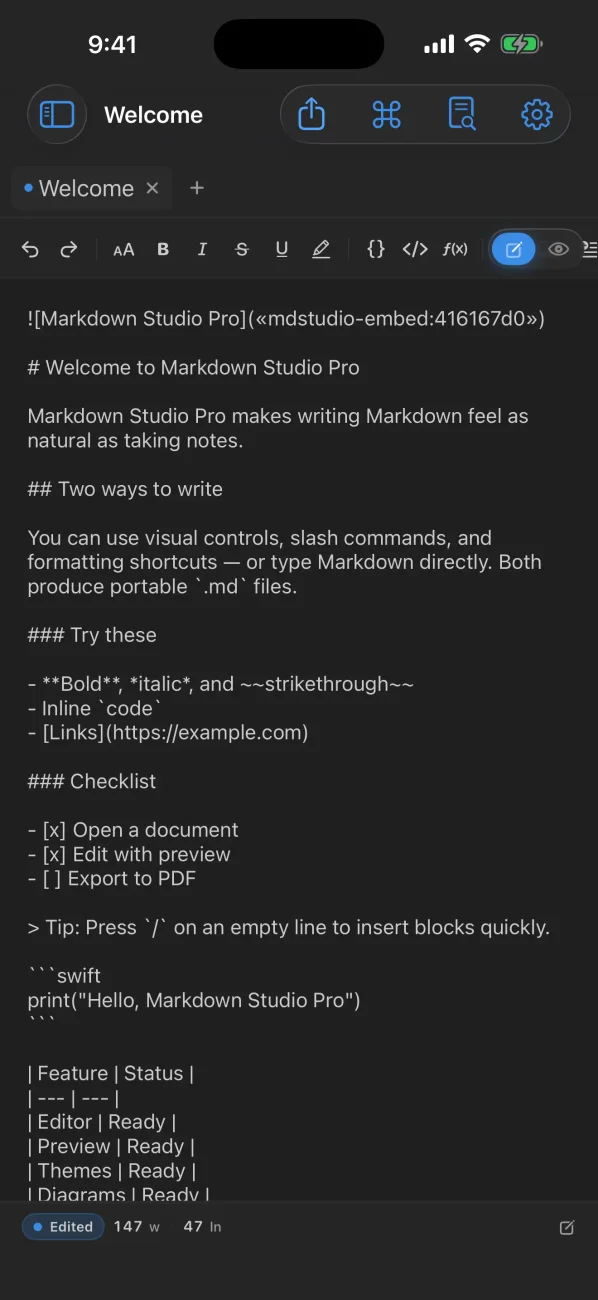
• Source editor with a formatting toolbar and slash inserts
• Live preview beside your words, or on its own
• Split view on iPad and Mac so draft and result stay in conversation
• Command palette and Quick Open to move without hunting through menus
STAY IN THE FILE
• Open and save .md, .markdown, .mdown, and .mkd
• Folder workspaces and recents on every Apple device
• Autosave when a document already has a path
• Images embed in the file so a note stays self-contained
LOOKS LIKE YOU MEAN IT
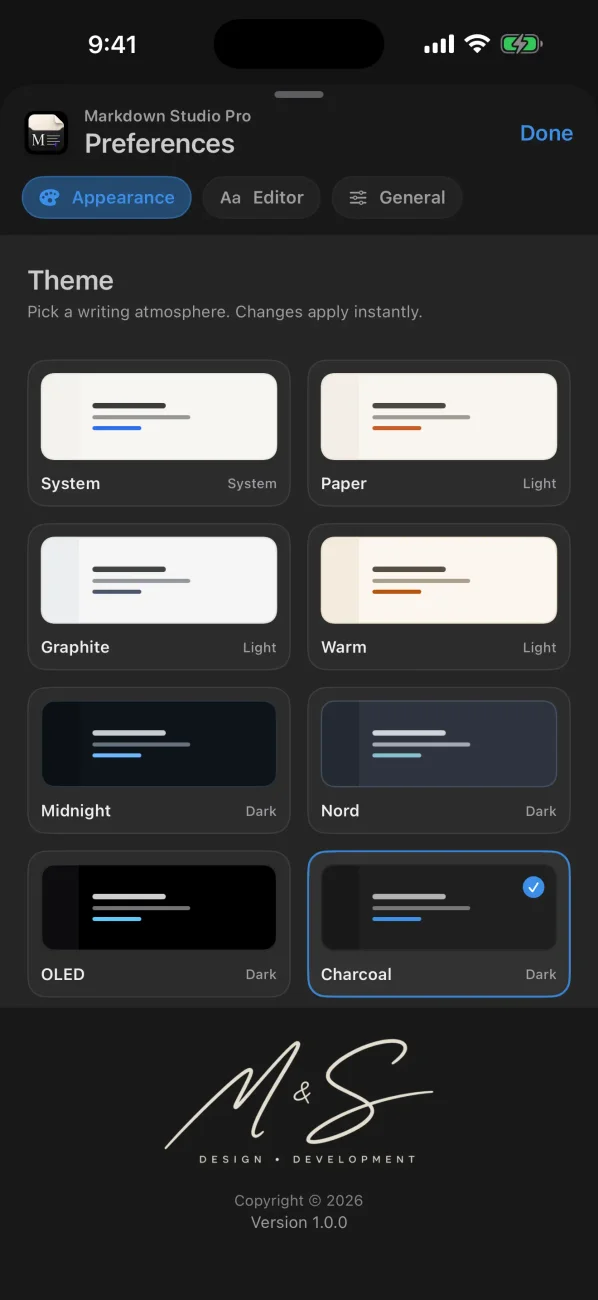
• Shared themes from paper-warm days to ink-quiet nights
• Typography you can actually live in — size, family, line numbers
• Export to PDF, HTML, or plain text, and print with the system sheet
PRIVATE BY DESIGN
Markdown Studio Pro does not require an account. It does not include analytics, ads, or tracking. Documents live where you put them: on device, in the Files app, or in a folder you choose on Mac.
Designed for iPhone, iPad, and Mac.
Nouveautés
Version 1.1 · 12/11/2026
What’s new in Markdown Studio Pro
• Built for iPhone Duo — Book fold split puts editor and preview on each side
• Larger formatting toolbar touch targets on iPhone for easier editing
• Split view when you have the room (iPad and Duo); editor or preview on compact iPhone
• Live preview, slash inserts, themes, and export to PDF or HTML
• Documents stay portable Markdown on your device — no account, no lock-in
Thanks for writing with us.
Confidentialité de l’application
Ce que Matthew Aguiar déclare sur l’App Store au sujet du traitement des données par cette application.
-
Données non collectées
Le développeur ne collecte aucune donnée à partir de cette application.
Les pratiques en matière de confidentialité peuvent varier, notamment en fonction des fonctionnalités que vous utilisez ou de votre âge.
Informations
- Vendeur
- Matthew Aguiar
- Catégorie
- Productivité
- Version
- 1.1
- Mis à jour
- 12/11/2026
- Publié
- 04/09/2026
- Taille
- 11,6 Mo
- Nécessite
- iOS 17.0 ou version ultérieure
- Classification d’âge
- 4+
- Langues
- Anglais
- Copyright
- © 2026
Vous aimerez peut-être aussi
-
 släktProductivité
-
 Shot Done: Screenshot InboxProductivité
-
 Markleaf - Éditeur MarkdownNatif, léger, sans distraction
-
 Ad And Stuff DNS FilterProductivité
-
 skim: Catch What MattersProductivité
-
 NoterivProductivité
-
 Video Note – NotedeoProductivité
-
 Spkr - Article To PodcastProductivité
-
 NotePlus - Markdown EditorProductivité