
markup - Markdown Previewer -
Markdown to Beautiful PDF
Entwickelt für iPhone, iPad, Mac
Kostenlos · In-App-Käufe
- Altersfreigabe4+
- KategorieProduktivität
- EntwicklerProgressive Works, Inc.
- SprachenEnglisch
- Größe66,2 MB
Verlinkt auf die offizielle App Store-Seite
Download.org hostet keine Datei von markup - Markdown Previewer -. Die Schaltfläche öffnet die App-Seite bei App Store, wo Progressive Works, Inc. die App veröffentlicht. Eintrag zuletzt geprüft am 16.11.2026.
Screenshots

Info
Der Entwickler hat diesen Text nicht in Ihrer Sprache bereitgestellt.
markup is a native iOS and iPadOS app for turning Markdown into clean, polished documents.
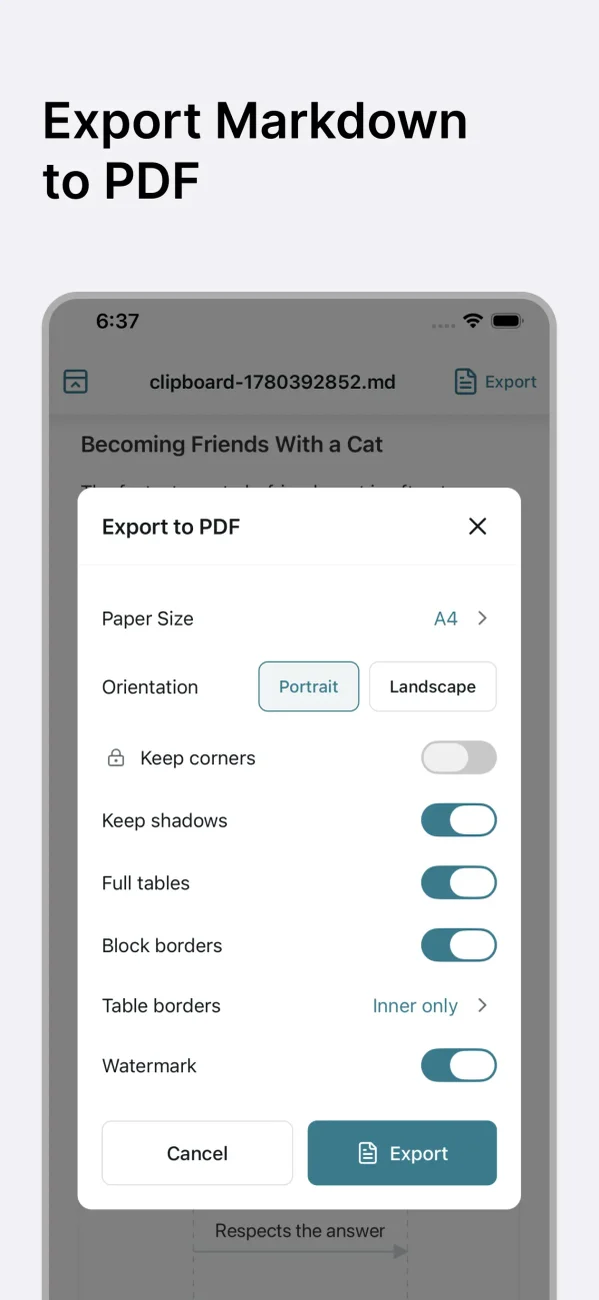
Open or paste Markdown, preview the result instantly, and export it as a professional-looking PDF. It is designed for writers, developers, and teams who want Markdown to stay simple while still producing output that looks refined.
With markup, you can:
- Preview Markdown in a focused mobile interface
- Edit Markdown directly on iPhone and iPad
- Export documents as PDFs for sharing or publishing
- Choose rendering styles, syntax themes, and typography
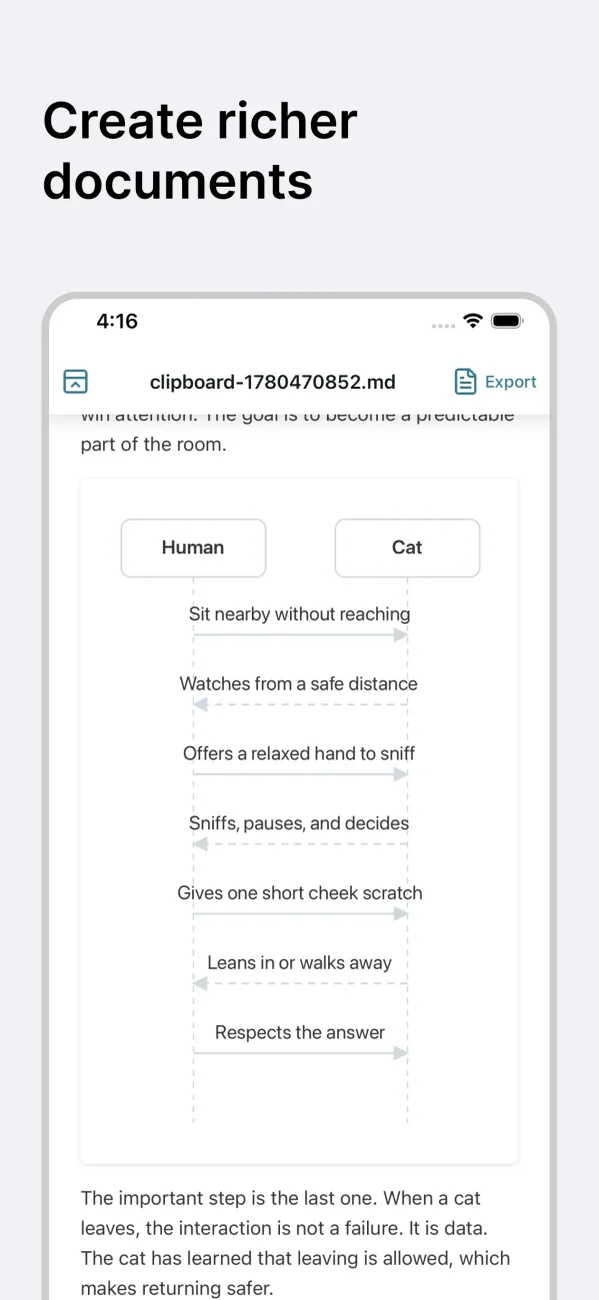
- Work with headings, tables, lists, block quotes, code blocks, task lists, and callouts
- Add supported fonts and customize document output
- Keep your writing workflow lightweight and distraction-free
markup is built for local-first document work. Your file contents and file names are not collected for analytics. Optional anonymous usage statistics may be used to improve rendering quality, and can be controlled from Settings.
Whether you are writing documentation, notes, technical specs, README files, or polished Markdown-based documents, markup helps you move from plain text to a finished preview with less friction.
Privacy Policy: https://markup.progressiveworks.co/privacy-policy
Terms of Use (EULA): https://www.apple.com/legal/internet-services/itunes/dev/stdeula/
Neue Funktionen
Version 1.1.0 · 09.07.2026
Thank you for using markup.
This update introduces Reading Mode in Preview, giving your document more space by hiding surrounding controls while you read. The exit control can be moved to a convenient corner and collapses when it is not needed.
Rendering Options now lets you adjust the body font size from 12 to 24 px. Emoji shortcodes such as :rocket: and :+1: can also be rendered as emoji, while code spans and escaped shortcodes remain unchanged.
Preview can now apply supported document changes without replacing the entire rendered page. Markdown files can also be opened directly in markup from other apps, with a warning before unsaved work is replaced.
Landscape support has been refined across Preview, settings, licenses, web content, and dialogs. Controls stay within safe areas, longer modal content can scroll when space is limited, and repeated taps no longer trigger duplicate navigation.
As always, we’re continuing to refine markup so reading, shaping, and exporting Markdown feels calm and natural.
App-Datenschutz
Was Progressive Works, Inc. im App Store zum Umgang dieser App mit Daten angibt.
-
Nicht mit Ihnen verknüpfte Daten
Können erfasst werden, sind aber nicht mit Ihrer Identität verknüpft.
- Nutzungsdaten
Die Datenschutzpraktiken können variieren, zum Beispiel je nach den von Ihnen verwendeten Funktionen oder Ihrem Alter.
Informationen
- Anbieter
- PROGRESSIVE WORKS K.K.
- Kategorie
- Produktivität
- Version
- 1.1.0
- Aktualisiert
- 09.07.2026
- Veröffentlicht
- 02.06.2026
- Größe
- 66,2 MB
- Erfordert
- iOS 16.4 oder neuer
- Altersfreigabe
- 4+
- Preis
- Kostenlos
- In-App-Käufe
- Ja
- Sprachen
- Englisch
- Copyright
- © 2026 Progressive Works, Inc.
Das könnte Ihnen auch gefallen
-
 Coffee: Markdown NotesProduktivität
-
 OnVault - DokumententresorDokumente privat durchsuchen
-
 Metis: Markdown NotesProduktivität
-
 Pinq - Smart NotificationsProduktivität
-
 Ear RecorderPhone-style voice recorder
-
 Note.md: Markdown, HTML ViewerProduktivität
-
 LocaNecoProduktivität
-
 Markdown-Viewer und Editormd-leser. in pdf umwandeln.
-
 Kosshi OutlinerMarkdown, Bilder, Geräte-Sync
-
 Timeline Maker: ZeitstrahlChronik erstellen & teilen