
Marvis Pro
Rediscover your music
Entwickelt für iPhone, iPad
5,99 € · In-App-Käufe
- Altersfreigabe12+
- KategorieMusik
- EntwicklerAditya Rajveer
- SprachenEnglisch+ 13 weitere
- Größe176,6 MB
Verlinkt auf die offizielle App Store-Seite
Download.org hostet keine Datei von Marvis Pro. Die Schaltfläche öffnet die App-Seite bei App Store, wo Aditya Rajveer die App veröffentlicht. Eintrag zuletzt geprüft am 24.11.2026.
Screenshots


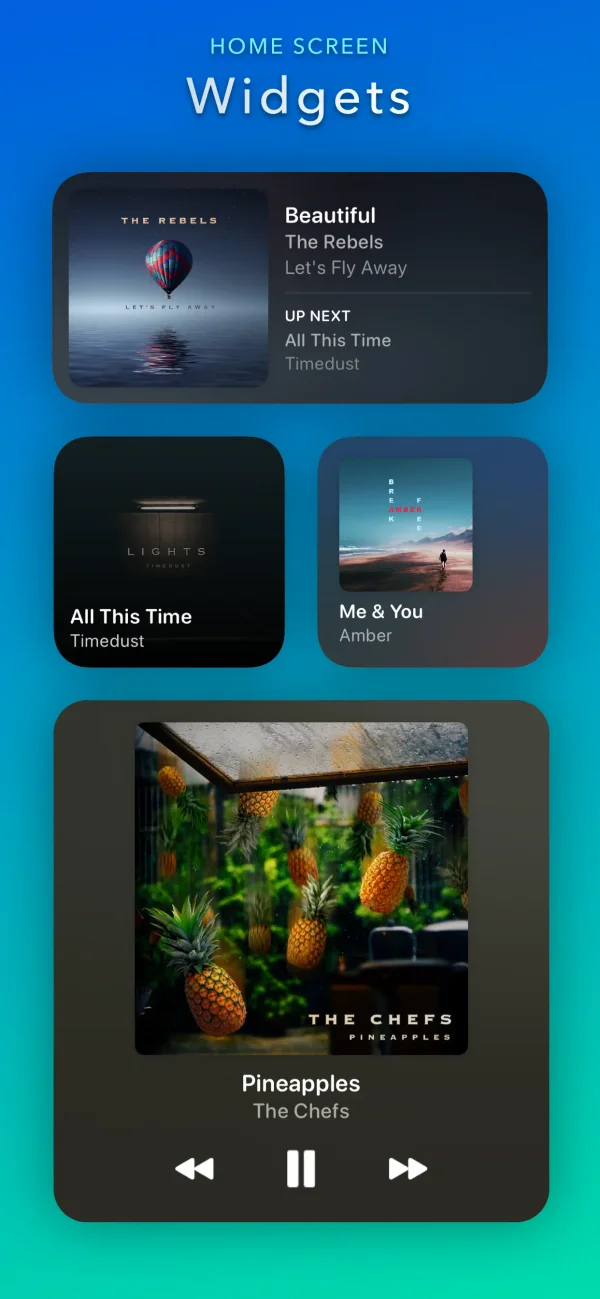
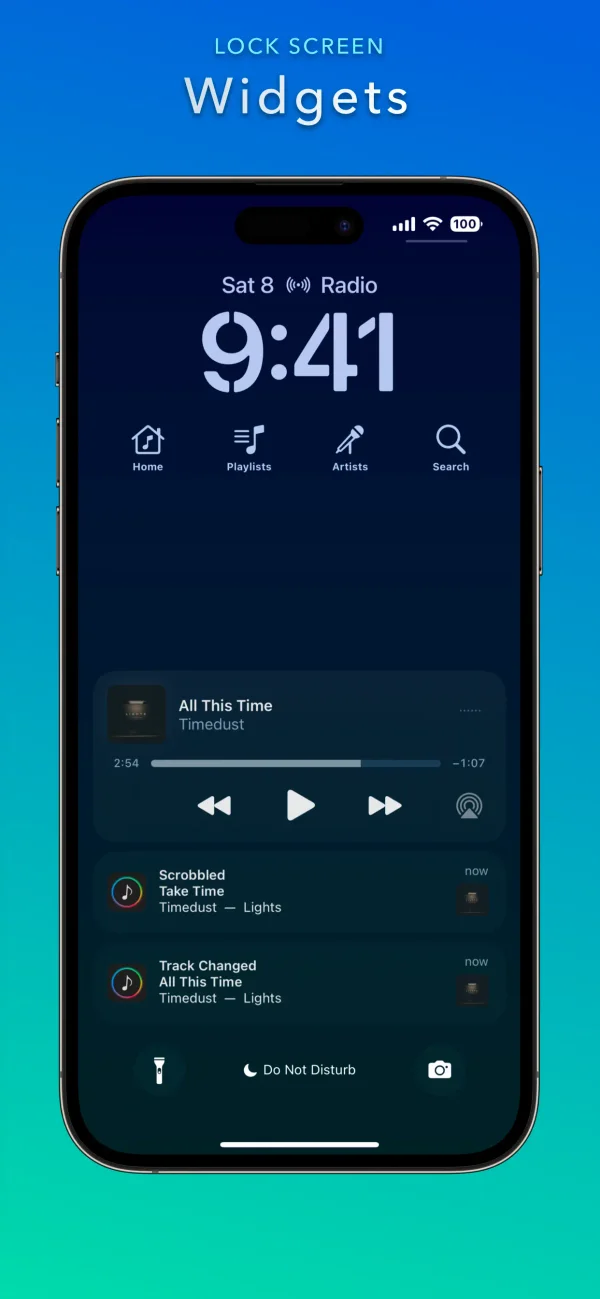

Info
Der Entwickler hat diesen Text nicht in Ihrer Sprache bereitgestellt.
Interact with your music and fall in love with your library all over again.
** Featured on MacStories, 9to5Mac, Cult of Mac, iDownloadBlog, iMore, and more. **
** App of the Year 2022 - MacStories **
Marvis offers a beautiful presentation of your Music Library with loads of powerful features in a minimalistic yet highly customizable UI.
• For Apple Music & iTunes Library.
‣ Supports Apple Music Search, Charts, Listen Now, Radio, and more.
‣ Non-subscribers can search & browse the Apple Music catalog and play 30s preview for all available songs.
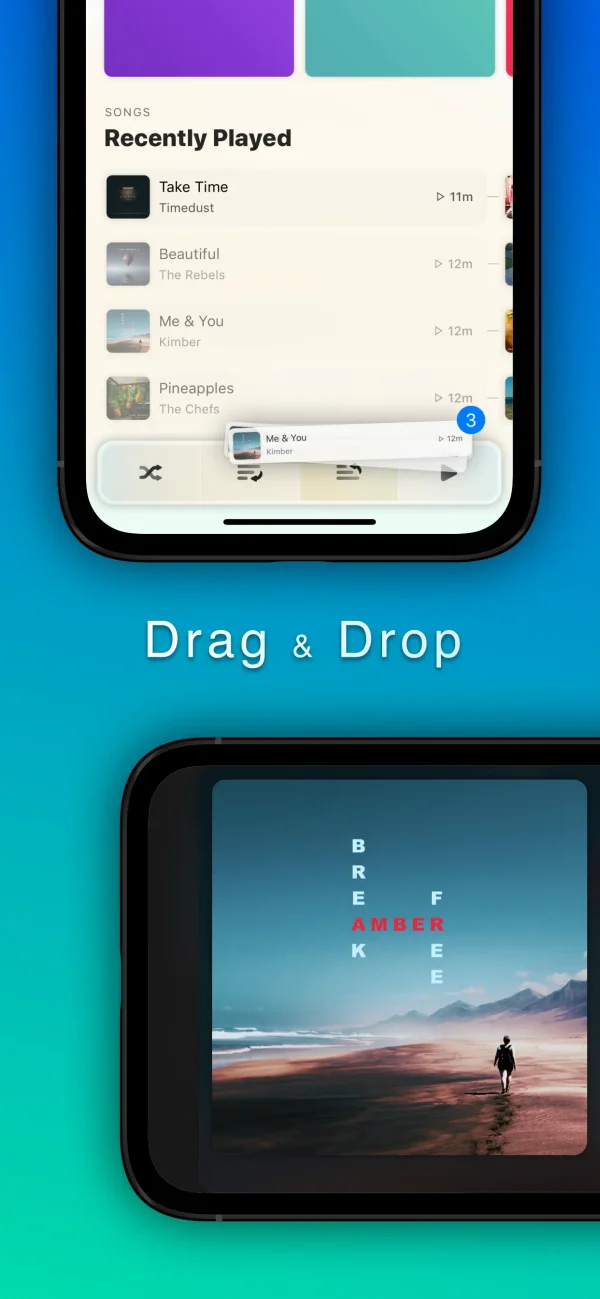
• Use Drag & Drop to add one or more items to Up Next, Play, or Shuffle.
• Advanced Media Details and Artist Info.
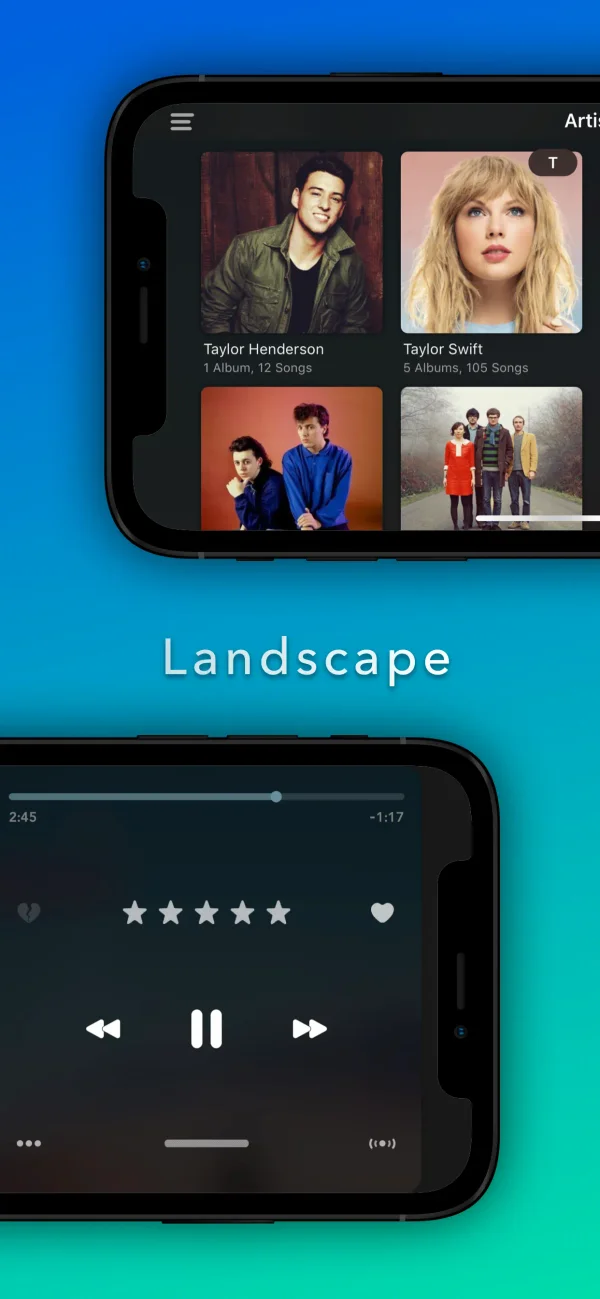
• List & Grid Layout. Multiple Grid styles to choose from, like Cover Flow.
• 40+ App icon choices.
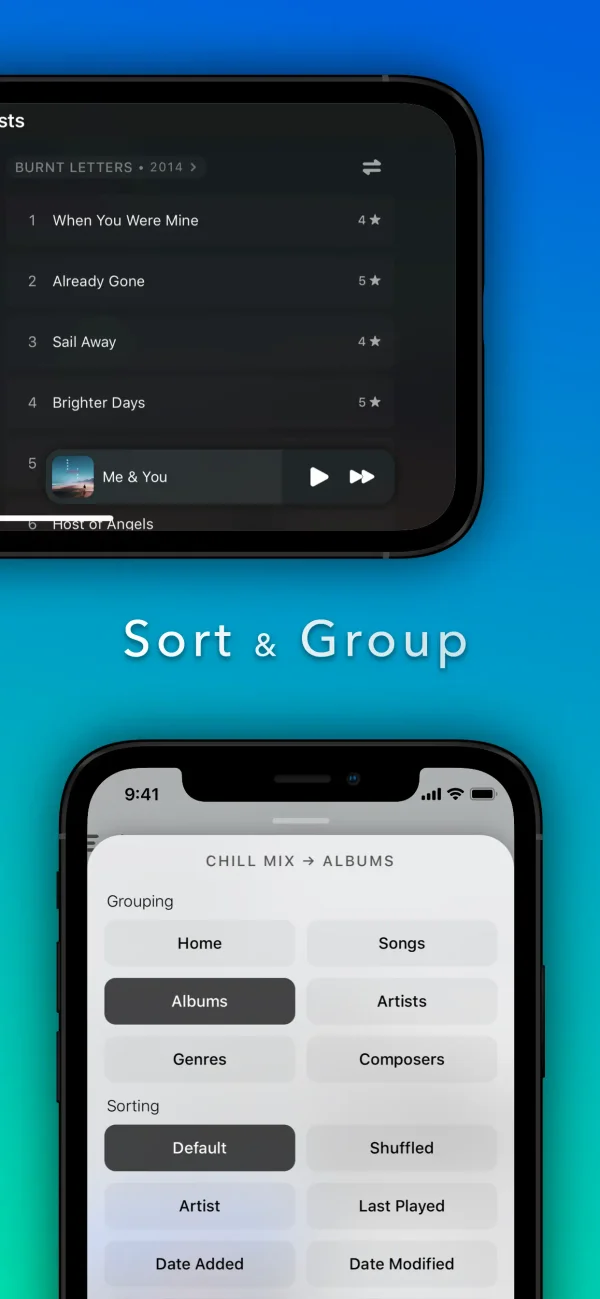
• Sort and Group
‣ Sort by Recently Played/Added, Year, Rating, Play Count, and more.
‣ Group Playlists and Genres into Albums, Artists, Composers, etc.
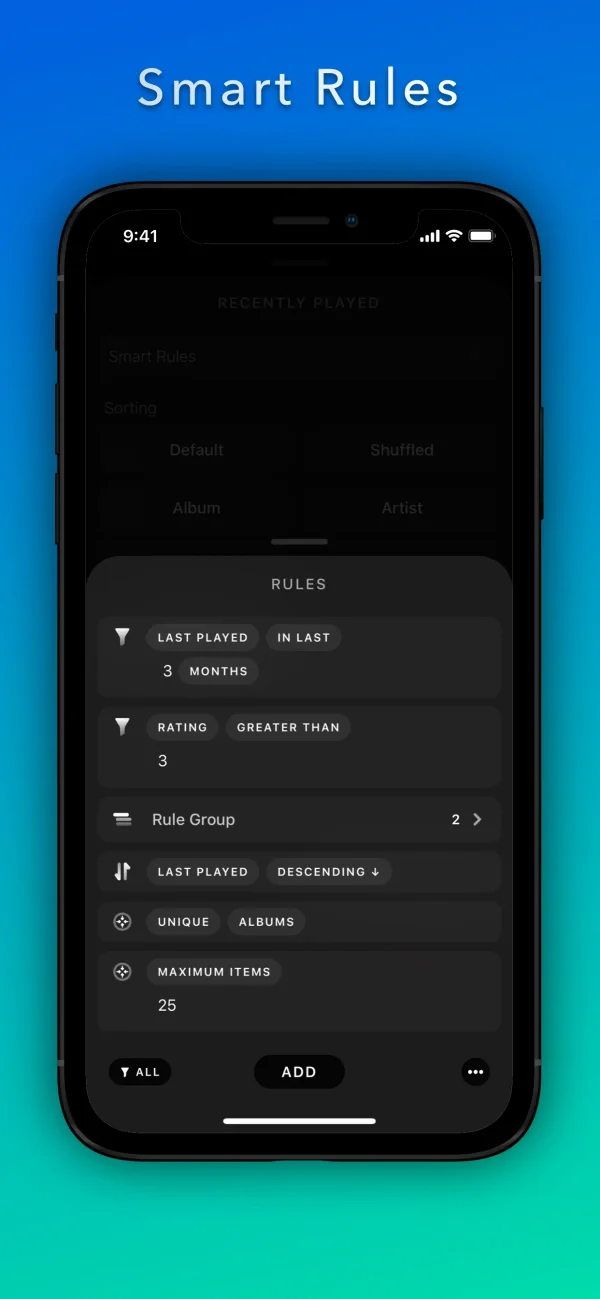
• Smart Rules: Filter, Sort, and Limit.
• Last.fm support.
‣ The ability to scrobble is included with your purchase.
‣ Advanced features require an additional one-time fee.
IMPORTANT:
• It is required to have the Music app installed on your device to use Marvis.
• Due to iOS restrictions, deleting items from your library or playlists via Marvis is not allowed.
Reddit: r/MarvisApp
Neue Funktionen
Version 10.4 · 16.11.2026
Tab Bar Support. Finally!!!
Can be enabled from Marvis Settings → Tab Bar.
Pick of the Day
A new smart section that picks a random music item from your library every day.
It uses the new "Renew Shuffle Order" section setting that you can use to build your own sections like Albums of the Week, Artist of the Month, etc.
Library Artist Home
You can now add Apple Music Artist sections to Library Artist Home.
Minimize Navigation Bar (iOS 27 only)
Enable from Settings → Display → Navigation Bar → Minimize Behavior.
Hide Section Headers
Long-press a section header and choose Hide Header.
Custom Playback Speed
Choose a custom speed with the Playback Speed Control element on the player screen.
Add Playback Speed Control from Settings → Player → Full-Player → Customize Elements.
App-Datenschutz
Was Aditya Rajveer im App Store zum Umgang dieser App mit Daten angibt.
-
Nicht mit Ihnen verknüpfte Daten
Können erfasst werden, sind aber nicht mit Ihrer Identität verknüpft.
- Käufe
Die Datenschutzpraktiken können variieren, zum Beispiel je nach den von Ihnen verwendeten Funktionen oder Ihrem Alter.
Informationen
- Anbieter
- Aditya Rajveer
- Kategorie
- Musik
- Version
- 10.4
- Aktualisiert
- 16.11.2026
- Veröffentlicht
- 14.02.2019
- Größe
- 176,6 MB
- Erfordert
- iOS 26.0 oder neuer
- Altersfreigabe
- 12+
- Preis
- 5,99 €
- In-App-Käufe
- Ja
- Sprachen
- Englisch, Niederländisch, Französisch, Deutsch, Italienisch, Japanisch, Koreanisch, Portugiesisch, Rumänisch, Russisch, Vereinf. Chinesisch, Spanisch + 2 weitere
- Copyright
- © 2015-2026 Aditya Rajveer
Das könnte Ihnen auch gefallen
-
 Albums: Music Library PlayerMusik
-
 QuietScrob – Last.fm ScrobblerMusik
-
 Finale for Last.fmMusik
-
 MusicHarbor - Neue MusikReleases, Konzerte & News
-
 Hezel für Apple MusicMusik wiederherstellen
-
 MusicBox – MusikbibliothekDeine Musik. Deine Sammlung.
-
 Trax ScrobblerMusik
-
 Symphony: Musik & StatistikPlayer, Widgets & Scrobbler
-
 bijou.fmLast.fm Scrobbler + Stats
-
 Denim - Playlist Cover MakerPlaylist Coverbilds Erstellen