
- 対象年齢12+
- カテゴリミュージック
- 開発元Aditya Rajveer
- 言語英語ほか13言語
- サイズ176.6 MB
App Storeの公式ページにリンクしています
Download.orgはMarvis Proのファイルを一切ホストしていません。ボタンを押すと、Aditya Rajveerが公開しているApp Storeのアプリページが開きます。ページの最終確認:2026/11/24。
スクリーンショット

概要
開発元はこのテキストをお使いの言語で提供していません。
Interact with your music and fall in love with your library all over again.
** Featured on MacStories, 9to5Mac, Cult of Mac, iDownloadBlog, iMore, and more. **
** App of the Year 2022 - MacStories **
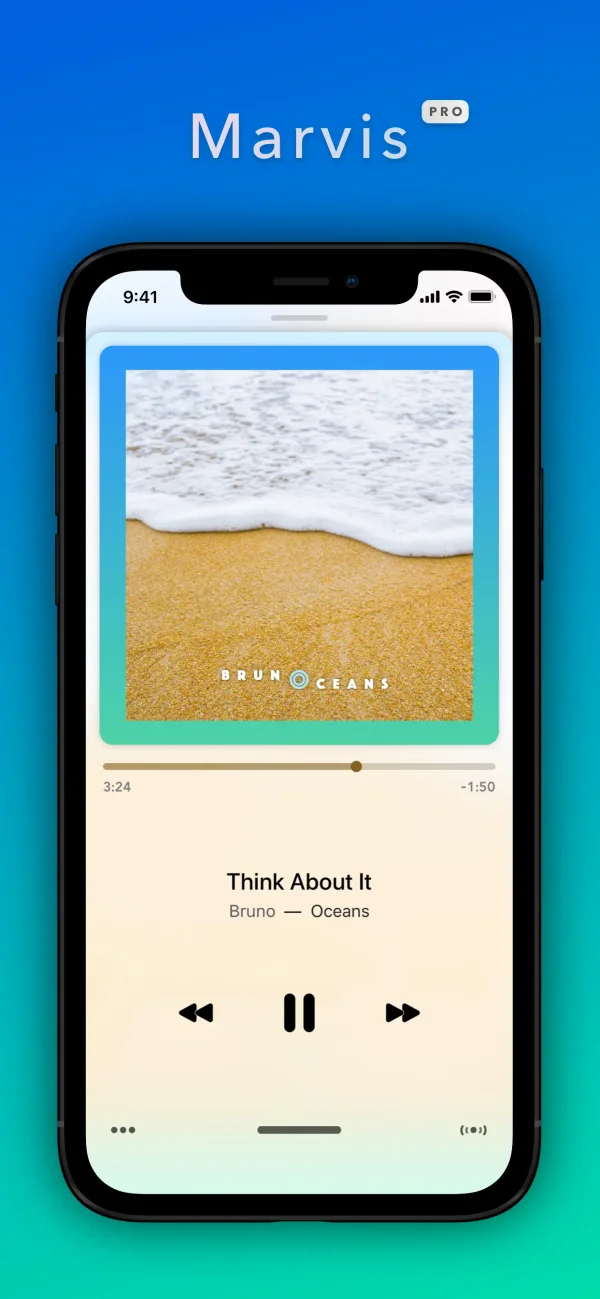
Marvis offers a beautiful presentation of your Music Library with loads of powerful features in a minimalistic yet highly customizable UI.
• For Apple Music & iTunes Library.
‣ Supports Apple Music Search, Charts, Listen Now, Radio, and more.
‣ Non-subscribers can search & browse the Apple Music catalog and play 30s preview for all available songs.
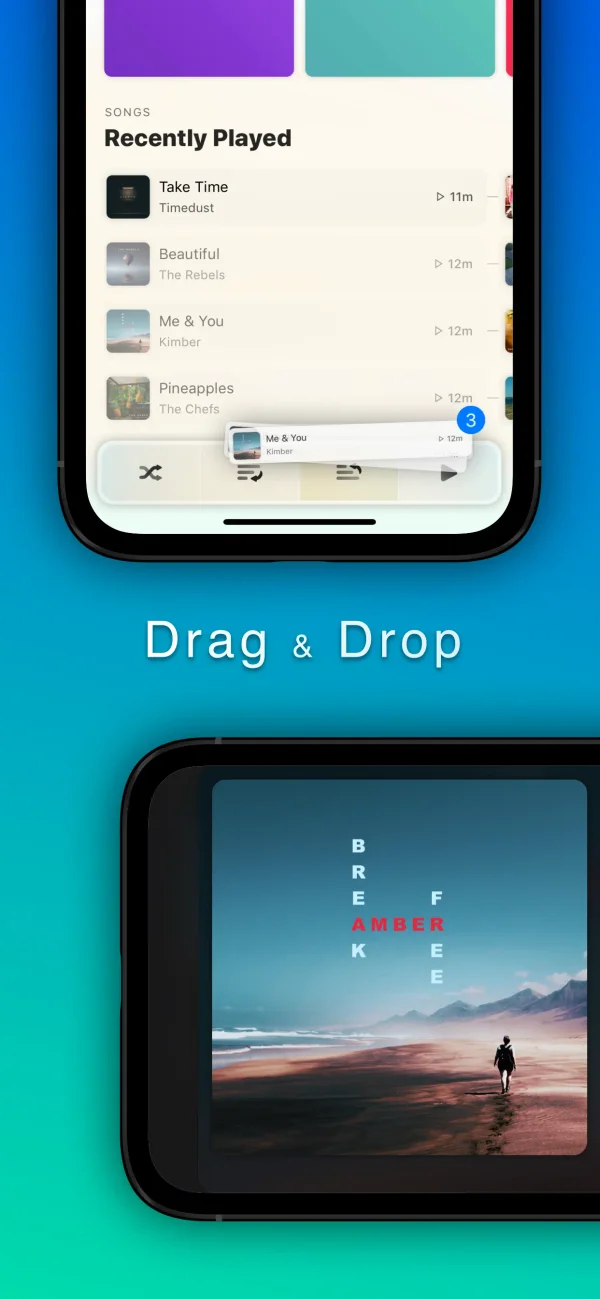
• Use Drag & Drop to add one or more items to Up Next, Play, or Shuffle.
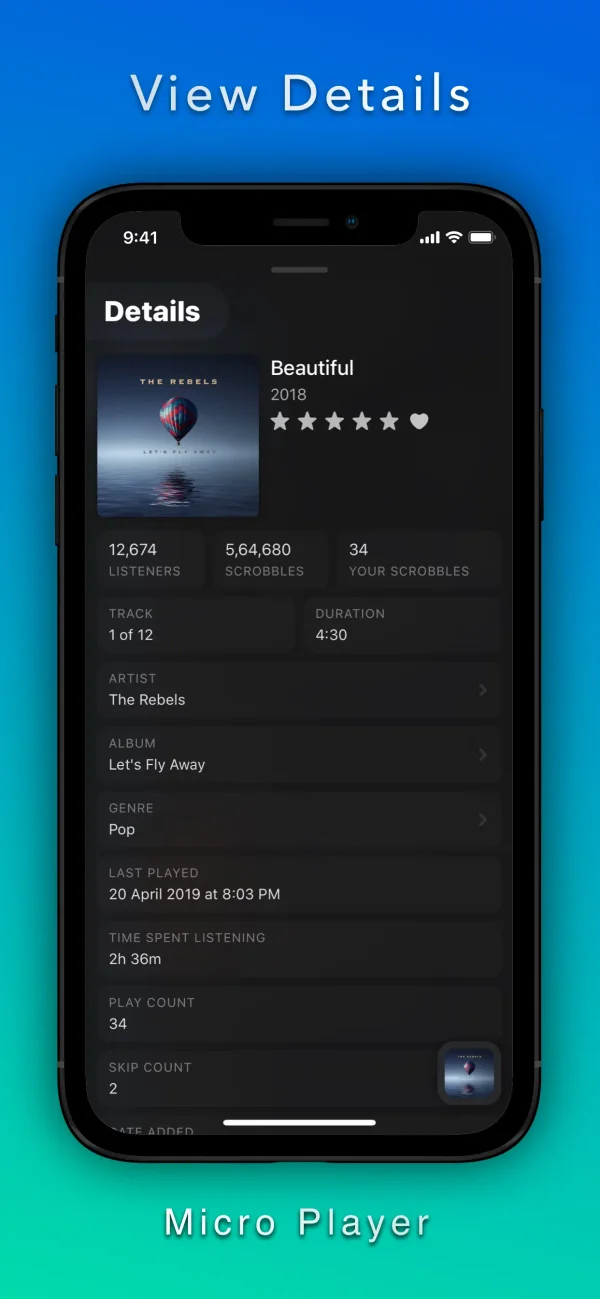
• Advanced Media Details and Artist Info.
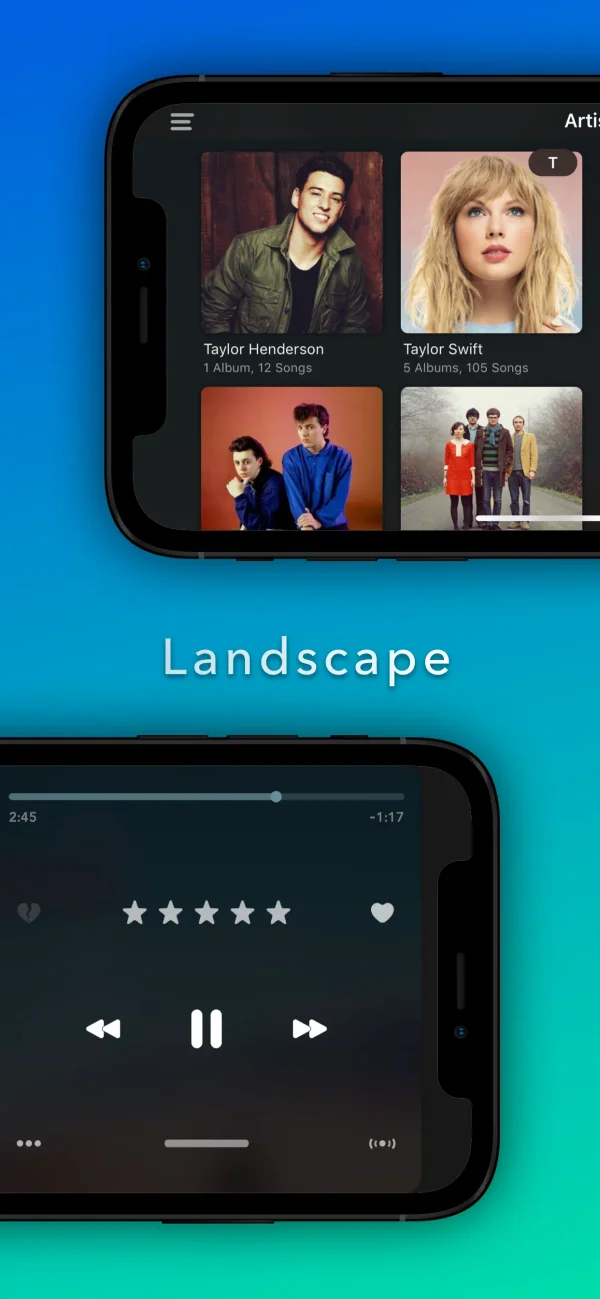
• List & Grid Layout. Multiple Grid styles to choose from, like Cover Flow.
• 40+ App icon choices.
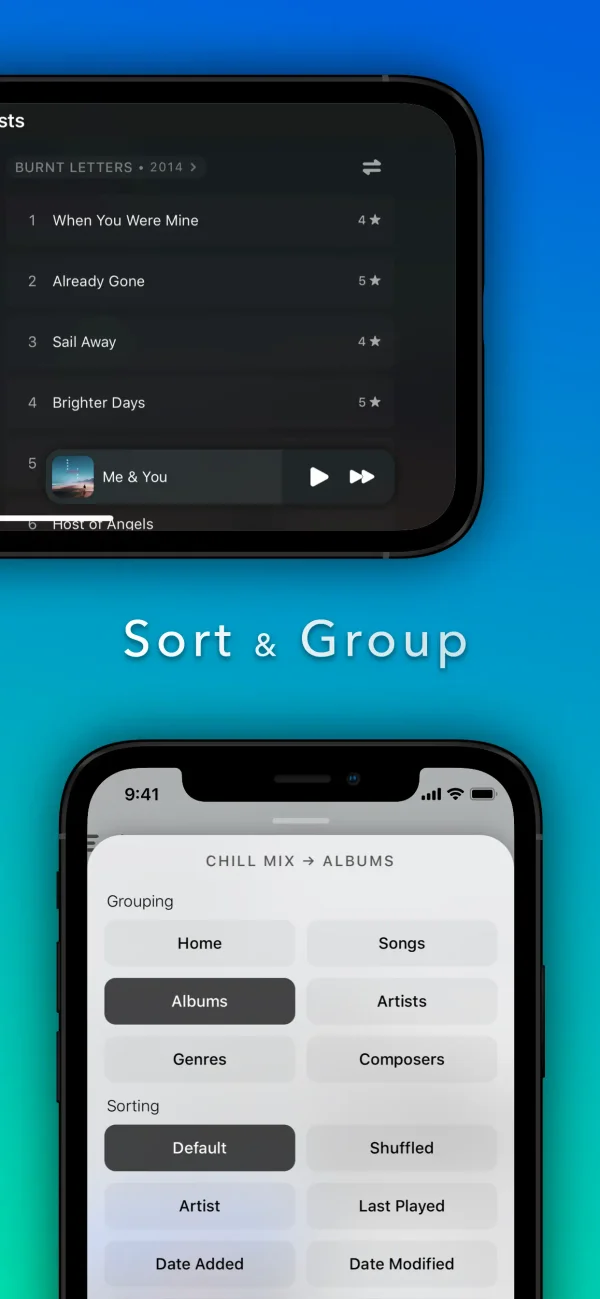
• Sort and Group
‣ Sort by Recently Played/Added, Year, Rating, Play Count, and more.
‣ Group Playlists and Genres into Albums, Artists, Composers, etc.
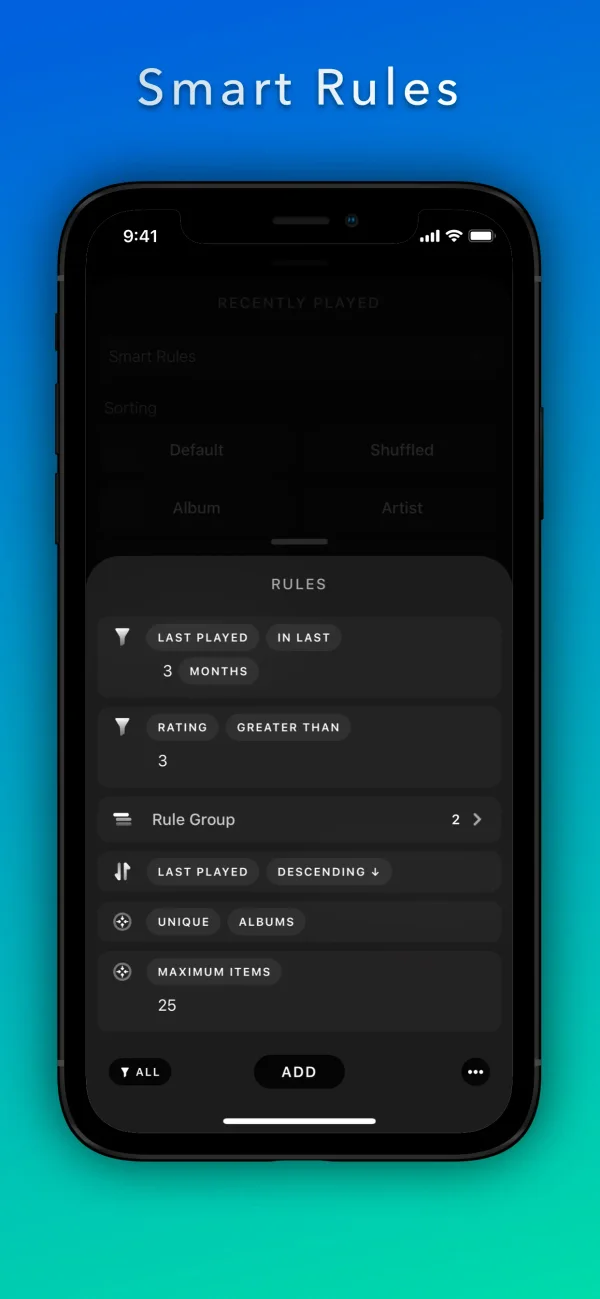
• Smart Rules: Filter, Sort, and Limit.
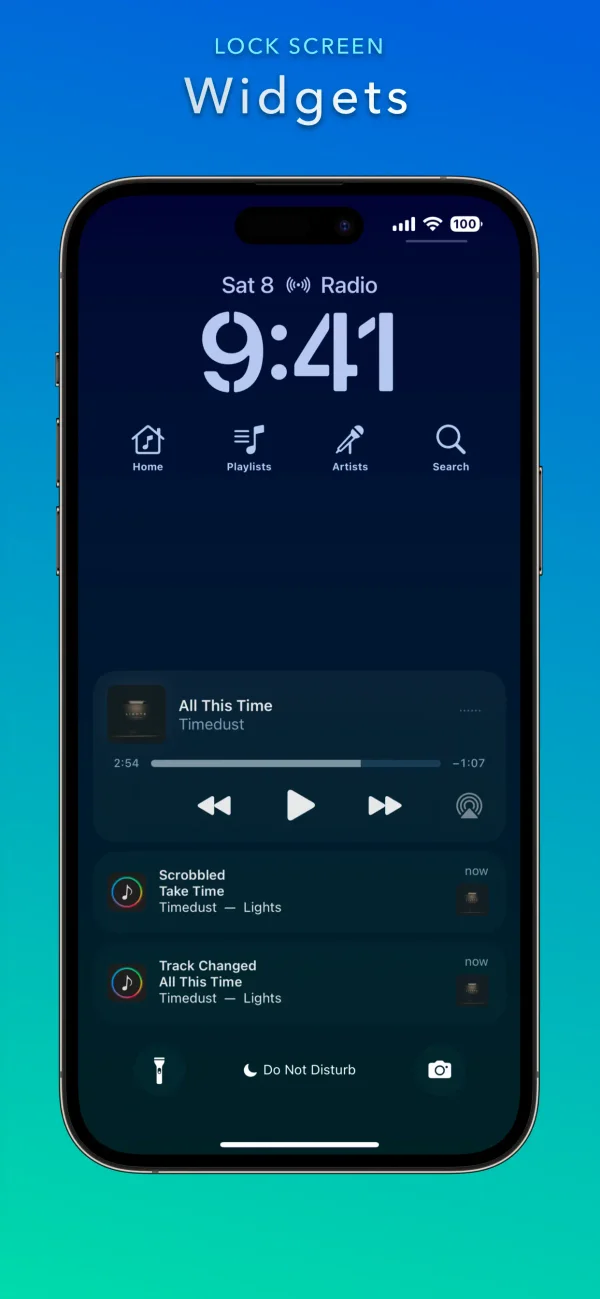
• Last.fm support.
‣ The ability to scrobble is included with your purchase.
‣ Advanced features require an additional one-time fee.
IMPORTANT:
• It is required to have the Music app installed on your device to use Marvis.
• Due to iOS restrictions, deleting items from your library or playlists via Marvis is not allowed.
Reddit: r/MarvisApp
新機能
バージョン 10.4 · 2026/11/16
Tab Bar Support. Finally!!!
Can be enabled from Marvis Settings → Tab Bar.
Pick of the Day
A new smart section that picks a random music item from your library every day.
It uses the new "Renew Shuffle Order" section setting that you can use to build your own sections like Albums of the Week, Artist of the Month, etc.
Library Artist Home
You can now add Apple Music Artist sections to Library Artist Home.
Minimize Navigation Bar (iOS 27 only)
Enable from Settings → Display → Navigation Bar → Minimize Behavior.
Hide Section Headers
Long-press a section header and choose Hide Header.
Custom Playback Speed
Choose a custom speed with the Playback Speed Control element on the player screen.
Add Playback Speed Control from Settings → Player → Full-Player → Customize Elements.
アプリのプライバシー
このアプリのデータの取り扱いについて、Aditya RajveerがApp Storeで申告している内容です。
-
ユーザーに関連付けられないデータ
収集される場合がありますが、ユーザーの識別情報には関連付けられません。
- 購入
プライバシーの取り扱いは、ご利用の機能やお客様の年齢などに応じて異なる場合があります。
情報
- 販売元
- Aditya Rajveer
- カテゴリ
- ミュージック
- バージョン
- 10.4
- 更新日
- 2026/11/16
- リリース
- 2019/2/14
- サイズ
- 176.6 MB
- 必要条件
- iOS 26.0以降
- 対象年齢
- 12+
- 価格
- ¥800
- アプリ内課金
- あり
- 言語
- 英語, オランダ語, フランス語, ドイツ語, イタリア語, 日本語, 韓国語, ポルトガル語, ルーマニア語, ロシア語, 簡体字中国語, スペイン語 ほか2言語
- 著作権
- © 2015-2026 Aditya Rajveer
こちらもおすすめ
-
 Albums: Music Library Playerミュージック
-
 QuietScrob – Last.fm Scrobblerミュージック
-
 Finale for Last.fmミュージック
-
 MusicHarbor - 新しい音楽を追跡するリリース、コンサート、ニュース、音楽ビデオを見つける
-
 Hezel Apple Music向けかんたん音楽バックアップ&復元
-
 MusicBox: Catalog and Organizeミュージック
-
 Trax Scrobblerミュージック
-
 Symphony: 音楽プレーヤー&統計再生回数・履歴・ウィジェット
-
 bijou.fmLast.fm Scrobbler + Stats
-
 Denim - Playlist Cover Makerミュージック