
Marvis Pro
Rediscover your music
Designed for iPhone, iPad
$4.99 · In-app purchases
- Age rating12+
- CategoryMusic
- DeveloperAditya Rajveer
- LanguagesEnglish+ 13 more
- Size176.6 MB
Links to the official App Store page
Download.org hosts no file of Marvis Pro. The button opens its official App Store page, published by Aditya Rajveer. Listing last checked on Nov 24, 2026.
Screenshots


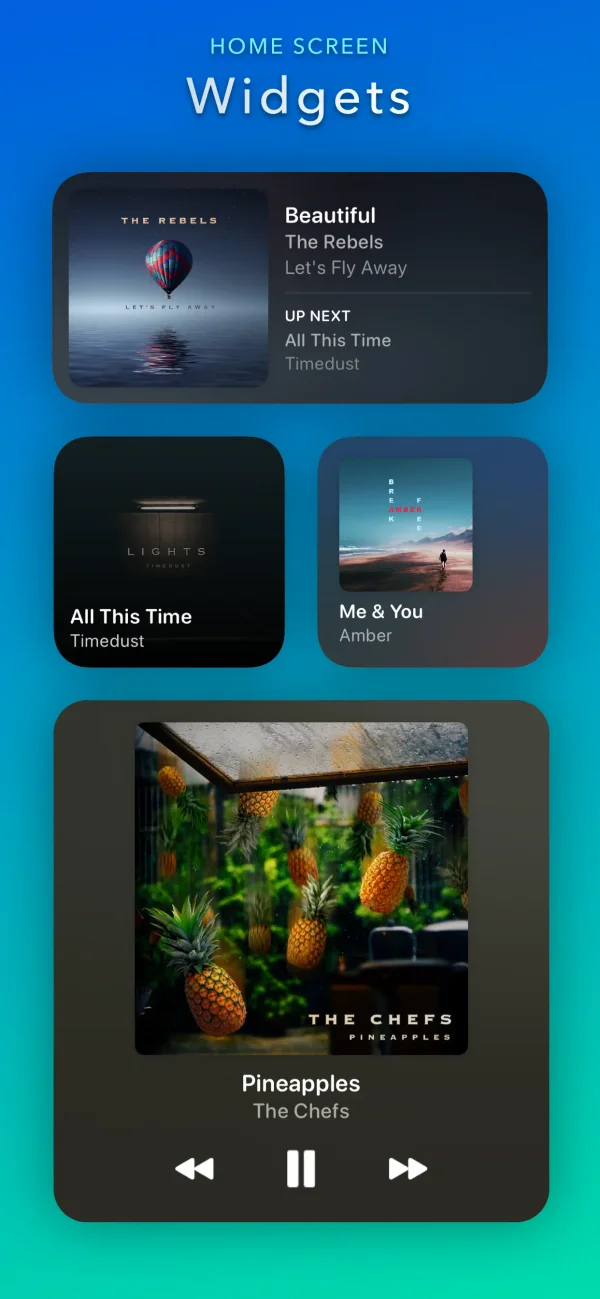
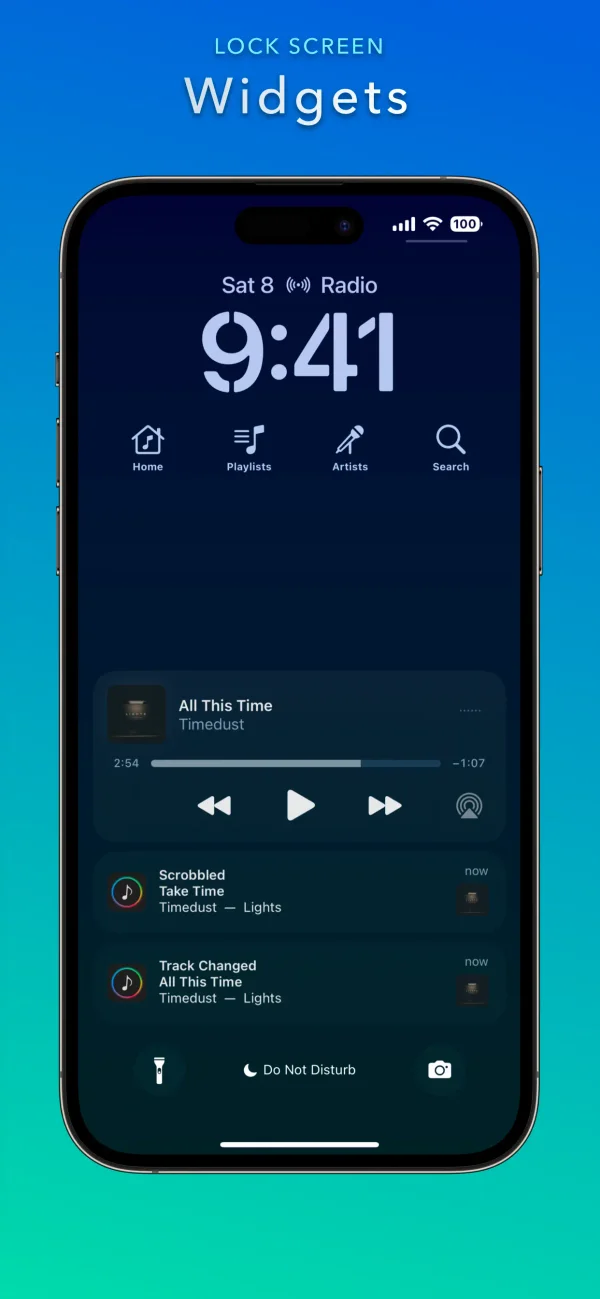

About
Interact with your music and fall in love with your library all over again.
** Featured on MacStories, 9to5Mac, Cult of Mac, iDownloadBlog, iMore, and more. **
** App of the Year 2022 - MacStories **
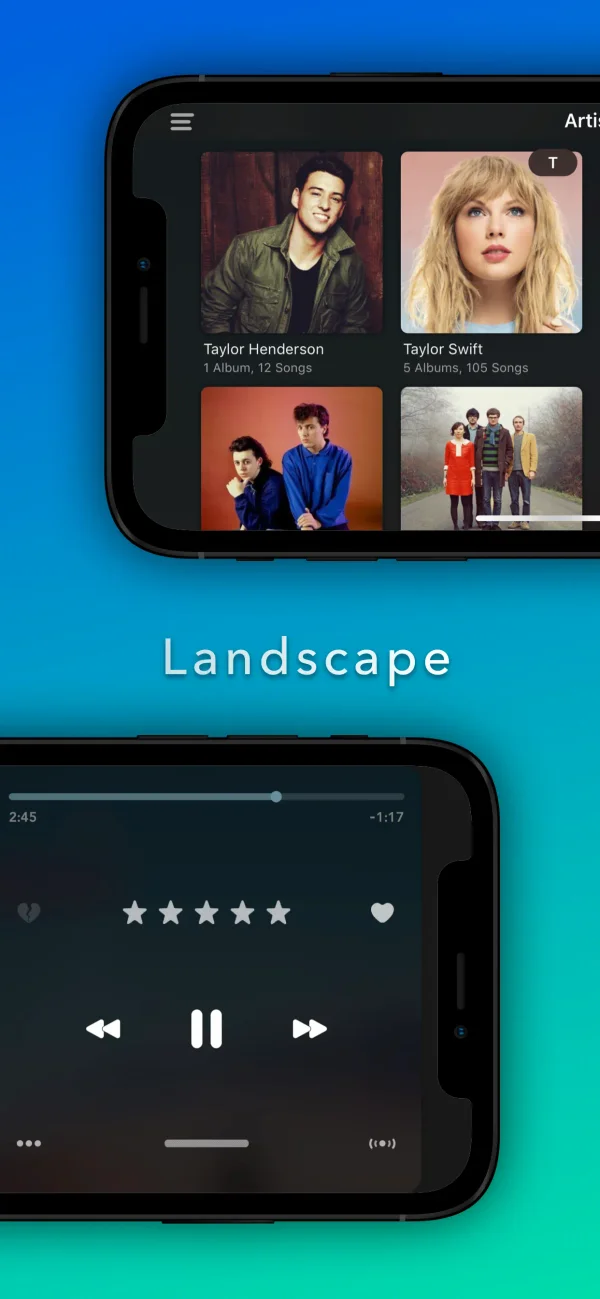
Marvis offers a beautiful presentation of your Music Library with loads of powerful features in a minimalistic yet highly customizable UI.
• For Apple Music & iTunes Library.
‣ Supports Apple Music Search, Charts, Listen Now, Radio, and more.
‣ Non-subscribers can search & browse the Apple Music catalog and play 30s preview for all available songs.
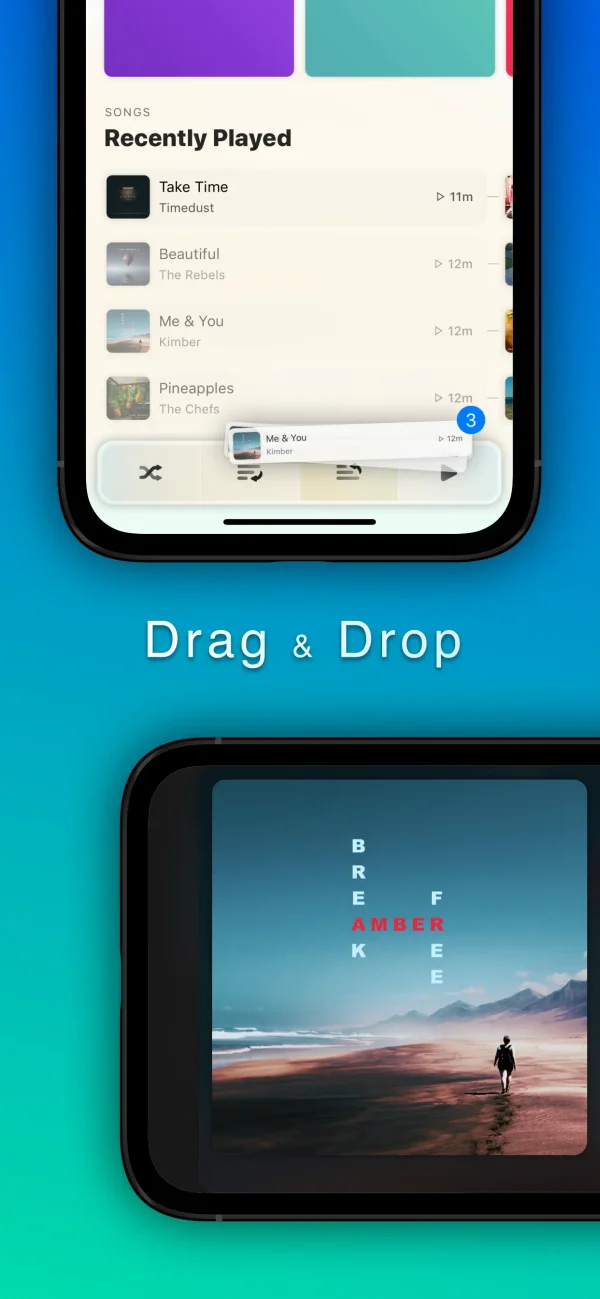
• Use Drag & Drop to add one or more items to Up Next, Play, or Shuffle.
• Advanced Media Details and Artist Info.
• List & Grid Layout. Multiple Grid styles to choose from, like Cover Flow.
• 40+ App icon choices.
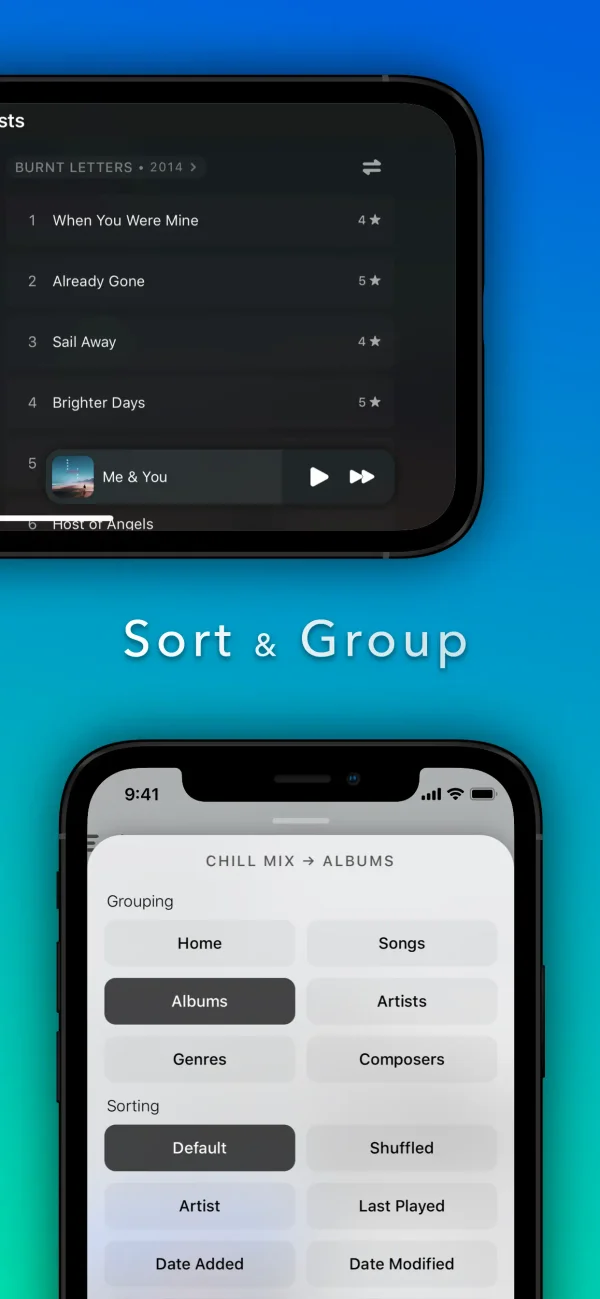
• Sort and Group
‣ Sort by Recently Played/Added, Year, Rating, Play Count, and more.
‣ Group Playlists and Genres into Albums, Artists, Composers, etc.
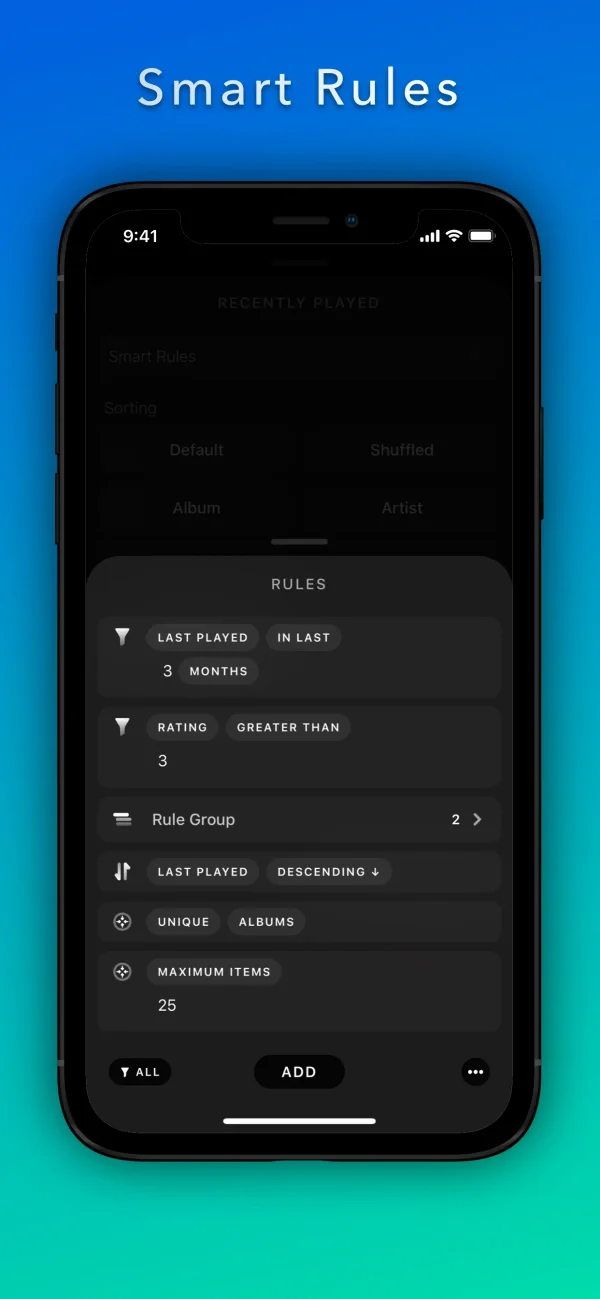
• Smart Rules: Filter, Sort, and Limit.
• Last.fm support.
‣ The ability to scrobble is included with your purchase.
‣ Advanced features require an additional one-time fee.
IMPORTANT:
• It is required to have the Music app installed on your device to use Marvis.
• Due to iOS restrictions, deleting items from your library or playlists via Marvis is not allowed.
Reddit: r/MarvisApp
What’s new
Version 10.4 · Nov 16, 2026
Tab Bar Support. Finally!!!
Can be enabled from Marvis Settings → Tab Bar.
Pick of the Day
A new smart section that picks a random music item from your library every day.
It uses the new "Renew Shuffle Order" section setting that you can use to build your own sections like Albums of the Week, Artist of the Month, etc.
Library Artist Home
You can now add Apple Music Artist sections to Library Artist Home.
Minimize Navigation Bar (iOS 27 only)
Enable from Settings → Display → Navigation Bar → Minimize Behavior.
Hide Section Headers
Long-press a section header and choose Hide Header.
Custom Playback Speed
Choose a custom speed with the Playback Speed Control element on the player screen.
Add Playback Speed Control from Settings → Player → Full-Player → Customize Elements.
App privacy
What Aditya Rajveer declares on the App Store about how this app handles data.
-
Data not linked to you
May be collected but is not linked to your identity.
- Purchases
Privacy practices may vary, for example with the features you use or your age.
Information
- Seller
- Aditya Rajveer
- Category
- Music
- Version
- 10.4
- Updated
- Nov 16, 2026
- Released
- Feb 14, 2019
- Size
- 176.6 MB
- Requires
- iOS 26.0 or later
- Age rating
- 12+
- Price
- $4.99
- In-app purchases
- Yes
- Languages
- English, Dutch, French, German, Italian, Japanese, Korean, Portuguese, Romanian, Russian, Simplified Chinese, Spanish + 2 more
- Copyright
- © 2015-2026 Aditya Rajveer
You might also like
-
 Albums: Music Library PlayerExplore & Organize Your Music
-
 QuietScrob – Last.fm ScrobblerScrobbling from Apple Music
-
 Finale for Last.fmA Last.fm client & scrobbler
-
 MusicHarbor - Track New MusicFind album releases by artist
-
 Hezel for Apple MusicEasy music backup & recovery
-
 MusicBox: Catalog and OrganizeMusic Backlog & Album Tracker
-
 Trax ScrobblerThe Ultimate Last.fm Scrobbler
-
 Symphony: Music Stats & PlayerListening Tracker & Widgets
-
 bijou.fmLast.fm Scrobbler + Stats
-
 Denim - Playlist Cover MakerPlaylist art, made easy & fun!