
Marvis Pro
Rediscover your music
Diseñada para iPhone, iPad
5,99 € · Compras en la aplicación
- Clasificación por edad12+
- CategoríaMúsica
- DesarrolladorAditya Rajveer
- IdiomasInglés+ 13 más
- Tamaño176,6 MB
Enlaza a la página oficial de App Store
Download.org no aloja ningún archivo de Marvis Pro. El botón abre la página de la aplicación en App Store, donde la publica Aditya Rajveer. Ficha comprobada por última vez el 24/11/2026.
Capturas de pantalla

Acerca de
El desarrollador no ha proporcionado este texto en tu idioma.
Interact with your music and fall in love with your library all over again.
** Featured on MacStories, 9to5Mac, Cult of Mac, iDownloadBlog, iMore, and more. **
** App of the Year 2022 - MacStories **
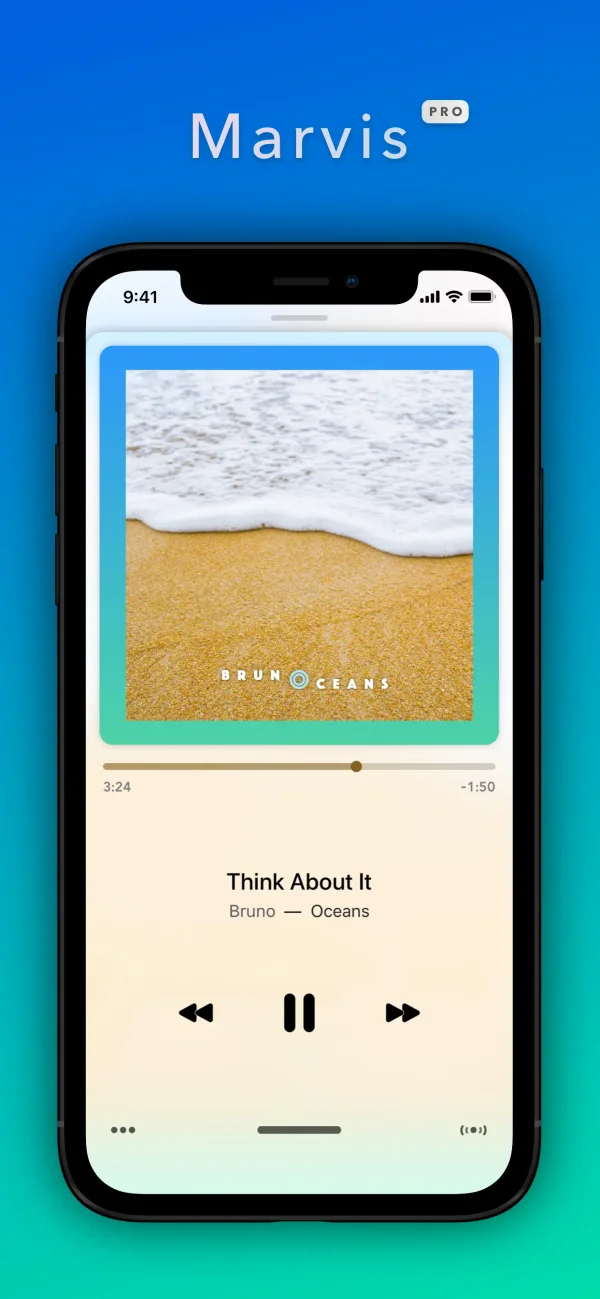
Marvis offers a beautiful presentation of your Music Library with loads of powerful features in a minimalistic yet highly customizable UI.
• For Apple Music & iTunes Library.
‣ Supports Apple Music Search, Charts, Listen Now, Radio, and more.
‣ Non-subscribers can search & browse the Apple Music catalog and play 30s preview for all available songs.
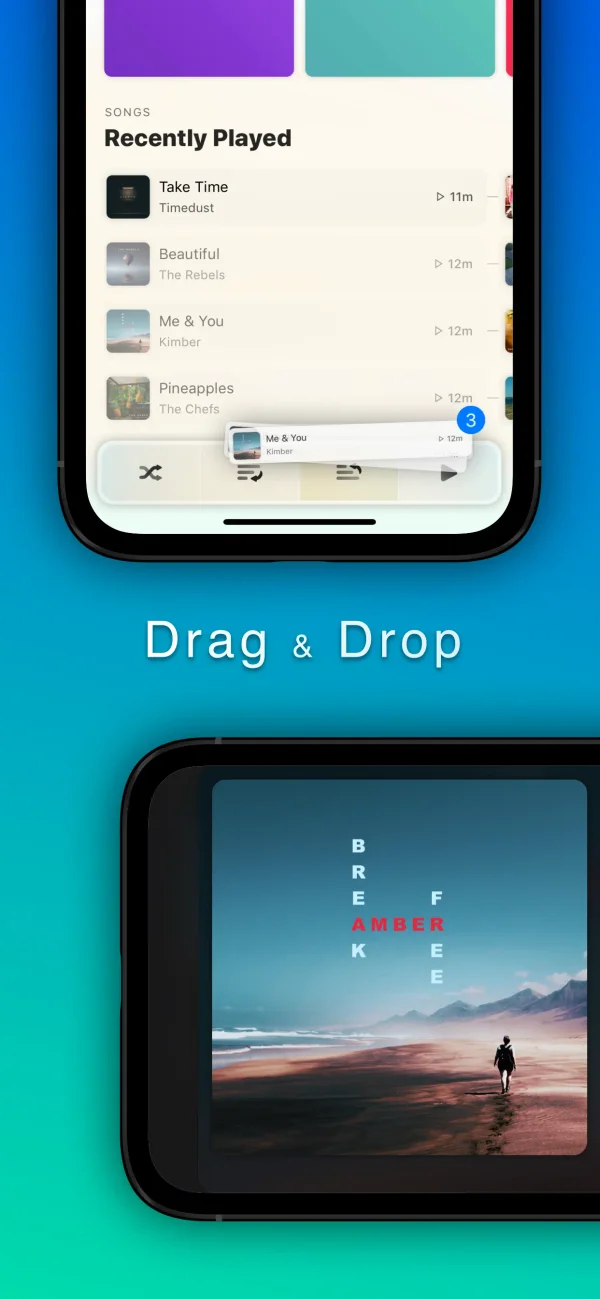
• Use Drag & Drop to add one or more items to Up Next, Play, or Shuffle.
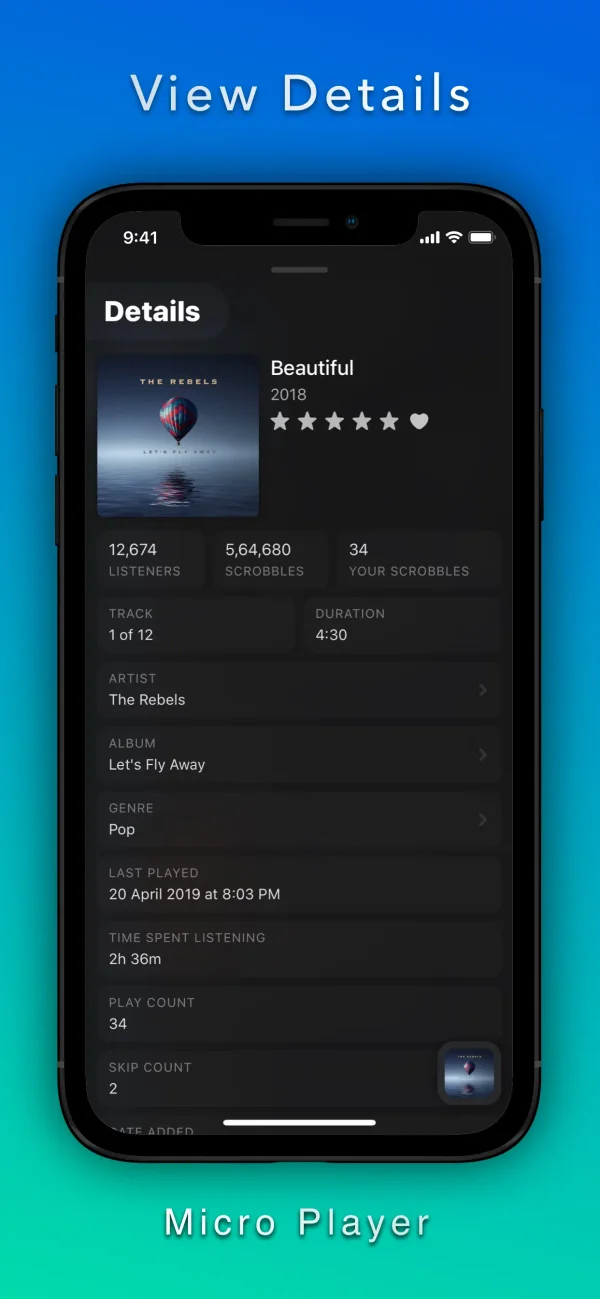
• Advanced Media Details and Artist Info.
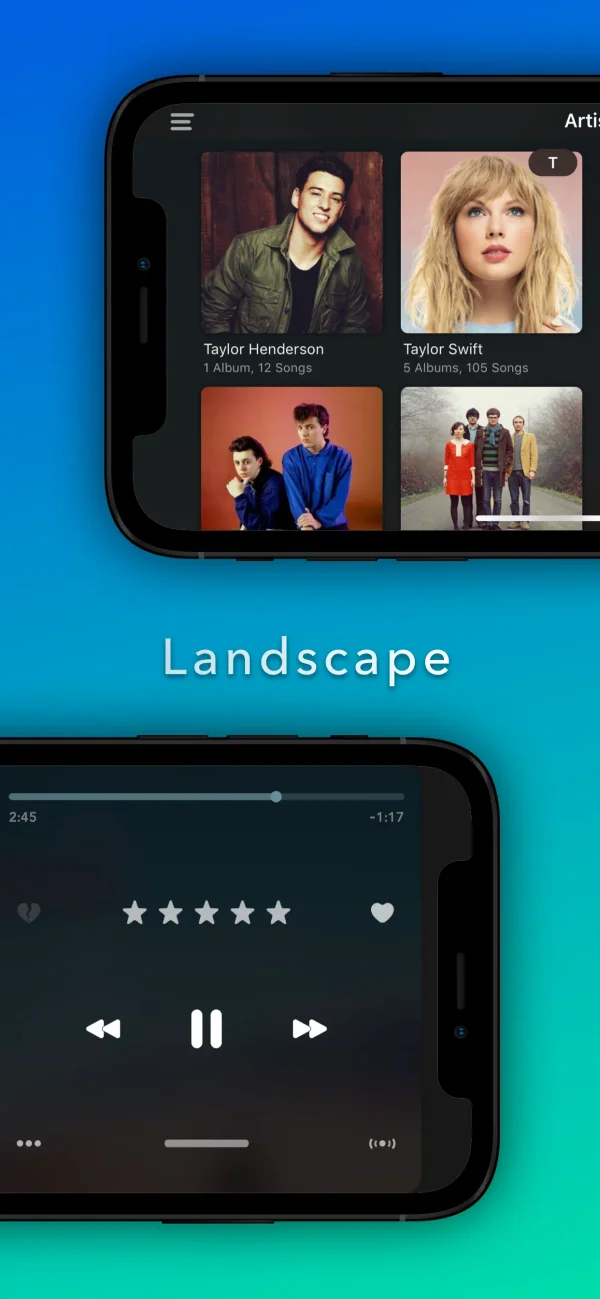
• List & Grid Layout. Multiple Grid styles to choose from, like Cover Flow.
• 40+ App icon choices.
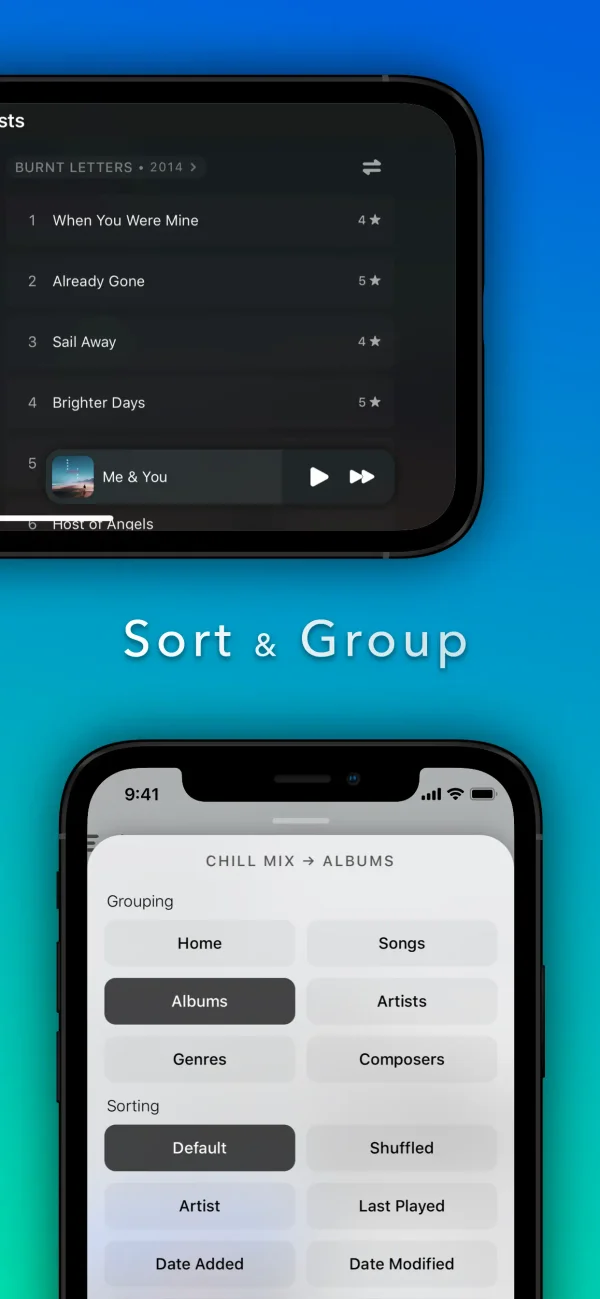
• Sort and Group
‣ Sort by Recently Played/Added, Year, Rating, Play Count, and more.
‣ Group Playlists and Genres into Albums, Artists, Composers, etc.
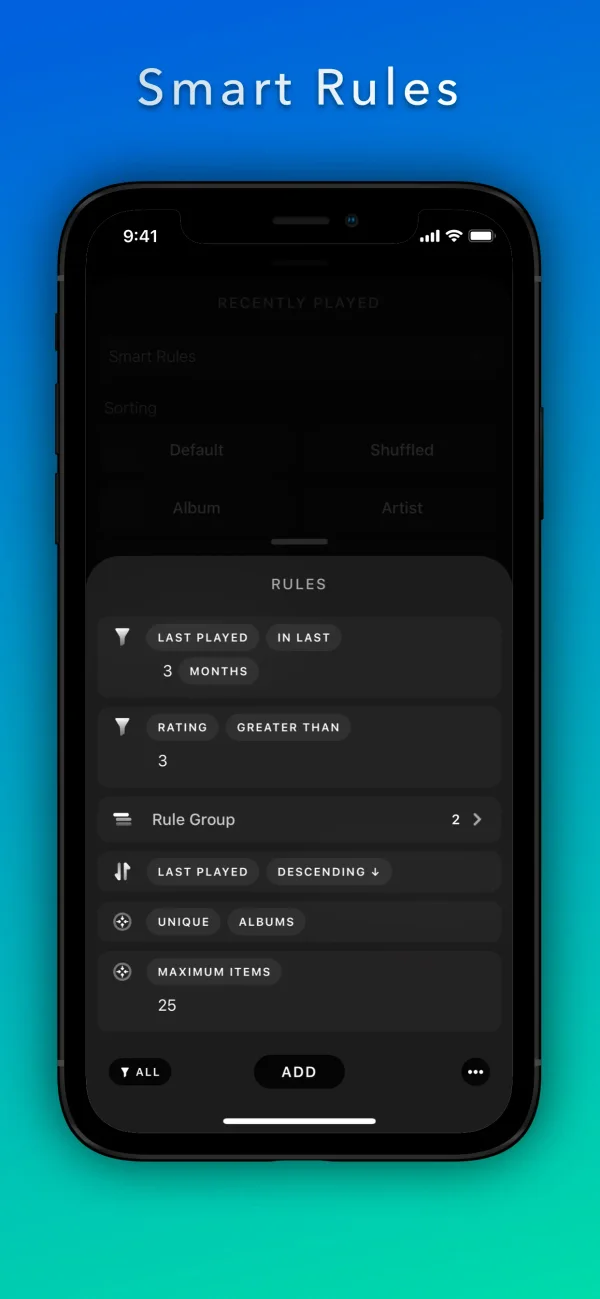
• Smart Rules: Filter, Sort, and Limit.
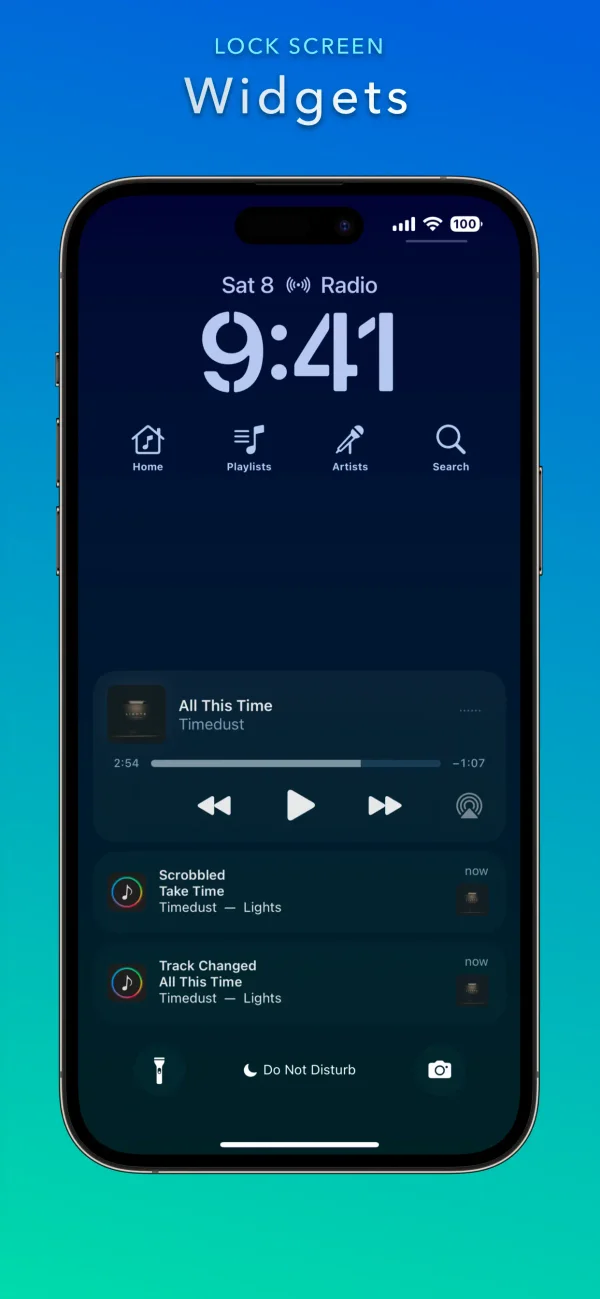
• Last.fm support.
‣ The ability to scrobble is included with your purchase.
‣ Advanced features require an additional one-time fee.
IMPORTANT:
• It is required to have the Music app installed on your device to use Marvis.
• Due to iOS restrictions, deleting items from your library or playlists via Marvis is not allowed.
Reddit: r/MarvisApp
Novedades
Versión 10.4 · 16/11/2026
Tab Bar Support. Finally!!!
Can be enabled from Marvis Settings → Tab Bar.
Pick of the Day
A new smart section that picks a random music item from your library every day.
It uses the new "Renew Shuffle Order" section setting that you can use to build your own sections like Albums of the Week, Artist of the Month, etc.
Library Artist Home
You can now add Apple Music Artist sections to Library Artist Home.
Minimize Navigation Bar (iOS 27 only)
Enable from Settings → Display → Navigation Bar → Minimize Behavior.
Hide Section Headers
Long-press a section header and choose Hide Header.
Custom Playback Speed
Choose a custom speed with the Playback Speed Control element on the player screen.
Add Playback Speed Control from Settings → Player → Full-Player → Customize Elements.
Privacidad de la aplicación
Lo que Aditya Rajveer declara en App Store sobre cómo esta aplicación gestiona los datos.
-
Datos no vinculados a ti
Pueden recopilarse, pero no se vinculan a tu identidad.
- Compras
Las prácticas de privacidad pueden variar, por ejemplo, según las funciones que uses o tu edad.
Información
- Vendedor
- Aditya Rajveer
- Categoría
- Música
- Versión
- 10.4
- Actualizado
- 16/11/2026
- Publicado
- 14/2/2019
- Tamaño
- 176,6 MB
- Requiere
- iOS 26.0 o posterior
- Clasificación por edad
- 12+
- Precio
- 5,99 €
- Compras en la aplicación
- Sí
- Idiomas
- Inglés, Neerlandés, Francés, Alemán, Italiano, Japonés, Coreano, Portugués, Rumano, Ruso, Chino simplificado, Español + 2 más
- Copyright
- © 2015-2026 Aditya Rajveer
Quizá también te guste
-
 Albums: Music Library PlayerMúsica
-
 QuietScrob – Last.fm ScrobblerMúsica
-
 Finale for Last.fmMúsica
-
 MusicHarbor: Nuevas CancionesLanzamientos, shows, noticias
-
 Hezel para Apple MusicCopia y recuperación fácil
-
 MusicBox: Caja OrganizadoraGuarda álbumes para después
-
 Trax ScrobblerMúsica
-
 Symphony: Estadísticas MúsicaReproductor, widgets y temas
-
 bijou.fmLast.fm Scrobbler + Stats
-
 Denim - Playlist Cover MakerArte de lista de reproducción