- Altersfreigabe4+
- KategorieFoto und Video
- Entwickler朋伟 吕
- SprachenEnglisch+ 1 weitere
- Größe3,0 MB
Verlinkt auf die offizielle App Store-Seite
Download.org hostet keine Datei von MicCam. Die Schaltfläche öffnet die App-Seite bei App Store, wo 朋伟 吕 die App veröffentlicht. Eintrag zuletzt geprüft am 14.11.2026.
Screenshots
Info
Der Entwickler hat diesen Text nicht in Ihrer Sprache bereitgestellt.
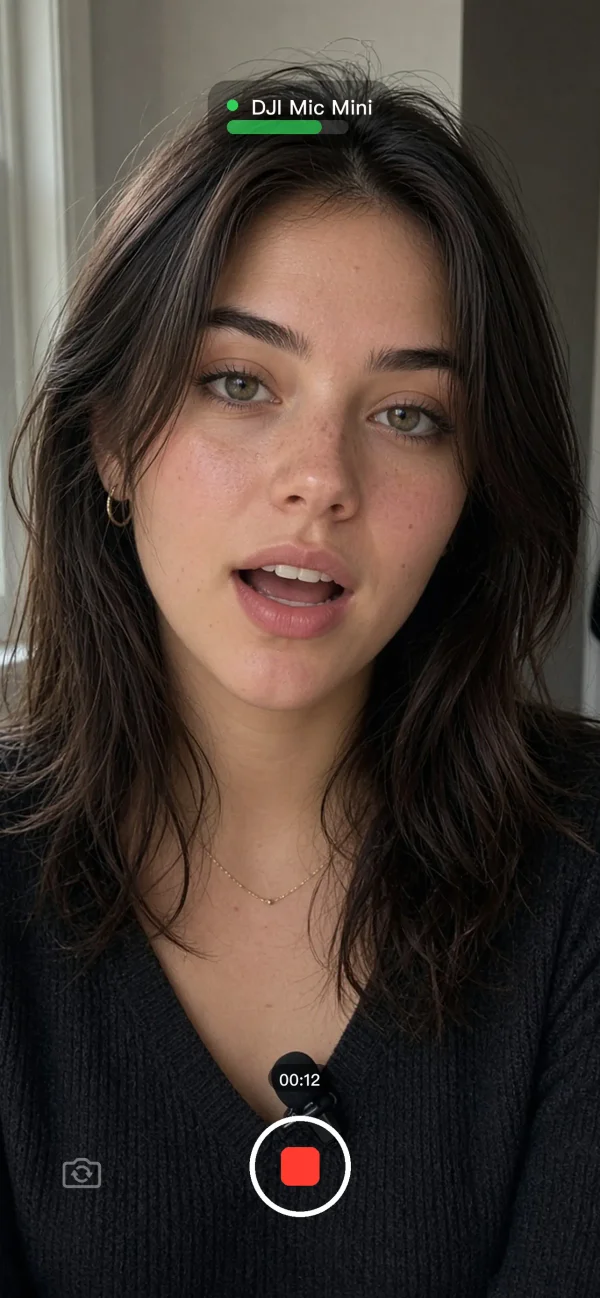
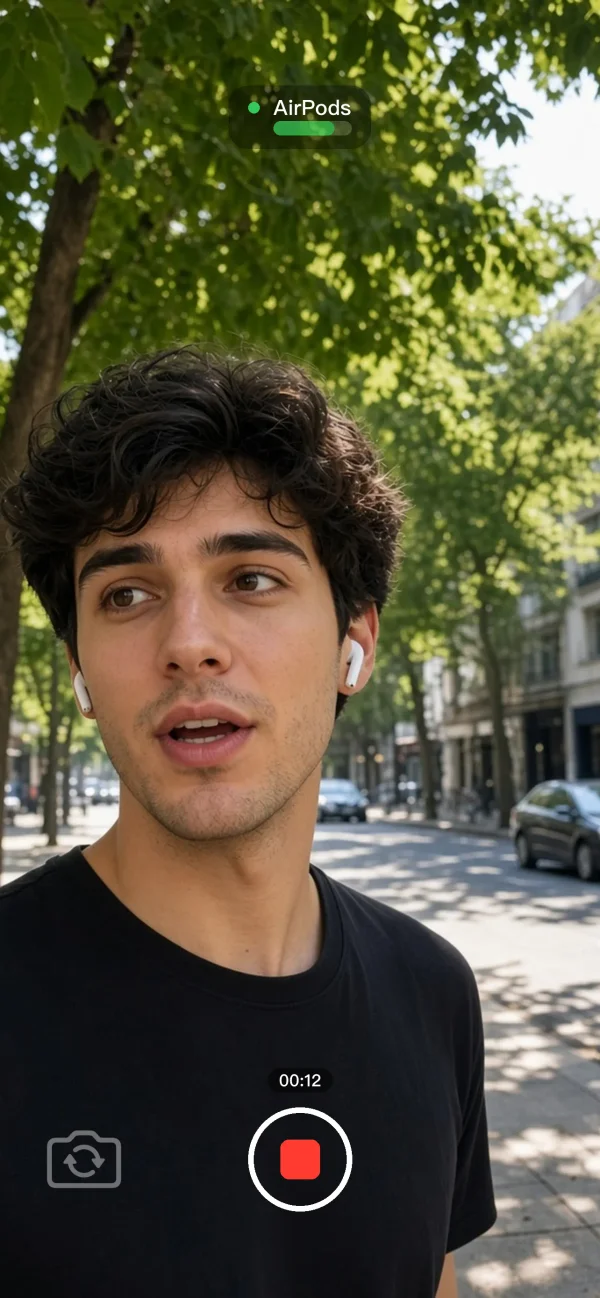
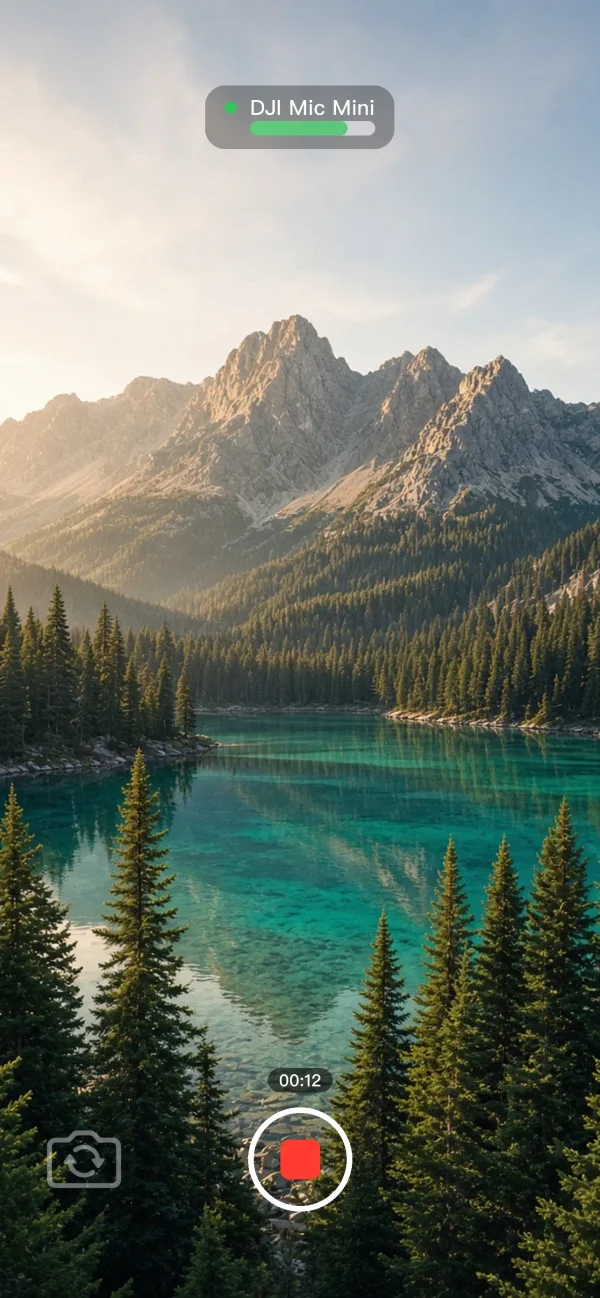
MicCam records video using the camera on your iPhone or iPad, and captures audio from your paired Bluetooth microphone.
How to use:
1. Turn on your microphone and complete pairing in Bluetooth within System Settings.
2. Open MicCam and grant permission for camera and microphone access.
3. Once the microphone name appears at the top of the screen, tap the red button to start recording.
4. Tap the button again to stop. The video will be automatically saved to Photos.
MicCam requests access to the camera, microphone, photo library for adding photos, and location if you permit it. All videos are stored locally in Photos on your device only. No videos will be uploaded. There are no accounts or advertisements.
This app is independent of microphone manufacturers. Any device model names shown merely indicate compatibility and do not imply production or endorsement by the respective manufacturer.
App-Datenschutz
Was 朋伟 吕 im App Store zum Umgang dieser App mit Daten angibt.
-
Keine Daten erfasst
Der Entwickler erfasst keine Daten von dieser App.
Die Datenschutzpraktiken können variieren, zum Beispiel je nach den von Ihnen verwendeten Funktionen oder Ihrem Alter.
Informationen
- Anbieter
- 朋伟 吕
- Kategorie
- Foto und Video
- Version
- 1.0
- Aktualisiert
- 07.10.2026
- Veröffentlicht
- 07.10.2026
- Größe
- 3,0 MB
- Erfordert
- iOS 17.0 oder neuer
- Altersfreigabe
- 4+
- Preis
- Kostenlos
- Sprachen
- Englisch, Vereinf. Chinesisch
- Copyright
- © 2026 Pengwei Lv.
Das könnte Ihnen auch gefallen
-
 PipCam: Front- & RückkameraZwei Kameras, ein Video
-
 AudioFix Pro: Für VideosVerbessere Audio in Videos
-
 VideoMaster Pro: EQ für VideosTon, Lautstärke, EQ für Videos
-
 LeapticFoto und Video
-
 ArtMovie - Pro Cinema CameraFoto und Video
-
 Delete Photos Videos: AI CleanFoto und Video
-
 Muse — Composition CameraFoto und Video
-
 Blark: Pro Black&White CameraBlack and White Photos, RAW
-
 CPCamFoto und Video
-
 Video Volume Booster: LoudifyFoto und Video