- 対象年齢4+
- カテゴリ写真/ビデオ
- 開発元朋伟 吕
- 言語英語ほか1言語
- サイズ3.0 MB
App Storeの公式ページにリンクしています
Download.orgはMicCamのファイルを一切ホストしていません。ボタンを押すと、朋伟 吕が公開しているApp Storeのアプリページが開きます。ページの最終確認:2026/11/14。
スクリーンショット
概要
開発元はこのテキストをお使いの言語で提供していません。
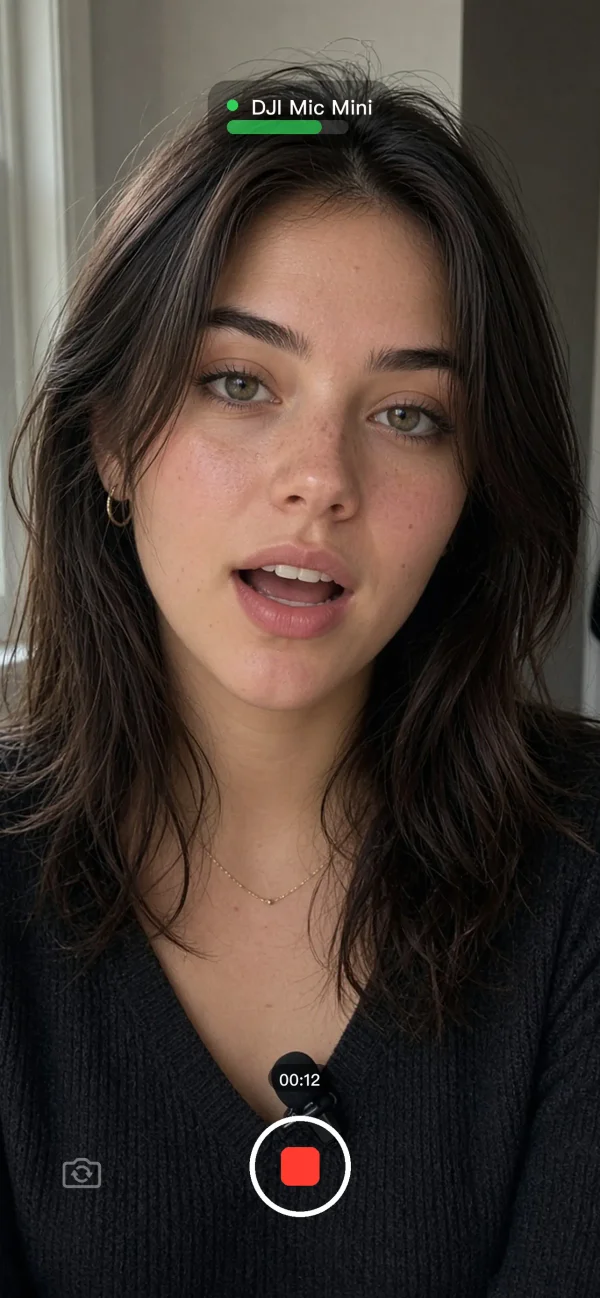
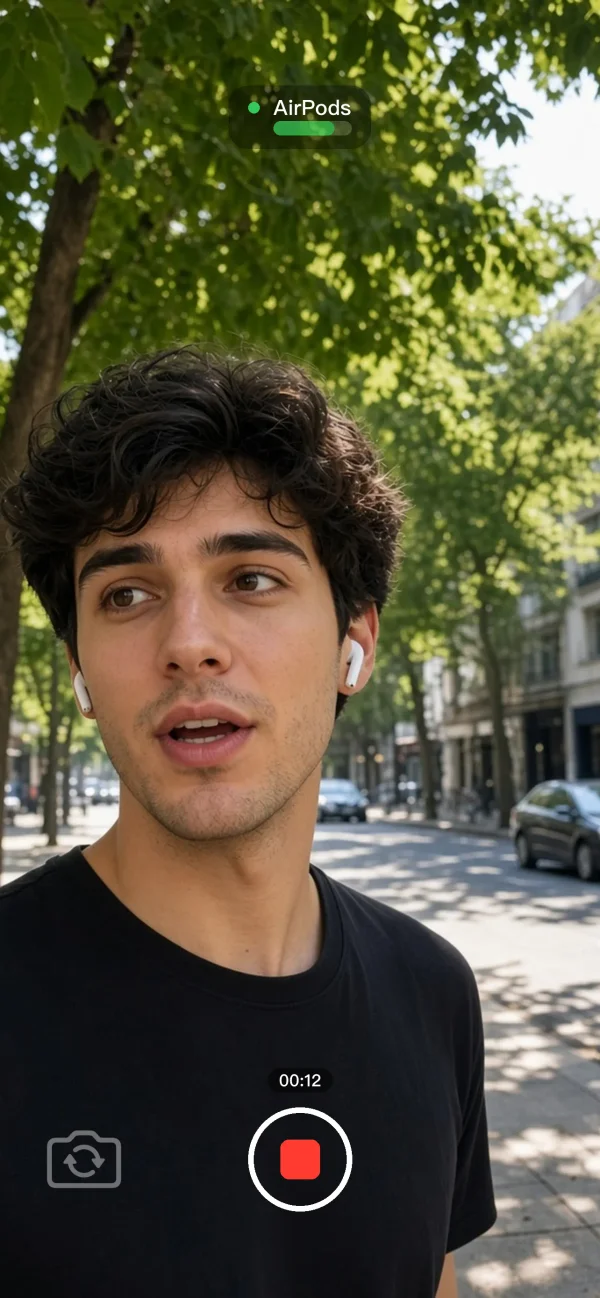
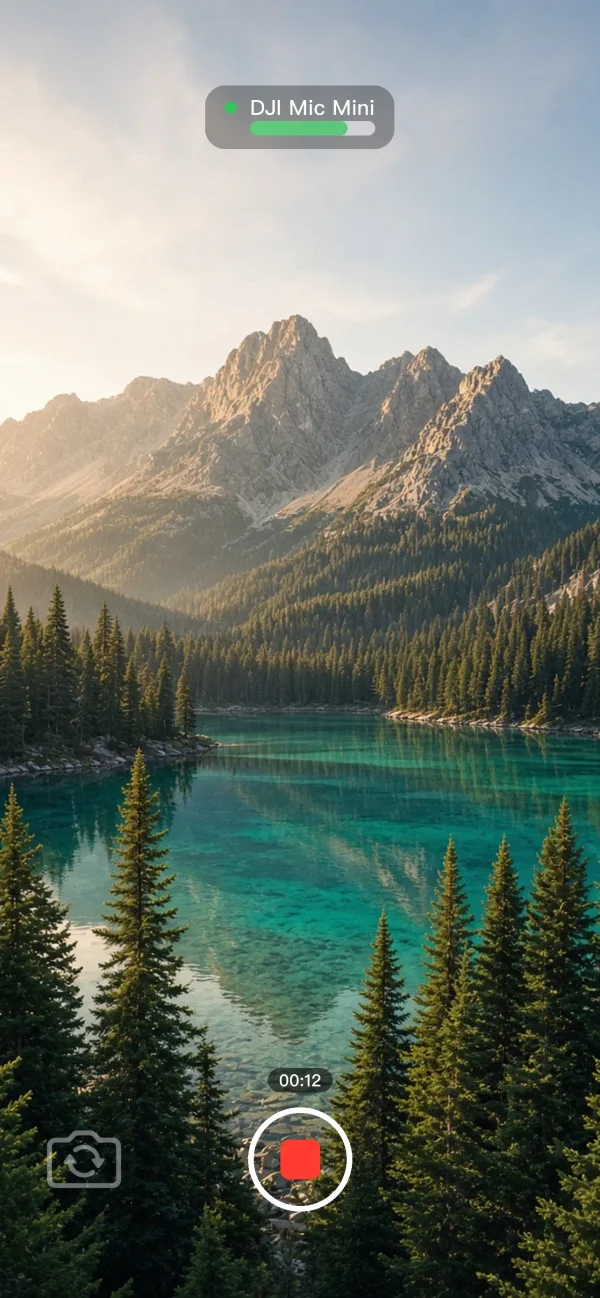
MicCam records video using the camera on your iPhone or iPad, and captures audio from your paired Bluetooth microphone.
How to use:
1. Turn on your microphone and complete pairing in Bluetooth within System Settings.
2. Open MicCam and grant permission for camera and microphone access.
3. Once the microphone name appears at the top of the screen, tap the red button to start recording.
4. Tap the button again to stop. The video will be automatically saved to Photos.
MicCam requests access to the camera, microphone, photo library for adding photos, and location if you permit it. All videos are stored locally in Photos on your device only. No videos will be uploaded. There are no accounts or advertisements.
This app is independent of microphone manufacturers. Any device model names shown merely indicate compatibility and do not imply production or endorsement by the respective manufacturer.
アプリのプライバシー
このアプリのデータの取り扱いについて、朋伟 吕がApp Storeで申告している内容です。
-
データの収集なし
開発元はこのアプリからデータを収集しません。
プライバシーの取り扱いは、ご利用の機能やお客様の年齢などに応じて異なる場合があります。
情報
- 販売元
- 朋伟 吕
- カテゴリ
- 写真/ビデオ
- バージョン
- 1.0
- 更新日
- 2026/10/7
- リリース
- 2026/10/7
- サイズ
- 3.0 MB
- 必要条件
- iOS 17.0以降
- 対象年齢
- 4+
- 価格
- 無料
- 言語
- 英語, 簡体字中国語
- 著作権
- © 2026 Pengwei Lv.
こちらもおすすめ
-
 PipCam: 前面と背面を同時撮影2つのカメラ、1本の動画
-
 AudioFix Pro: ビデオ用にビデオの音を改善する即座にあなたの動画の音声を改良、音量アップ
-
 VideoMaster Pro: ビデオのオーディオ改善ビデオの音質を改善するオーディオイコライザーとエディター
-
 Leaptic写真/ビデオ
-
 ArtMovie - Pro Cinema Camera写真/ビデオ
-
 Delete Photos Videos: AI Clean写真/ビデオ
-
 Muse 構図カメラ点線に合わせるだけで、映える構図
-
 Blark: Pro Black&White CameraProRAW、手動制御、BW
-
 CPCam構図&フィルム&無シャープカメラ(旧CopyShot)
-
 Video Volume Booster: Loudify写真/ビデオ