- Batasan usia4+
- KategoriFoto & Video
- Pengembang朋伟 吕
- BahasaInggris+ 1 lainnya
- Ukuran3,0 MB
Tertaut ke halaman resmi App Store
Download.org tidak menyimpan file MicCam apa pun. Tombol ini membuka halaman aplikasi di App Store, tempat 朋伟 吕 menerbitkannya. Halaman terakhir diperiksa pada 14/11/2026.
Tangkapan layar
Tentang
Pengembang belum menyediakan teks ini dalam bahasa Anda.
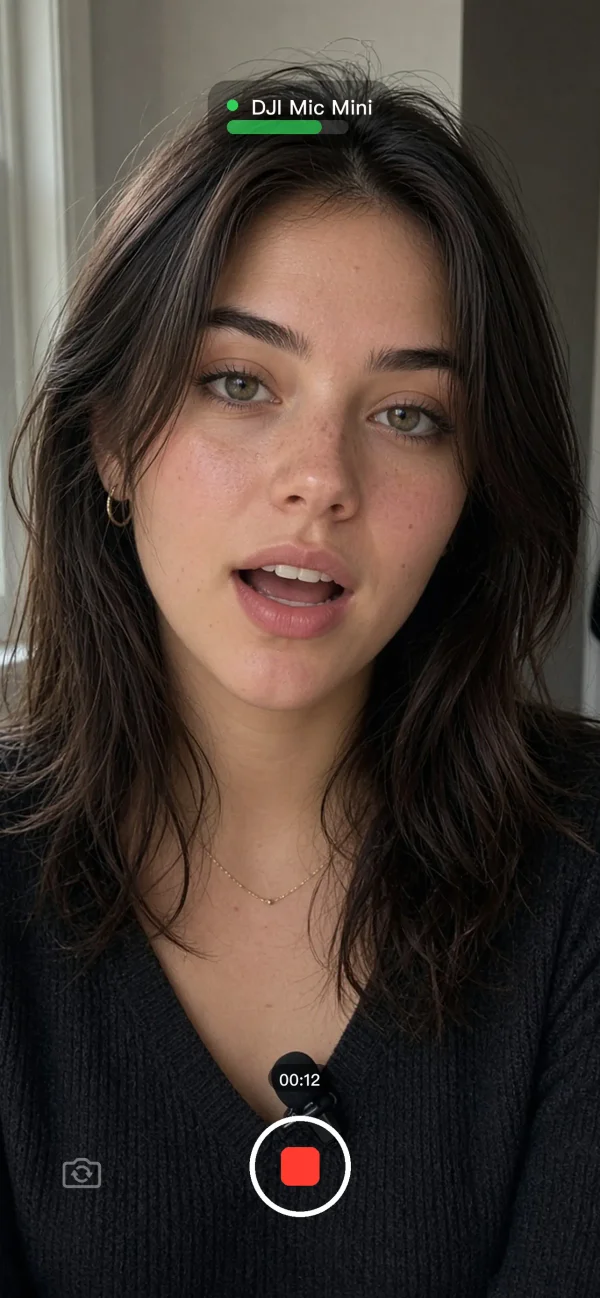
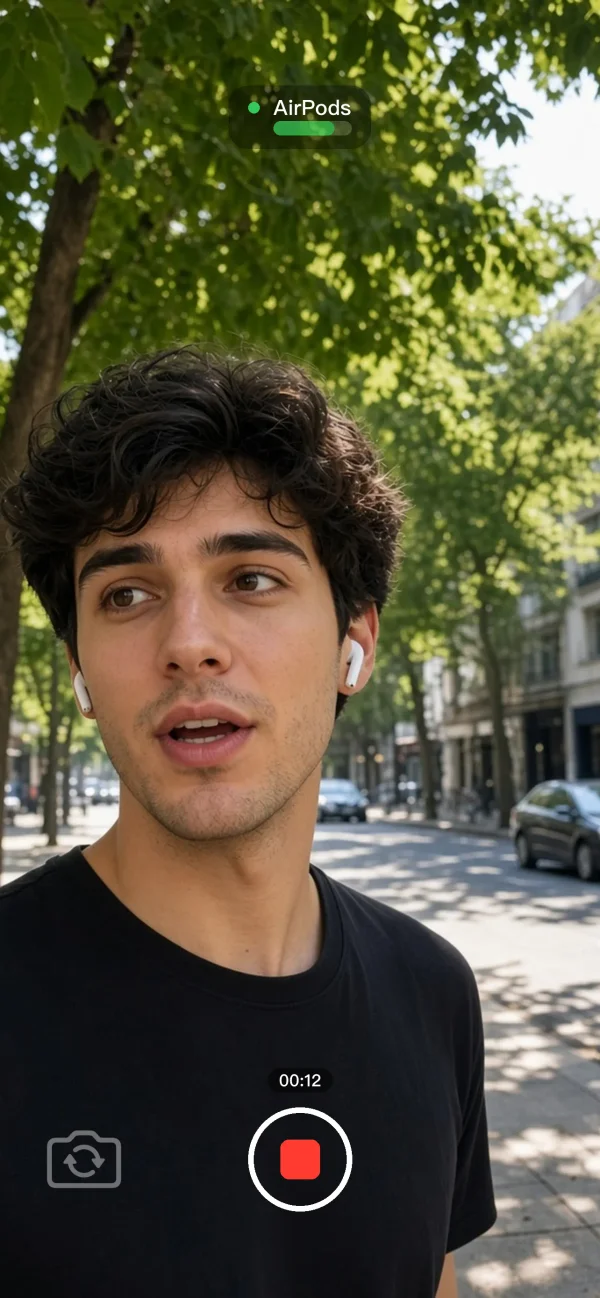
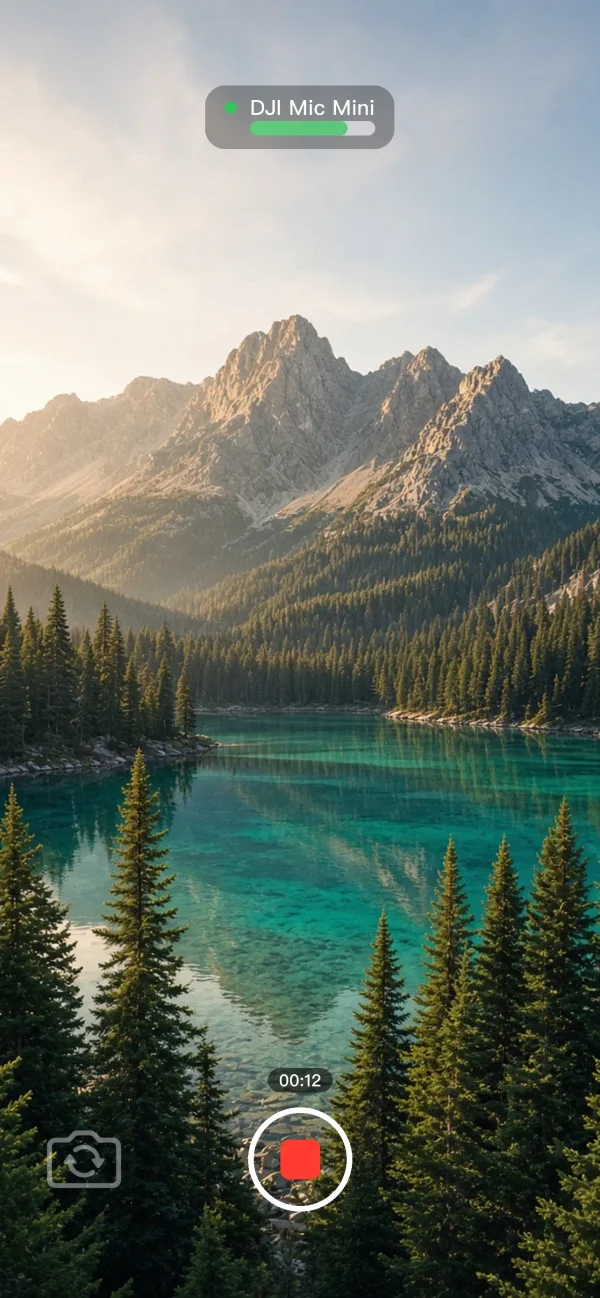
MicCam records video using the camera on your iPhone or iPad, and captures audio from your paired Bluetooth microphone.
How to use:
1. Turn on your microphone and complete pairing in Bluetooth within System Settings.
2. Open MicCam and grant permission for camera and microphone access.
3. Once the microphone name appears at the top of the screen, tap the red button to start recording.
4. Tap the button again to stop. The video will be automatically saved to Photos.
MicCam requests access to the camera, microphone, photo library for adding photos, and location if you permit it. All videos are stored locally in Photos on your device only. No videos will be uploaded. There are no accounts or advertisements.
This app is independent of microphone manufacturers. Any device model names shown merely indicate compatibility and do not imply production or endorsement by the respective manufacturer.
Privasi aplikasi
Yang dinyatakan 朋伟 吕 di App Store tentang cara aplikasi ini menangani data.
-
Data tidak dikumpulkan
Pengembang tidak mengumpulkan data apa pun dari aplikasi ini.
Praktik privasi dapat bervariasi, misalnya berdasarkan fitur yang Anda gunakan atau usia Anda.
Informasi
- Penjual
- 朋伟 吕
- Kategori
- Foto & Video
- Versi
- 1.0
- Diperbarui
- 7/10/2026
- Dirilis
- 7/10/2026
- Ukuran
- 3,0 MB
- Memerlukan
- iOS 17.0 atau yang lebih baru
- Batasan usia
- 4+
- Harga
- Gratis
- Bahasa
- Inggris, Tionghoa Sederhana
- Hak cipta
- © 2026 Pengwei Lv.
Mungkin Anda juga suka
-
 PipCam: kamera depan-belakangDua kamera, satu video
-
 AudioFix Pro: Untuk VideoTingkatkan Audio Dalam Video
-
 VideoMaster Pro: EQ For VideosSound & Video Audio Equalizer
-
 LeapticFoto & Video
-
 ArtMovie - Kamera Sinema ProKontrol Manual & Filter Film
-
 Delete Photos Videos: AI CleanFoto & Video
-
 Muse — Composition CameraFoto & Video
-
 Blark: Pro Black&White CameraFoto & Video
-
 CPCamFoto & Video
-
 Video Volume Booster: LoudifyFoto & Video