- Age rating4+
- CategoryPhoto & Video
- Developer朋伟 吕
- LanguagesEnglish+ 1 more
- Size3.0 MB
Links to the official App Store page
Download.org hosts no file of MicCam. The button opens its official App Store page, published by 朋伟 吕. Listing last checked on Nov 14, 2026.
Screenshots
About
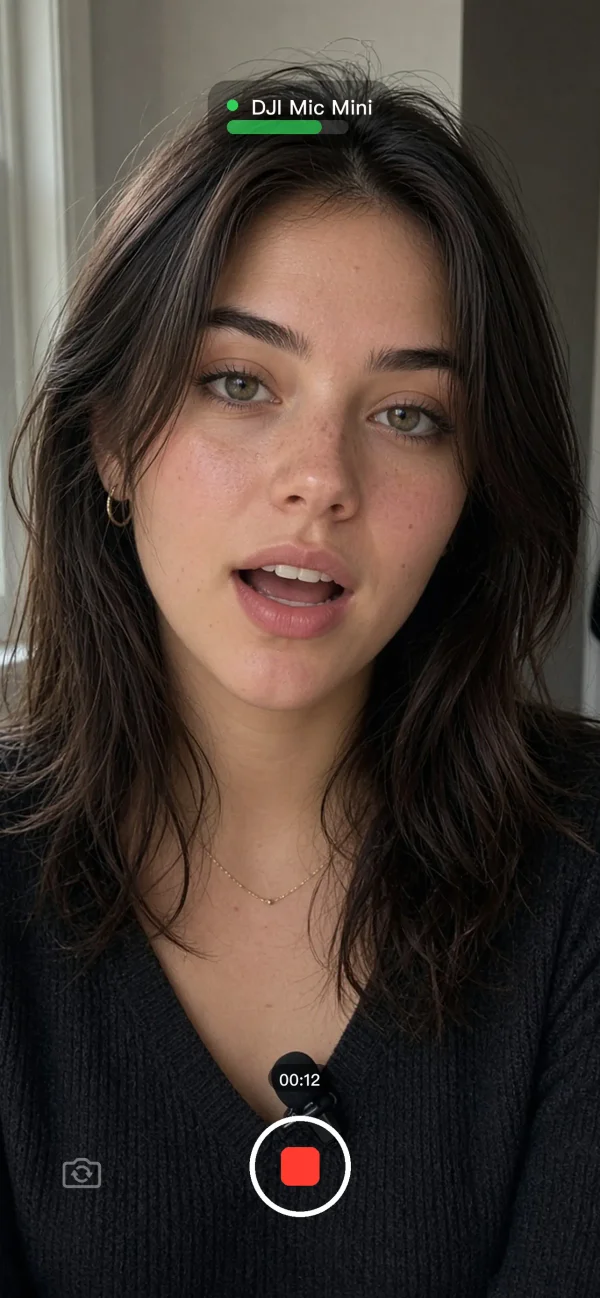
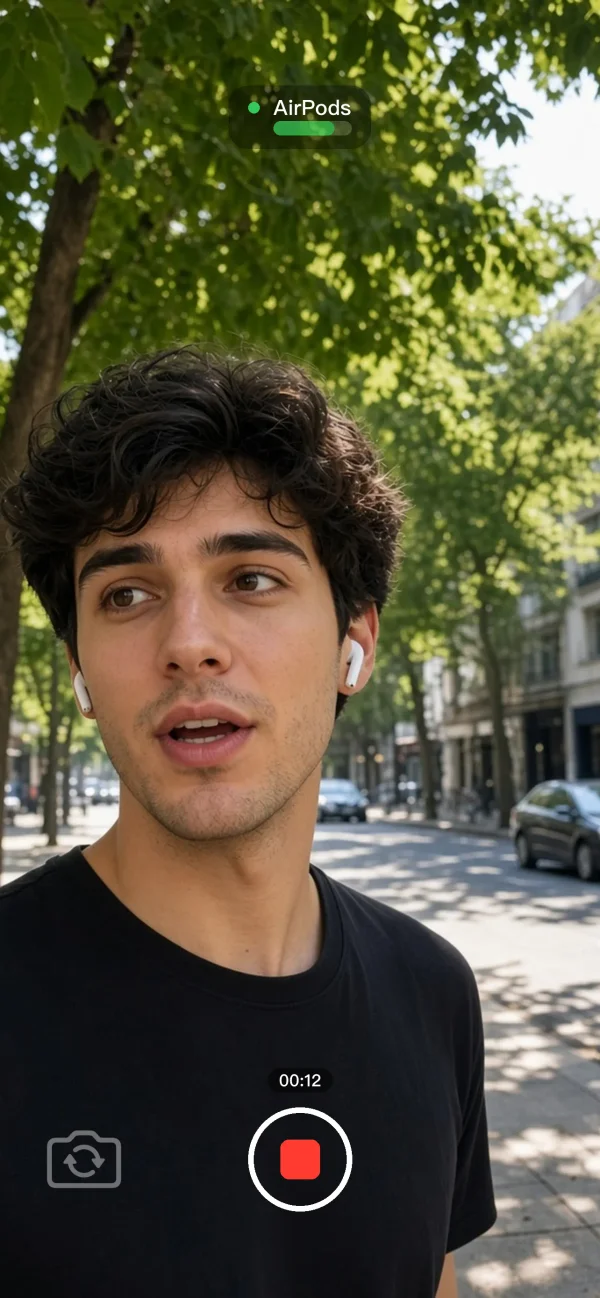
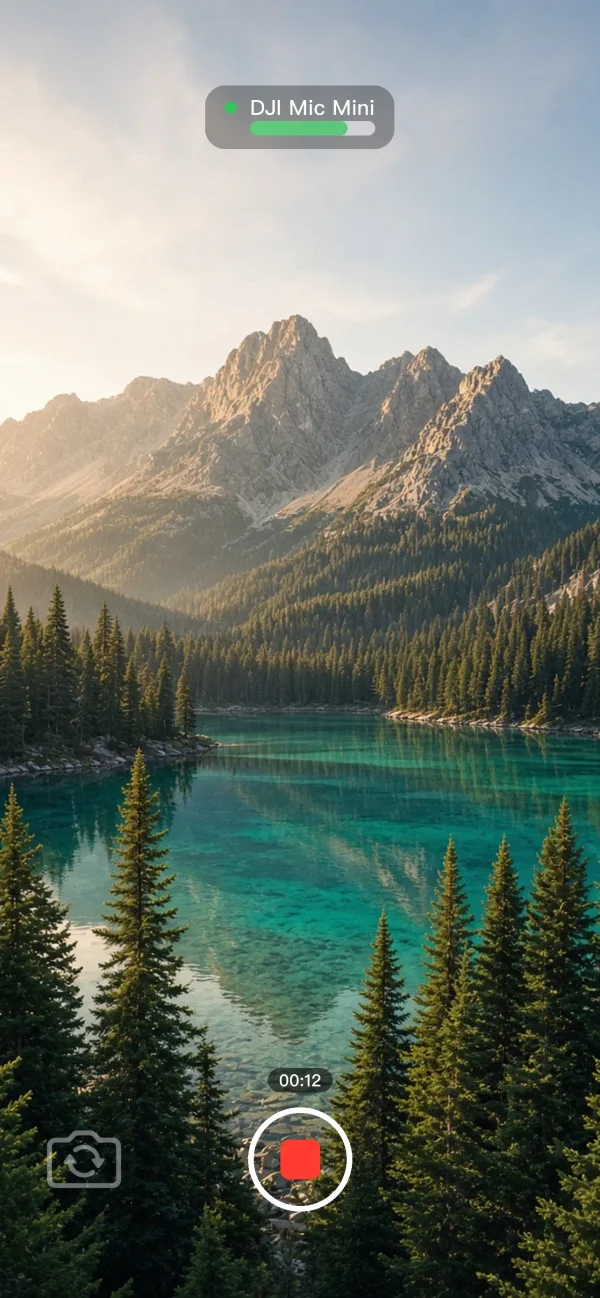
MicCam records video using the camera on your iPhone or iPad, and captures audio from your paired Bluetooth microphone.
How to use:
1. Turn on your microphone and complete pairing in Bluetooth within System Settings.
2. Open MicCam and grant permission for camera and microphone access.
3. Once the microphone name appears at the top of the screen, tap the red button to start recording.
4. Tap the button again to stop. The video will be automatically saved to Photos.
MicCam requests access to the camera, microphone, photo library for adding photos, and location if you permit it. All videos are stored locally in Photos on your device only. No videos will be uploaded. There are no accounts or advertisements.
This app is independent of microphone manufacturers. Any device model names shown merely indicate compatibility and do not imply production or endorsement by the respective manufacturer.
App privacy
What 朋伟 吕 declares on the App Store about how this app handles data.
-
Data not collected
The developer does not collect any data from this app.
Privacy practices may vary, for example with the features you use or your age.
Information
- Seller
- 朋伟 吕
- Category
- Photo & Video
- Version
- 1.0
- Updated
- Oct 7, 2026
- Released
- Oct 7, 2026
- Size
- 3.0 MB
- Requires
- iOS 17.0 or later
- Age rating
- 4+
- Price
- Free
- Languages
- English, Simplified Chinese
- Copyright
- © 2026 Pengwei Lv.
You might also like
-
 PipCam: Front & Back CameraFront & back. One video.
-
 AudioFix Pro: For Video VolumeBoost, Denoise a Videos Sound
-
 VideoMaster Pro: EQ For VideosSound & Video Audio Equalizer
-
 LeapticPhoto & Video
-
 ArtMovie - Pro Cinema CameraManual Controls & Film Filters
-
 Delete Photos Videos: AI CleanDuplicate Cleaner, Compress
-
 Muse — Composition CameraYour eye for composition
-
 Blark: Pro Black&White CameraProRAW, Black And White Photos
-
 CPCamComposition & Film Camera
-
 Video Volume Booster: Loudify#1 Video Sound Amplifier