
- Altersfreigabe4+
- KategorieDienstprogramme
- EntwicklerDuy Pham
- SprachenEnglisch
- Größe3,1 MB
Verlinkt auf die offizielle App Store-Seite
Download.org hostet keine Datei von MXa. Die Schaltfläche öffnet die App-Seite bei App Store, wo Duy Pham die App veröffentlicht. Eintrag zuletzt geprüft am 15.11.2026.
Screenshots


Info
Der Entwickler hat diesen Text nicht in Ihrer Sprache bereitgestellt.
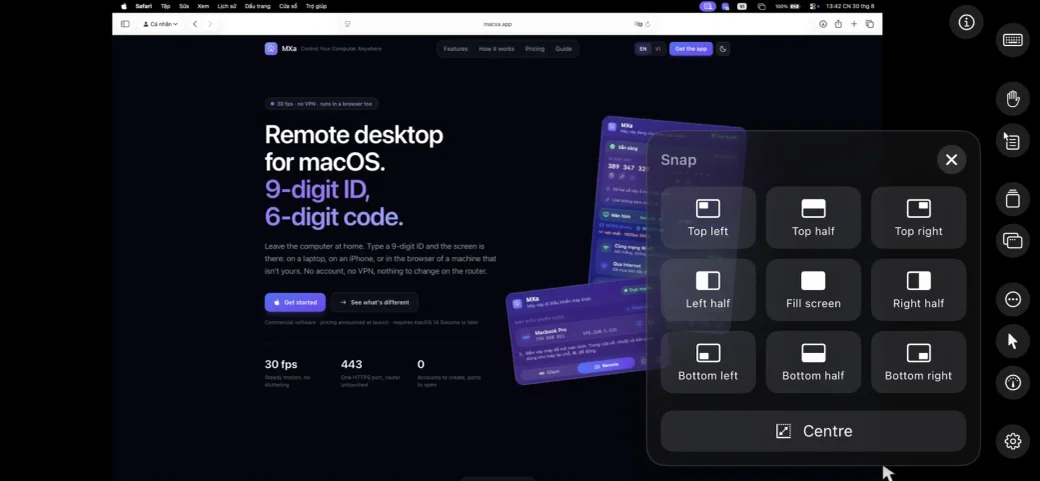
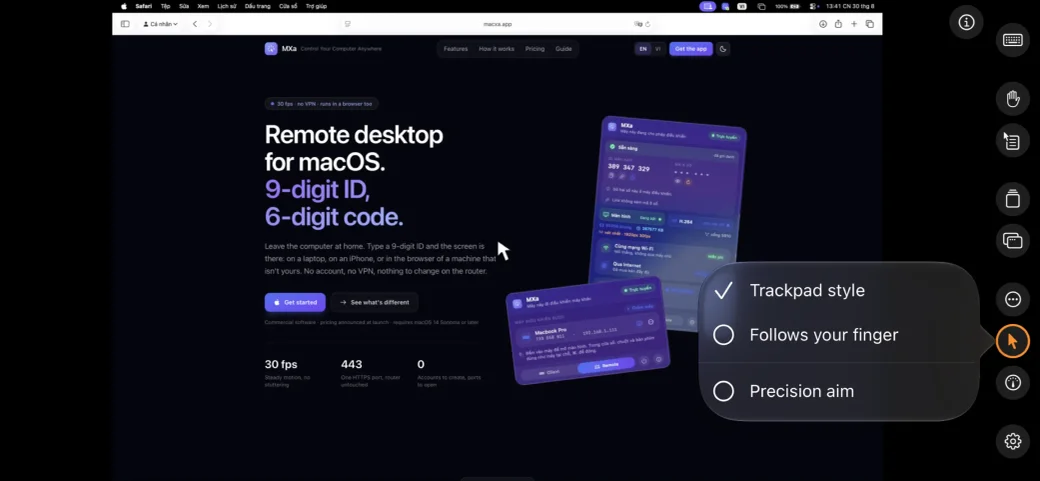
MXa turns your iPhone or iPad into a screen and a keyboard for a computer you own.
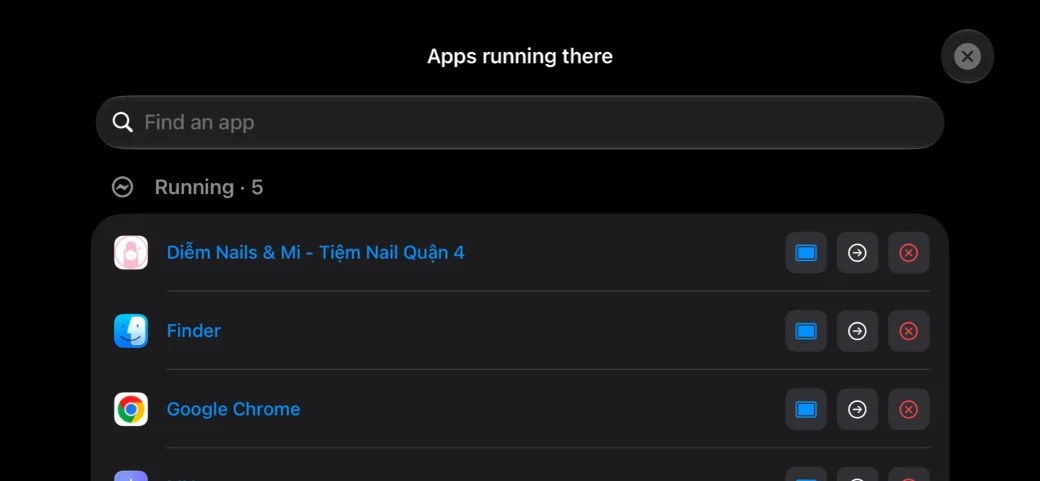
You see the whole desktop, exactly as it is on the machine itself, and you drive all of it:
move the pointer, click, scroll, type, send keyboard shortcuts, copy and paste between the
two devices. Nothing is installed into the apps you work with over there.
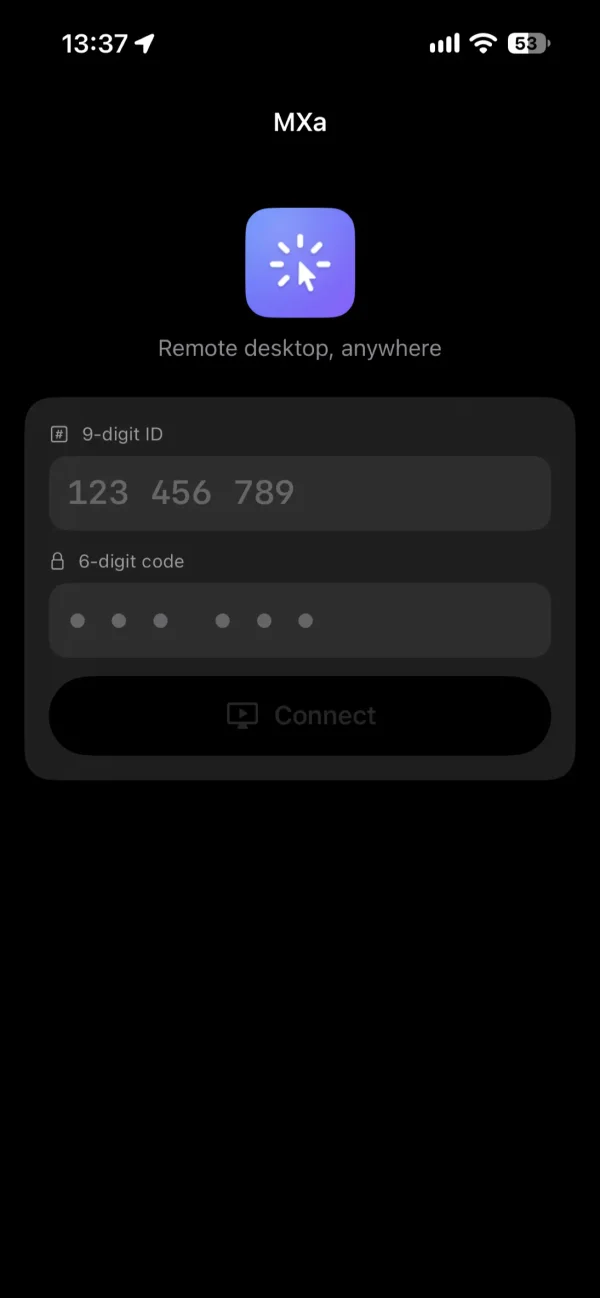
Getting in takes two numbers. The other machine shows a 9-digit ID and a 6-digit code; you
type them here once. No account to create, no email to leave, no VPN to configure, no router
port to open.
On the same Wi-Fi the two devices talk directly and the picture never leaves your network.
Over distance they meet at a relay that only moves bytes — the 6-digit code never crosses
the wire, and the keys are derived at the two ends, so what passes through the middle cannot
be read there.
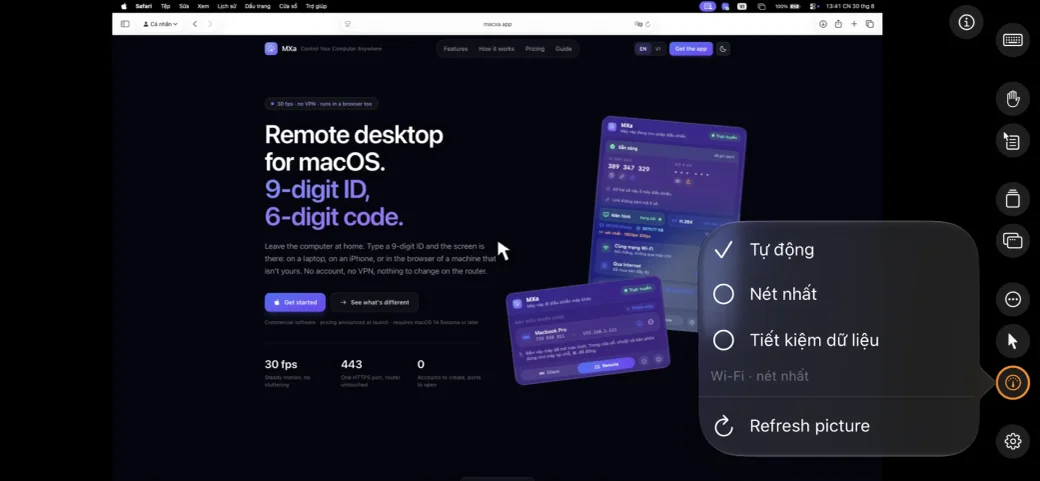
The picture is H.264 at 30 frames per second, encoded by the hardware at the far end. On a
thin connection the bitrate drops instead of the picture freezing. Lose signal, switch
Wi-Fi, lock the screen and come back: the session rebuilds itself.
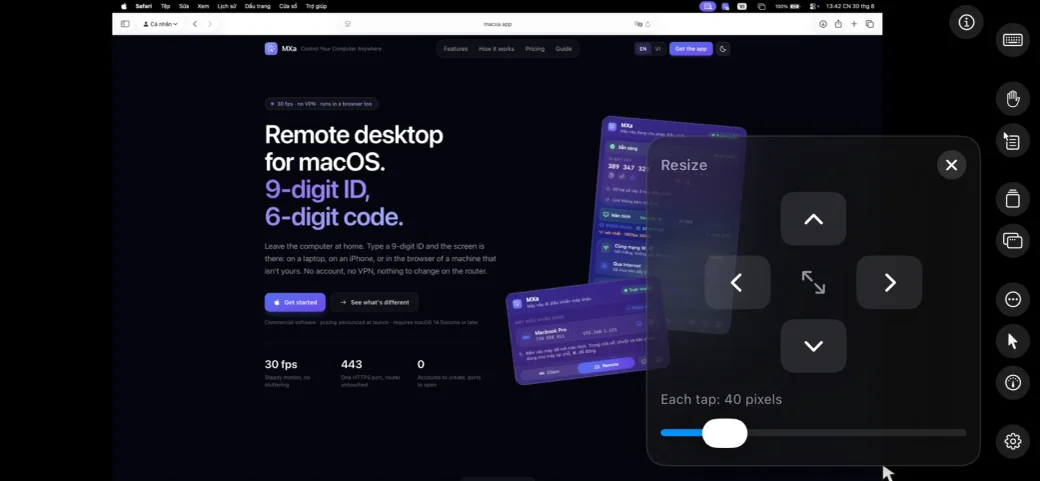
Made for a finger, not for a mouse pretending to be one. Tap where you want the pointer,
drag to scroll, pinch to zoom into a corner of a large desktop. The shortcut row sits on the
software keyboard, so Command-Tab and Command-Q are one tap away instead of a hunt.
Also here: a clipboard shared both ways, several displays to switch between, and text in
Vietnamese or any other Unicode script typed straight through.
WHAT YOU NEED
A computer you own, running macOS 14 Sonoma or later, with the free MXa desktop app on it —
and this device. Both ends are the same connection: no server to rent, no ports to open.
On your own network there is no time limit. Over the internet a session ends after a while
unless the machine you are reaching has been activated.
App-Datenschutz
Was Duy Pham im App Store zum Umgang dieser App mit Daten angibt.
-
Nicht mit Ihnen verknüpfte Daten
Können erfasst werden, sind aber nicht mit Ihrer Identität verknüpft.
- Kennungen
- Nutzungsdaten
Die Datenschutzpraktiken können variieren, zum Beispiel je nach den von Ihnen verwendeten Funktionen oder Ihrem Alter.
Informationen
- Anbieter
- Duy Pham
- Kategorie
- Dienstprogramme
- Version
- 1.0.2
- Aktualisiert
- 01.09.2026
- Veröffentlicht
- 01.09.2026
- Größe
- 3,1 MB
- Erfordert
- iOS 17.0 oder neuer
- Altersfreigabe
- 4+
- Preis
- Kostenlos
- Sprachen
- Englisch
- Copyright
- © 2026 MXa
Das könnte Ihnen auch gefallen
-
 eTrackPad: Wireless TrackpadDienstprogramme
-
 SJ Chmod CalculatorBerechnen Sie Chmod
-
 GdispDienstprogramme
-
 iSpeed TestDienstprogramme
-
 Mobile TouchpadDienstprogramme
-
 FTP Client - FTP, SFTP ManagerDateimanager, Player, Transfer
-
 Internet Speed Test VeriPlusWLAN- & Mobilfunk-Test
-
 Speed Test - Wi-Fi & CellularDienstprogramme
-
 NailUp: Nageldesign & NägelManiküre, AI & Inspiration
-
 Phone Mouse・Remote・KeyboardDienstprogramme