
- Độ tuổi4+
- Danh mụcTiện Ích
- Nhà phát triểnDuy Pham
- Ngôn ngữTiếng Anh
- Kích thước3,1 MB
Liên kết đến trang App Store chính thức
Download.org không lưu trữ tệp nào của MXa. Nút này mở trang ứng dụng trên App Store, nơi Duy Pham phát hành ứng dụng. Trang được kiểm tra lần cuối: 15/11/2026.
Ảnh chụp màn hình
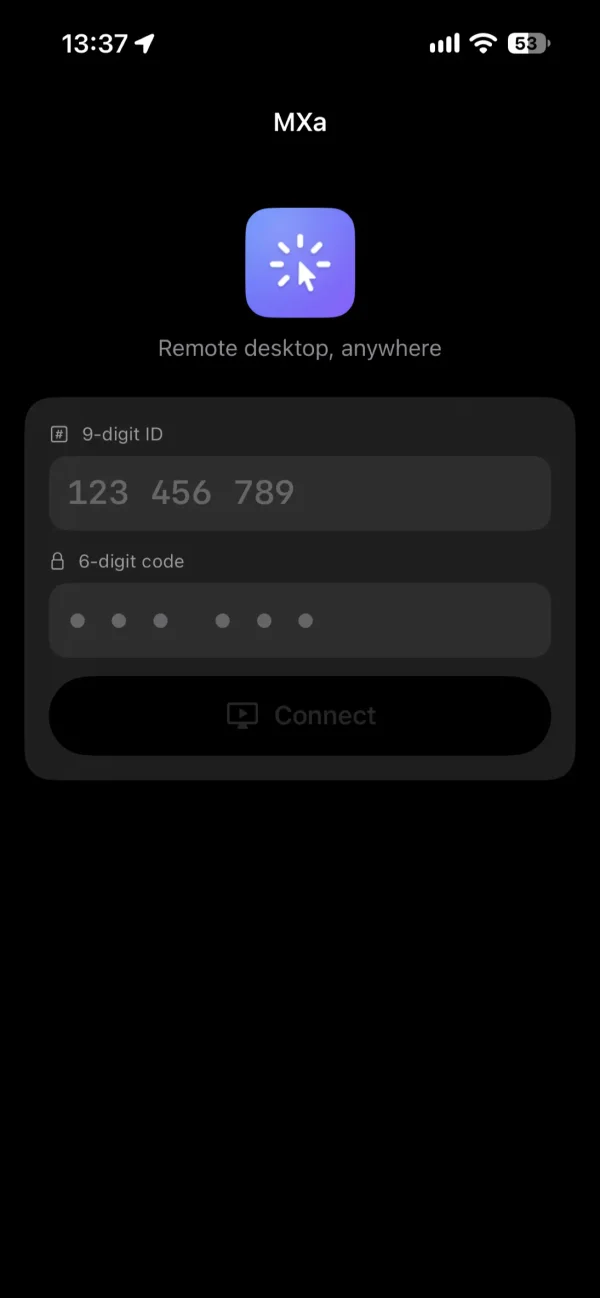


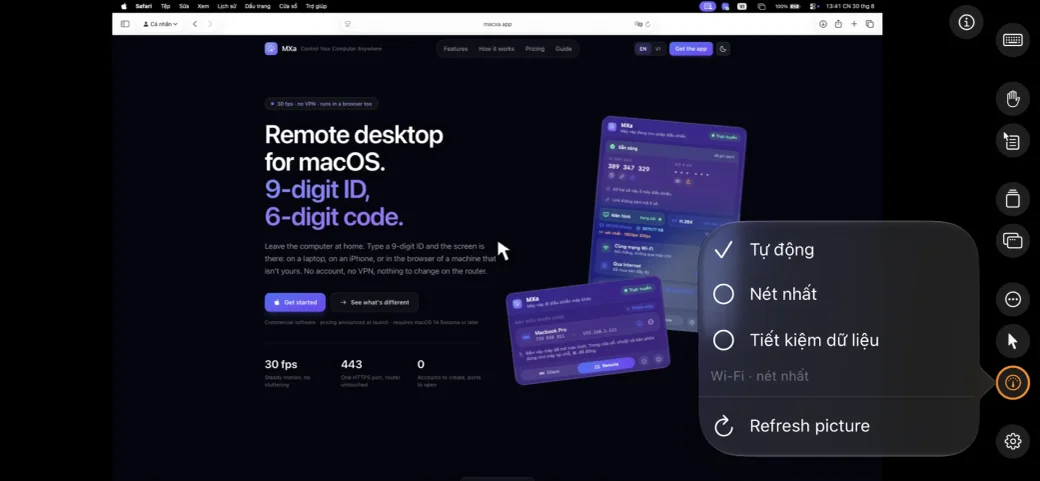
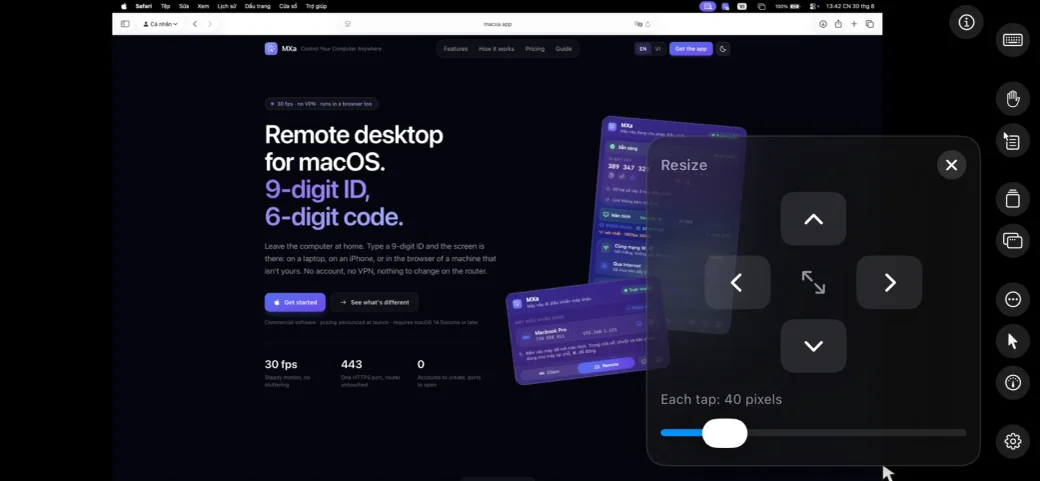
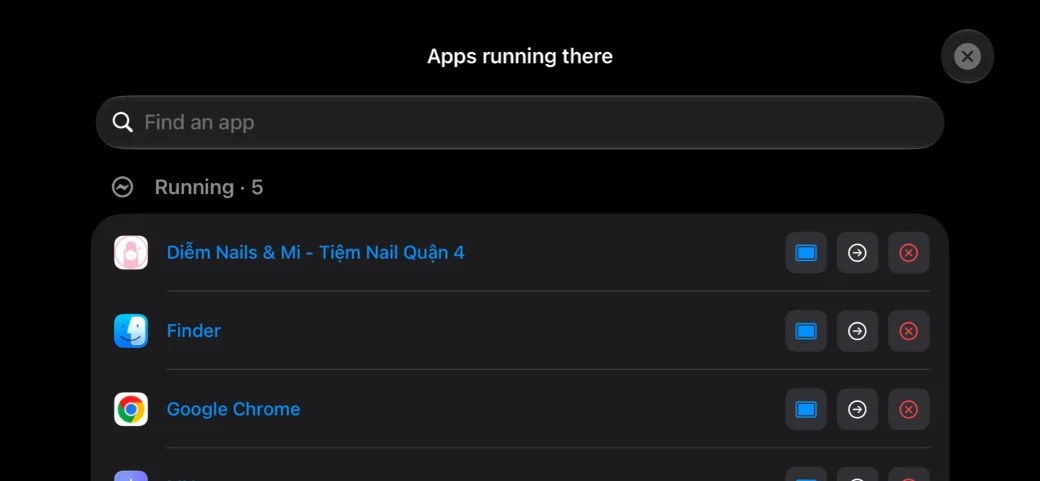
Giới thiệu
Nhà phát triển chưa cung cấp nội dung này bằng ngôn ngữ của bạn.
MXa turns your iPhone or iPad into a screen and a keyboard for a computer you own.
You see the whole desktop, exactly as it is on the machine itself, and you drive all of it:
move the pointer, click, scroll, type, send keyboard shortcuts, copy and paste between the
two devices. Nothing is installed into the apps you work with over there.
Getting in takes two numbers. The other machine shows a 9-digit ID and a 6-digit code; you
type them here once. No account to create, no email to leave, no VPN to configure, no router
port to open.
On the same Wi-Fi the two devices talk directly and the picture never leaves your network.
Over distance they meet at a relay that only moves bytes — the 6-digit code never crosses
the wire, and the keys are derived at the two ends, so what passes through the middle cannot
be read there.
The picture is H.264 at 30 frames per second, encoded by the hardware at the far end. On a
thin connection the bitrate drops instead of the picture freezing. Lose signal, switch
Wi-Fi, lock the screen and come back: the session rebuilds itself.
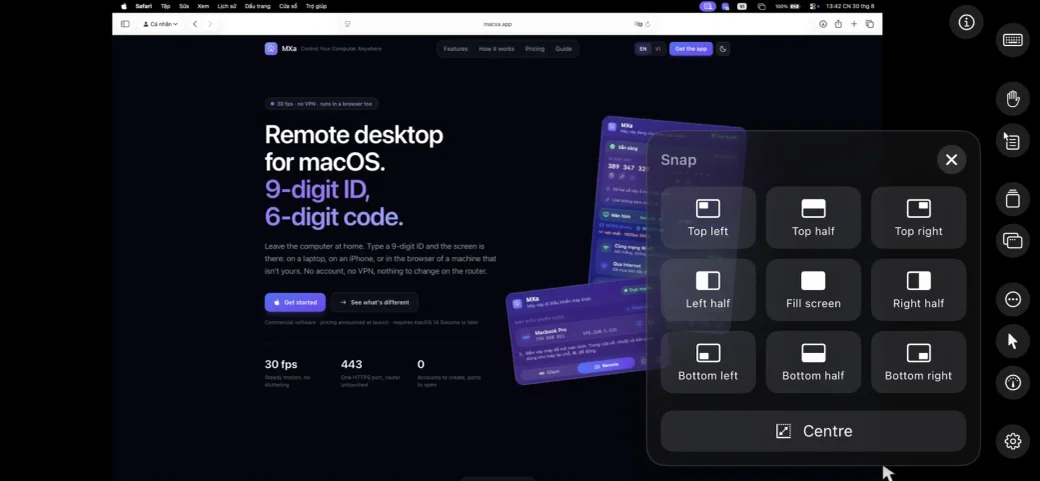
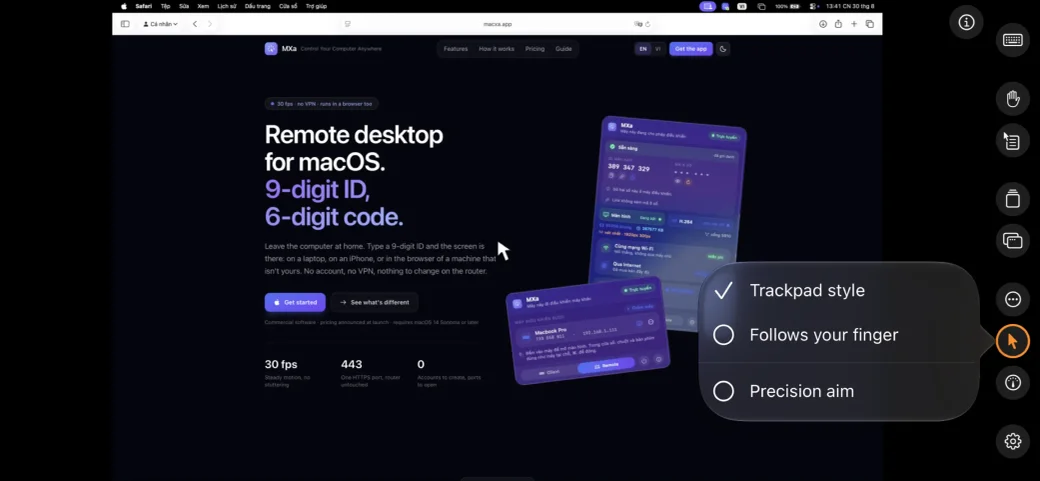
Made for a finger, not for a mouse pretending to be one. Tap where you want the pointer,
drag to scroll, pinch to zoom into a corner of a large desktop. The shortcut row sits on the
software keyboard, so Command-Tab and Command-Q are one tap away instead of a hunt.
Also here: a clipboard shared both ways, several displays to switch between, and text in
Vietnamese or any other Unicode script typed straight through.
WHAT YOU NEED
A computer you own, running macOS 14 Sonoma or later, with the free MXa desktop app on it —
and this device. Both ends are the same connection: no server to rent, no ports to open.
On your own network there is no time limit. Over the internet a session ends after a while
unless the machine you are reaching has been activated.
Quyền riêng tư của ứng dụng
Những gì Duy Pham khai báo trên App Store về cách ứng dụng này xử lý dữ liệu.
-
Dữ liệu không liên kết với bạn
Có thể được thu thập nhưng không liên kết với danh tính của bạn.
- Mã định danh
- Dữ liệu sử dụng
Phương thức đảm bảo quyền riêng tư có thể khác nhau, chẳng hạn như tuỳ theo các tính năng bạn sử dụng hoặc độ tuổi của bạn.
Thông tin
- Người bán
- Duy Pham
- Danh mục
- Tiện Ích
- Phiên bản
- 1.0.2
- Cập nhật
- 01/09/2026
- Phát hành
- 01/09/2026
- Kích thước
- 3,1 MB
- Yêu cầu
- iOS 17.0 trở lên
- Độ tuổi
- 4+
- Giá
- Miễn phí
- Ngôn ngữ
- Tiếng Anh
- Bản quyền
- © 2026 MXa
Có thể bạn cũng thích
-
 eTrackPad: Wireless TrackpadTiện Ích
-
 SJ Chmod CalculatorTính quyền Chmod
-
 GdispTiện Ích
-
 iSpeed TestTiện Ích
-
 Mobile TouchpadTiện Ích
-
 FTP Client - FTP, SFTP ManagerQuản lý, Phát, Truyền tải
-
 Internet Speed Test VeriPlusKiểm tra tốc độ WiFi & di động
-
 Speed Test - Wi-Fi & CellularTiện Ích
-
 NailUP: Nail Art & MóngSơn gel, mẫu AI & ý tưởng
-
 Phone Mouse・Remote・KeyboardTiện Ích