
- 対象年齢4+
- カテゴリユーティリティ
- 開発元Duy Pham
- 言語英語
- サイズ3.1 MB
App Storeの公式ページにリンクしています
Download.orgはMXaのファイルを一切ホストしていません。ボタンを押すと、Duy Phamが公開しているApp Storeのアプリページが開きます。ページの最終確認:2026/11/15。
スクリーンショット


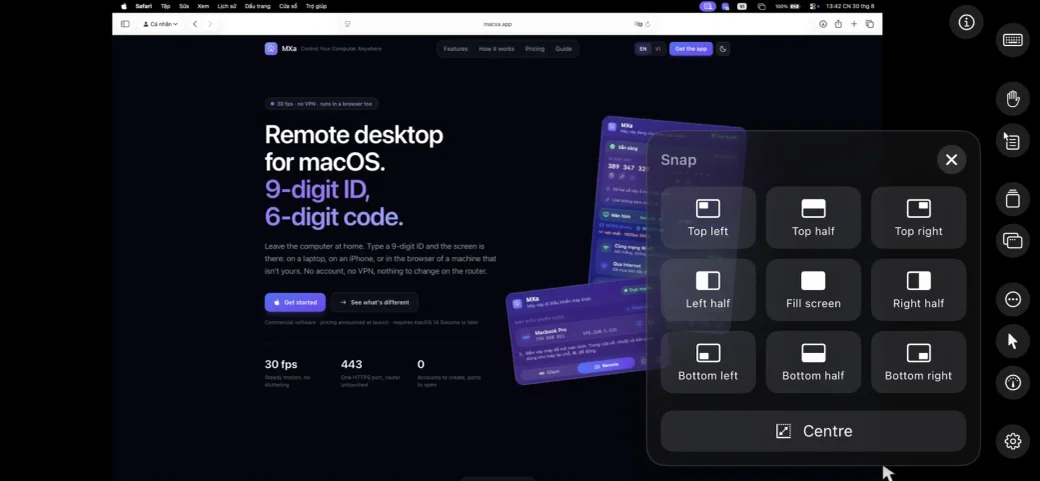
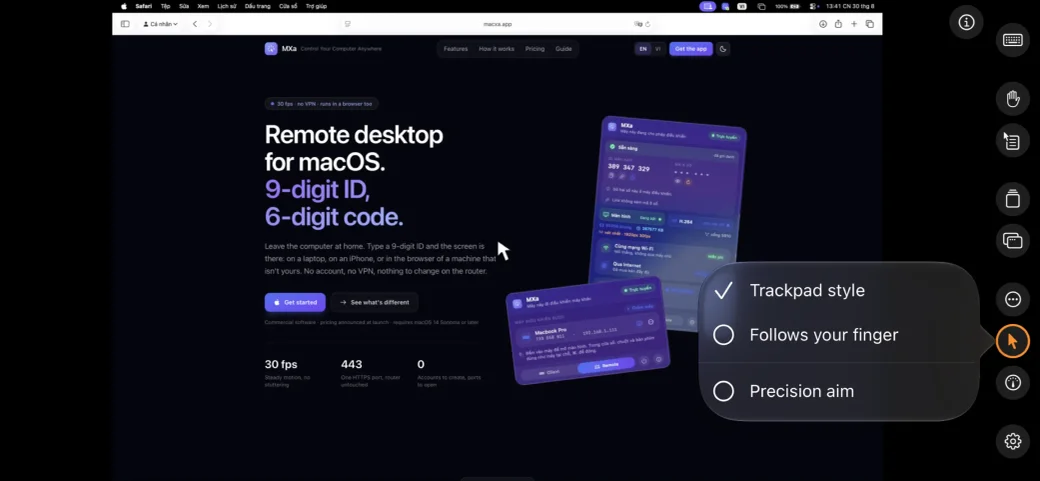
概要
開発元はこのテキストをお使いの言語で提供していません。
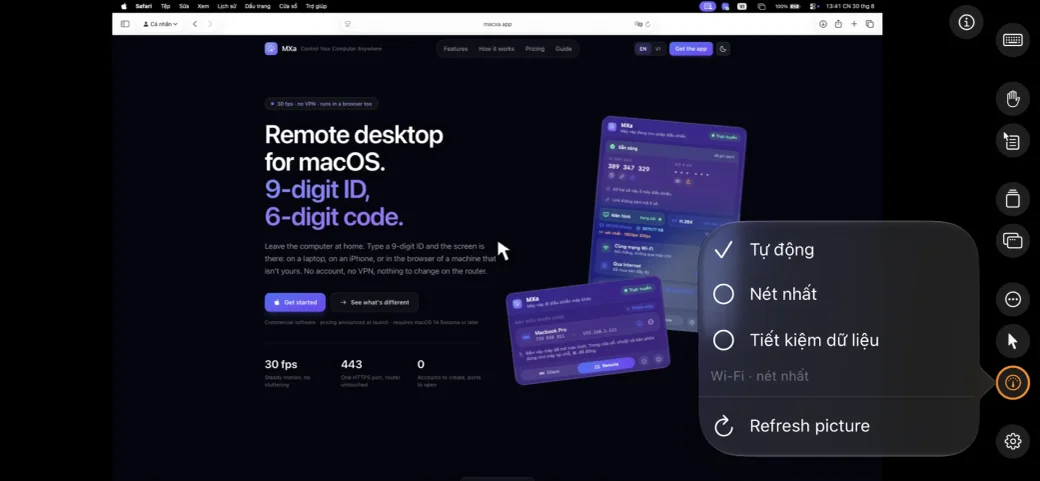
MXa turns your iPhone or iPad into a screen and a keyboard for a computer you own.
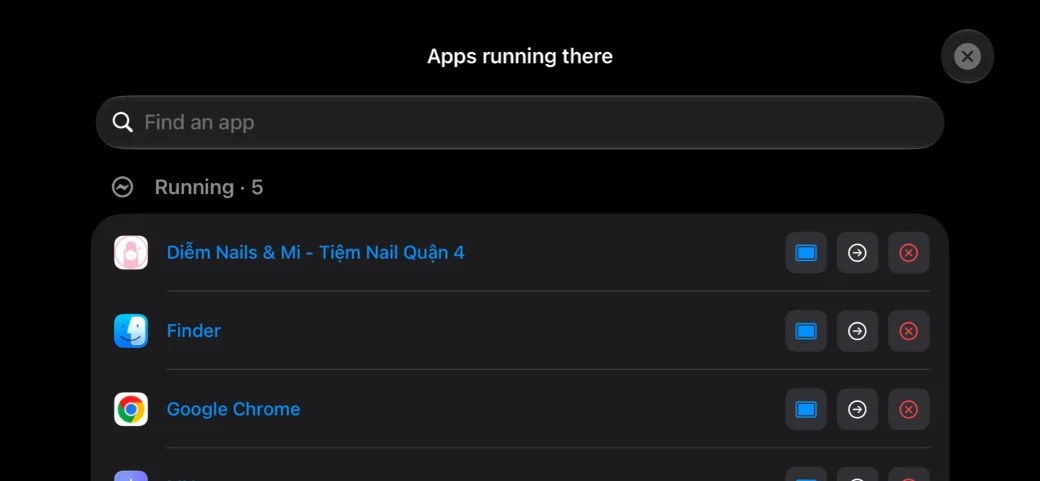
You see the whole desktop, exactly as it is on the machine itself, and you drive all of it:
move the pointer, click, scroll, type, send keyboard shortcuts, copy and paste between the
two devices. Nothing is installed into the apps you work with over there.
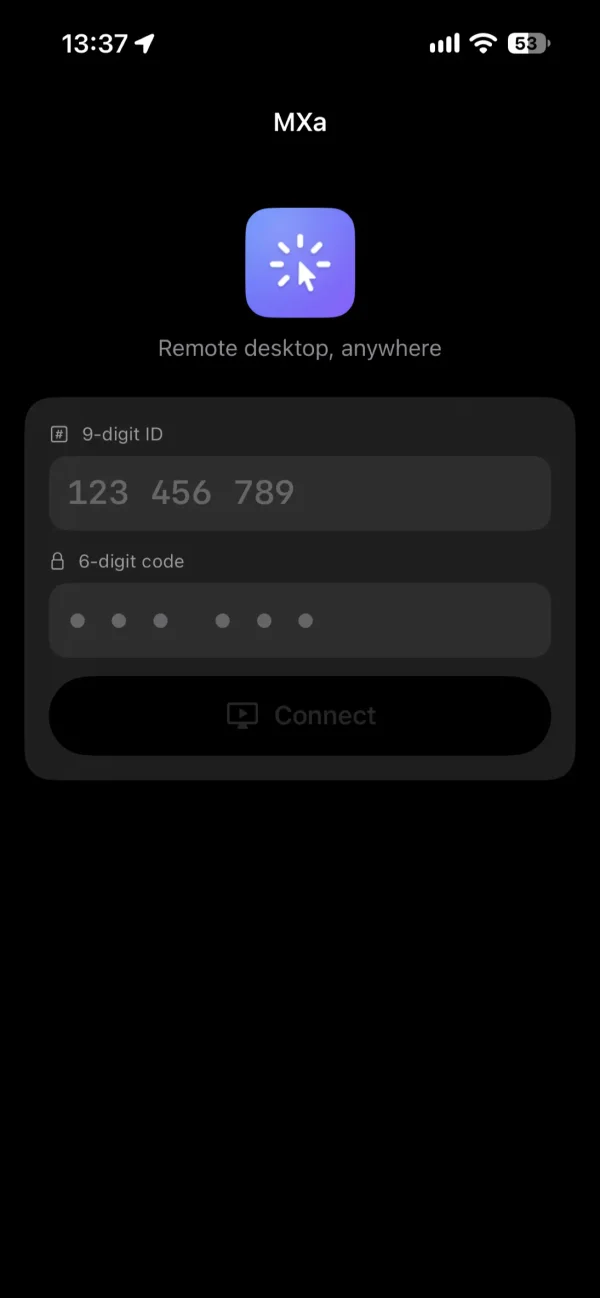
Getting in takes two numbers. The other machine shows a 9-digit ID and a 6-digit code; you
type them here once. No account to create, no email to leave, no VPN to configure, no router
port to open.
On the same Wi-Fi the two devices talk directly and the picture never leaves your network.
Over distance they meet at a relay that only moves bytes — the 6-digit code never crosses
the wire, and the keys are derived at the two ends, so what passes through the middle cannot
be read there.
The picture is H.264 at 30 frames per second, encoded by the hardware at the far end. On a
thin connection the bitrate drops instead of the picture freezing. Lose signal, switch
Wi-Fi, lock the screen and come back: the session rebuilds itself.
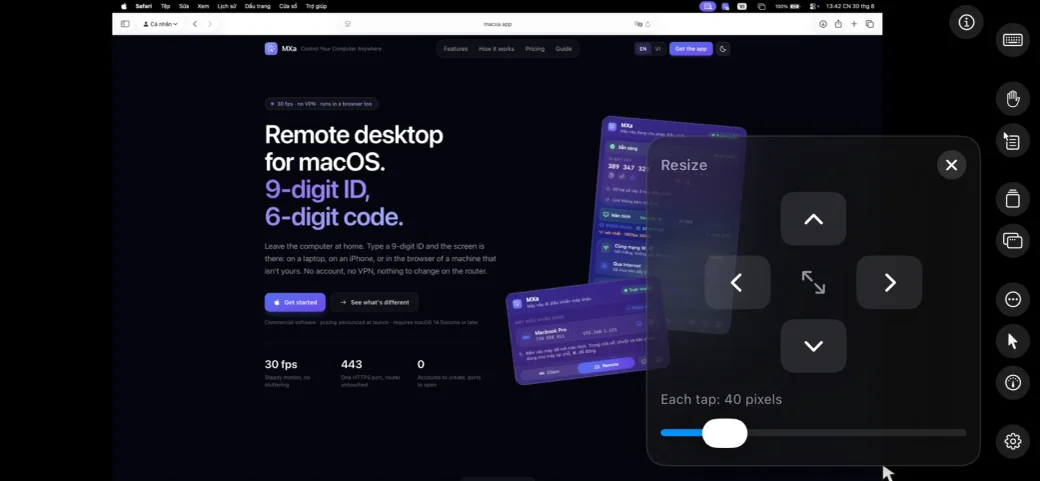
Made for a finger, not for a mouse pretending to be one. Tap where you want the pointer,
drag to scroll, pinch to zoom into a corner of a large desktop. The shortcut row sits on the
software keyboard, so Command-Tab and Command-Q are one tap away instead of a hunt.
Also here: a clipboard shared both ways, several displays to switch between, and text in
Vietnamese or any other Unicode script typed straight through.
WHAT YOU NEED
A computer you own, running macOS 14 Sonoma or later, with the free MXa desktop app on it —
and this device. Both ends are the same connection: no server to rent, no ports to open.
On your own network there is no time limit. Over the internet a session ends after a while
unless the machine you are reaching has been activated.
アプリのプライバシー
このアプリのデータの取り扱いについて、Duy PhamがApp Storeで申告している内容です。
-
ユーザーに関連付けられないデータ
収集される場合がありますが、ユーザーの識別情報には関連付けられません。
- ID
- 使用状況データ
プライバシーの取り扱いは、ご利用の機能やお客様の年齢などに応じて異なる場合があります。
情報
- 販売元
- Duy Pham
- カテゴリ
- ユーティリティ
- バージョン
- 1.0.2
- 更新日
- 2026/9/1
- リリース
- 2026/9/1
- サイズ
- 3.1 MB
- 必要条件
- iOS 17.0以降
- 対象年齢
- 4+
- 価格
- 無料
- 言語
- 英語
- 著作権
- © 2026 MXa
こちらもおすすめ
-
 eTrackPad: Wireless Trackpadユーティリティ
-
 SJ Chmod CalculatorChmod権限を計算する
-
 Gdisp加速度リアルタイム表示
-
 iSpeed Testユーティリティ
-
 Mobile Touchpadユーティリティ
-
 FTP Client - FTP, SFTP Managerファイル管理、プレーヤー、転送
-
 Internet Speed Test VeriPlusWiFi・モバイル速度テスト
-
 Speed Test - Wi-Fi & Cellularユーティリティ
-
 NailUp: ネイルアート・デザインマニキュア・AI・アイデア・見本
-
 Phone Mouse・Remote・Keyboardユーティリティ