
- Clasificación por edad4+
- CategoríaUtilidades
- DesarrolladorDuy Pham
- IdiomasInglés
- Tamaño3,1 MB
Enlaza a la página oficial de App Store
Download.org no aloja ningún archivo de MXa. El botón abre la página de la aplicación en App Store, donde la publica Duy Pham. Ficha comprobada por última vez el 15/11/2026.
Capturas de pantalla


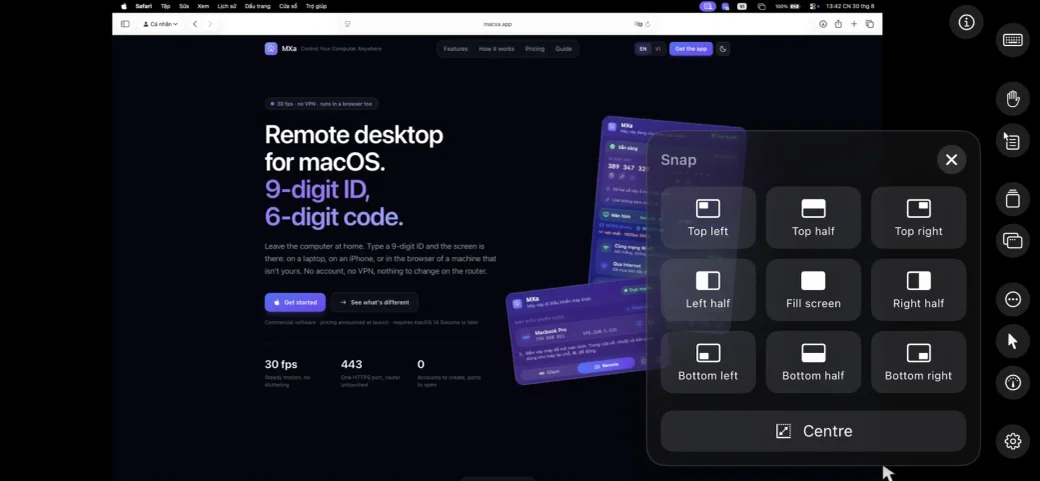
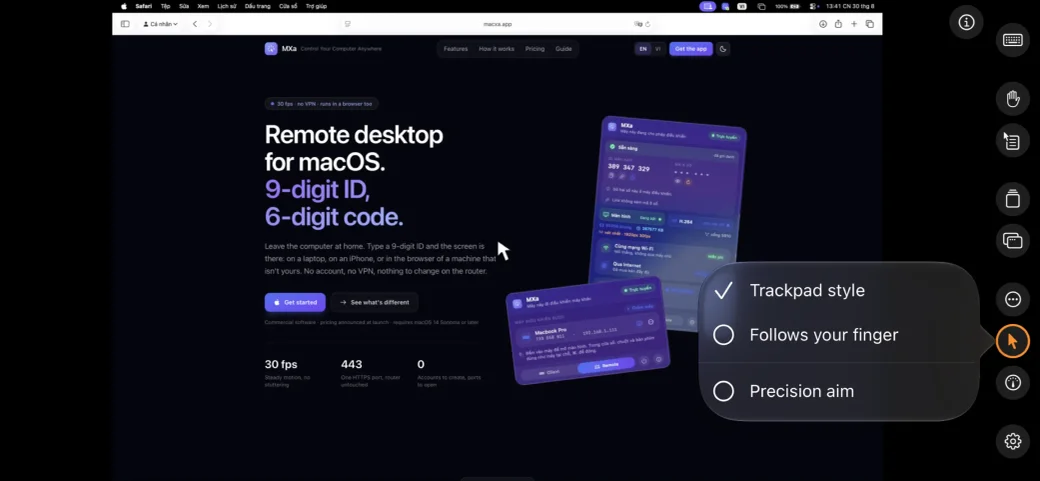
Acerca de
El desarrollador no ha proporcionado este texto en tu idioma.
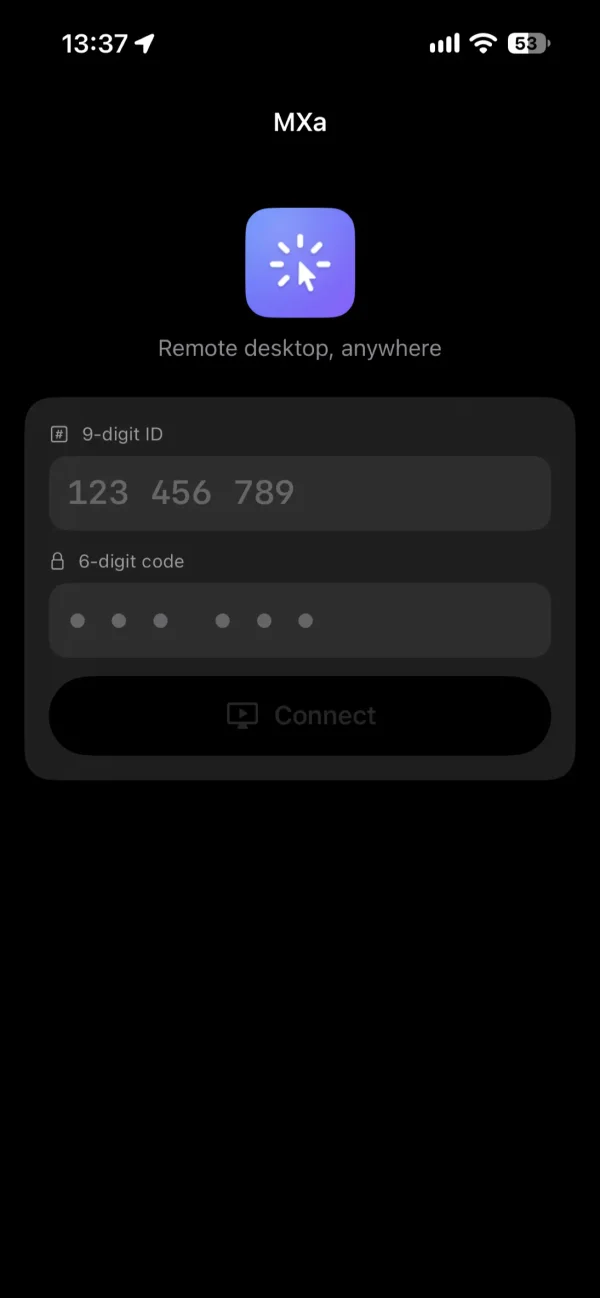
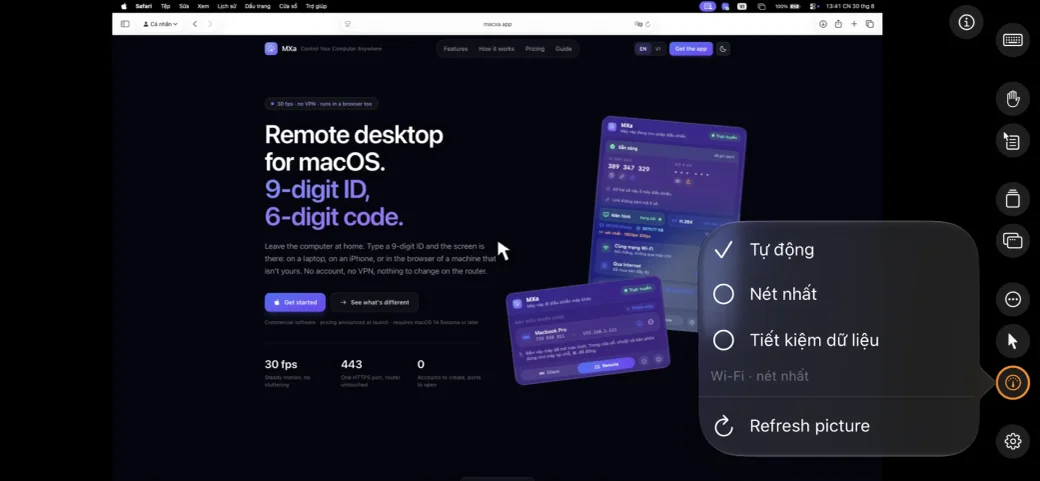
MXa turns your iPhone or iPad into a screen and a keyboard for a computer you own.
You see the whole desktop, exactly as it is on the machine itself, and you drive all of it:
move the pointer, click, scroll, type, send keyboard shortcuts, copy and paste between the
two devices. Nothing is installed into the apps you work with over there.
Getting in takes two numbers. The other machine shows a 9-digit ID and a 6-digit code; you
type them here once. No account to create, no email to leave, no VPN to configure, no router
port to open.
On the same Wi-Fi the two devices talk directly and the picture never leaves your network.
Over distance they meet at a relay that only moves bytes — the 6-digit code never crosses
the wire, and the keys are derived at the two ends, so what passes through the middle cannot
be read there.
The picture is H.264 at 30 frames per second, encoded by the hardware at the far end. On a
thin connection the bitrate drops instead of the picture freezing. Lose signal, switch
Wi-Fi, lock the screen and come back: the session rebuilds itself.
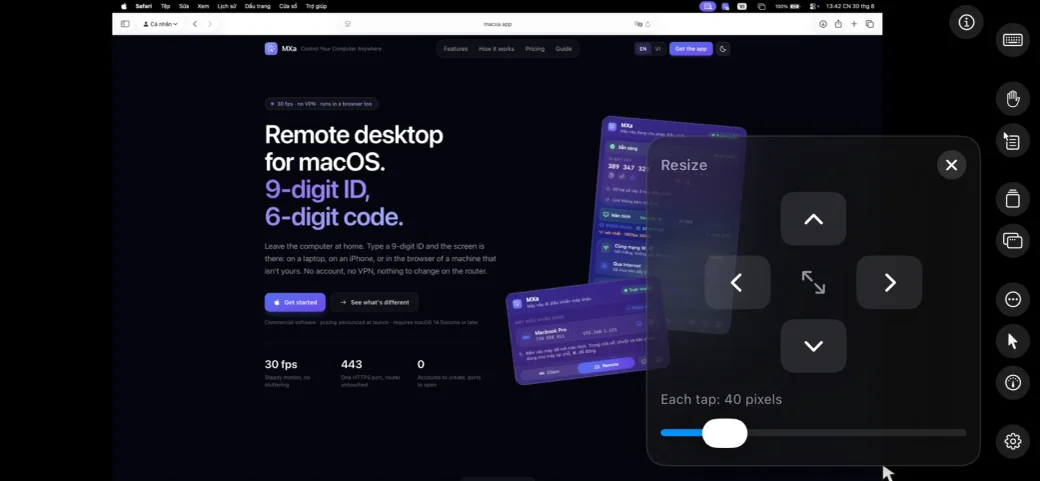
Made for a finger, not for a mouse pretending to be one. Tap where you want the pointer,
drag to scroll, pinch to zoom into a corner of a large desktop. The shortcut row sits on the
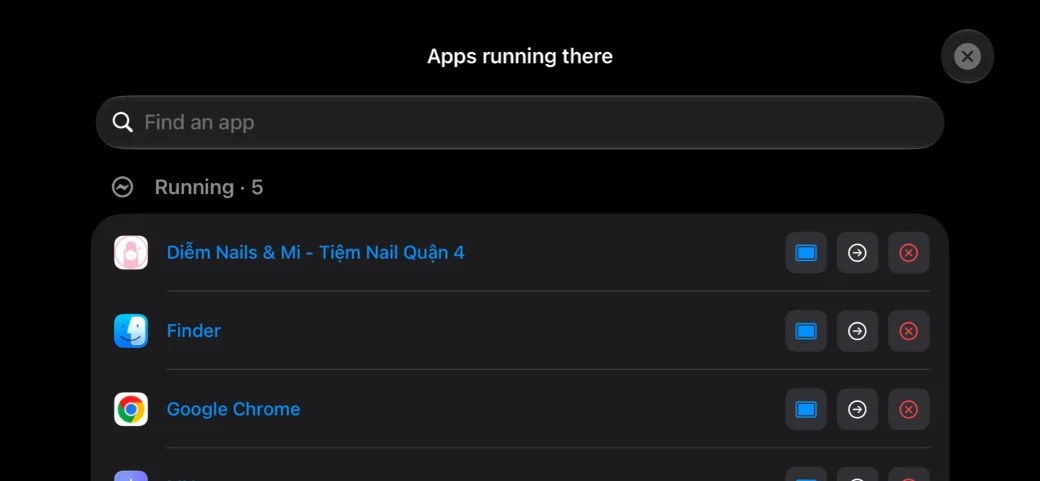
software keyboard, so Command-Tab and Command-Q are one tap away instead of a hunt.
Also here: a clipboard shared both ways, several displays to switch between, and text in
Vietnamese or any other Unicode script typed straight through.
WHAT YOU NEED
A computer you own, running macOS 14 Sonoma or later, with the free MXa desktop app on it —
and this device. Both ends are the same connection: no server to rent, no ports to open.
On your own network there is no time limit. Over the internet a session ends after a while
unless the machine you are reaching has been activated.
Privacidad de la aplicación
Lo que Duy Pham declara en App Store sobre cómo esta aplicación gestiona los datos.
-
Datos no vinculados a ti
Pueden recopilarse, pero no se vinculan a tu identidad.
- Identificadores
- Datos de uso
Las prácticas de privacidad pueden variar, por ejemplo, según las funciones que uses o tu edad.
Información
- Vendedor
- Duy Pham
- Categoría
- Utilidades
- Versión
- 1.0.2
- Actualizado
- 1/9/2026
- Publicado
- 1/9/2026
- Tamaño
- 3,1 MB
- Requiere
- iOS 17.0 o posterior
- Clasificación por edad
- 4+
- Precio
- Gratis
- Idiomas
- Inglés
- Copyright
- © 2026 MXa
Quizá también te guste
-
 eTrackPad: Wireless TrackpadUtilidades
-
 SJ Chmod CalculatorCalcular permisos de Chmod
-
 GdispUtilidades
-
 iSpeed TestUtilidades
-
 Mobile TouchpadUtilidades
-
 FTP Client - FTP, SFTP ManagerGestor Reproductor Transferir
-
 Internet Speed Test VeriPlusTest de WiFi y datos móviles
-
 Speed Test - Wi-Fi & CellularUtilidades
-
 NailUp: Diseños de UñasManicura, AI & inspiración
-
 Phone Mouse・Remote・KeyboardUtilidades