
- Altersfreigabe4+
- KategorieProduktivität
- Entwicklerlu qi hao
- SprachenTradit. Chinesisch+ 3 weitere
- Größe50,8 MB
One Touch Work Log ist bei App Store derzeit möglicherweise nicht verfügbar
Bei unserer letzten Prüfung war der Store-Eintrag nicht erreichbar. Der Link führt weiterhin zur offiziellen App Store-Seite.
Screenshots



Info
Der Entwickler hat diesen Text nicht in Ihrer Sprache bereitgestellt.
Know where your workday went, one tap at a time.
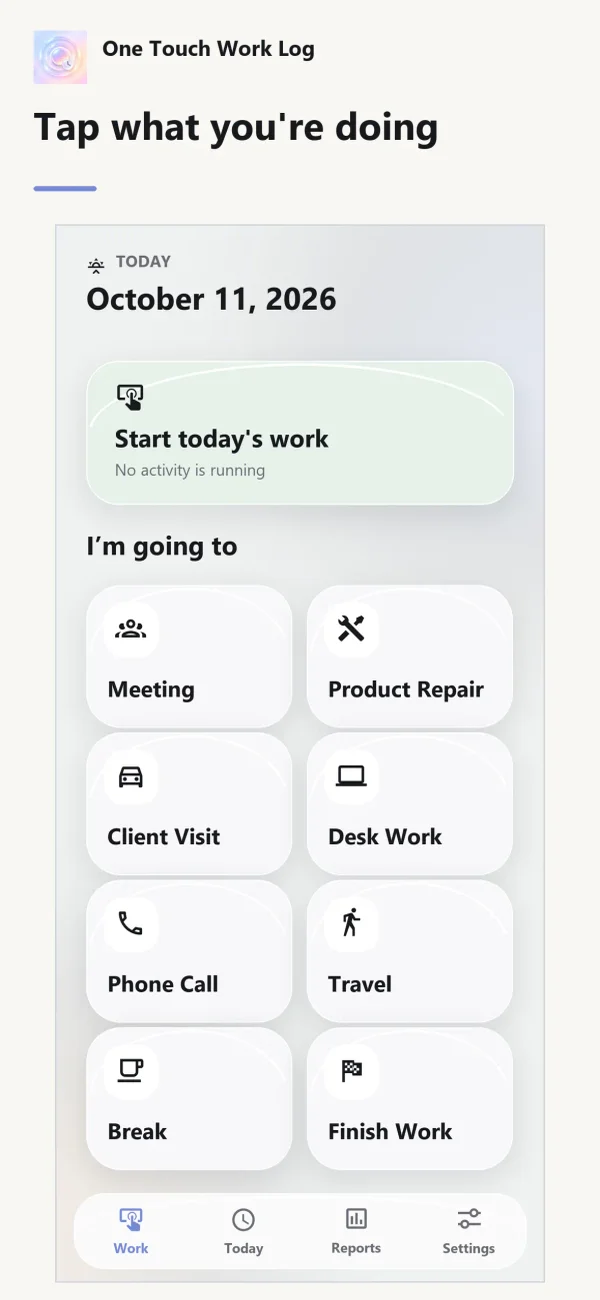
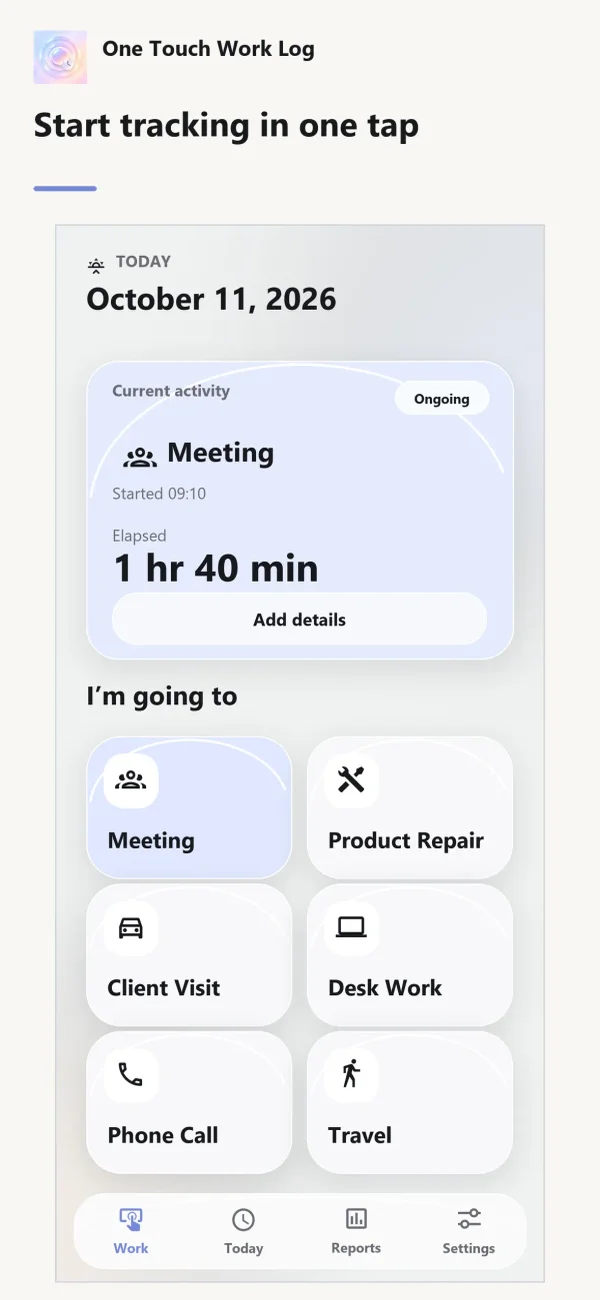
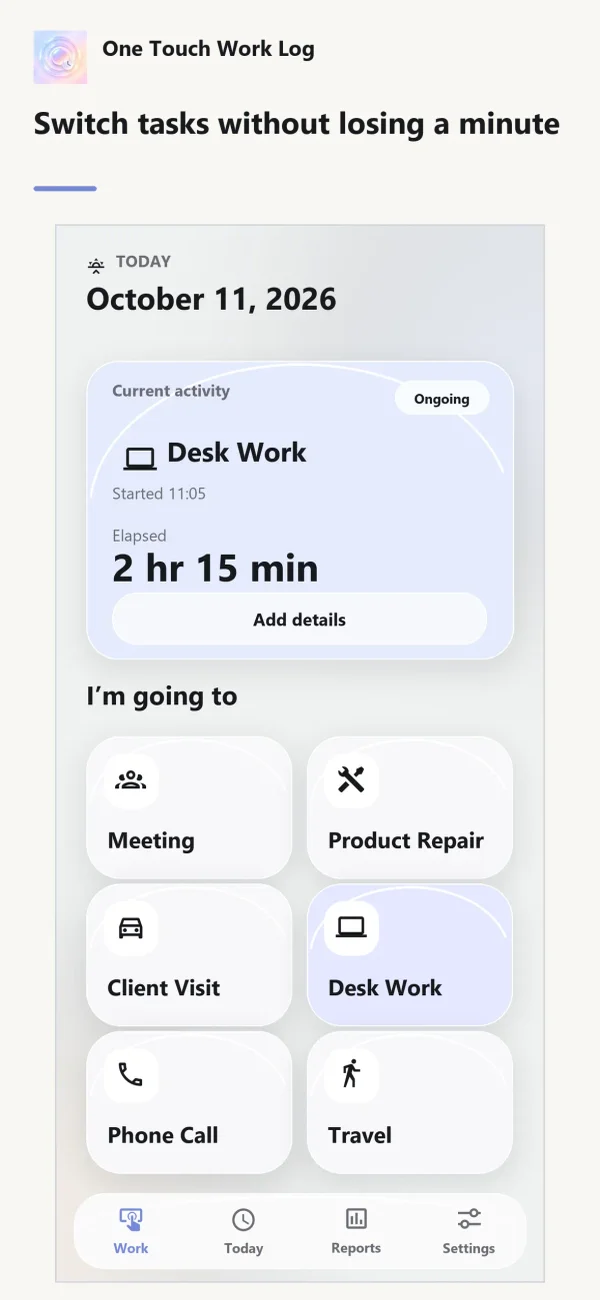
One Touch Work Log is a simple work-time tracker. Tap the activity you're doing to start recording. When you switch to the next activity, the previous entry ends automatically, building a clear timeline of your day.
SWITCH ACTIVITIES WITH ONE TAP
Choose from your work activities to start logging a meeting, client visit, desk work, phone call, travel, or whatever your day involves.
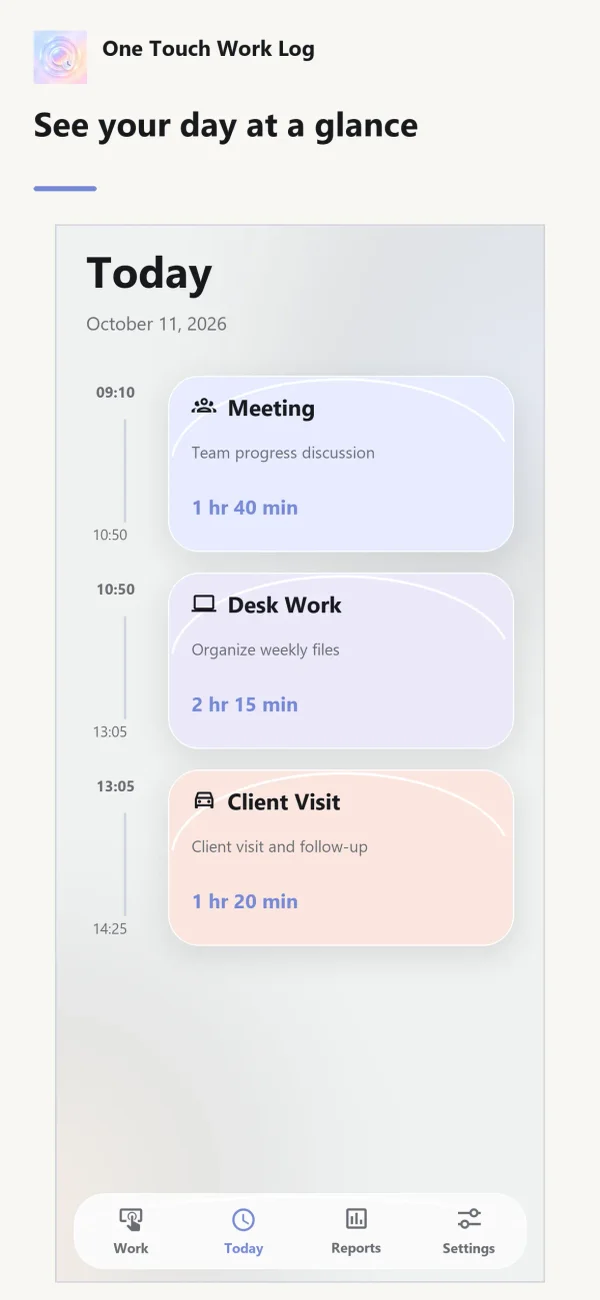
SEE YOUR DAY AS A TIMELINE
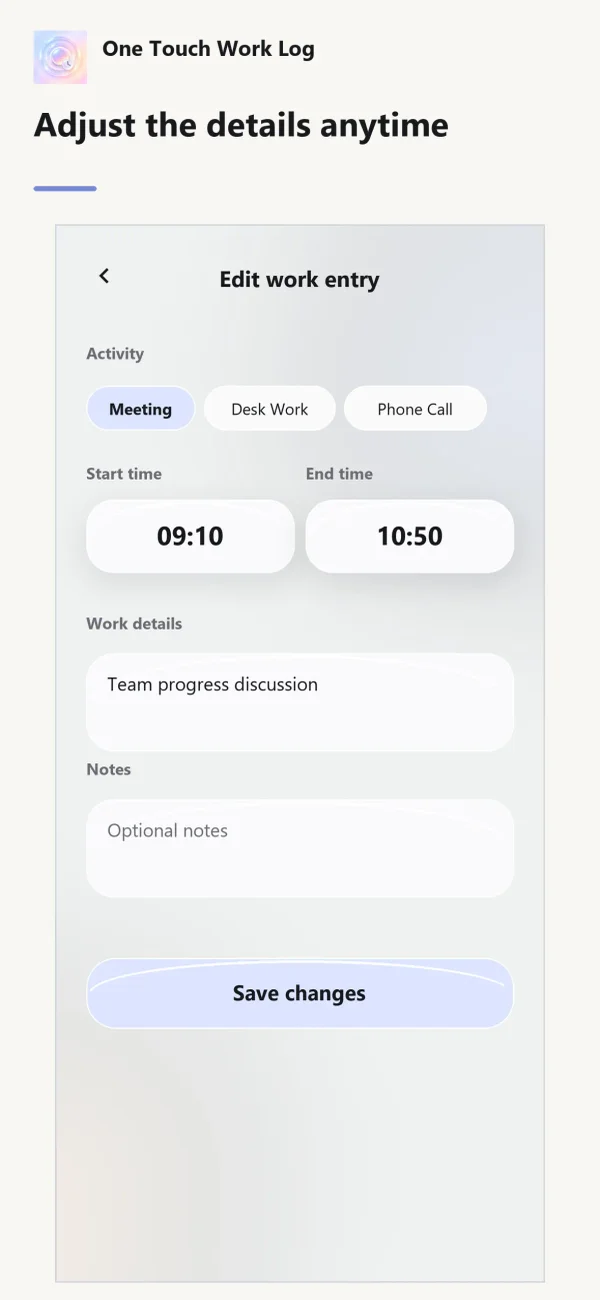
Review each entry's start and end times, details, and notes. Edit an activity, its times, or its content whenever you need to correct a record.
GET A DAILY REPORT
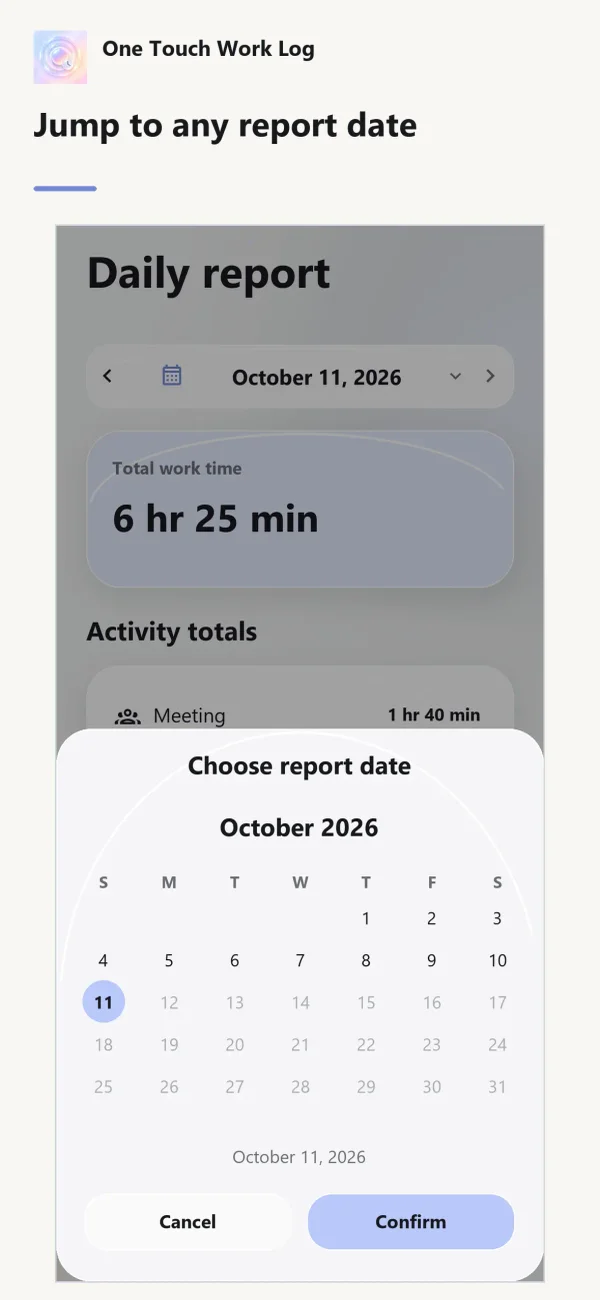
Pick a date from the calendar to see total work time, time by activity, and the full timeline. No manual totaling required.
SHARE YOUR WORK LOG
Copy a daily report as text, email it, or use the system share menu. When you choose to, you can also add completed work entries to Calendar.
MAKE IT YOUR WORKFLOW
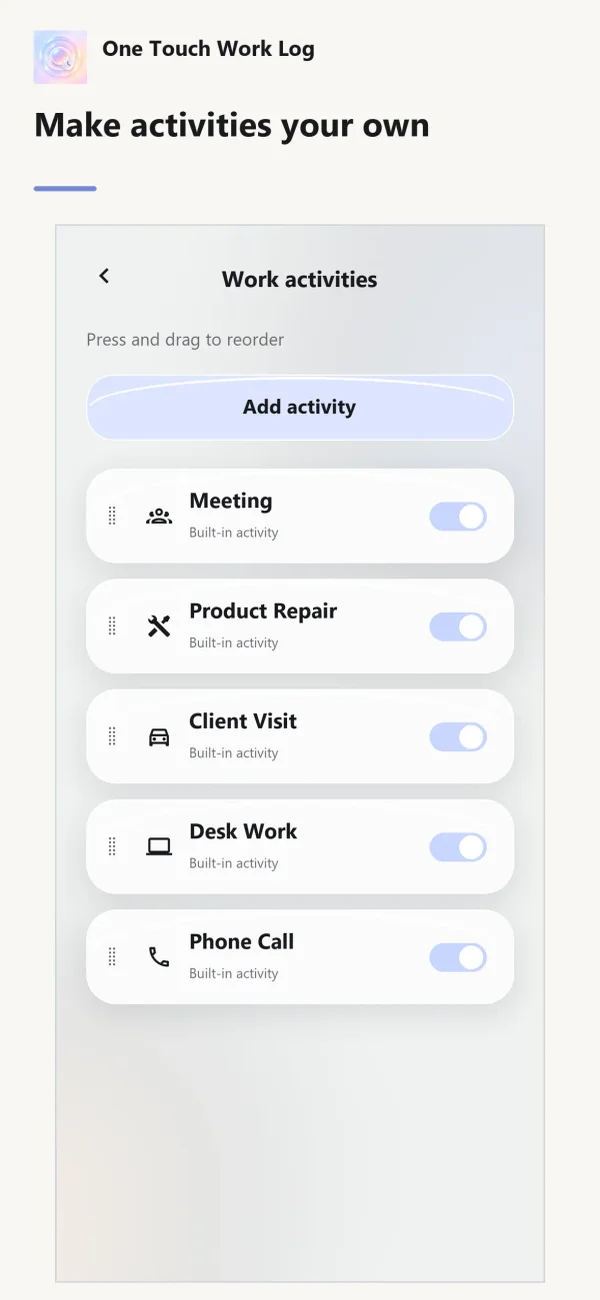
Add, edit, reorder, or hide activities. Choose light, dark, or system appearance and use the app in English, Traditional Chinese, Simplified Chinese, or Japanese.
Core work entries are stored on your device, and no account is required. The app may display ads. See the privacy policy for information about ad-related data processing and your choices.
Neue Funktionen
Version 1.2 · 13.10.2026
Version 1.2 improves startup stability and the bottom layout, keeping content, ads, and navigation clearly separated. You can choose a report date directly from a calendar, and the interface updates when you change the app language.
App-Datenschutz
Was lu qi hao im App Store zum Umgang dieser App mit Daten angibt.
-
Mit Ihnen verknüpfte Daten
Können erfasst und mit Ihrer Identität verknüpft werden.
- Kennungen
- Diagnose
-
Nicht mit Ihnen verknüpfte Daten
Können erfasst werden, sind aber nicht mit Ihrer Identität verknüpft.
- Standort
- Nutzungsdaten
Die Datenschutzpraktiken können variieren, zum Beispiel je nach den von Ihnen verwendeten Funktionen oder Ihrem Alter.
Informationen
- Anbieter
- lu qi hao
- Kategorie
- Produktivität
- Version
- 1.2
- Aktualisiert
- 13.10.2026
- Veröffentlicht
- 22.09.2026
- Größe
- 50,8 MB
- Erfordert
- iOS 16.4 oder neuer
- Altersfreigabe
- 4+
- Sprachen
- Tradit. Chinesisch, Japanisch, Vereinf. Chinesisch, Englisch
- Copyright
- Copyright©[AlexLu2026]
Das könnte Ihnen auch gefallen
-
 HorseShowPrepWann muss ich losfahren?
-
 Weldweft: Welding LogProduktivität
-
 indxCloudProduktivität
-
 Zeiterfassung - AutoTimecardAutomatische Stempeluhr
-
 PinIslandProduktivität
-
 Sleevy - LinkverwaltungLinks speichern. Später lesen.
-
 Detect & SolveProduktivität
-
 easy timer-the simplest timerProduktivität
-
 Arbeitszeiterfassung: HourlyStundenzettel & Arbeitsbericht
-
 PinNotes: Map MakerProduktivität