
- Clasificación por edad4+
- CategoríaProductividad
- Desarrolladorlu qi hao
- IdiomasChino tradicional+ 3 más
- Tamaño50,8 MB
Es posible que One Touch Work Log no esté disponible en App Store en este momento
No se pudo acceder a la ficha de la tienda en nuestra última comprobación. El enlace sigue llevando a la página oficial de App Store.
Capturas de pantalla



Acerca de
El desarrollador no ha proporcionado este texto en tu idioma.
Know where your workday went, one tap at a time.
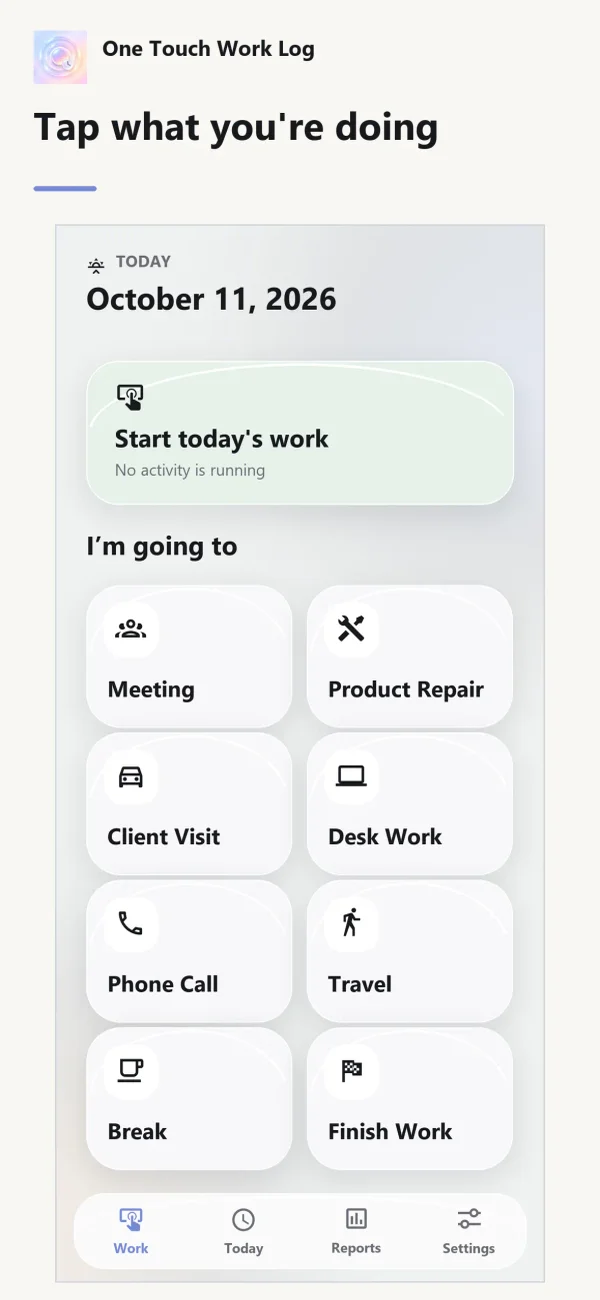
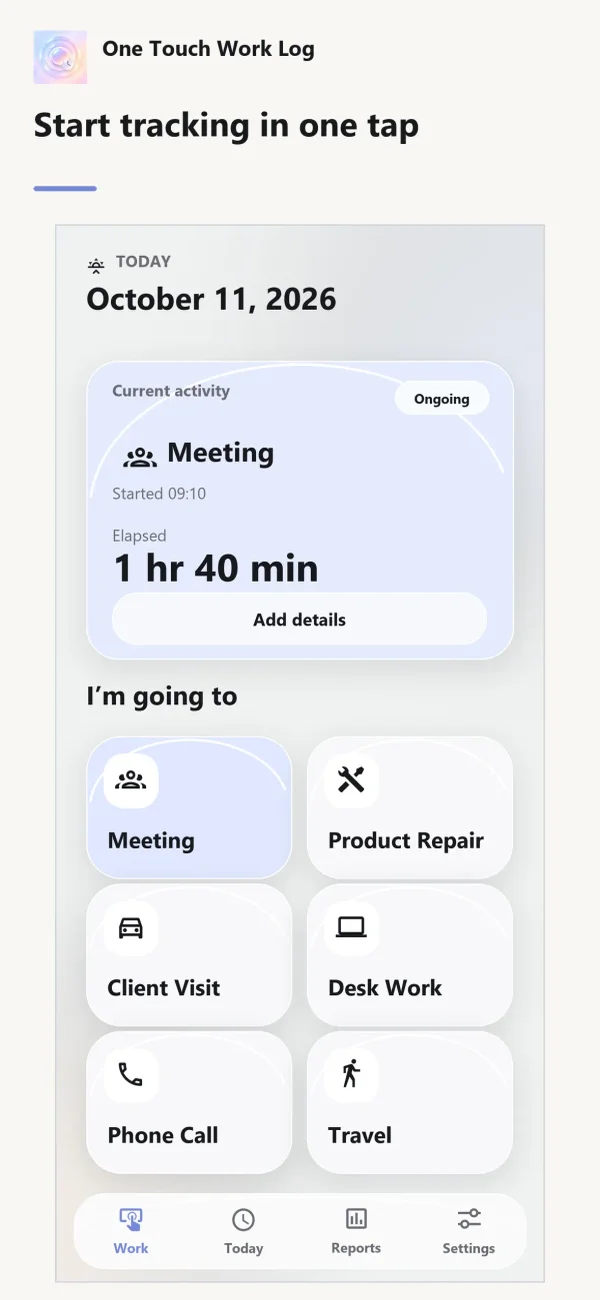
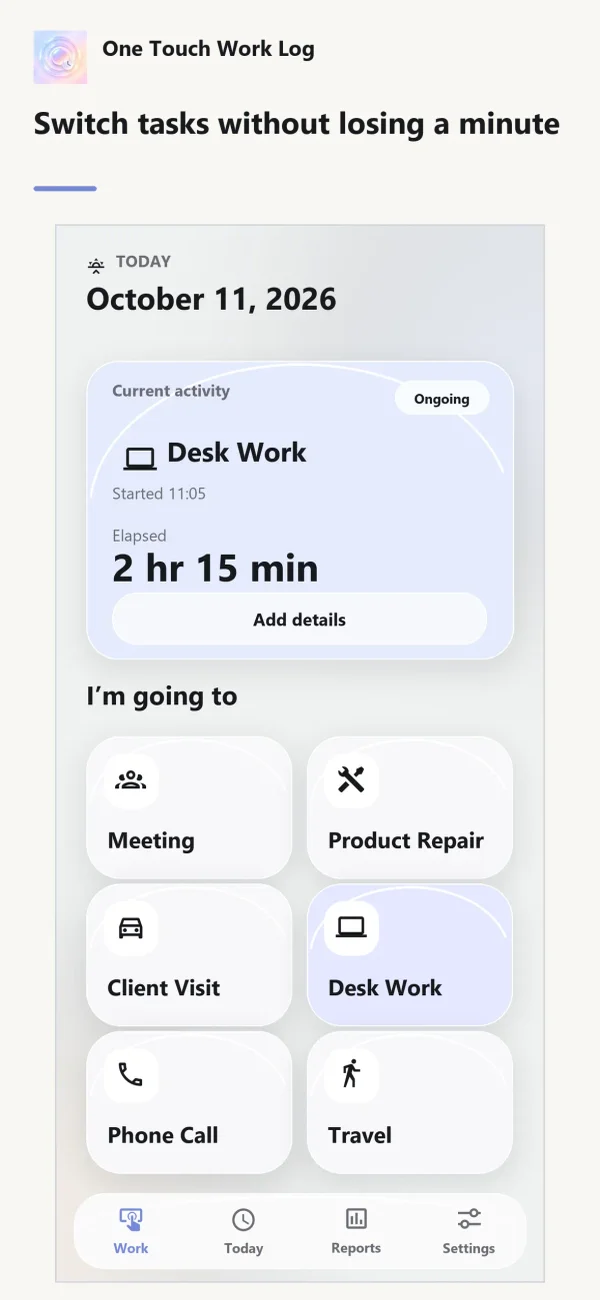
One Touch Work Log is a simple work-time tracker. Tap the activity you're doing to start recording. When you switch to the next activity, the previous entry ends automatically, building a clear timeline of your day.
SWITCH ACTIVITIES WITH ONE TAP
Choose from your work activities to start logging a meeting, client visit, desk work, phone call, travel, or whatever your day involves.
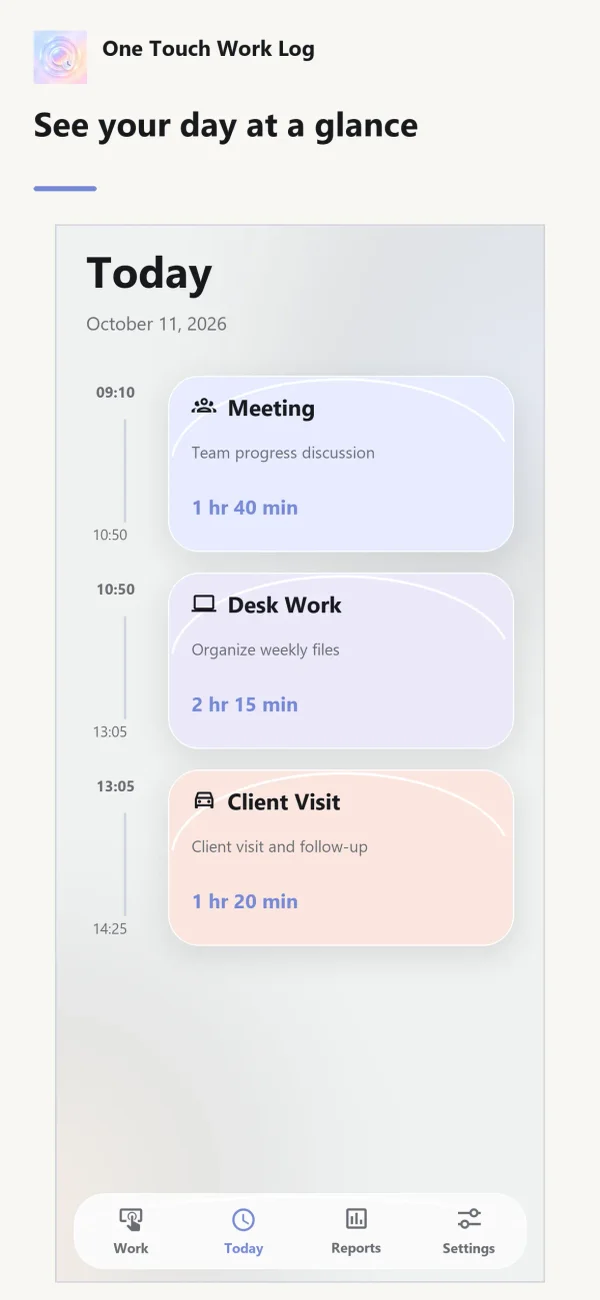
SEE YOUR DAY AS A TIMELINE
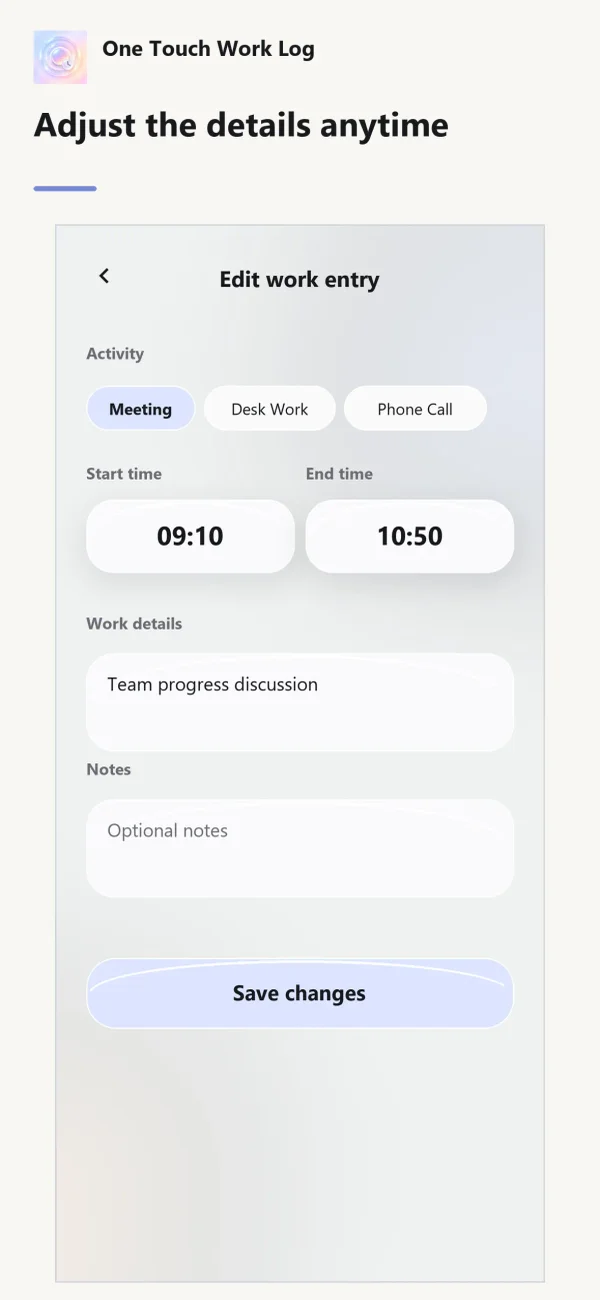
Review each entry's start and end times, details, and notes. Edit an activity, its times, or its content whenever you need to correct a record.
GET A DAILY REPORT
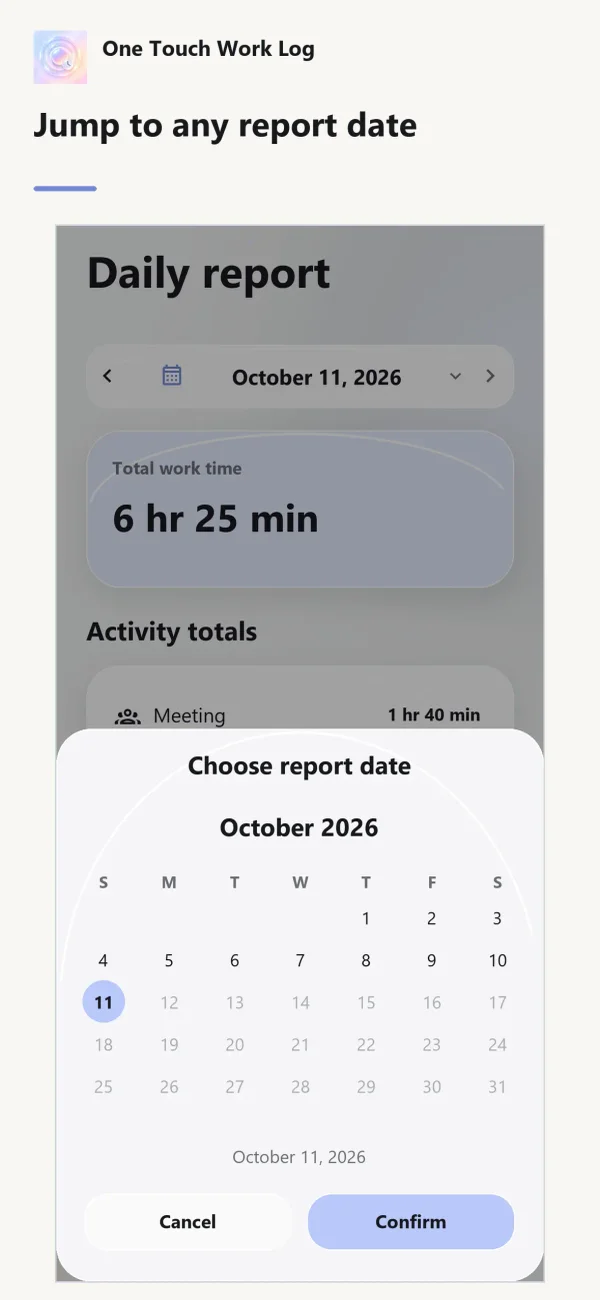
Pick a date from the calendar to see total work time, time by activity, and the full timeline. No manual totaling required.
SHARE YOUR WORK LOG
Copy a daily report as text, email it, or use the system share menu. When you choose to, you can also add completed work entries to Calendar.
MAKE IT YOUR WORKFLOW
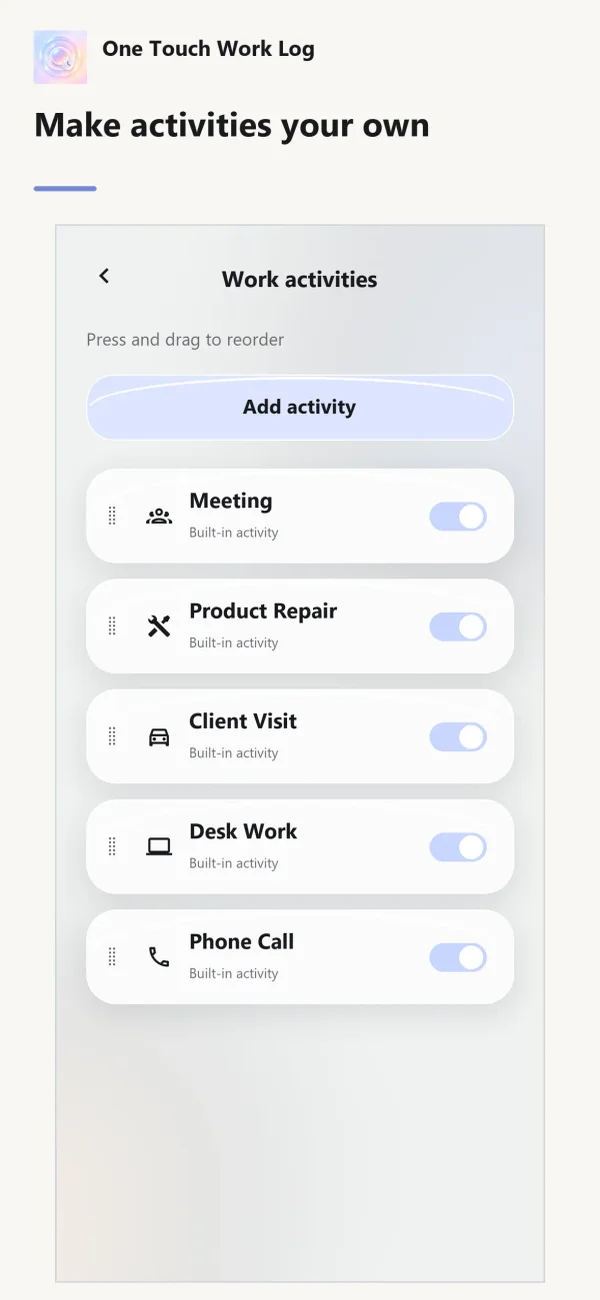
Add, edit, reorder, or hide activities. Choose light, dark, or system appearance and use the app in English, Traditional Chinese, Simplified Chinese, or Japanese.
Core work entries are stored on your device, and no account is required. The app may display ads. See the privacy policy for information about ad-related data processing and your choices.
Novedades
Versión 1.2 · 13/10/2026
Version 1.2 improves startup stability and the bottom layout, keeping content, ads, and navigation clearly separated. You can choose a report date directly from a calendar, and the interface updates when you change the app language.
Privacidad de la aplicación
Lo que lu qi hao declara en App Store sobre cómo esta aplicación gestiona los datos.
-
Datos vinculados a ti
Pueden recopilarse y vincularse a tu identidad.
- Identificadores
- Diagnóstico
-
Datos no vinculados a ti
Pueden recopilarse, pero no se vinculan a tu identidad.
- Ubicación
- Datos de uso
Las prácticas de privacidad pueden variar, por ejemplo, según las funciones que uses o tu edad.
Información
- Vendedor
- lu qi hao
- Categoría
- Productividad
- Versión
- 1.2
- Actualizado
- 13/10/2026
- Publicado
- 22/9/2026
- Tamaño
- 50,8 MB
- Requiere
- iOS 16.4 o posterior
- Clasificación por edad
- 4+
- Idiomas
- Chino tradicional, Japonés, Chino simplificado, Inglés
- Copyright
- Copyright©[AlexLu2026]
Quizá también te guste
-
 HorseShowPrepProductividad
-
 Weldweft: Welding LogProductividad
-
 indxCloudProductividad
-
 Fichaje - AutoTimecardControl horario automático
-
 PinIslandProductividad
-
 Sleevy - Gestor de marcadoresGuarda enlaces. Lee después.
-
 Detect & SolveReporta, sigue y resuelve
-
 easy timer-the simplest timerProductividad
-
 Control horario: HourlyParte de horas y registro
-
 PinNotes: Notas x Mapa = VidaApuntes, Nota, Rutas, Journal