
- Age rating4+
- CategoryProductivity
- Developerlu qi hao
- LanguagesTraditional Chinese+ 3 more
- Size50.8 MB
Links to the official App Store page
Download.org hosts no file of One Touch Work Log. The button opens its official App Store page, published by lu qi hao. Listing last checked on Nov 12, 2026.
Screenshots


About
Know where your workday went, one tap at a time.
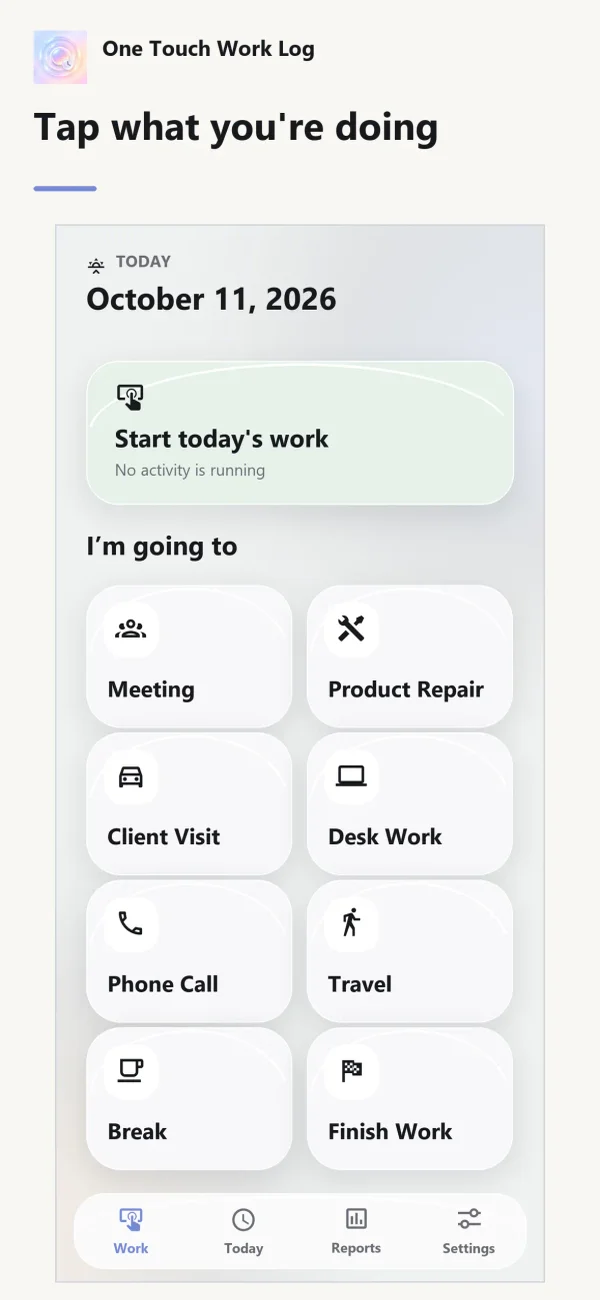
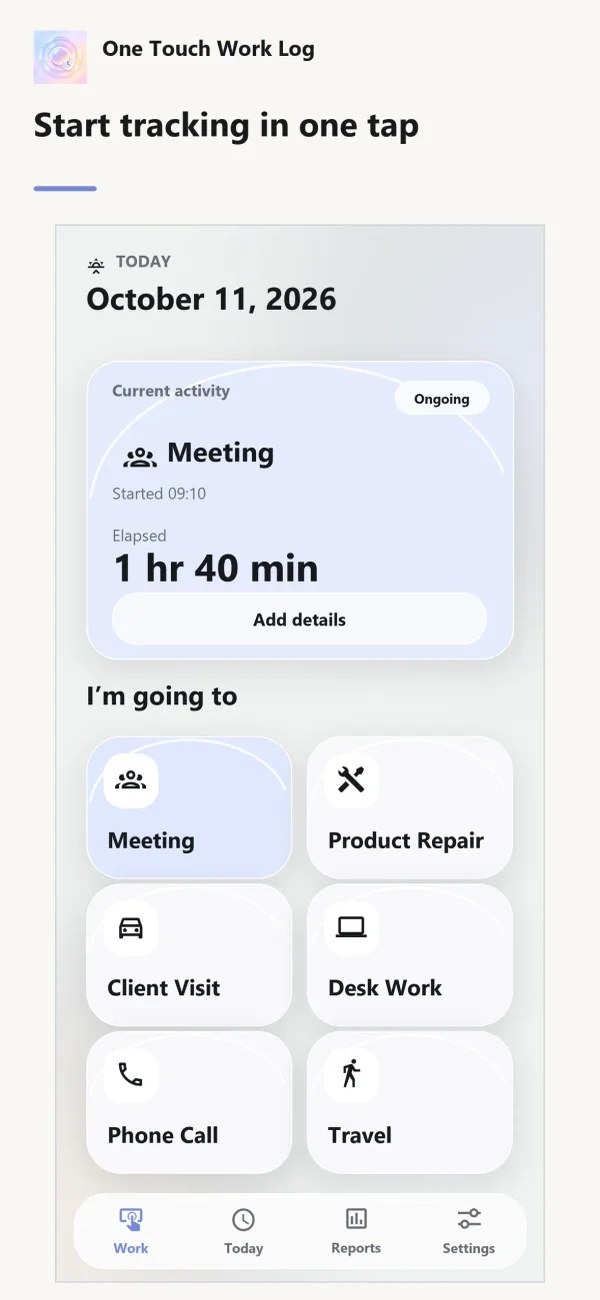
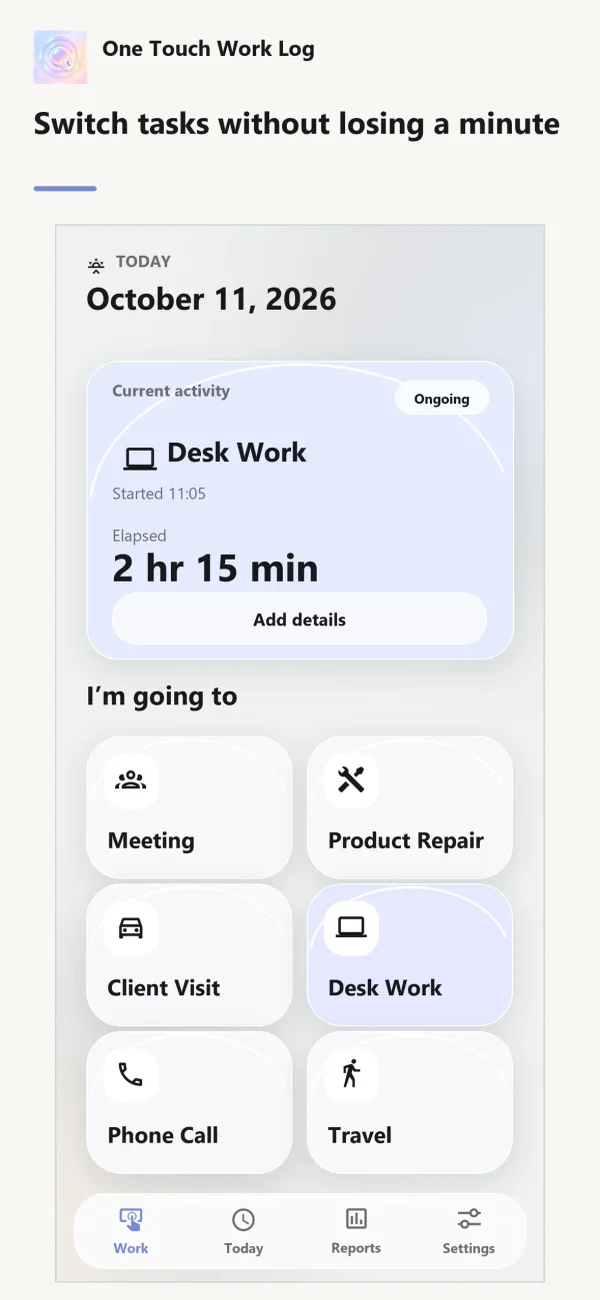
One Touch Work Log is a simple work-time tracker. Tap the activity you're doing to start recording. When you switch to the next activity, the previous entry ends automatically, building a clear timeline of your day.
SWITCH ACTIVITIES WITH ONE TAP
Choose from your work activities to start logging a meeting, client visit, desk work, phone call, travel, or whatever your day involves.
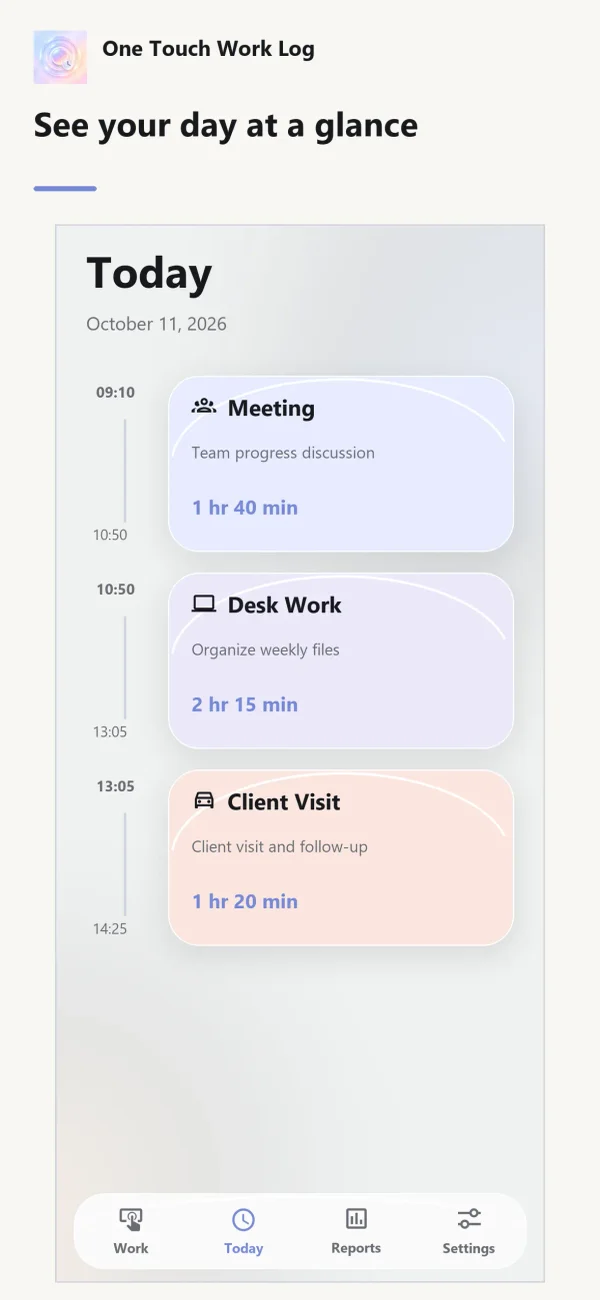
SEE YOUR DAY AS A TIMELINE
Review each entry's start and end times, details, and notes. Edit an activity, its times, or its content whenever you need to correct a record.
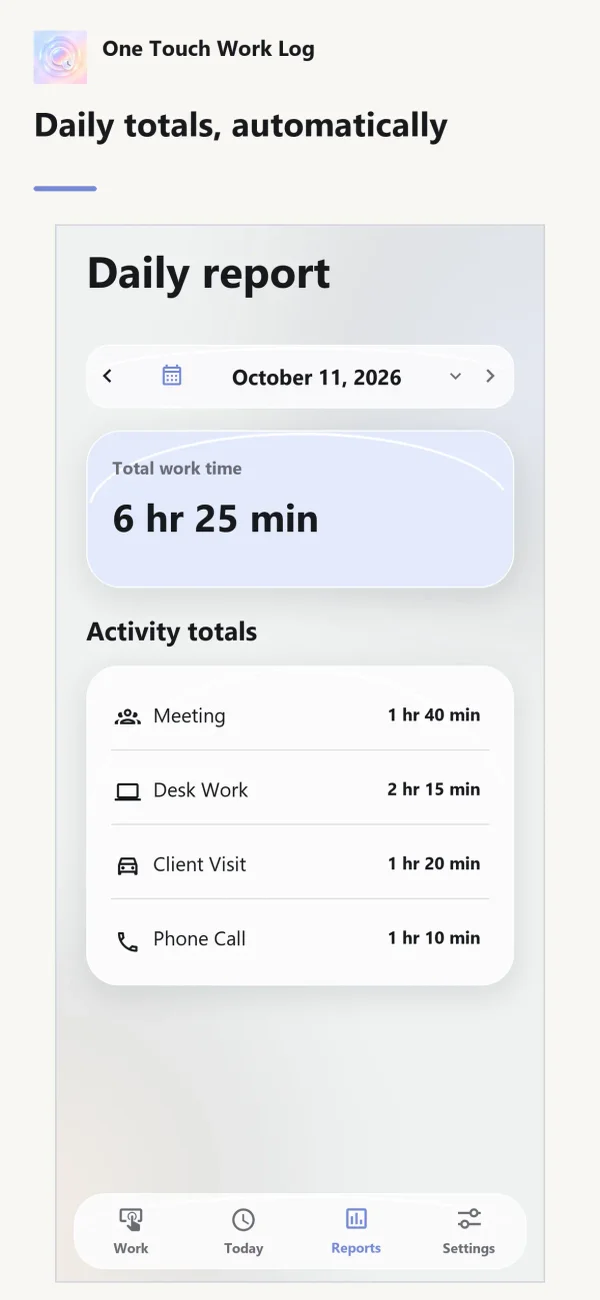
GET A DAILY REPORT
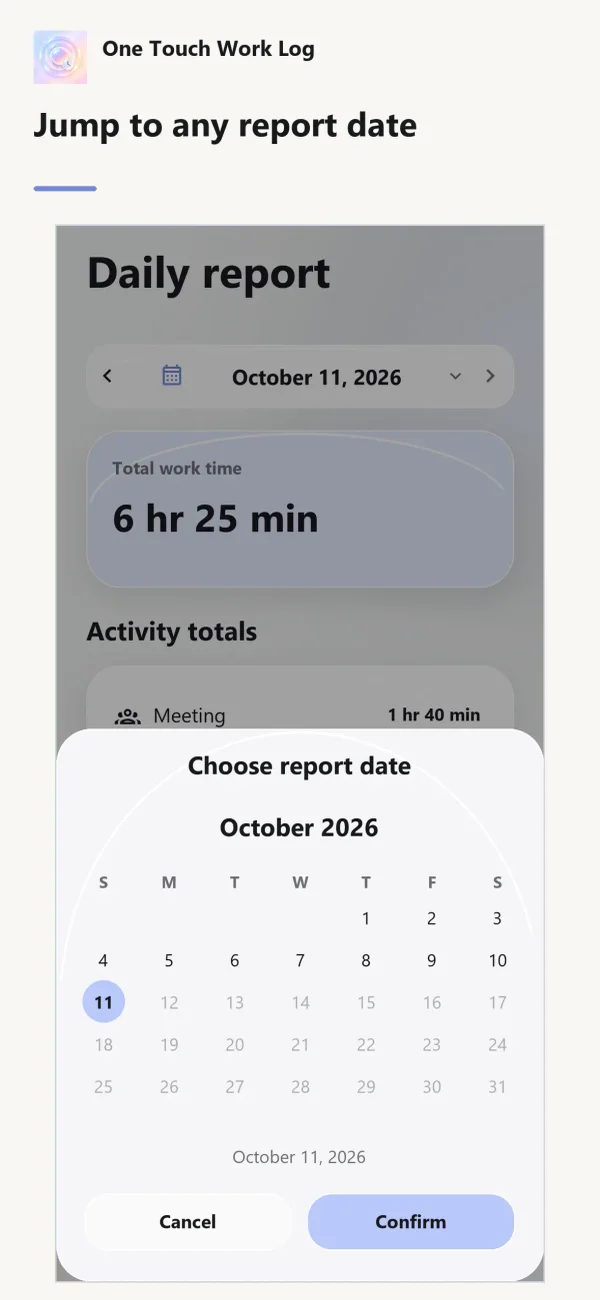
Pick a date from the calendar to see total work time, time by activity, and the full timeline. No manual totaling required.
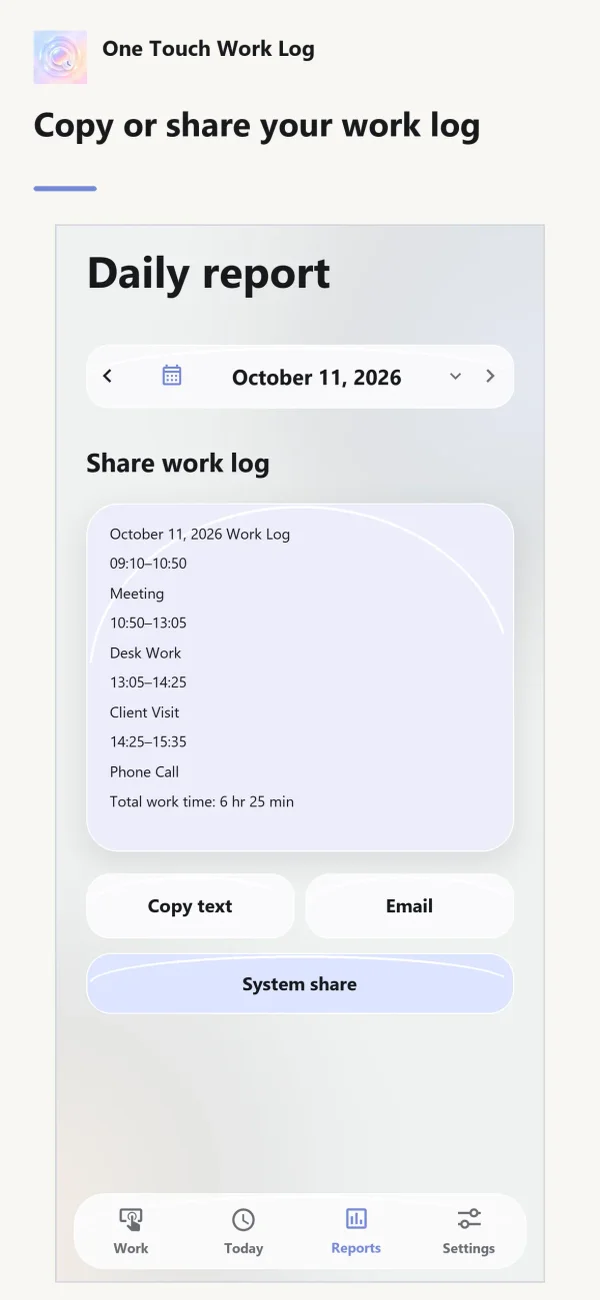
SHARE YOUR WORK LOG
Copy a daily report as text, email it, or use the system share menu. When you choose to, you can also add completed work entries to Calendar.
MAKE IT YOUR WORKFLOW
Add, edit, reorder, or hide activities. Choose light, dark, or system appearance and use the app in English, Traditional Chinese, Simplified Chinese, or Japanese.
Core work entries are stored on your device, and no account is required. The app may display ads. See the privacy policy for information about ad-related data processing and your choices.
What’s new
Version 1.2 · Oct 13, 2026
Version 1.2 improves startup stability and the bottom layout, keeping content, ads, and navigation clearly separated. You can choose a report date directly from a calendar, and the interface updates when you change the app language.
App privacy
What lu qi hao declares on the App Store about how this app handles data.
-
Data linked to you
May be collected and linked to your identity.
- Identifiers
- Diagnostics
-
Data not linked to you
May be collected but is not linked to your identity.
- Location
- Usage data
Privacy practices may vary, for example with the features you use or your age.
Information
- Seller
- lu qi hao
- Category
- Productivity
- Version
- 1.2
- Updated
- Oct 13, 2026
- Released
- Sep 22, 2026
- Size
- 50.8 MB
- Requires
- iOS 16.4 or later
- Age rating
- 4+
- Languages
- Traditional Chinese, Japanese, Simplified Chinese, English
- Copyright
- Copyright©[AlexLu2026]
You might also like
-
 HorseShowPrepWhen do I need to leave?
-
 Weldweft: Welding LogYour weld setup ledger
-
 indxCloudOpen files across your clouds
-
 Time Clock - AutoTimecardAuto clock in & hours tracker
-
 PinIslandScreenshots on Dynamic Island
-
 Sleevy: Bookmark ManagerSave Links & Read Later
-
 Detect & SolveReport, track, and solve
-
 easy timer-the simplest timerOne-tap simple timer
-
 Work Hours Tracker: HourlyTimesheet & Hours Calculator
-
 PinNotes: Map MakerExplore, Travel tracker