PicFormat Image Converter
Convert to JPG, PDF, and more
Entwickelt für iPhone, iPad
- Altersfreigabe4+
- KategorieProduktivität
- EntwicklerELLIOTT BRIAN MILES
- SprachenEnglisch
- Größe6,2 MB
PicFormat Image Converter ist bei App Store derzeit möglicherweise nicht verfügbar
Bei unserer letzten Prüfung war der Store-Eintrag nicht erreichbar. Der Link führt weiterhin zur offiziellen App Store-Seite.
Screenshots
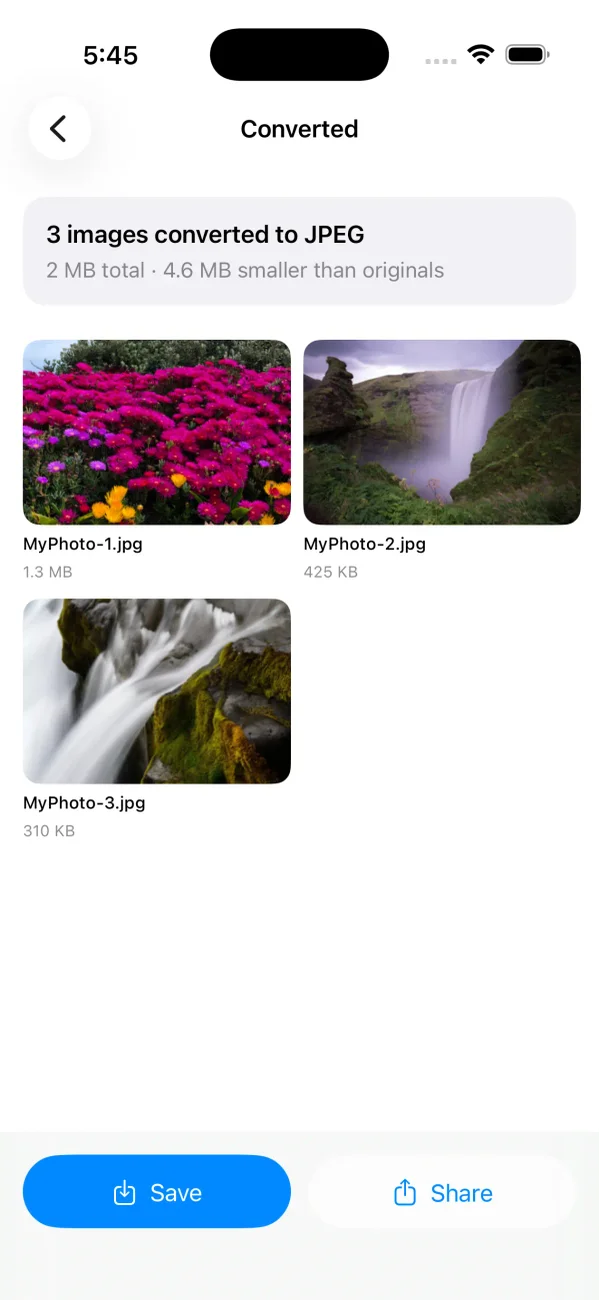
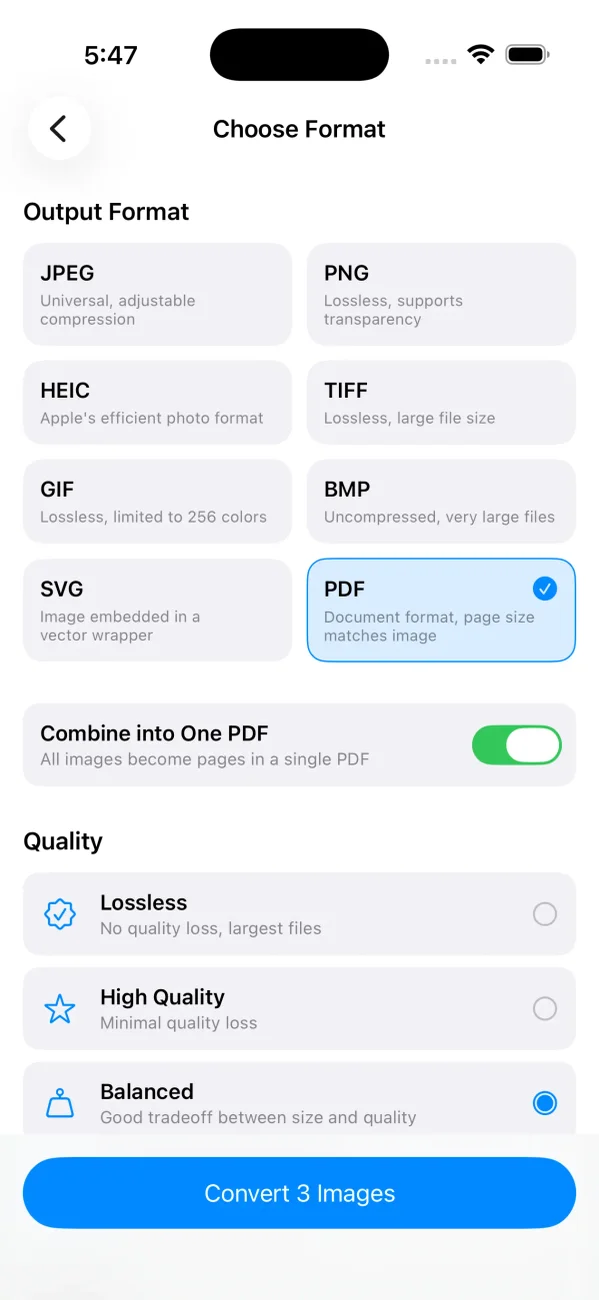
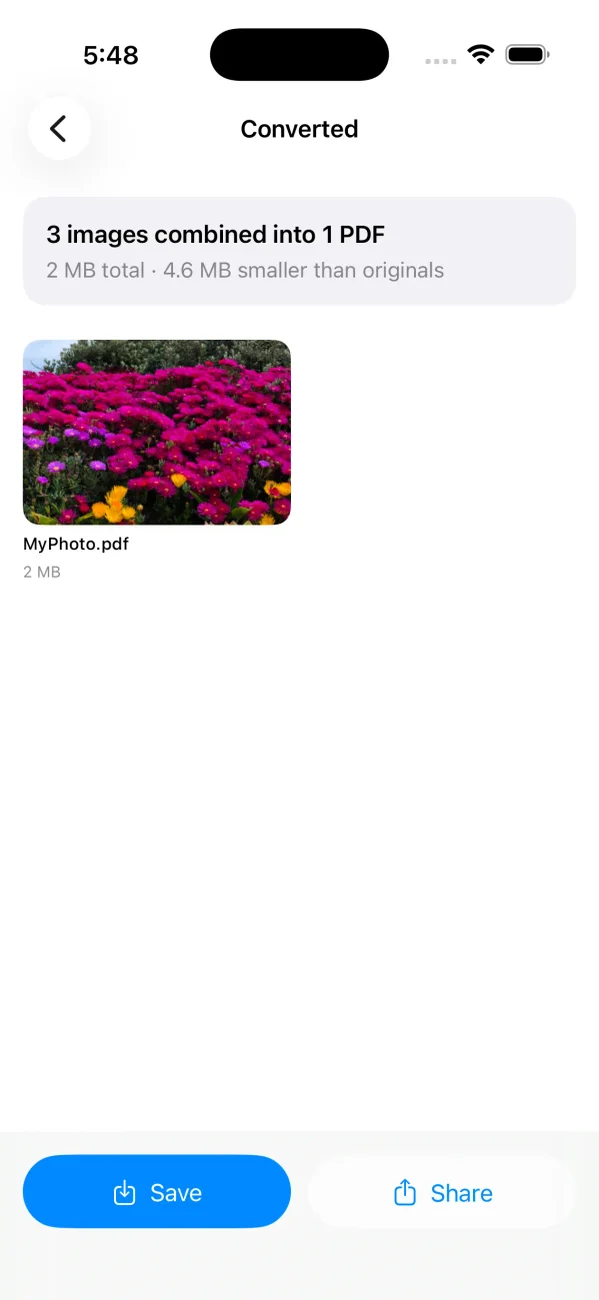
Info
Der Entwickler hat diesen Text nicht in Ihrer Sprache bereitgestellt.
PicFormat Image Converter is a simple, no-nonsense image converter that does exactly what it says: no ads, no subscriptions, no accounts, and no data ever leaving your device.
CONVERT BETWEEN FORMATS
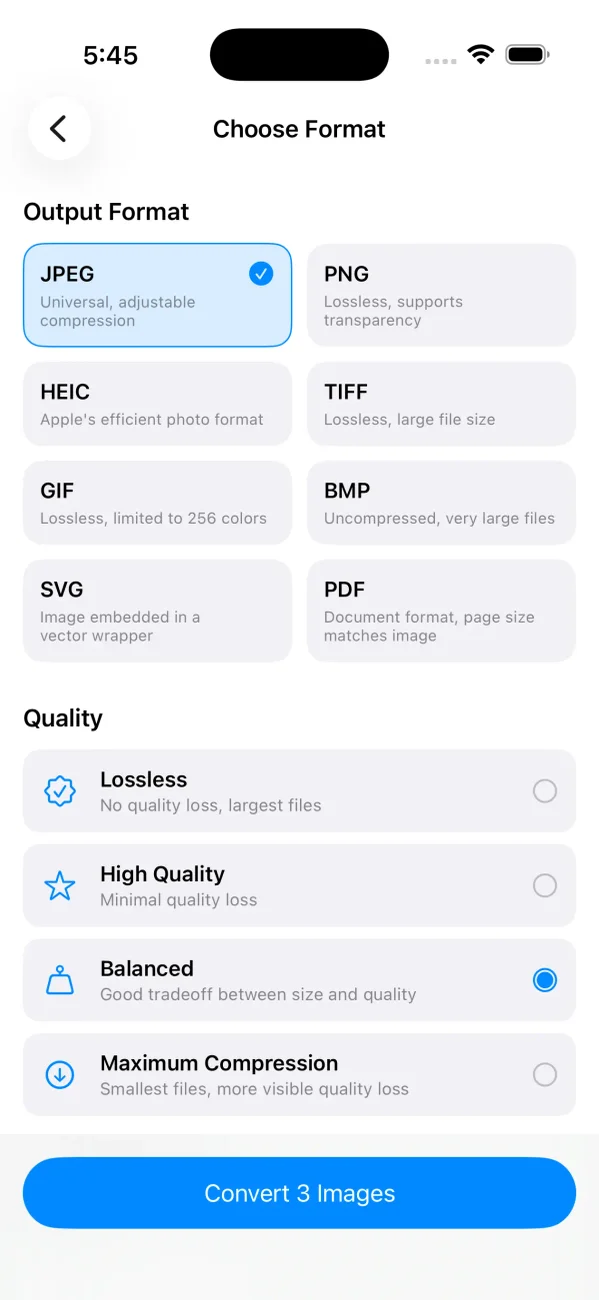
Convert your images to any of the 8 available formats in just a couple of taps. Whether you need a HEIC photo turned into a JPG for compatibility, or save a batch of pictures as a PDF, PicFormat Image Converter handles it instantly.
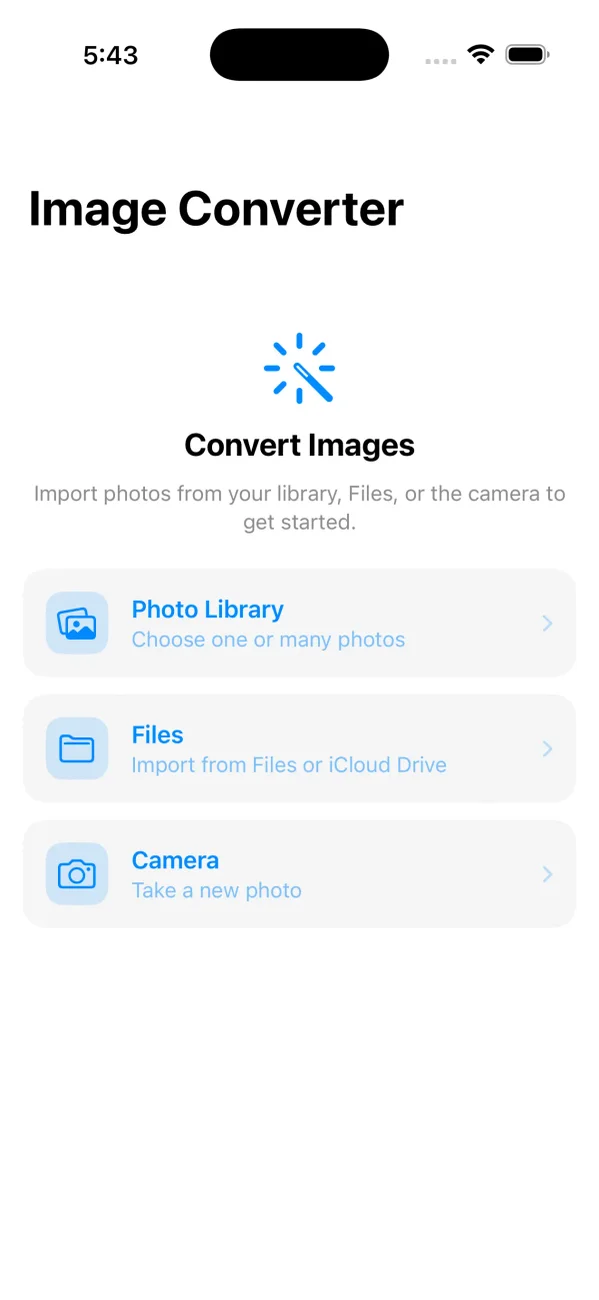
CONVERT FROM ANYWHERE
- Choose photos directly from your Photo Library
- Import image files from the Files app, iCloud Drive, or other file providers
- Snap a new photo with the camera and convert it on the spot
CONVERT ONE OR MANY AT ONCE
Select a single image or a whole batch. PicFormat Image Converter converts them all in one go, so you're not stuck repeating the same steps over and over.
CONTROL YOUR FILE SIZE AND QUALITY
Choose the compression level that fits your needs, from fully lossless output to smaller, more compressed files.
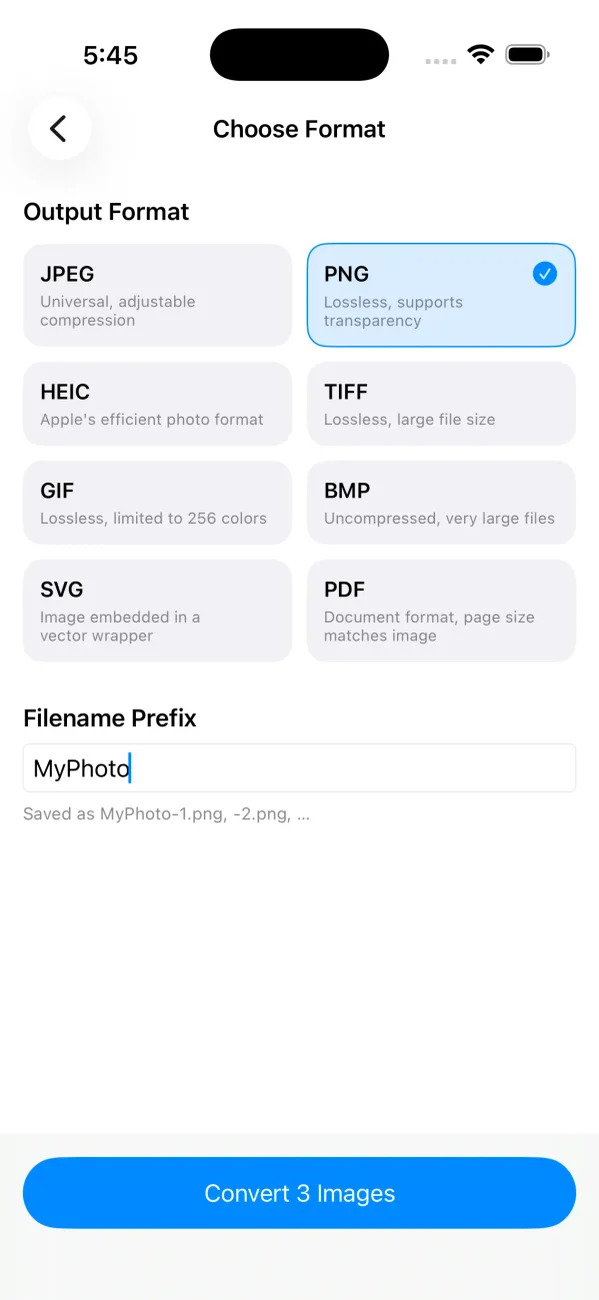
SAVE YOUR WAY
Pick your own filename, choose exactly where the converted files go, and save straight to Files, iCloud Drive, or on-device storage. PicFormat Image Converter also supports sharing to other devices.
PRIVACY BY DESIGN
We don't run any servers and every conversion happens entirely on your device. Nothing is uploaded, tracked, or sent anywhere. PicFormat Image Converter doesn't need an internet connection to work, and it never will need one.
NO CATCHES
No ads. No in-app purchases. No premium tier. No account required. Just a genuinely useful tool, free to use.
Neue Funktionen
Version 1.0.1 · 26.09.2026
Updated app display name
App-Datenschutz
Was ELLIOTT BRIAN MILES im App Store zum Umgang dieser App mit Daten angibt.
-
Keine Daten erfasst
Der Entwickler erfasst keine Daten von dieser App.
Die Datenschutzpraktiken können variieren, zum Beispiel je nach den von Ihnen verwendeten Funktionen oder Ihrem Alter.
Informationen
- Anbieter
- ELLIOTT BRIAN MILES
- Kategorie
- Produktivität
- Version
- 1.0.1
- Aktualisiert
- 26.09.2026
- Veröffentlicht
- 16.09.2026
- Größe
- 6,2 MB
- Erfordert
- iOS 17.0 oder neuer
- Altersfreigabe
- 4+
- Sprachen
- Englisch
- Copyright
- © 2026 Elliott Miles
Das könnte Ihnen auch gefallen
-
 Markdown Studio ProProduktivität
-
 Reminder Your DayProduktivität
-
 Filepad MarkdownProduktivität
-
 Remba: Simple RemindersProduktivität
-
 RemindificationsProduktivität
-
 Image Converter: Fast&OfflineProduktivität
-
 Sentinel Personal AIProduktivität
-
 little memo: Easy note takingProduktivität
-
 RemindBroProduktivität
-
 Stoobs: Random RemindersProduktivität