PicFormat Image Converter
Convert to JPG, PDF, and more
Designed for iPhone, iPad
Free
- Age rating4+
- CategoryProductivity
- DeveloperELLIOTT BRIAN MILES
- LanguagesEnglish
- Size6.2 MB
Links to the official App Store page
Download.org hosts no file of PicFormat Image Converter. The button opens its official App Store page, published by ELLIOTT BRIAN MILES. Listing last checked on Nov 14, 2026.
Screenshots
About
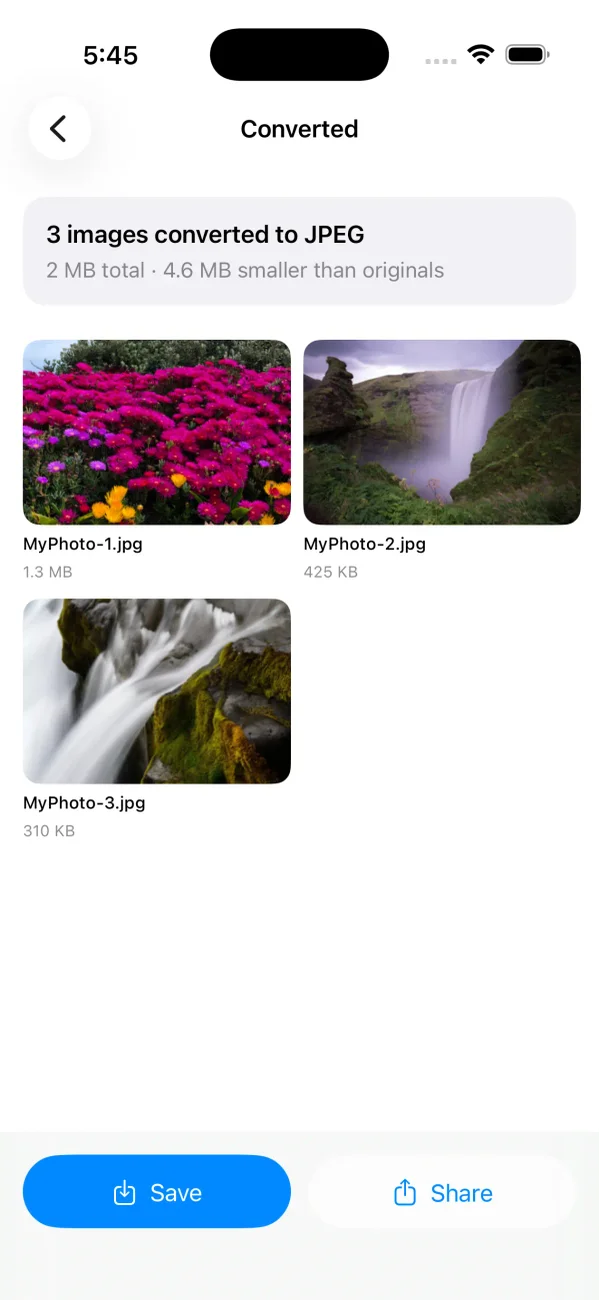
PicFormat Image Converter is a simple, no-nonsense image converter that does exactly what it says: no ads, no subscriptions, no accounts, and no data ever leaving your device.
CONVERT BETWEEN FORMATS
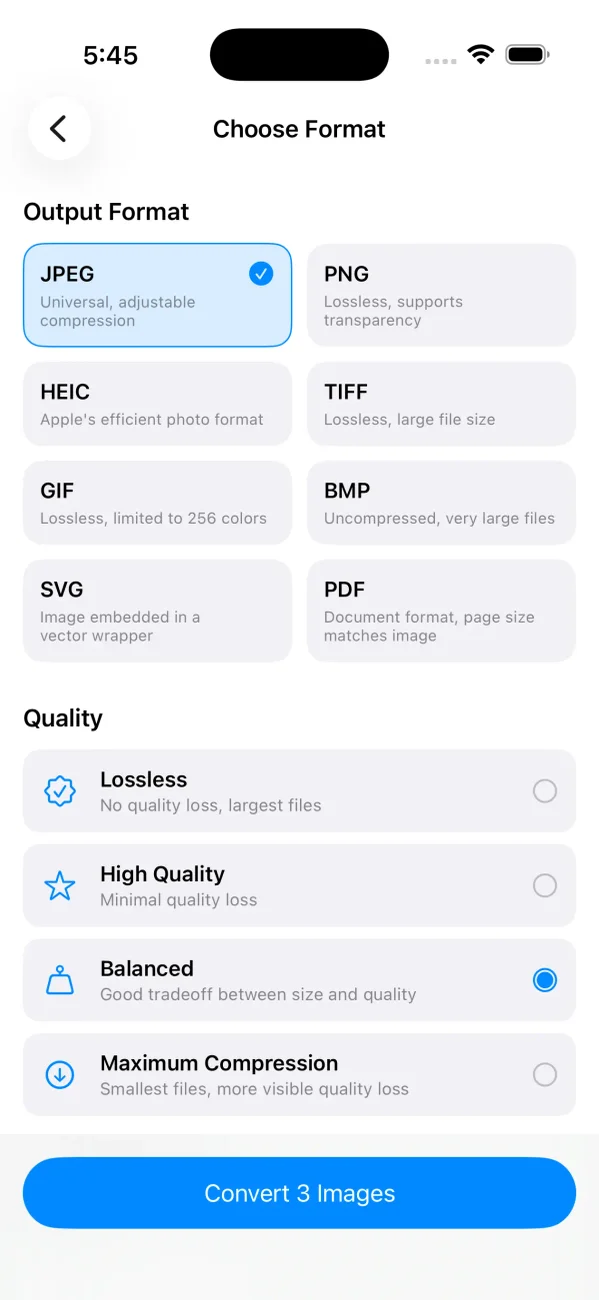
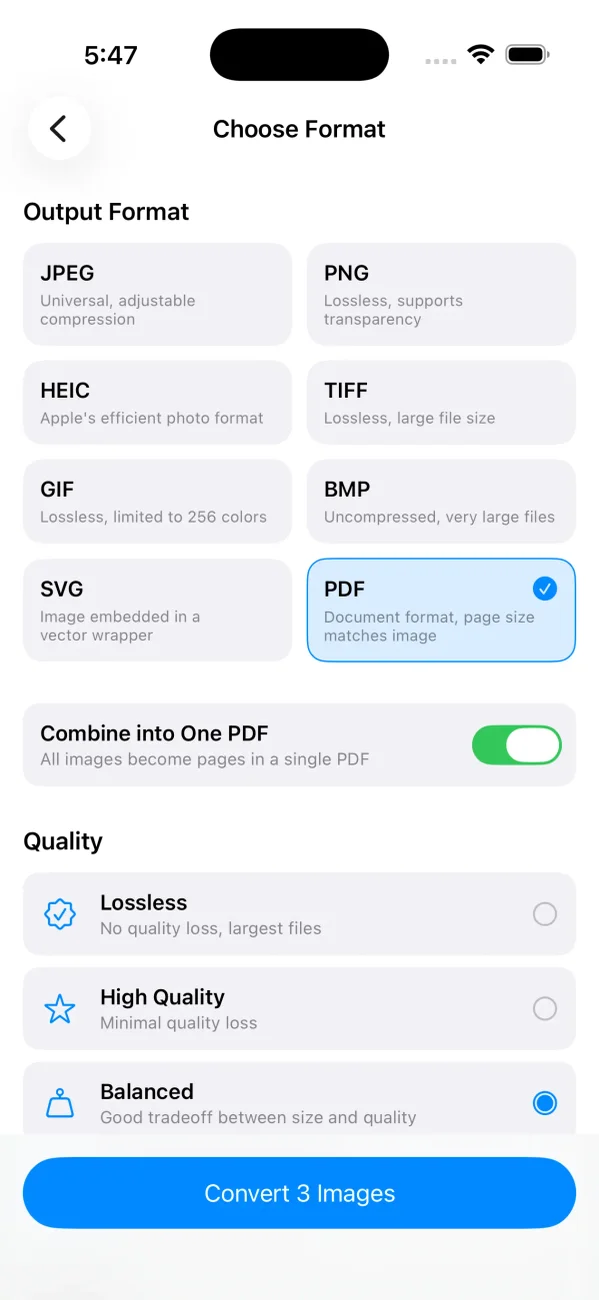
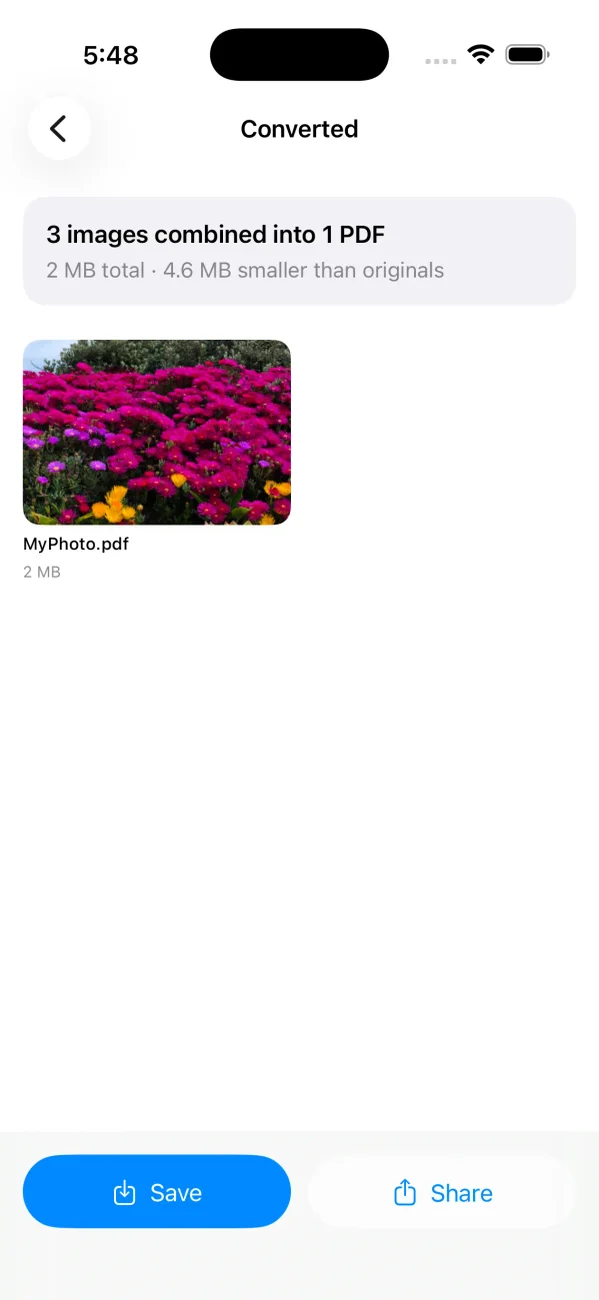
Convert your images to any of the 8 available formats in just a couple of taps. Whether you need a HEIC photo turned into a JPG for compatibility, or save a batch of pictures as a PDF, PicFormat Image Converter handles it instantly.
CONVERT FROM ANYWHERE
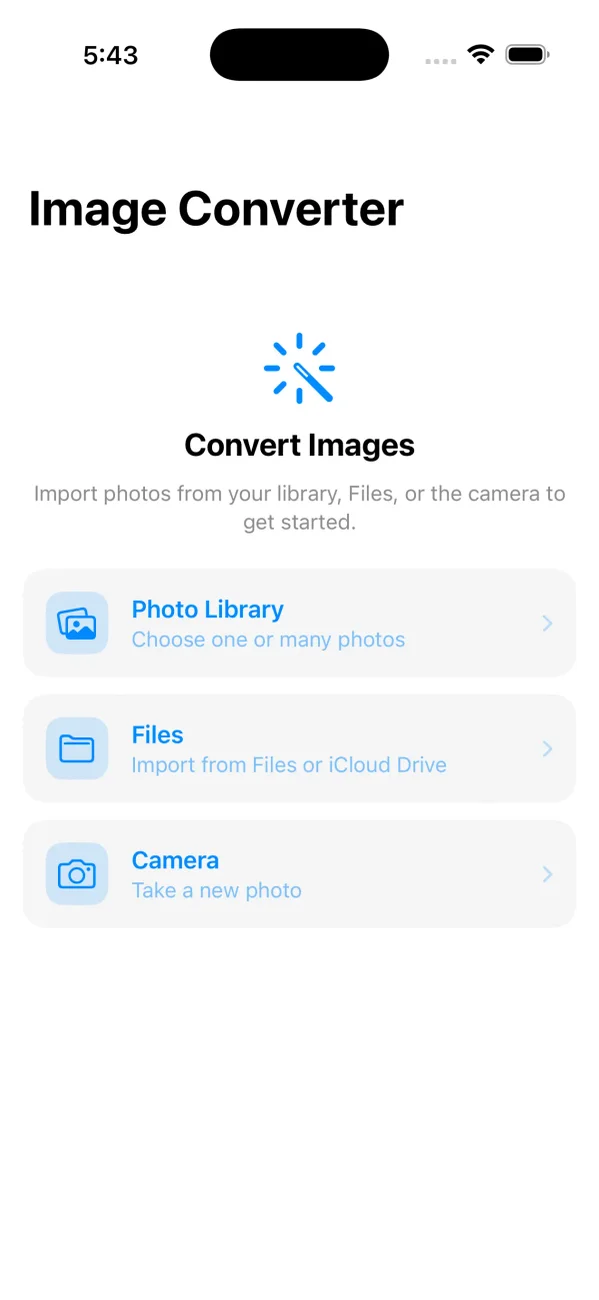
- Choose photos directly from your Photo Library
- Import image files from the Files app, iCloud Drive, or other file providers
- Snap a new photo with the camera and convert it on the spot
CONVERT ONE OR MANY AT ONCE
Select a single image or a whole batch. PicFormat Image Converter converts them all in one go, so you're not stuck repeating the same steps over and over.
CONTROL YOUR FILE SIZE AND QUALITY
Choose the compression level that fits your needs, from fully lossless output to smaller, more compressed files.
SAVE YOUR WAY
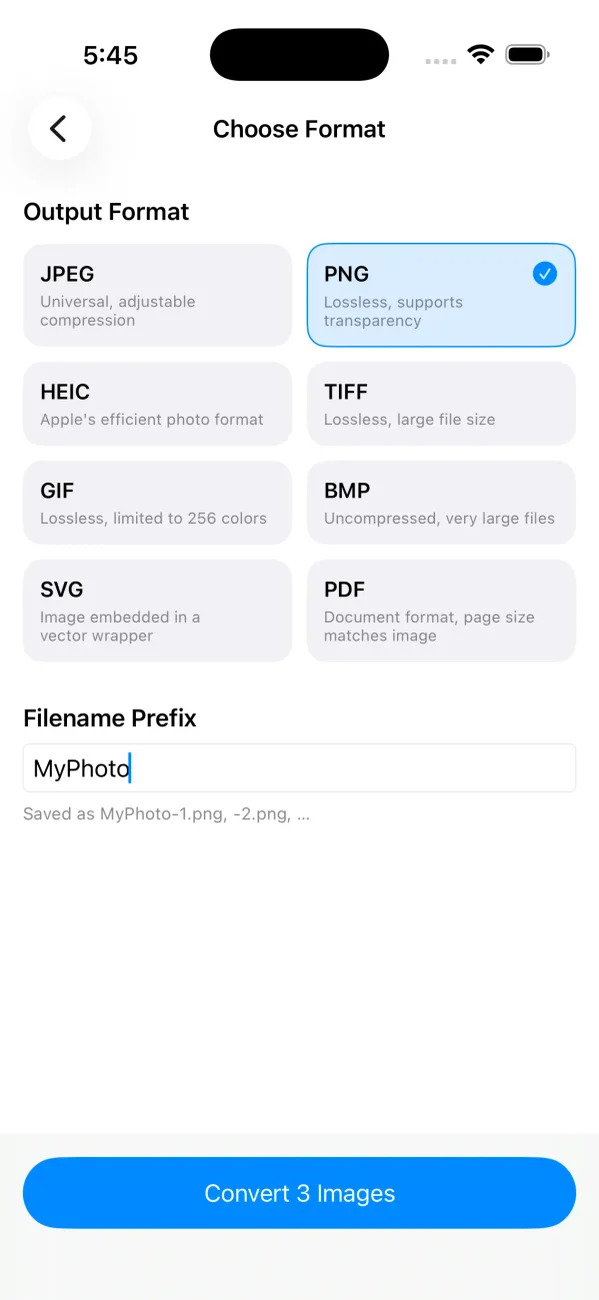
Pick your own filename, choose exactly where the converted files go, and save straight to Files, iCloud Drive, or on-device storage. PicFormat Image Converter also supports sharing to other devices.
PRIVACY BY DESIGN
We don't run any servers and every conversion happens entirely on your device. Nothing is uploaded, tracked, or sent anywhere. PicFormat Image Converter doesn't need an internet connection to work, and it never will need one.
NO CATCHES
No ads. No in-app purchases. No premium tier. No account required. Just a genuinely useful tool, free to use.
What’s new
Version 1.0.1 · Sep 26, 2026
Updated app display name
App privacy
What ELLIOTT BRIAN MILES declares on the App Store about how this app handles data.
-
Data not collected
The developer does not collect any data from this app.
Privacy practices may vary, for example with the features you use or your age.
Information
- Seller
- ELLIOTT BRIAN MILES
- Category
- Productivity
- Version
- 1.0.1
- Updated
- Sep 26, 2026
- Released
- Sep 16, 2026
- Size
- 6.2 MB
- Requires
- iOS 17.0 or later
- Age rating
- 4+
- Price
- Free
- Languages
- English
- Copyright
- © 2026 Elliott Miles
You might also like
-
 Markdown Studio ProA calm Markdown editor
-
 Reminder Your DayDaily Reminder
-
 Filepad MarkdownYour files, where they live
-
 Remba: Simple RemindersGentle reminders for everyone
-
 RemindificationsReminders, Re-Imagined
-
 Image Converter: Fast&OfflineHEIC, PNG, JPG, PDF & Editor
-
 Sentinel Personal AIProductivity
-
 little memo: Easy note takingRidiculously simple notes
-
 RemindBroSmart Reminders
-
 Stoobs: Random RemindersRandom Reminders Anytime