Pixel Density Calculator
Pixels per Inch PPI Calculator
Entwickelt für iPhone, iPad, iPod touch
2,99 €
- Altersfreigabe4+
- KategorieDienstprogramme
- EntwicklerHeng Jia Liang
- SprachenEnglisch
- Größe3,0 MB
Verlinkt auf die offizielle App Store-Seite
Download.org hostet keine Datei von Pixel Density Calculator. Die Schaltfläche öffnet die App-Seite bei App Store, wo Heng Jia Liang die App veröffentlicht. Eintrag zuletzt geprüft am 17.11.2026.
Screenshots

Info
Der Entwickler hat diesen Text nicht in Ihrer Sprache bereitgestellt.
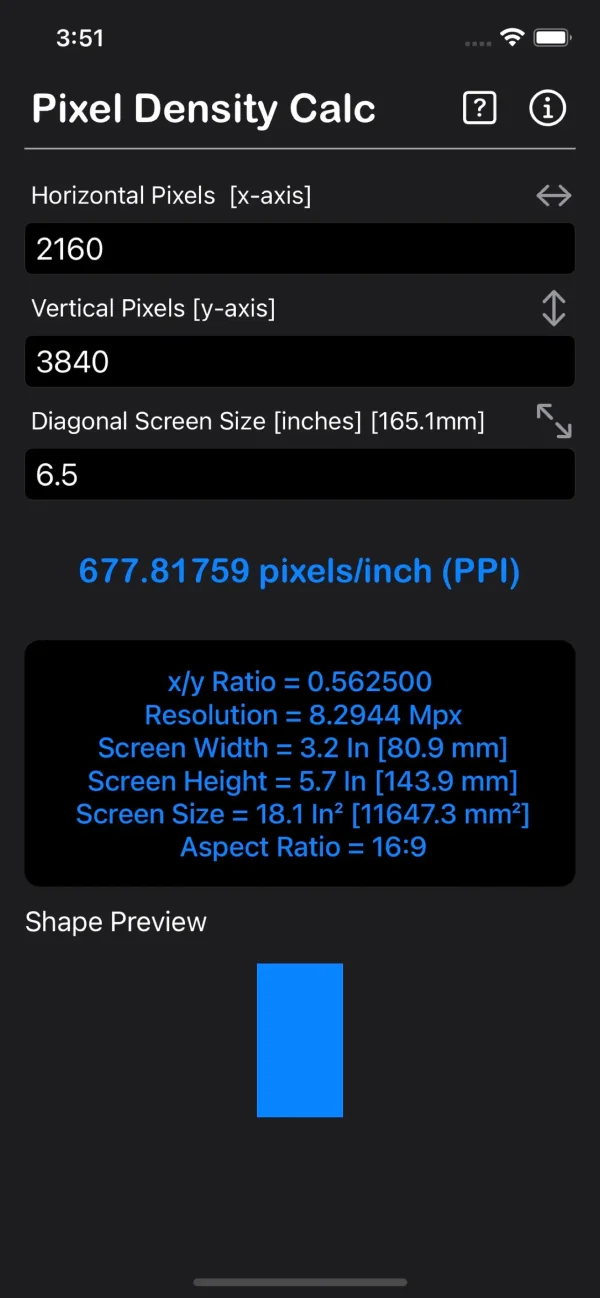
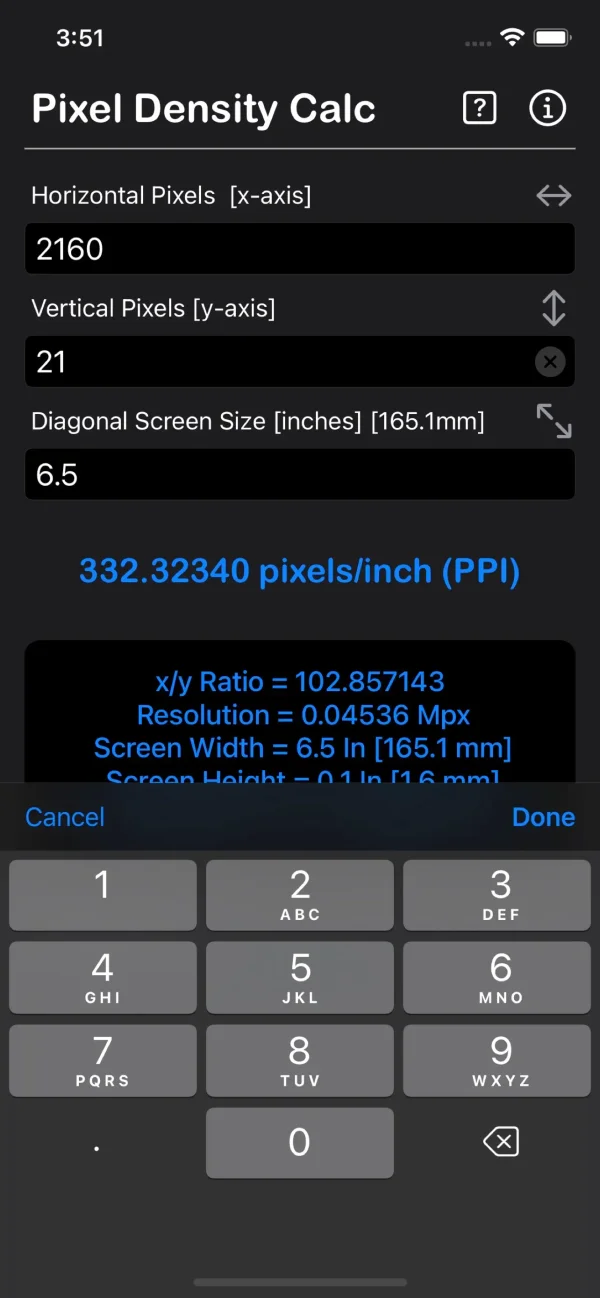
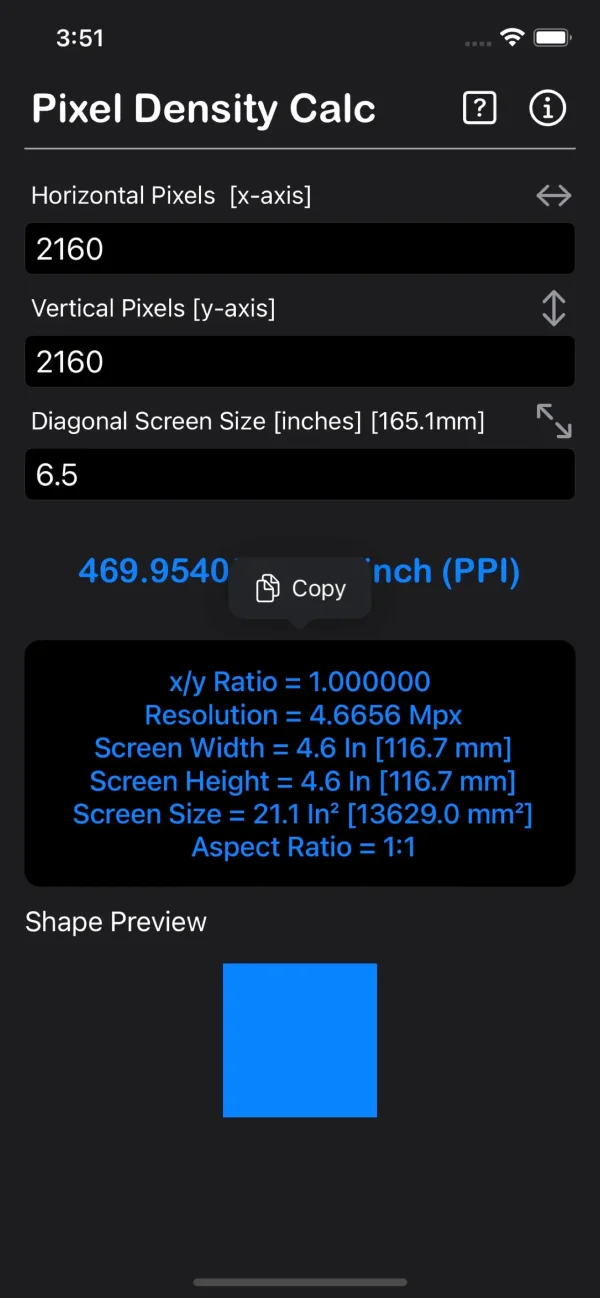
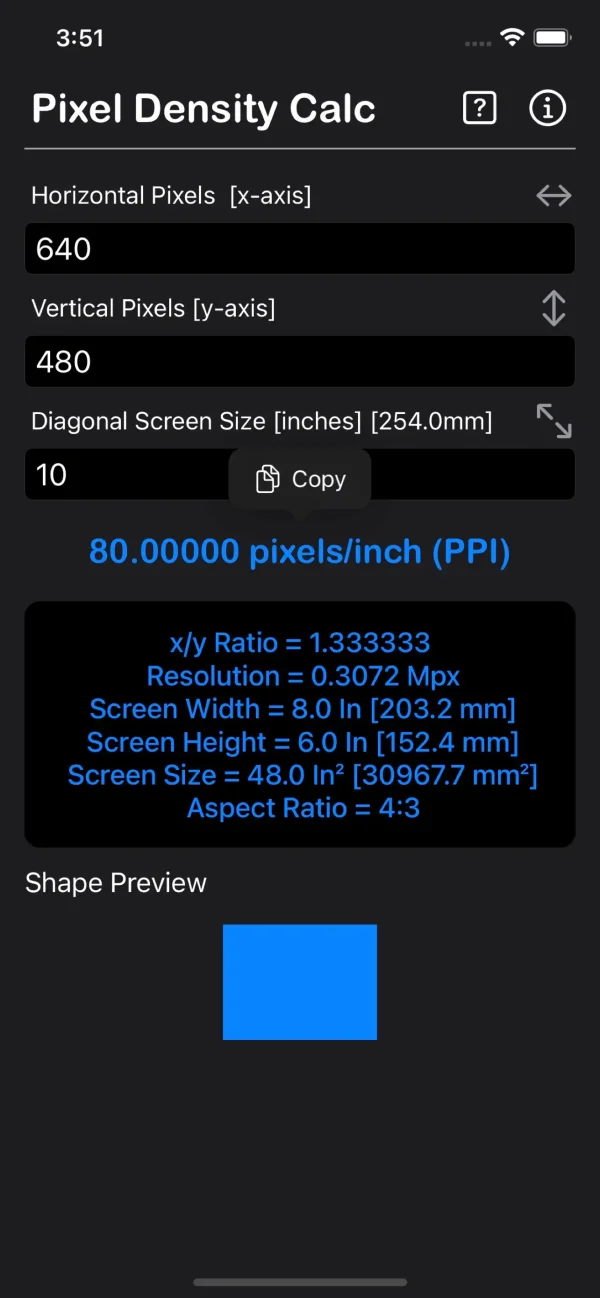
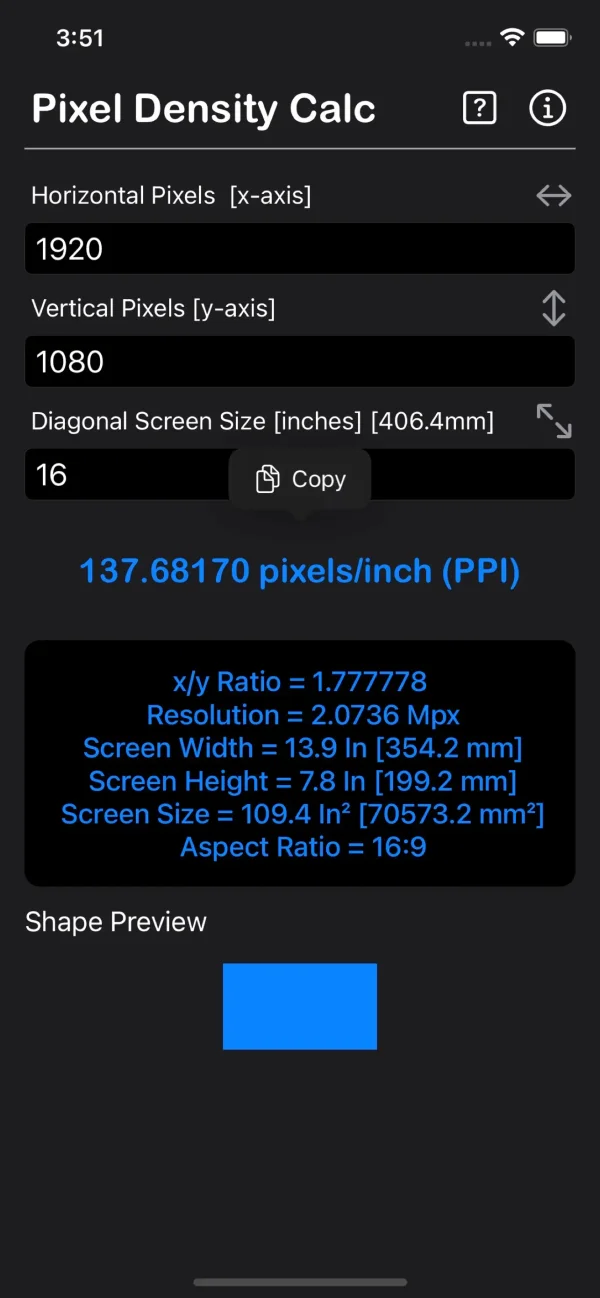
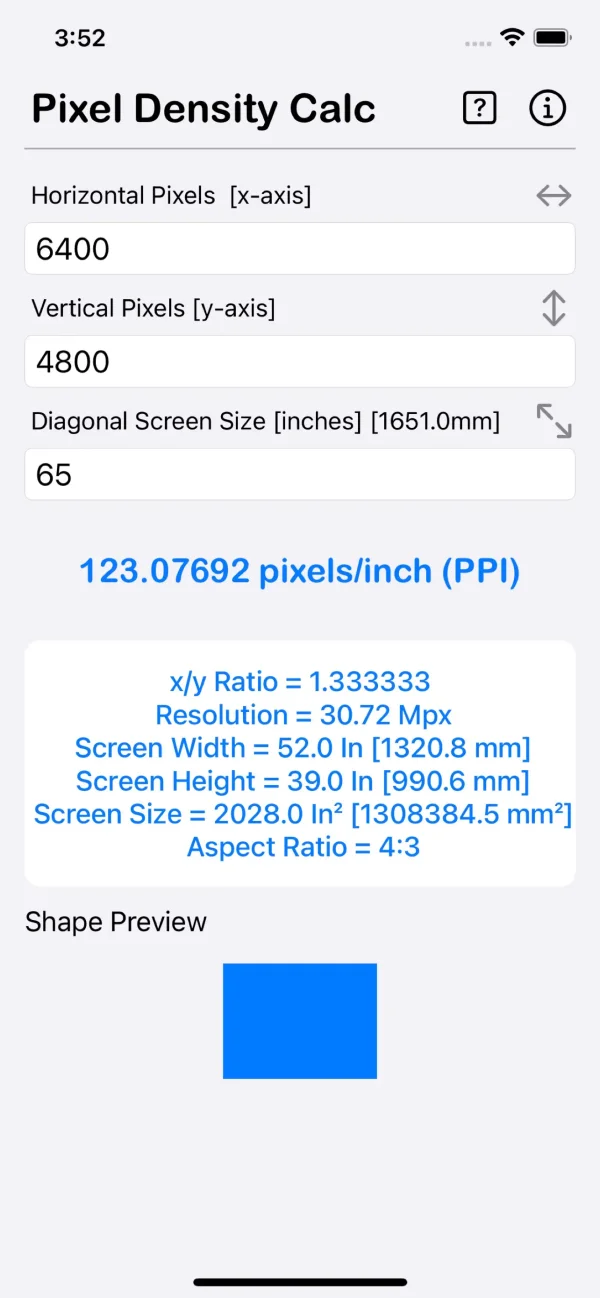
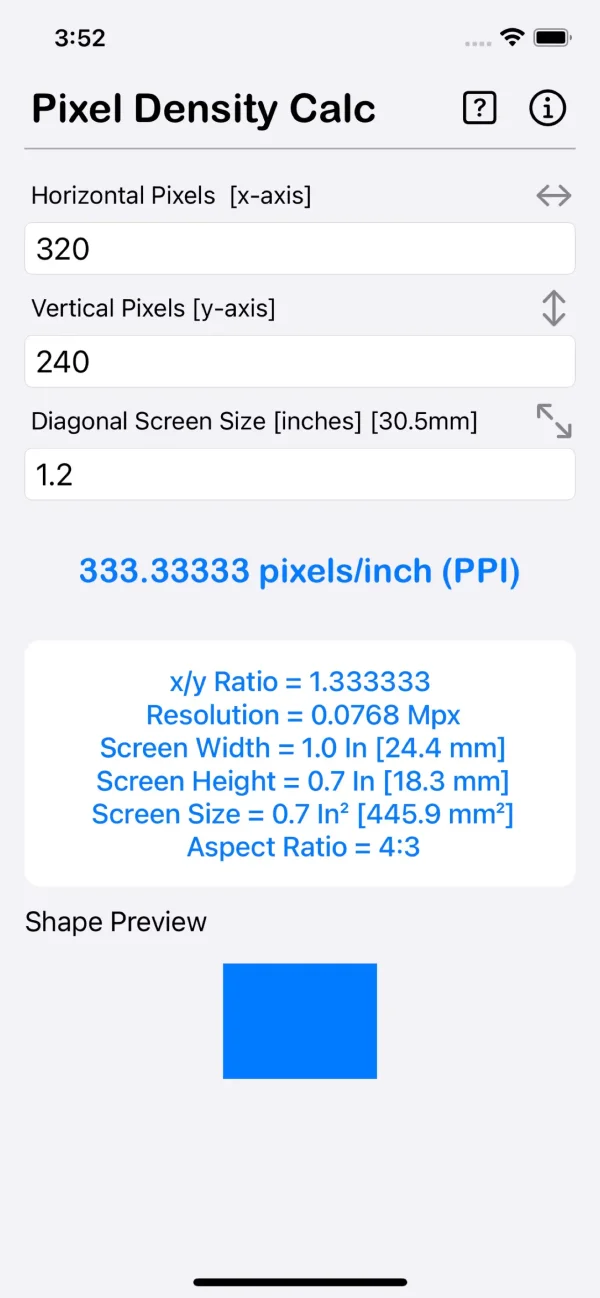
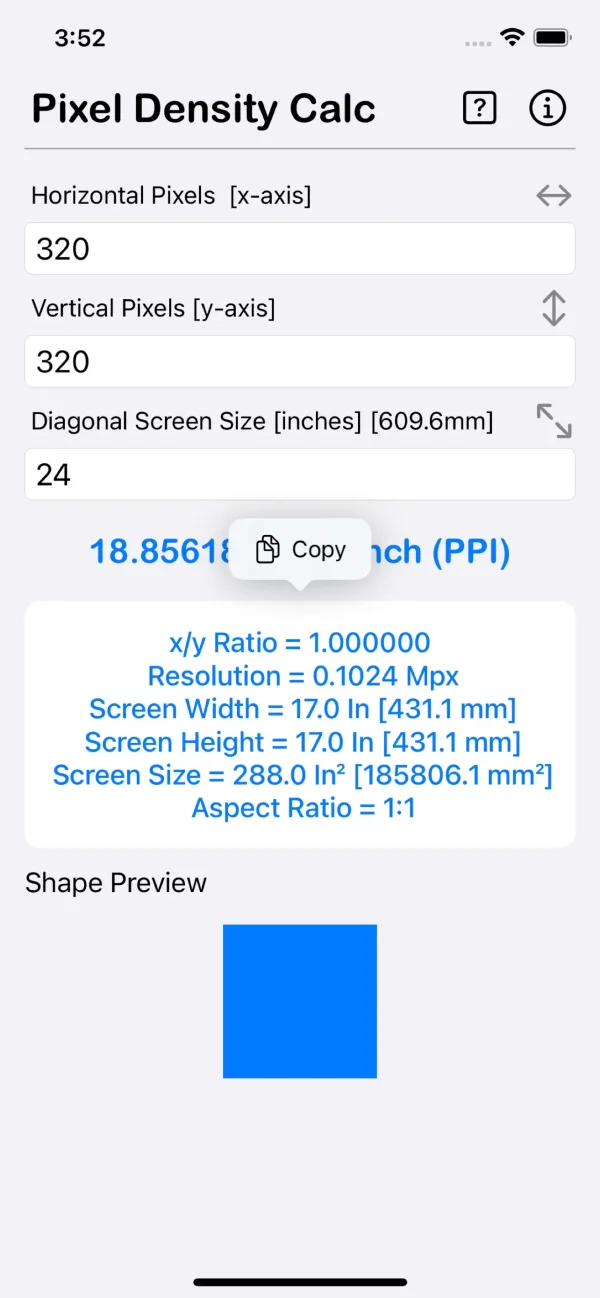
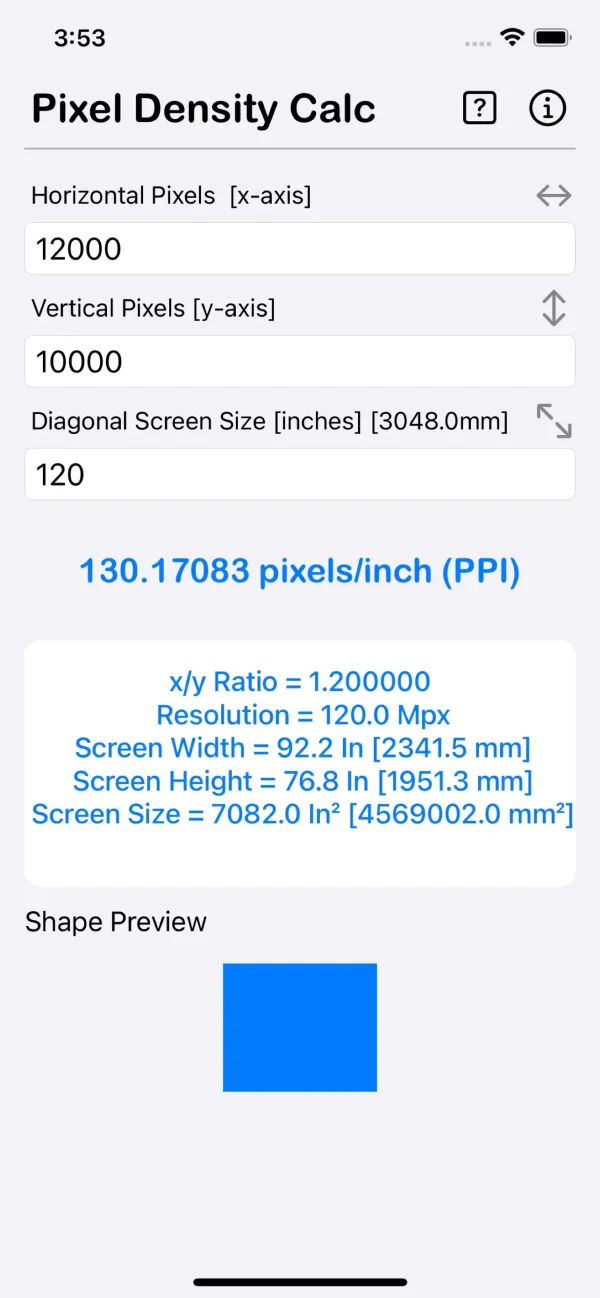
Pixel Density Calculator are used for calculating pixels per inch (PPI) or dots per inch (DPI) of any display based on its dimensions and the pixel count.
PPI is a measure of pixel density or resolution of a monitors, smartphones, tablets, smart watches, computer screen, notebooks, television screen or other display device.
Pixels per inch indicates how many pixels are in a 1 inch line on a display. Also calculated are screen size, screen width, screen height, aspect ratio and total number of megapixels. Calculation including shape preview.
The formula to calculate PPI from diagonal:
PPI = √(w² + h²)/d
where:
d – Diagonal screen size in inches.
w – Number of pixels along the horizontal line.
h – Number of pixels along the vertical line.
Calculate the number of pixels that fit on the diagonal:
d = √(w² + h²)
where:
w - Number of pixels along the horizontal line.
h - Number of pixels along the vertical line.
Then, calculate the PPI as the ratio between the number of pixels along the diagonal and the diagonal screen size:
PPI = d/di
where di is the diagonal screen size in inches.
Pixels per Inch Quality value
120 PPI - Low
120-160 PPI - Medium
160-213 PPI - Medium High
213-240 PPI - High
240-320 PPI - eXtra High
320-480 PPI - eXtra x2 High
480-640 PPI - eXtra x3 High
What is pixel density:
Pixels per inch (PPI) are a measurement of the pixel density (resolution) of devices in various contexts: typically computer LCD or OLED displays, image scanners, and digital camera image sensors. The PPI of a computer display is related to the size of the display in inches and the total number of pixels in the horizontal and vertical directions. The PPI and DPI definitions are essentially equivalent. Dots per inch, or DPI, is comparable to pixels per inch.
Thanks for your support and do visit nitrio.com for more apps for your iOS devices.
Neue Funktionen
Version 1.1 · 30.12.2025
- Updated for the newest devices.
- Minor bugs fixed.
App-Datenschutz
Was Heng Jia Liang im App Store zum Umgang dieser App mit Daten angibt.
-
Keine Daten erfasst
Der Entwickler erfasst keine Daten von dieser App.
Die Datenschutzpraktiken können variieren, zum Beispiel je nach den von Ihnen verwendeten Funktionen oder Ihrem Alter.
Informationen
- Anbieter
- Heng Jia Liang
- Kategorie
- Dienstprogramme
- Version
- 1.1
- Aktualisiert
- 30.12.2025
- Veröffentlicht
- 07.11.2022
- Größe
- 3,0 MB
- Erfordert
- iOS 13 oder neuer
- Altersfreigabe
- 4+
- Preis
- 2,99 €
- Sprachen
- Englisch
- Copyright
- © Heng Jia Liang
Das könnte Ihnen auch gefallen
-
 Sensi Aim Booster Max45-Sek.-Aim-Test für Sensi
-
 4K MAESTRO Total ControlDienstprogramme
-
 Megapixel CalculatorDienstprogramme
-
 Scope & RedDot Adjustment ToolDienstprogramme
-
 Ping Test: Gaming SpeedDienstprogramme
-
 Unit Converter: UniverterMetric Measure Calculator
-
 DPI610EDienstprogramme
-
 FFH4X ProDienstprogramme
-
 LensitDienstprogramme
-
 Perspective PixelsDienstprogramme