Pixel Density Calculator
Pixels per Inch PPI Calculator
iPhone, iPad, iPod touch için tasarlandı
₺149,99
- Yaş sınırı4+
- KategoriYardımcılar
- GeliştiriciHeng Jia Liang
- Dillerİngilizce
- Boyut3,0 MB
Resmi App Store sayfasına bağlanır
Download.org, Pixel Density Calculator için hiçbir dosya barındırmaz. Düğme, uygulamanın App Store üzerindeki sayfasını açar; uygulamayı orada Heng Jia Liang yayınlar. Sayfanın son kontrolü: 17.11.2026.
Ekran görüntüleri

Hakkında
Geliştirici bu metni dilinizde sunmamış.
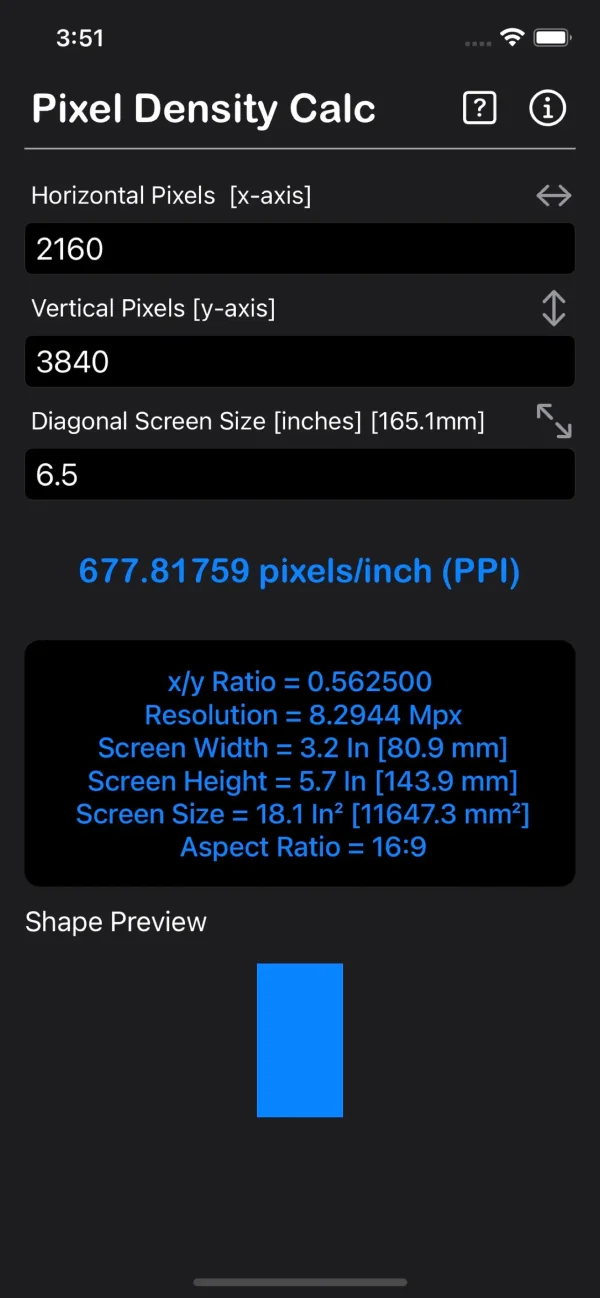
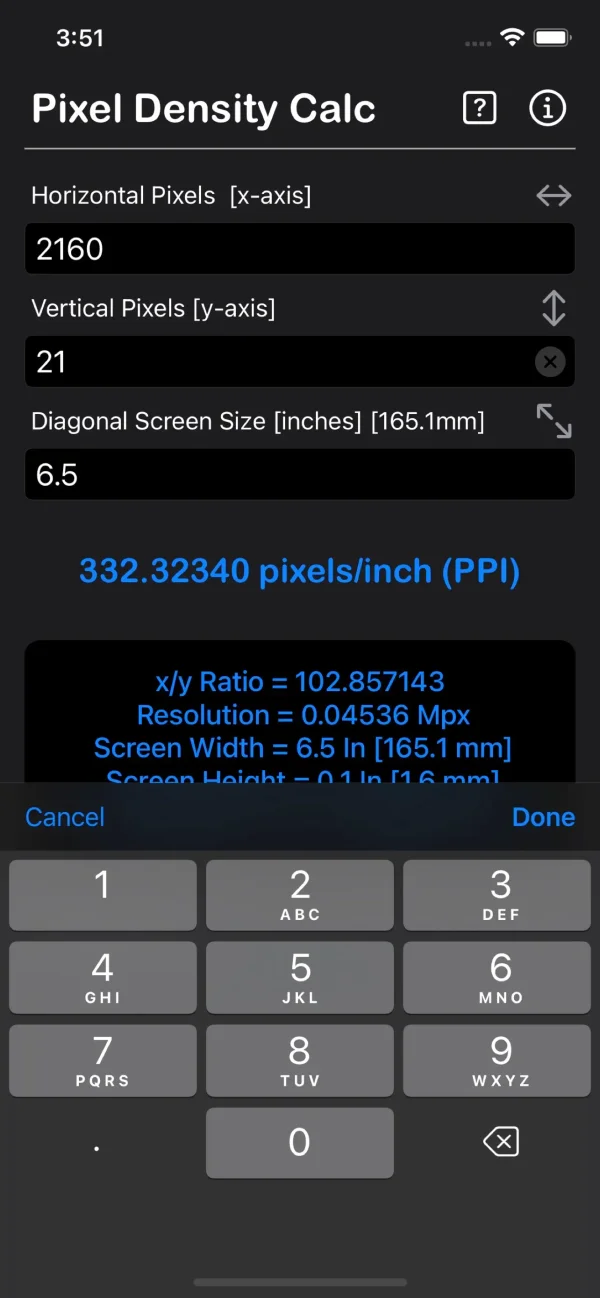
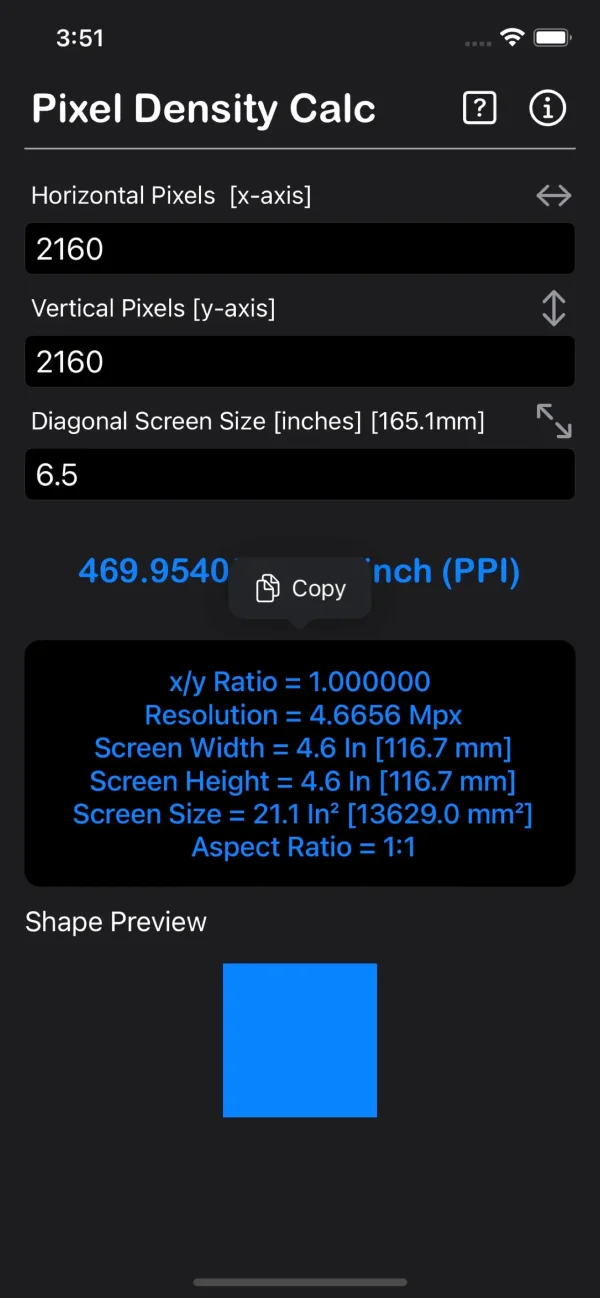
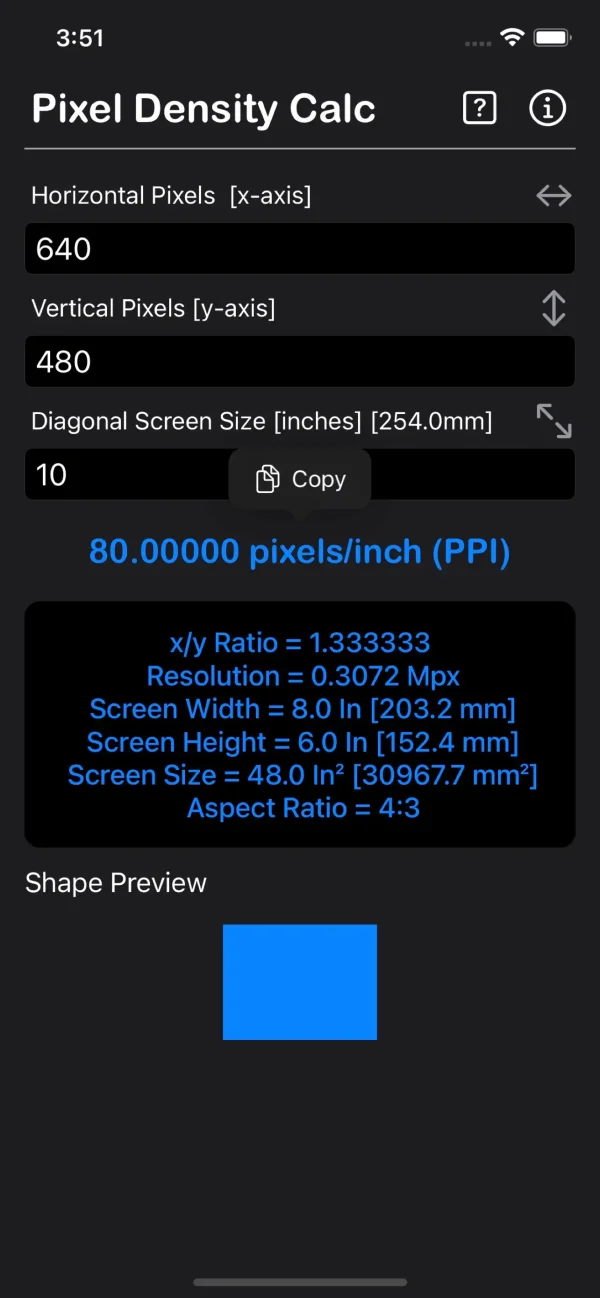
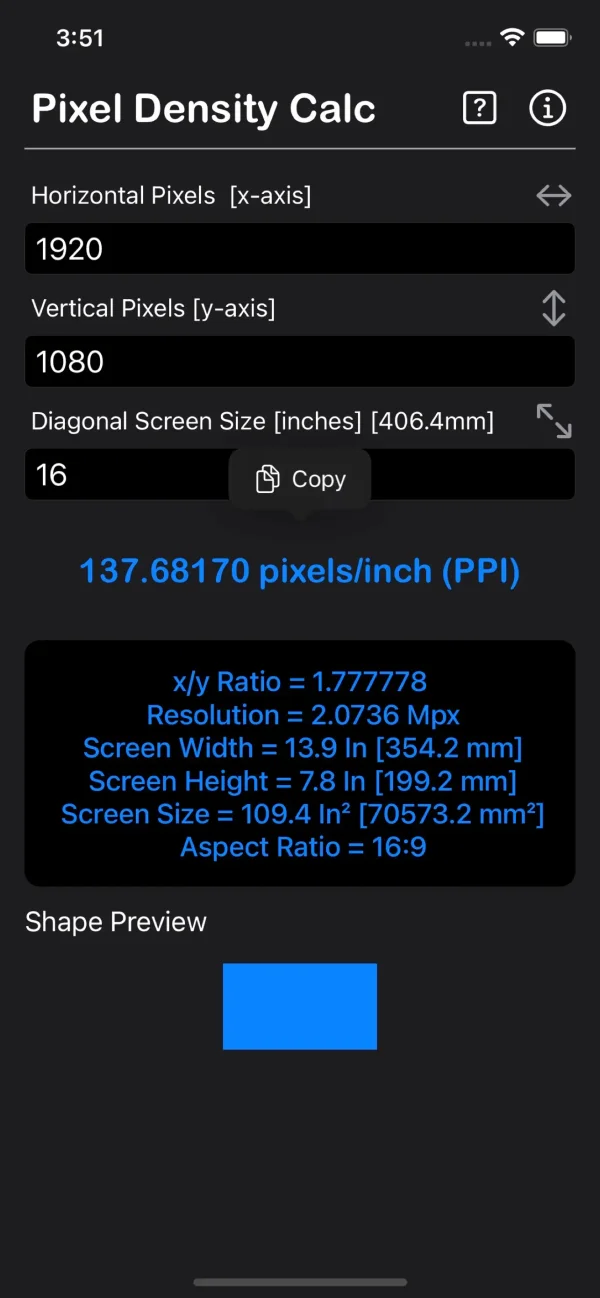
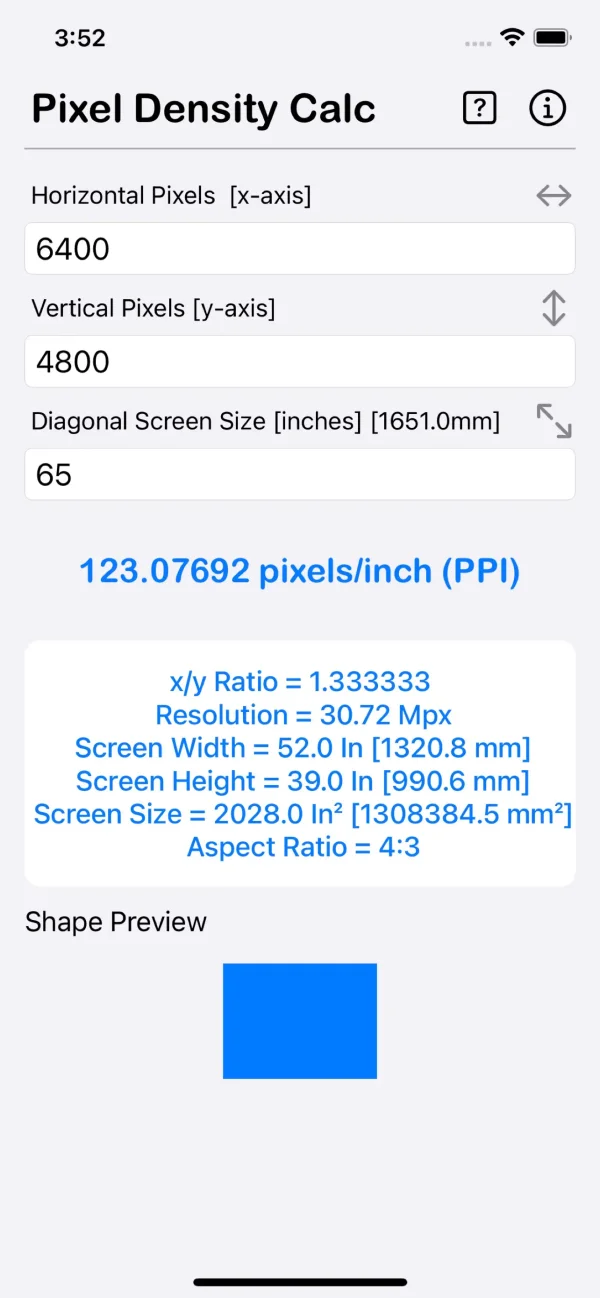
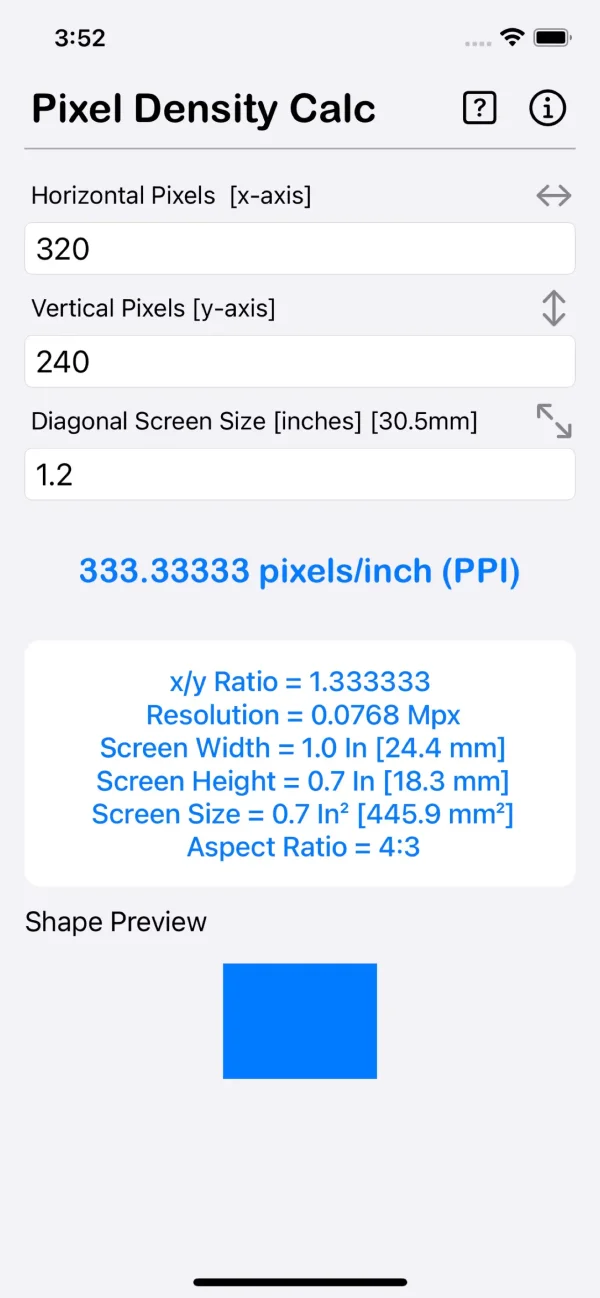
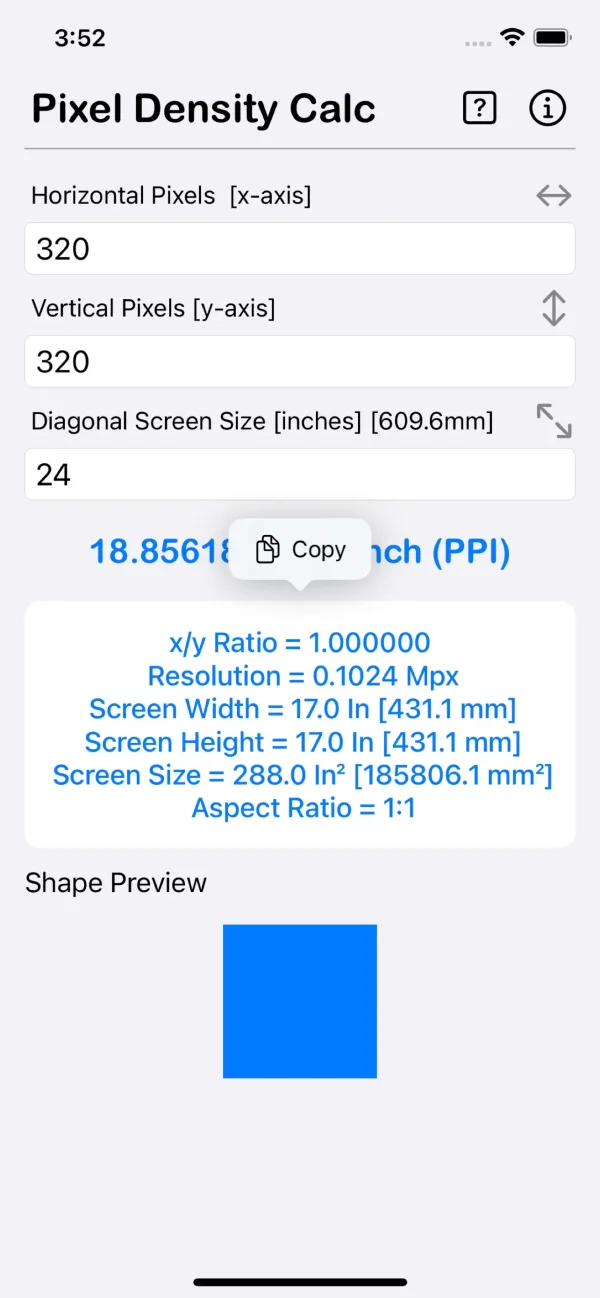
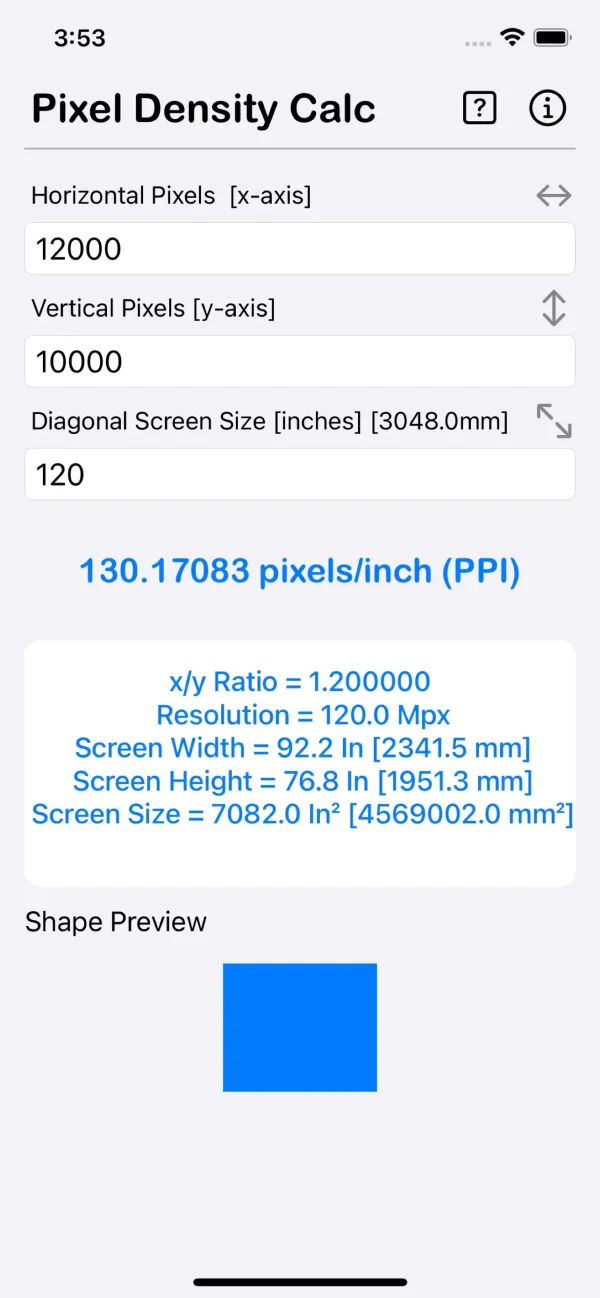
Pixel Density Calculator are used for calculating pixels per inch (PPI) or dots per inch (DPI) of any display based on its dimensions and the pixel count.
PPI is a measure of pixel density or resolution of a monitors, smartphones, tablets, smart watches, computer screen, notebooks, television screen or other display device.
Pixels per inch indicates how many pixels are in a 1 inch line on a display. Also calculated are screen size, screen width, screen height, aspect ratio and total number of megapixels. Calculation including shape preview.
The formula to calculate PPI from diagonal:
PPI = √(w² + h²)/d
where:
d – Diagonal screen size in inches.
w – Number of pixels along the horizontal line.
h – Number of pixels along the vertical line.
Calculate the number of pixels that fit on the diagonal:
d = √(w² + h²)
where:
w - Number of pixels along the horizontal line.
h - Number of pixels along the vertical line.
Then, calculate the PPI as the ratio between the number of pixels along the diagonal and the diagonal screen size:
PPI = d/di
where di is the diagonal screen size in inches.
Pixels per Inch Quality value
120 PPI - Low
120-160 PPI - Medium
160-213 PPI - Medium High
213-240 PPI - High
240-320 PPI - eXtra High
320-480 PPI - eXtra x2 High
480-640 PPI - eXtra x3 High
What is pixel density:
Pixels per inch (PPI) are a measurement of the pixel density (resolution) of devices in various contexts: typically computer LCD or OLED displays, image scanners, and digital camera image sensors. The PPI of a computer display is related to the size of the display in inches and the total number of pixels in the horizontal and vertical directions. The PPI and DPI definitions are essentially equivalent. Dots per inch, or DPI, is comparable to pixels per inch.
Thanks for your support and do visit nitrio.com for more apps for your iOS devices.
Yenilikler
Sürüm 1.1 · 30.12.2025
- Updated for the newest devices.
- Minor bugs fixed.
Uygulama gizliliği
Bu uygulamanın verileri nasıl işlediği hakkında Heng Jia Liang tarafından App Store üzerinde yapılan beyan.
-
Veri toplanmıyor
Geliştirici bu uygulamadan hiçbir veri toplamıyor.
Gizlilik uygulamaları, örneğin kullandığınız özelliklere veya yaşınıza göre değişiklik gösterebilir.
Bilgiler
- Satıcı
- Heng Jia Liang
- Kategori
- Yardımcılar
- Sürüm
- 1.1
- Güncellendi
- 30.12.2025
- Yayın tarihi
- 07.11.2022
- Boyut
- 3,0 MB
- Gereksinim
- iOS 13 veya sonrası
- Yaş sınırı
- 4+
- Fiyat
- ₺149,99
- Diller
- İngilizce
- Telif hakkı
- © Heng Jia Liang
Bunları da beğenebilirsiniz
-
 Sensi Aim Booster MaxNişan Testinden Hassasiyet
-
 4K MAESTRO Total ControlYardımcılar
-
 Megapixel CalculatorYardımcılar
-
 Scope & RedDot Adjustment ToolYardımcılar
-
 Ping Test: Gaming SpeedYardımcılar
-
 Unit Converter: UniverterMetric Measure Calculator
-
 DPI610EYardımcılar
-
 FFH4X ProYardımcılar
-
 LensitYardımcılar
-
 Perspective PixelsYardımcılar