Pixel Density Calculator
Pixels per Inch PPI Calculator
iPhone, iPad, iPod touch向けに設計
¥500
- 対象年齢4+
- カテゴリユーティリティ
- 開発元Heng Jia Liang
- 言語英語
- サイズ3.0 MB
App Storeの公式ページにリンクしています
Download.orgはPixel Density Calculatorのファイルを一切ホストしていません。ボタンを押すと、Heng Jia Liangが公開しているApp Storeのアプリページが開きます。ページの最終確認:2026/11/17。
スクリーンショット
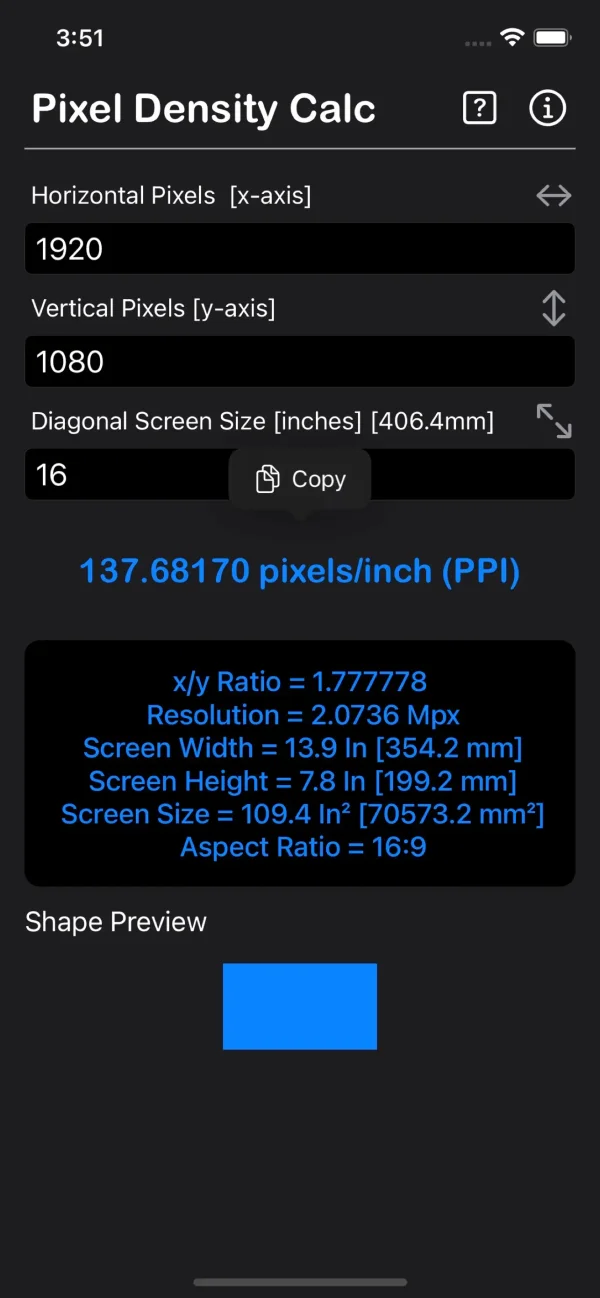

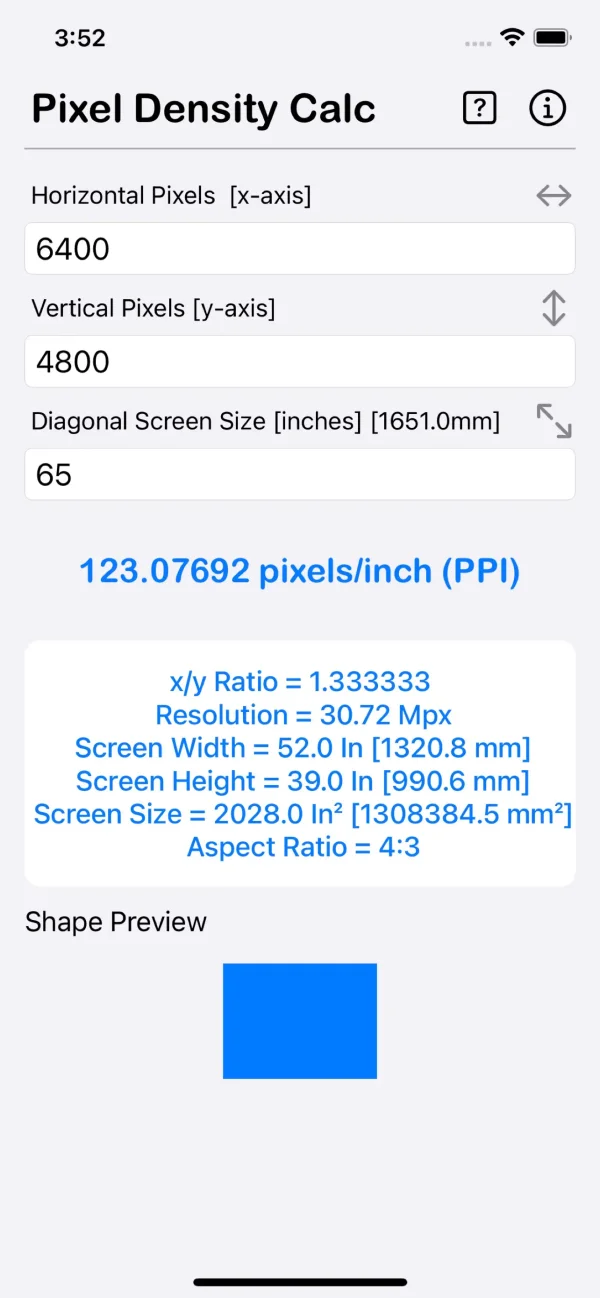
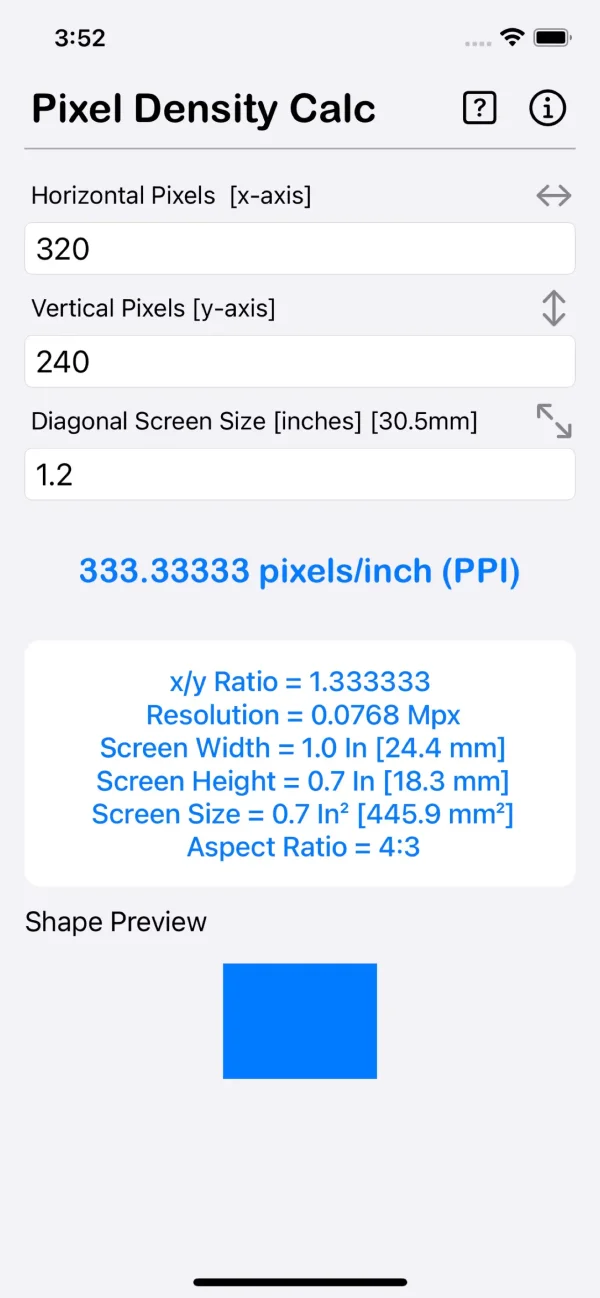
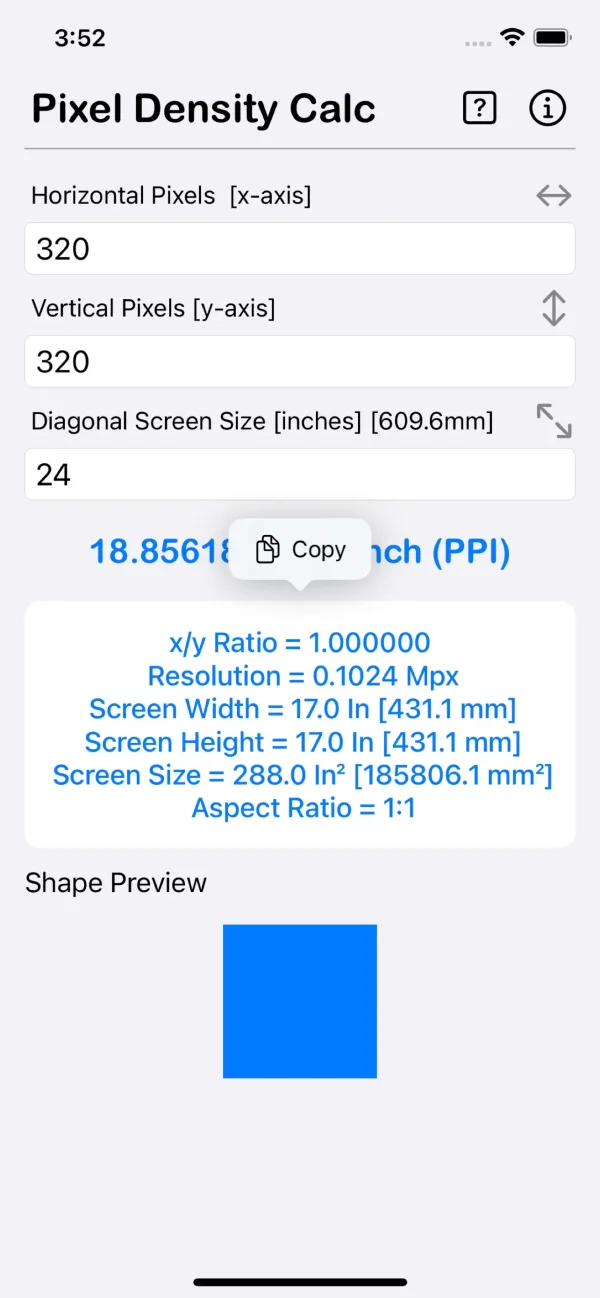
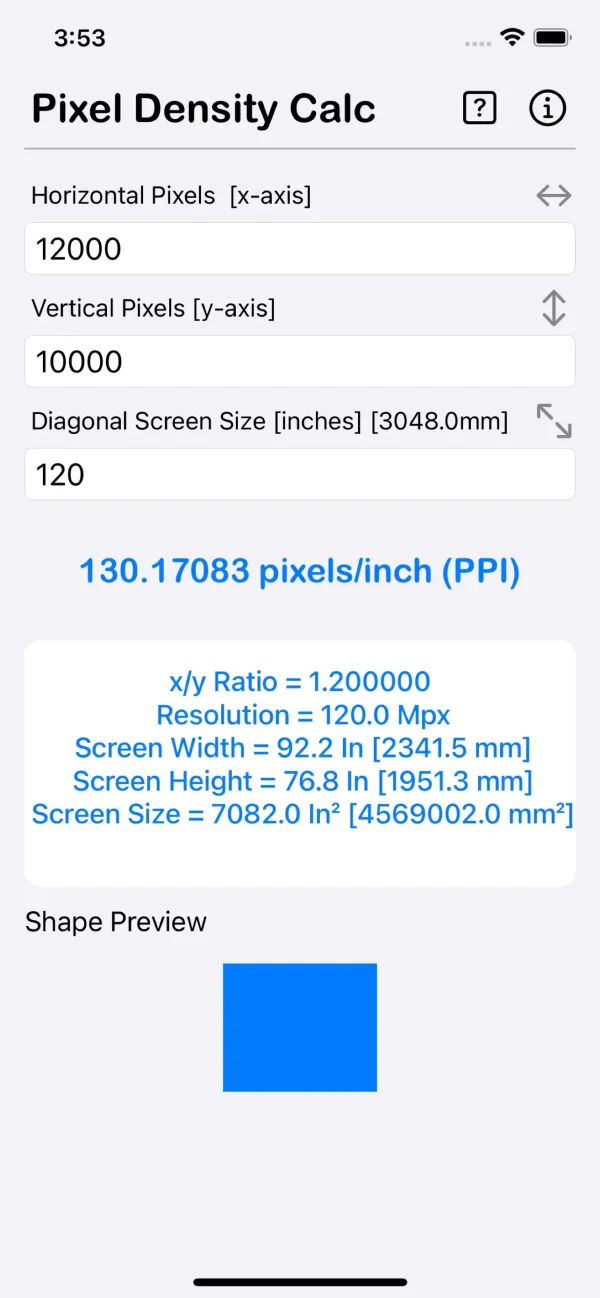
概要
開発元はこのテキストをお使いの言語で提供していません。
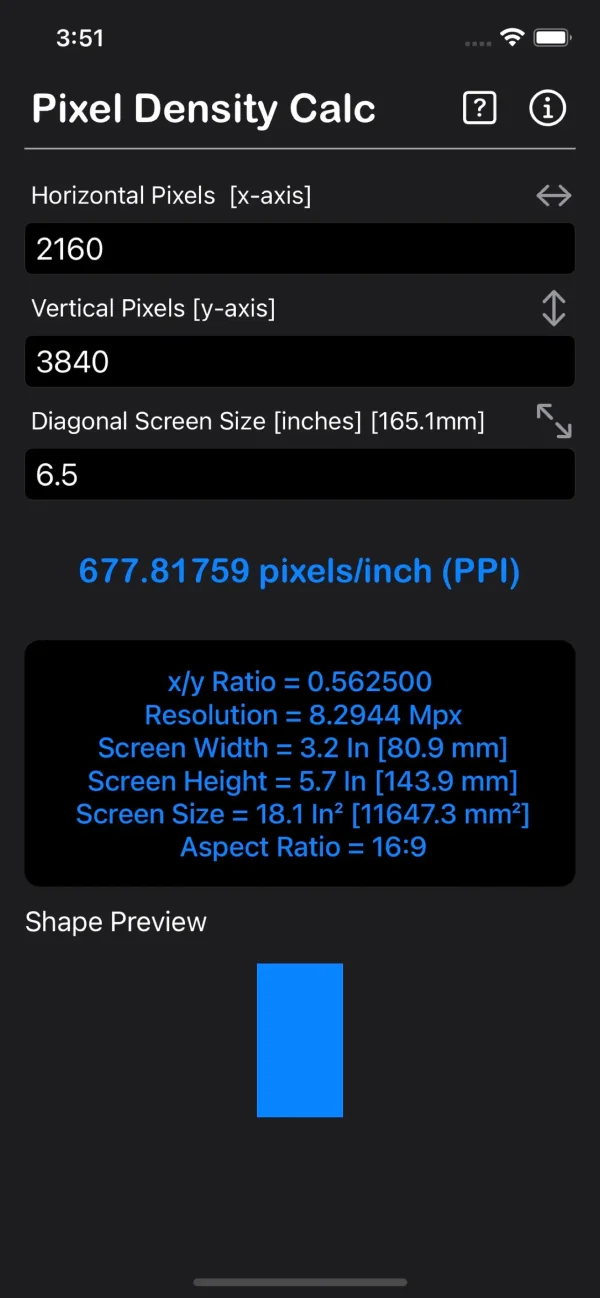
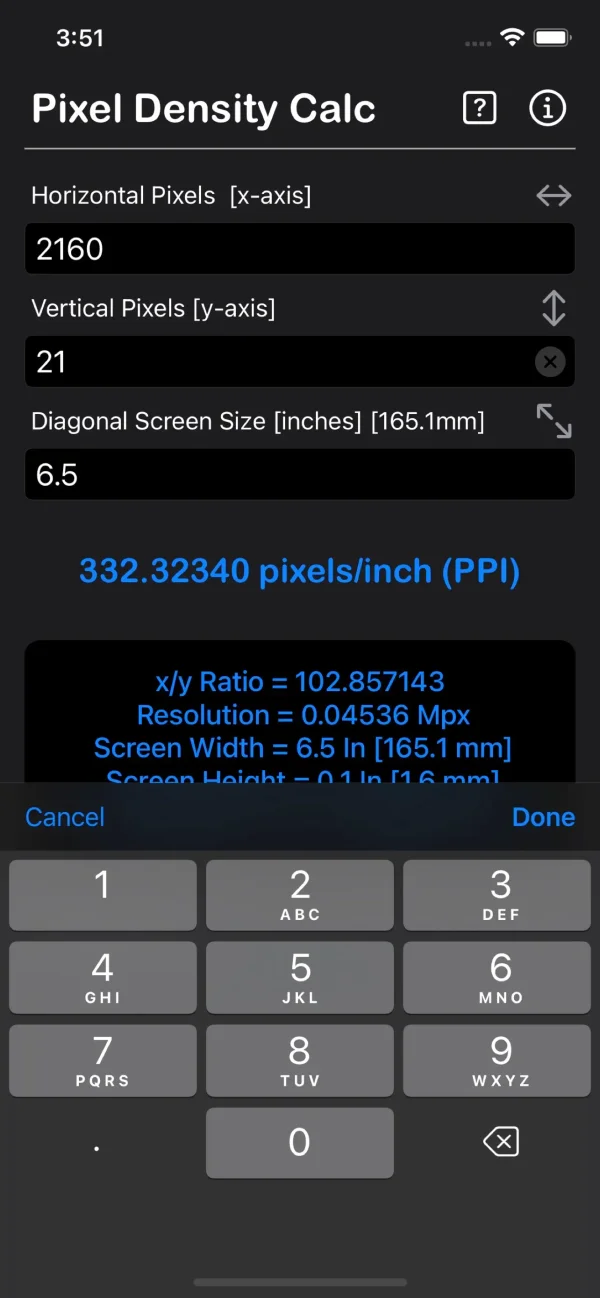
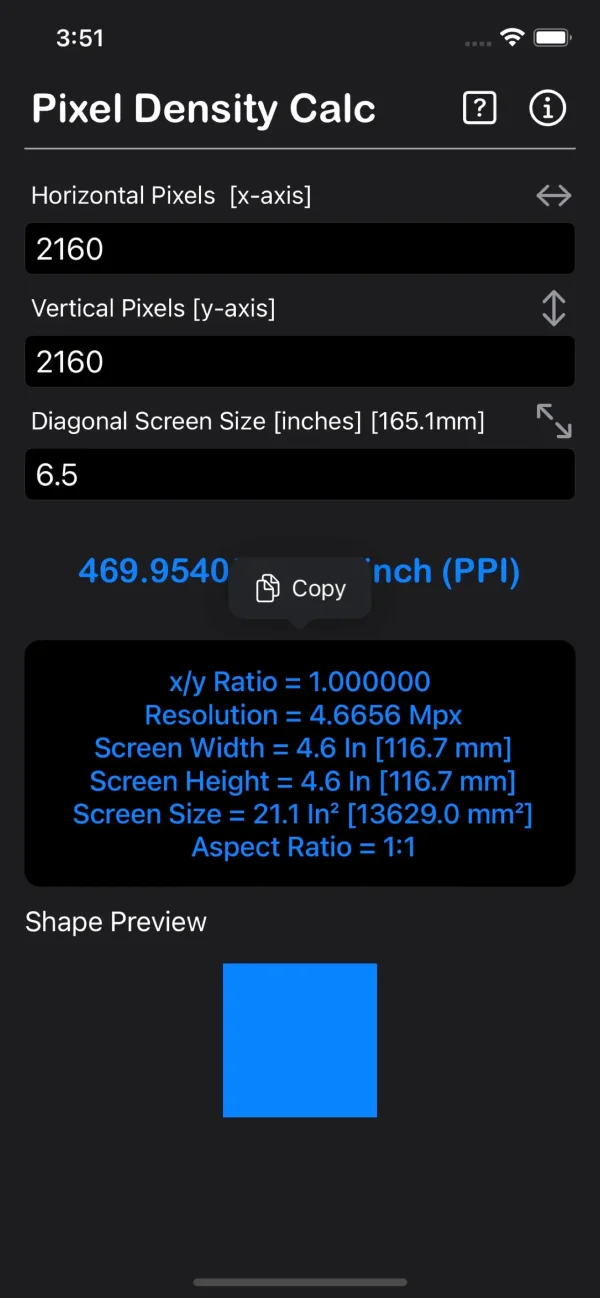
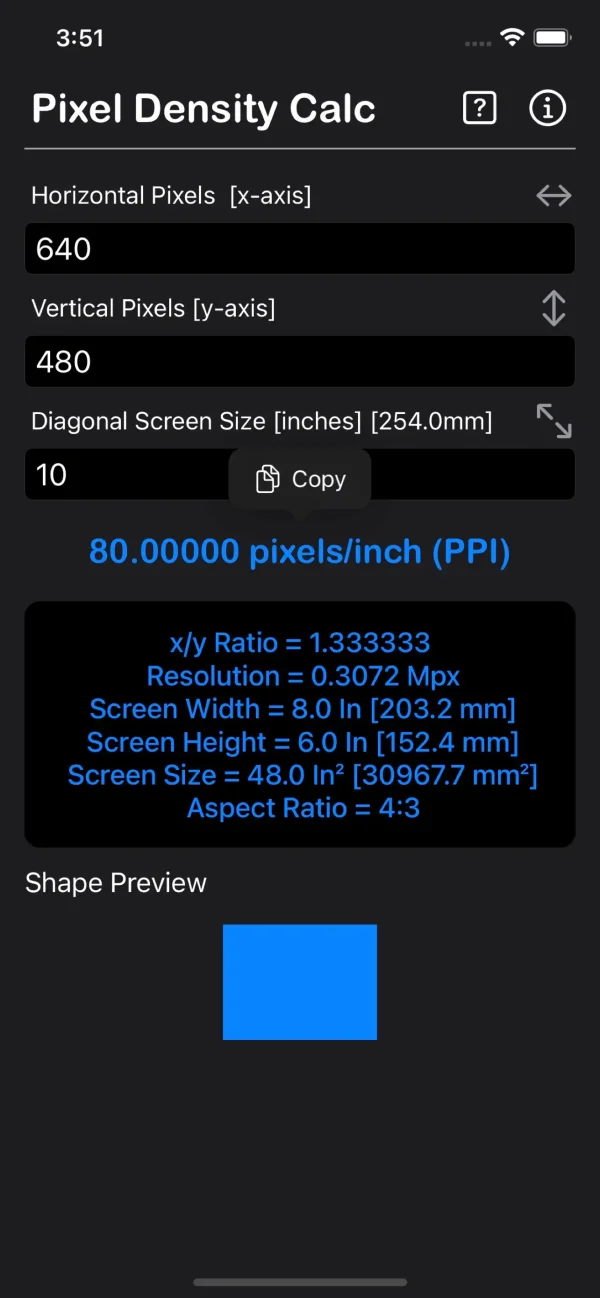
Pixel Density Calculator are used for calculating pixels per inch (PPI) or dots per inch (DPI) of any display based on its dimensions and the pixel count.
PPI is a measure of pixel density or resolution of a monitors, smartphones, tablets, smart watches, computer screen, notebooks, television screen or other display device.
Pixels per inch indicates how many pixels are in a 1 inch line on a display. Also calculated are screen size, screen width, screen height, aspect ratio and total number of megapixels. Calculation including shape preview.
The formula to calculate PPI from diagonal:
PPI = √(w² + h²)/d
where:
d – Diagonal screen size in inches.
w – Number of pixels along the horizontal line.
h – Number of pixels along the vertical line.
Calculate the number of pixels that fit on the diagonal:
d = √(w² + h²)
where:
w - Number of pixels along the horizontal line.
h - Number of pixels along the vertical line.
Then, calculate the PPI as the ratio between the number of pixels along the diagonal and the diagonal screen size:
PPI = d/di
where di is the diagonal screen size in inches.
Pixels per Inch Quality value
120 PPI - Low
120-160 PPI - Medium
160-213 PPI - Medium High
213-240 PPI - High
240-320 PPI - eXtra High
320-480 PPI - eXtra x2 High
480-640 PPI - eXtra x3 High
What is pixel density:
Pixels per inch (PPI) are a measurement of the pixel density (resolution) of devices in various contexts: typically computer LCD or OLED displays, image scanners, and digital camera image sensors. The PPI of a computer display is related to the size of the display in inches and the total number of pixels in the horizontal and vertical directions. The PPI and DPI definitions are essentially equivalent. Dots per inch, or DPI, is comparable to pixels per inch.
Thanks for your support and do visit nitrio.com for more apps for your iOS devices.
新機能
バージョン 1.1 · 2025/12/30
- Updated for the newest devices.
- Minor bugs fixed.
アプリのプライバシー
このアプリのデータの取り扱いについて、Heng Jia LiangがApp Storeで申告している内容です。
-
データの収集なし
開発元はこのアプリからデータを収集しません。
プライバシーの取り扱いは、ご利用の機能やお客様の年齢などに応じて異なる場合があります。
情報
- 販売元
- Heng Jia Liang
- カテゴリ
- ユーティリティ
- バージョン
- 1.1
- 更新日
- 2025/12/30
- リリース
- 2022/11/7
- サイズ
- 3.0 MB
- 必要条件
- iOS 13以降
- 対象年齢
- 4+
- 価格
- ¥500
- 言語
- 英語
- 著作権
- © Heng Jia Liang