
- Altersfreigabe4+
- KategorieEntwickler-Tools
- EntwicklerSeokhyeon Nam
- SprachenEnglisch
- Größe10,1 MB
Verlinkt auf die offizielle App Store-Seite
Download.org hostet keine Datei von Porcelain Git. Die Schaltfläche öffnet die App-Seite bei App Store, wo Seokhyeon Nam die App veröffentlicht. Eintrag zuletzt geprüft am 17.11.2026.
Screenshots
Info
Der Entwickler hat diesen Text nicht in Ihrer Sprache bereitgestellt.
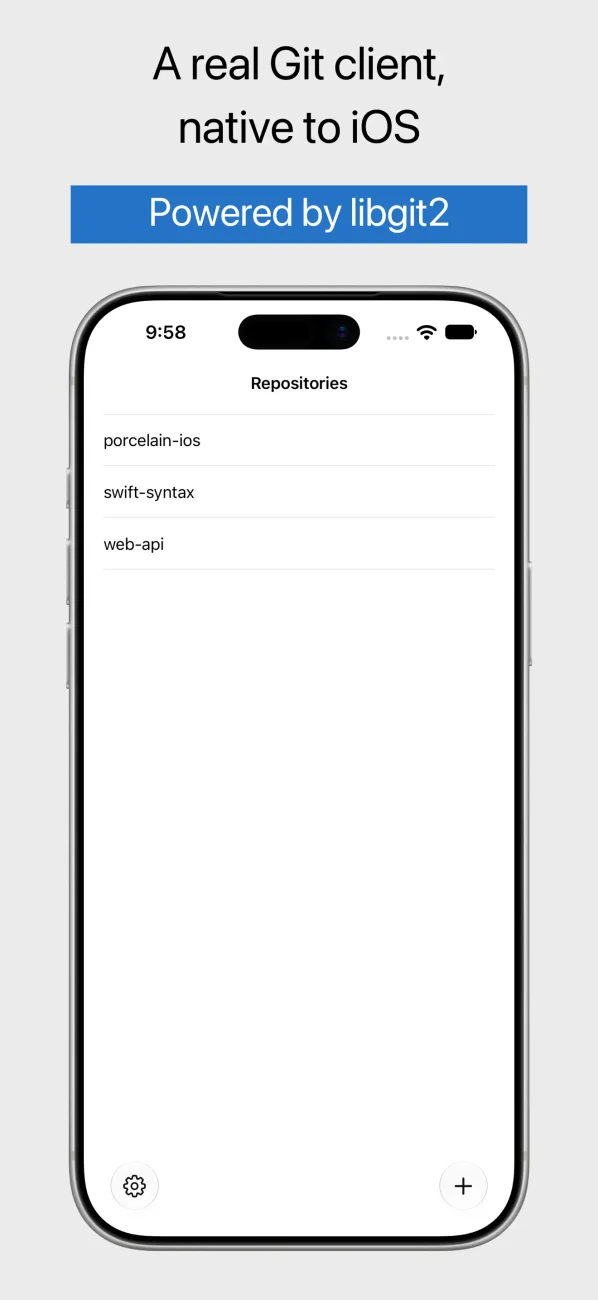
Porcelain is a clean, native, and fast Git client designed for iPhone and iPad.
KEY FEATURES:
• Full Git engine powered by libgit2
• Clone repositories over HTTPS, signing in with a personal access token
• Anonymous clone for open-source repositories
• Preview the web page in your repository: one tap opens index.html with its styles, scripts, and links working
• Open that preview in a browser on your Mac or any device on the same Wi-Fi
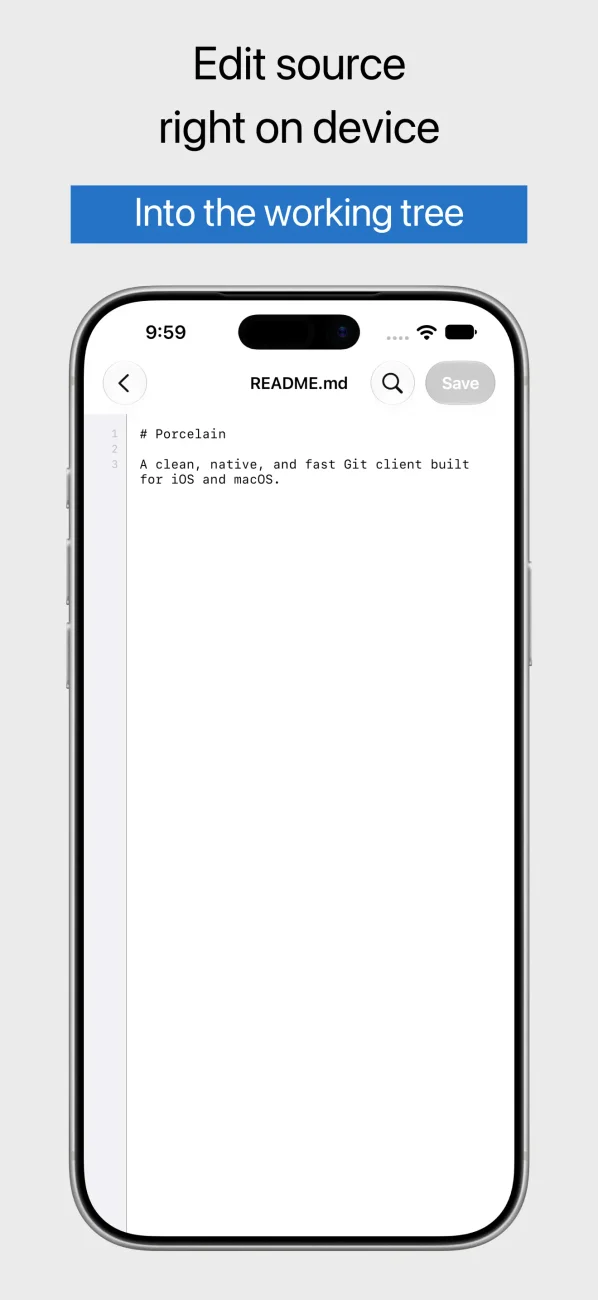
• Create and edit files, and rename files and folders
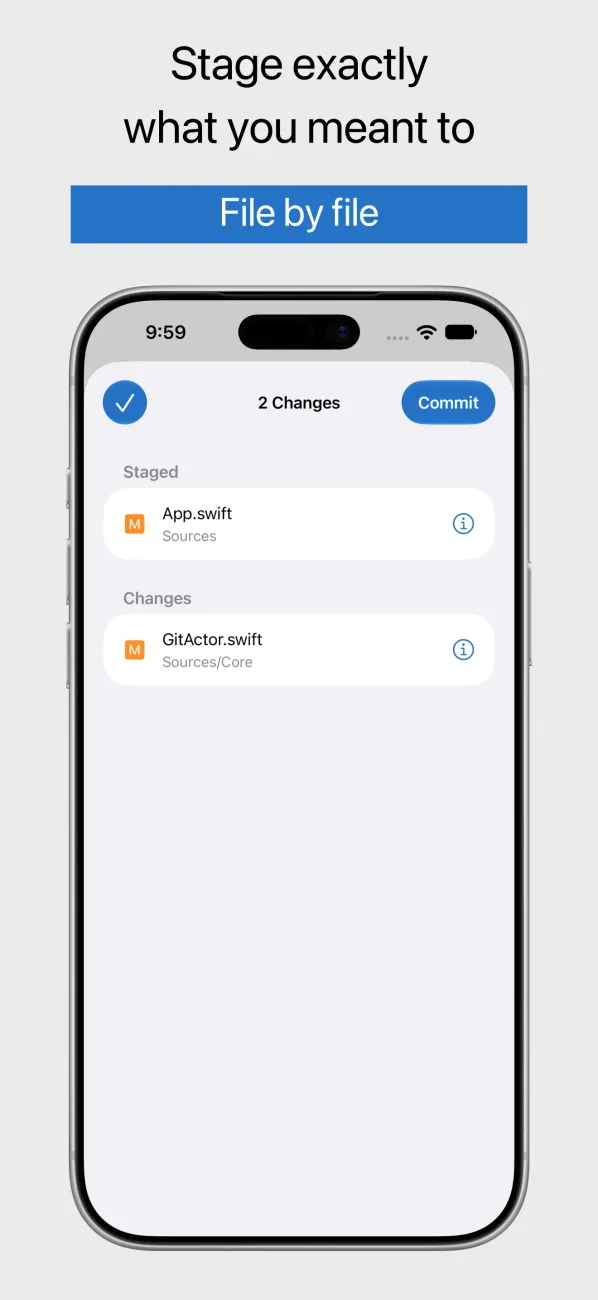
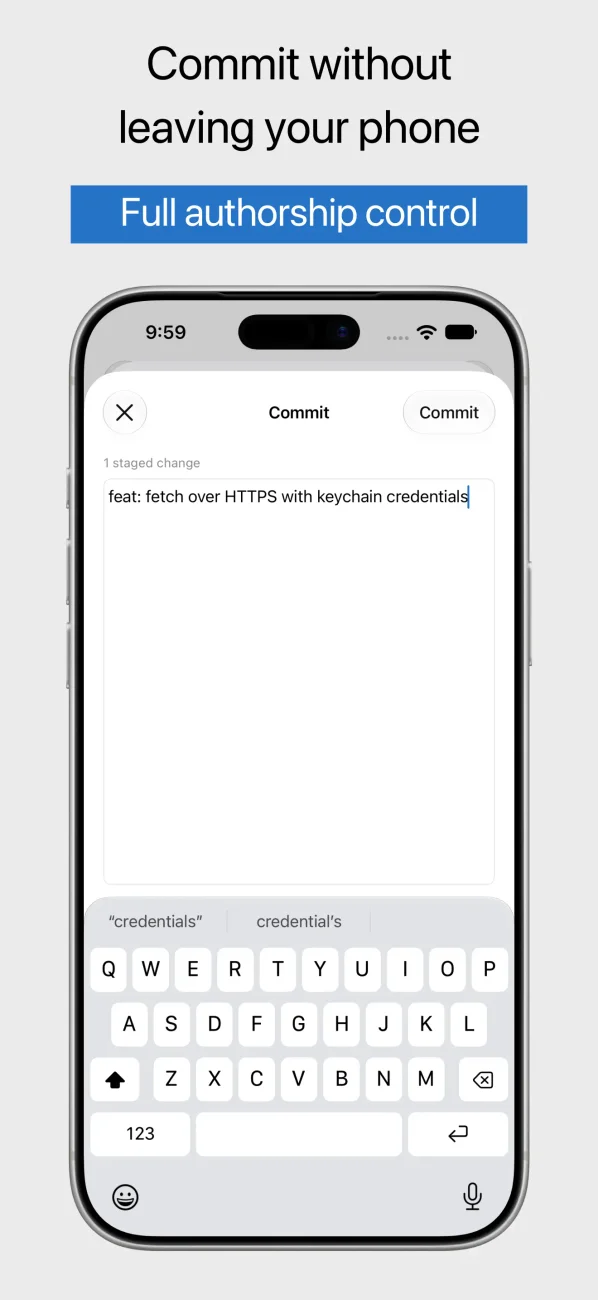
• Stage and unstage individual files
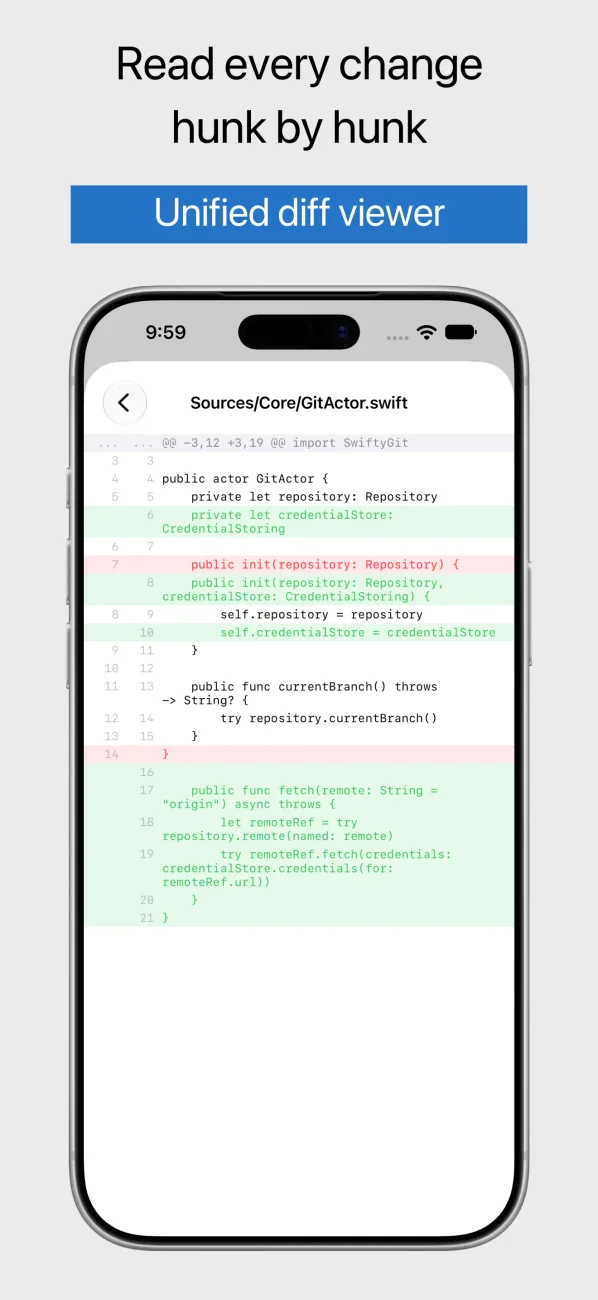
• Unified diff viewer with hunk headers and color-coded changes
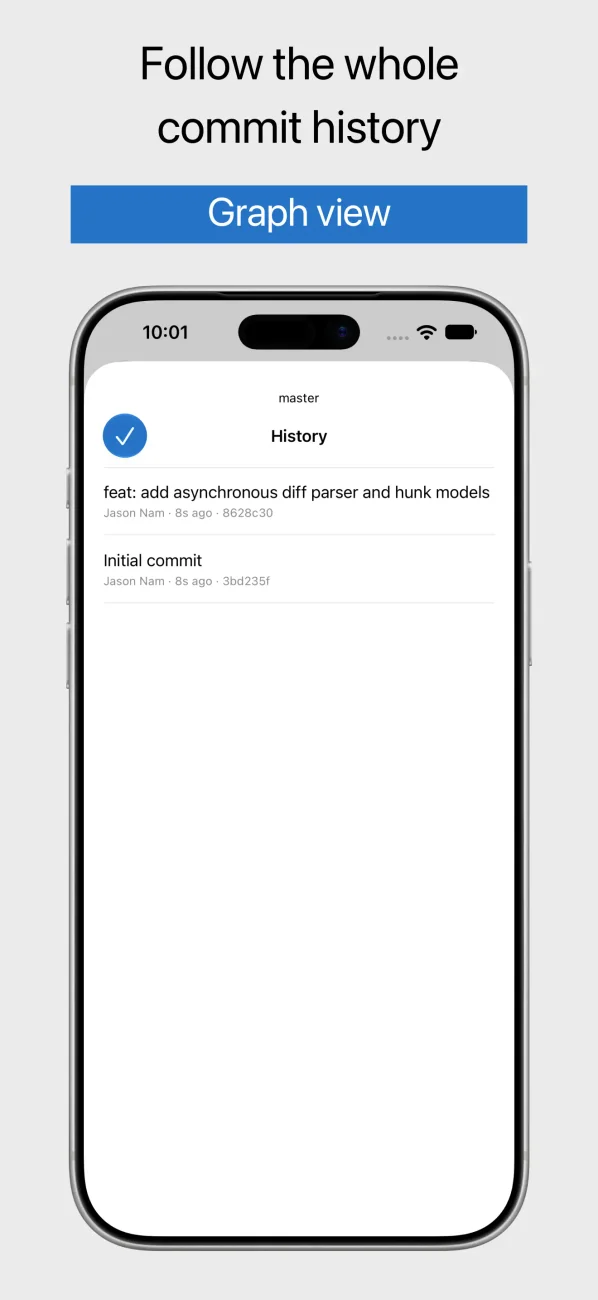
• Commit history graph
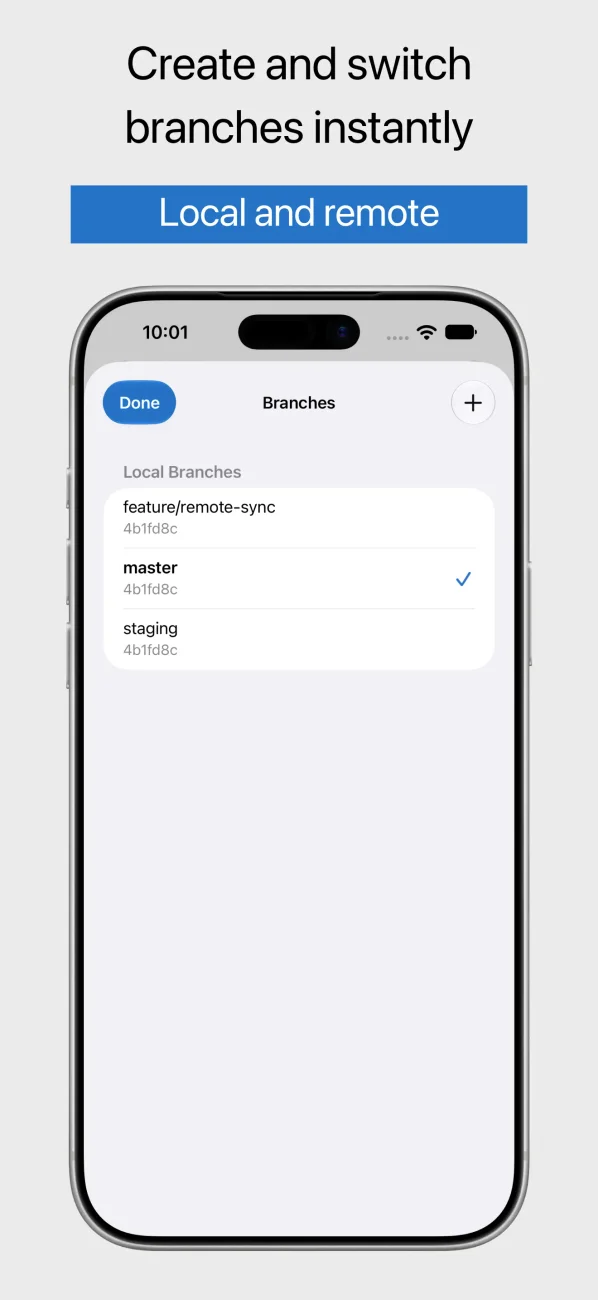
• Branch management: create, list, and switch branches
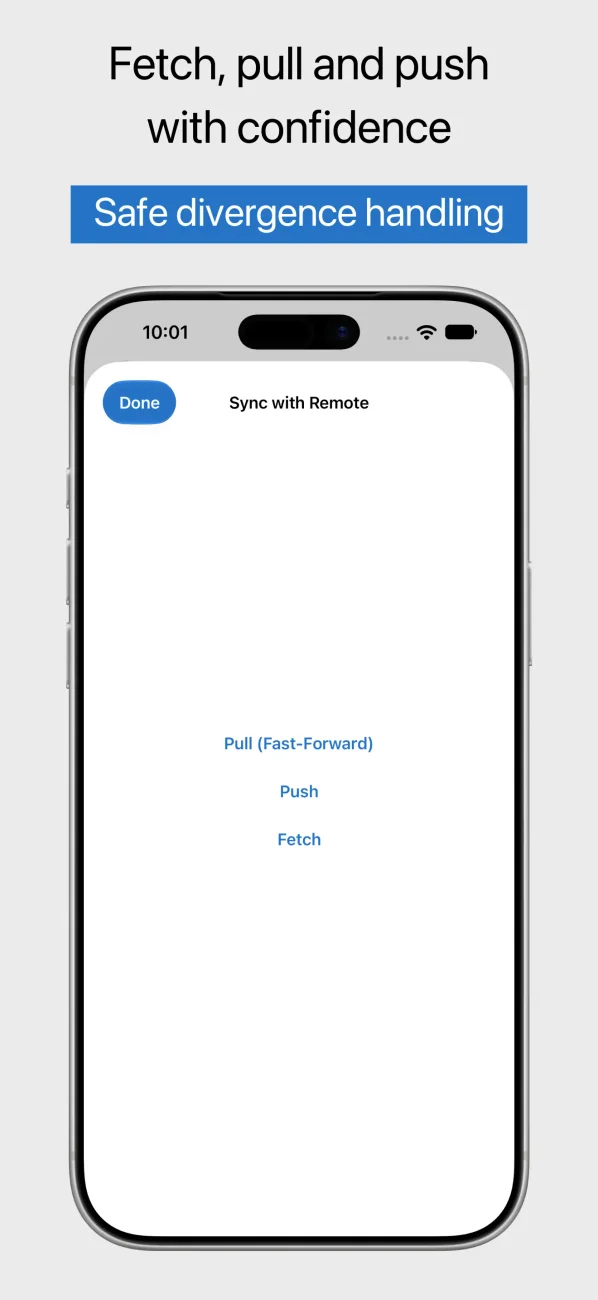
• Fetch, pull, and push with safe divergence handling
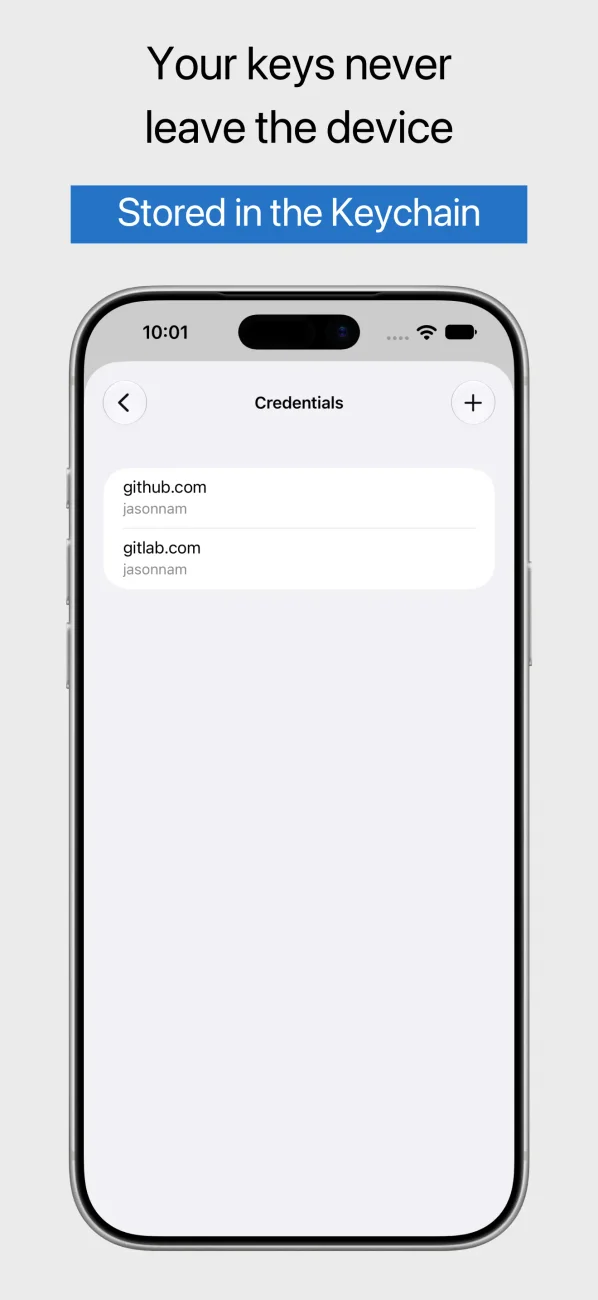
• Secure credentials stored exclusively in your device's Keychain
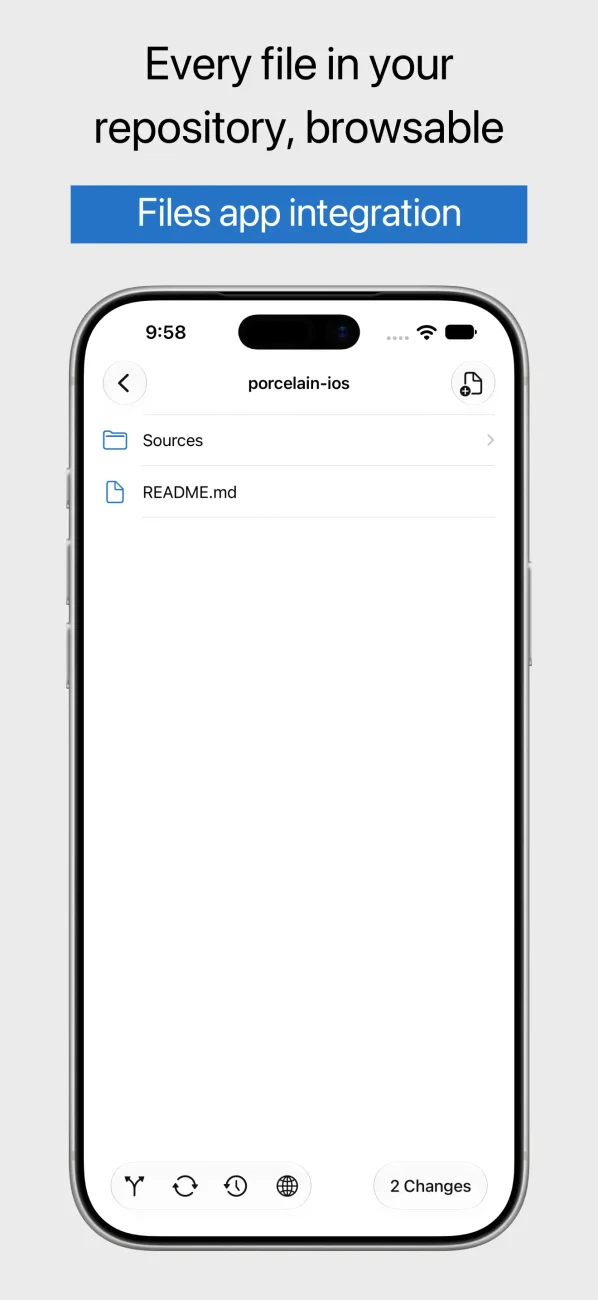
• Direct access to repository files via the iOS Files app
• Built for iPhone and iPad, with split view on iPad
Neue Funktionen
Version 2.1.3 · 11.11.2026
Porcelain 2.1.3 sharpens the file editor and brings Porcelain to iPhone Duo.
What's new:
• Line numbers and diff markers in the editor. Added, modified and deleted lines are marked in the gutter beside the line numbers.
• Editor toolbar and shortcuts. Undo, redo, indent and outdent sit above the keyboard, with Command-S, Command-F and Tab on hardware keyboards.
• Invisible characters. Turn on spaces, tabs and line breaks in Settings.
• Support for iPhone Duo. Unfolding keeps your place in the file tree and opens the editor beside it.
App-Datenschutz
Was Seokhyeon Nam im App Store zum Umgang dieser App mit Daten angibt.
-
Keine Daten erfasst
Der Entwickler erfasst keine Daten von dieser App.
Die Datenschutzpraktiken können variieren, zum Beispiel je nach den von Ihnen verwendeten Funktionen oder Ihrem Alter.
Informationen
- Anbieter
- Seokhyeon Nam
- Kategorie
- Entwickler-Tools
- Version
- 2.1.3
- Aktualisiert
- 11.11.2026
- Veröffentlicht
- 01.11.2016
- Größe
- 10,1 MB
- Erfordert
- iOS 17.0 oder neuer
- Altersfreigabe
- 4+
- Preis
- Kostenlos
- Sprachen
- Englisch
- Copyright
- © 2026 Jason Nam
Das könnte Ihnen auch gefallen
-
 Git Rover - Native Git ClientEntwickler-Tools
-
 GitoxEntwickler-Tools
-
 Git ClientPush, pull & Synchronisieren
-
 iGit: Git & PRsEntwickler-Tools
-
 siGit Code & DeployEntwickler-Tools
-
 GitzyEntwickler-Tools
-
 RepoRouteEntwickler-Tools
-
 TeX GoLaTeX-Editor mit Overleaf-Sync
-
 Grit for GitLabEntwickler-Tools
-
 PocketGitEntwickler-Tools