
- Classification d’âge4+
- CatégorieOutils de développement
- DéveloppeurSeokhyeon Nam
- LanguesAnglais
- Taille10,1 Mo
Renvoie vers la page App Store officielle
Download.org n’héberge aucun fichier de Porcelain Git. Le bouton ouvre la page de l’application sur App Store, où Seokhyeon Nam la publie. Fiche vérifiée pour la dernière fois le 17/11/2026.
Captures d’écran
À propos
Le développeur n’a pas fourni ce texte dans votre langue.
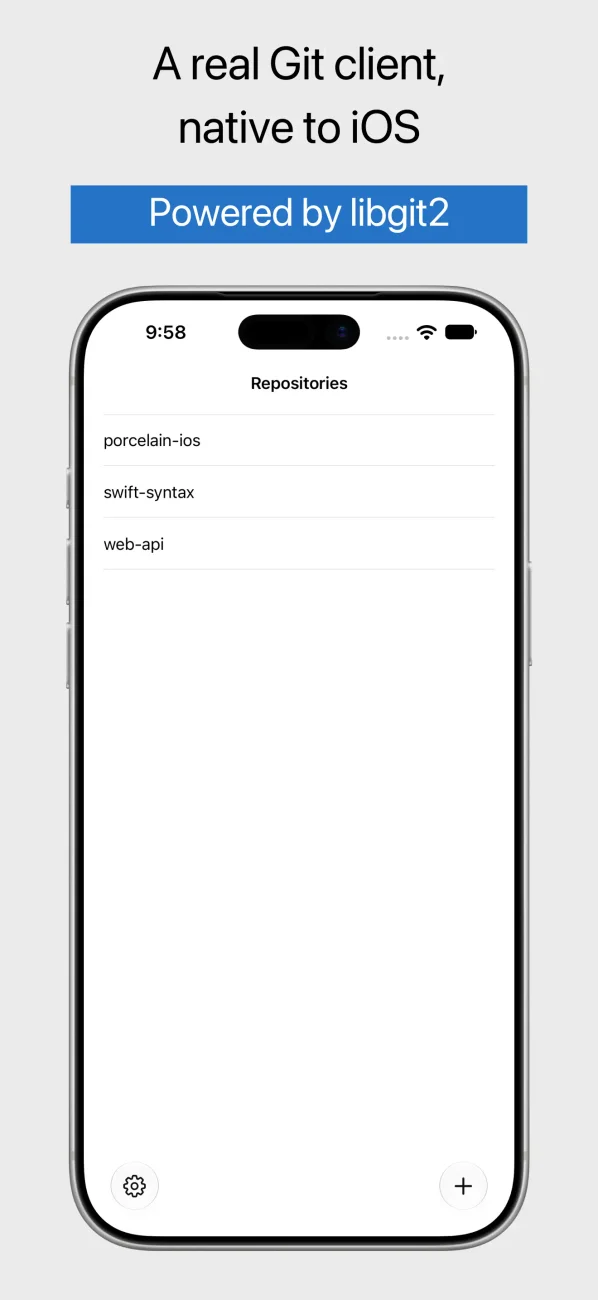
Porcelain is a clean, native, and fast Git client designed for iPhone and iPad.
KEY FEATURES:
• Full Git engine powered by libgit2
• Clone repositories over HTTPS, signing in with a personal access token
• Anonymous clone for open-source repositories
• Preview the web page in your repository: one tap opens index.html with its styles, scripts, and links working
• Open that preview in a browser on your Mac or any device on the same Wi-Fi
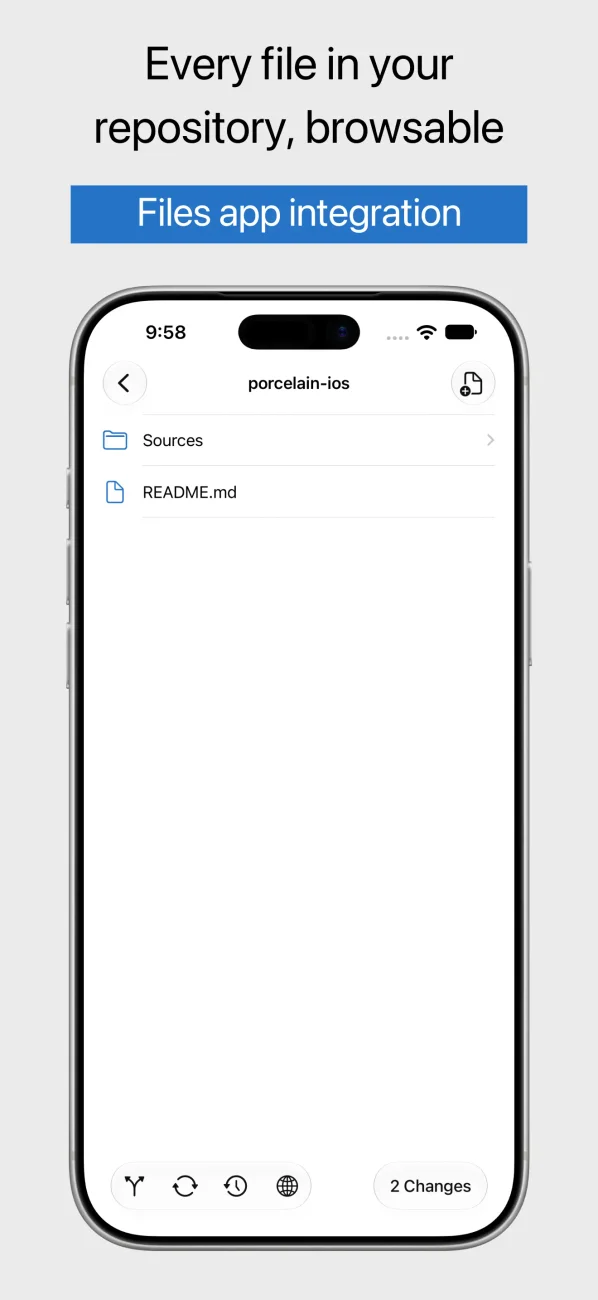
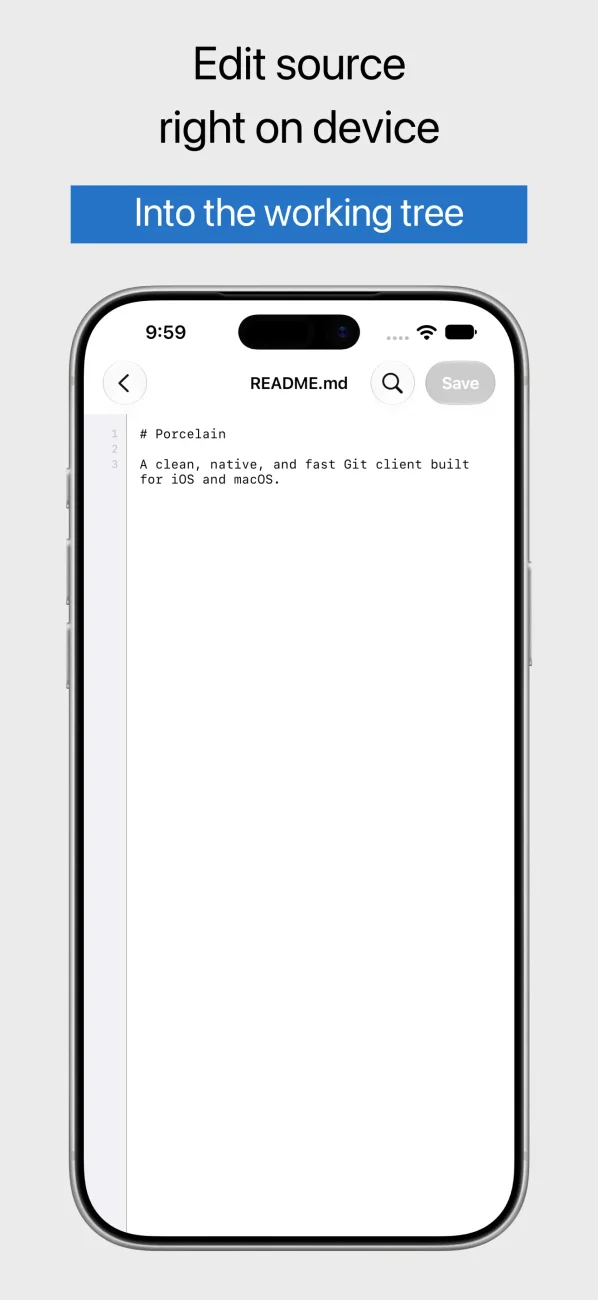
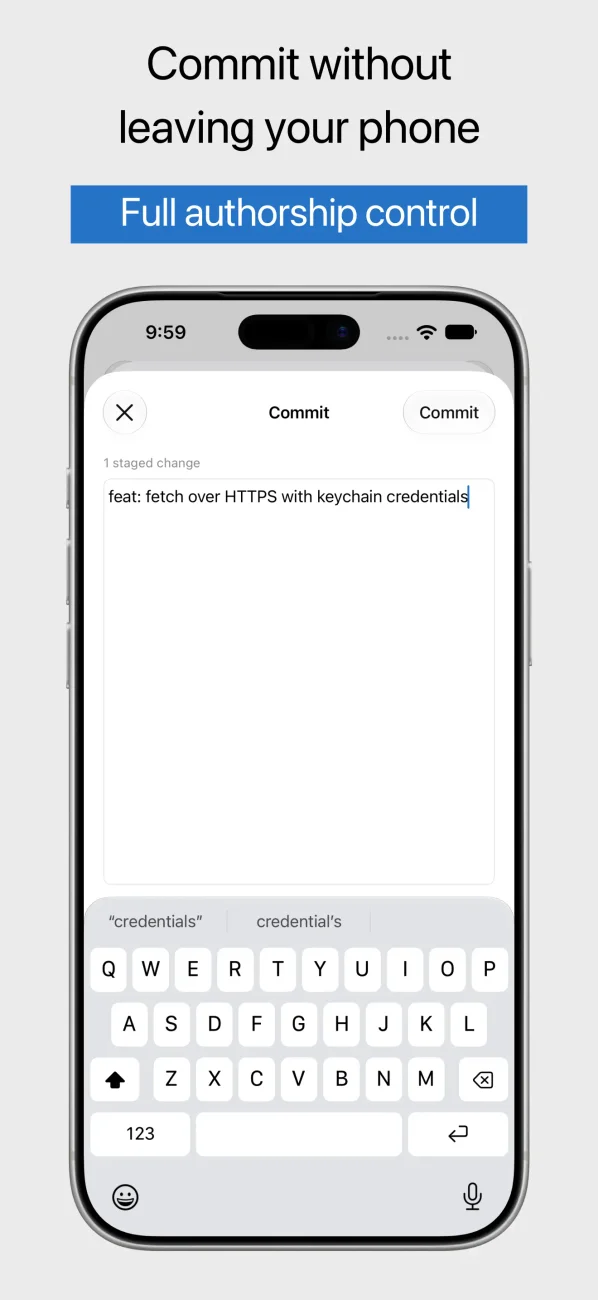
• Create and edit files, and rename files and folders
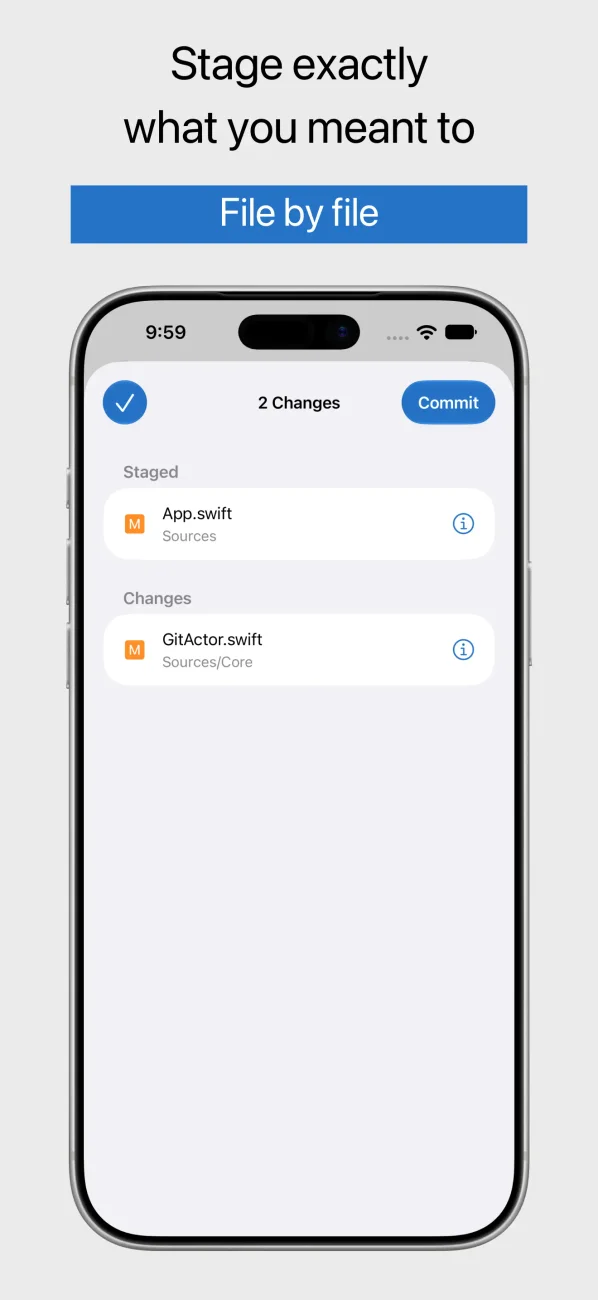
• Stage and unstage individual files
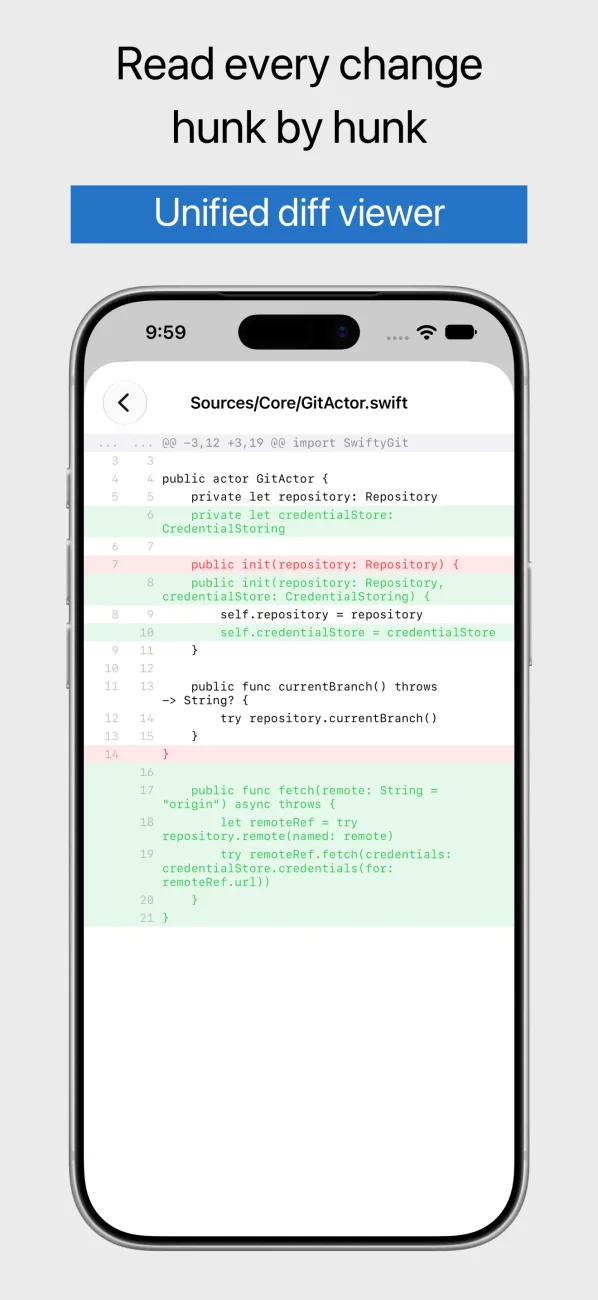
• Unified diff viewer with hunk headers and color-coded changes
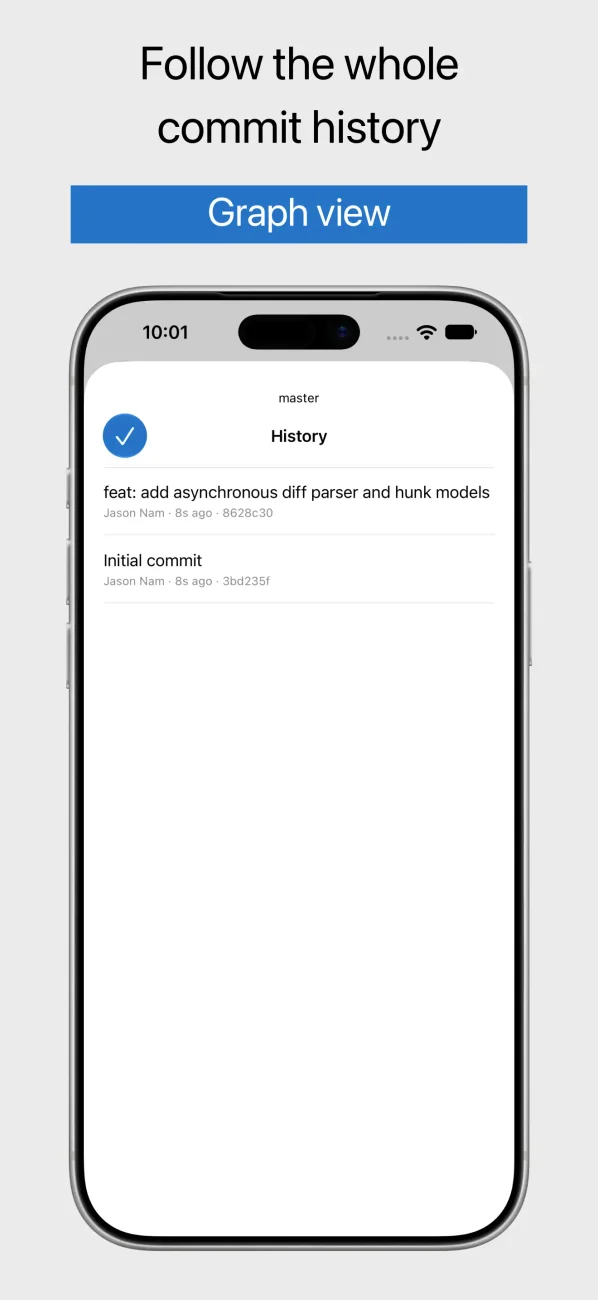
• Commit history graph
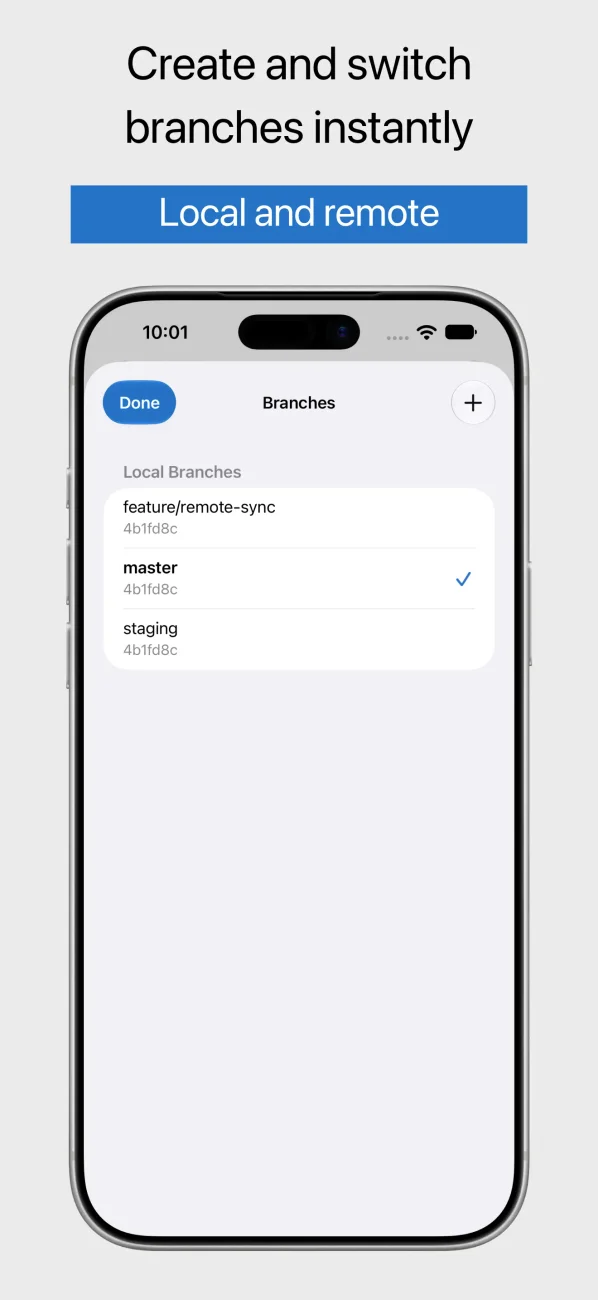
• Branch management: create, list, and switch branches
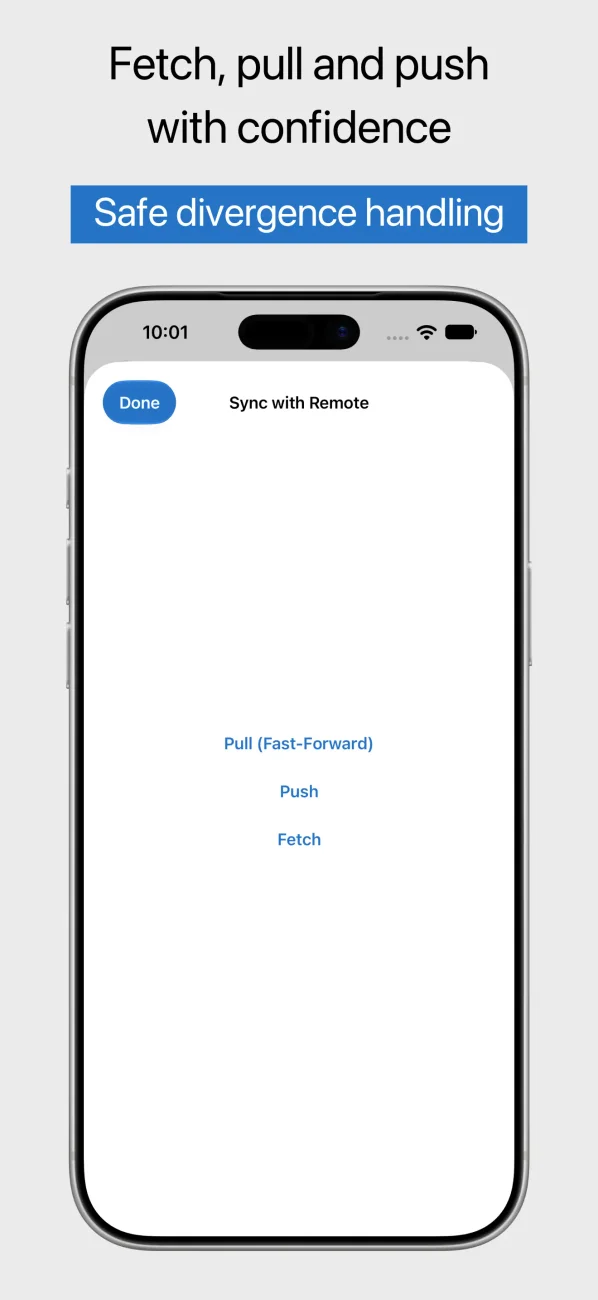
• Fetch, pull, and push with safe divergence handling
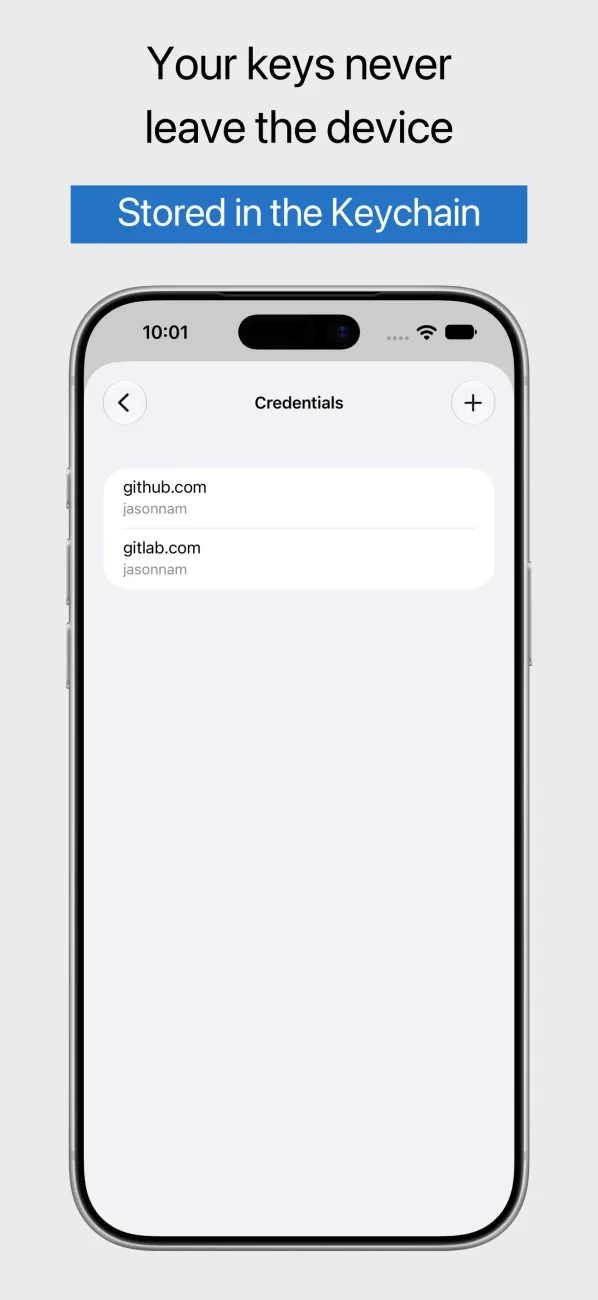
• Secure credentials stored exclusively in your device's Keychain
• Direct access to repository files via the iOS Files app
• Built for iPhone and iPad, with split view on iPad
Nouveautés
Version 2.1.3 · 11/11/2026
Porcelain 2.1.3 sharpens the file editor and brings Porcelain to iPhone Duo.
What's new:
• Line numbers and diff markers in the editor. Added, modified and deleted lines are marked in the gutter beside the line numbers.
• Editor toolbar and shortcuts. Undo, redo, indent and outdent sit above the keyboard, with Command-S, Command-F and Tab on hardware keyboards.
• Invisible characters. Turn on spaces, tabs and line breaks in Settings.
• Support for iPhone Duo. Unfolding keeps your place in the file tree and opens the editor beside it.
Confidentialité de l’application
Ce que Seokhyeon Nam déclare sur l’App Store au sujet du traitement des données par cette application.
-
Données non collectées
Le développeur ne collecte aucune donnée à partir de cette application.
Les pratiques en matière de confidentialité peuvent varier, notamment en fonction des fonctionnalités que vous utilisez ou de votre âge.
Informations
- Vendeur
- Seokhyeon Nam
- Catégorie
- Outils de développement
- Version
- 2.1.3
- Mis à jour
- 11/11/2026
- Publié
- 01/11/2016
- Taille
- 10,1 Mo
- Nécessite
- iOS 17.0 ou version ultérieure
- Classification d’âge
- 4+
- Prix
- Gratuit
- Langues
- Anglais
- Copyright
- © 2026 Jason Nam
Vous aimerez peut-être aussi
-
 Git Rover - Native Git ClientOutils de développement
-
 GitoxOutils de développement
-
 Git_ClientOutils de développement
-
 iGit: Git & PRsOutils de développement
-
 siGit Code & DeployOutils de développement
-
 GitzyOutils de développement
-
 RepoRouteOutils de développement
-
 TeX GoSynchronisez LaTeX et Overleaf
-
 Grit for GitLabOutils de développement
-
 PocketGitOutils de développement