- Batasan usia4+
- KategoriAlat Pengembang
- PengembangSeokhyeon Nam
- BahasaInggris
- Ukuran10,1 MB
Tertaut ke halaman resmi App Store
Download.org tidak menyimpan file Porcelain Git apa pun. Tombol ini membuka halaman aplikasi di App Store, tempat Seokhyeon Nam menerbitkannya. Halaman terakhir diperiksa pada 17/11/2026.
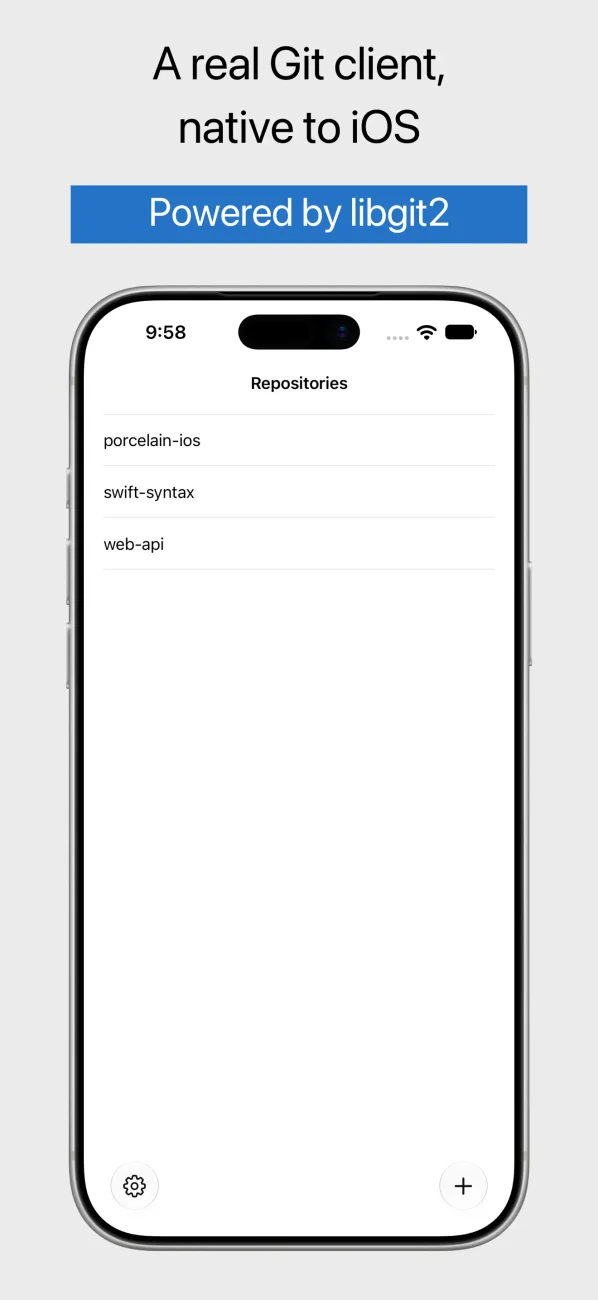
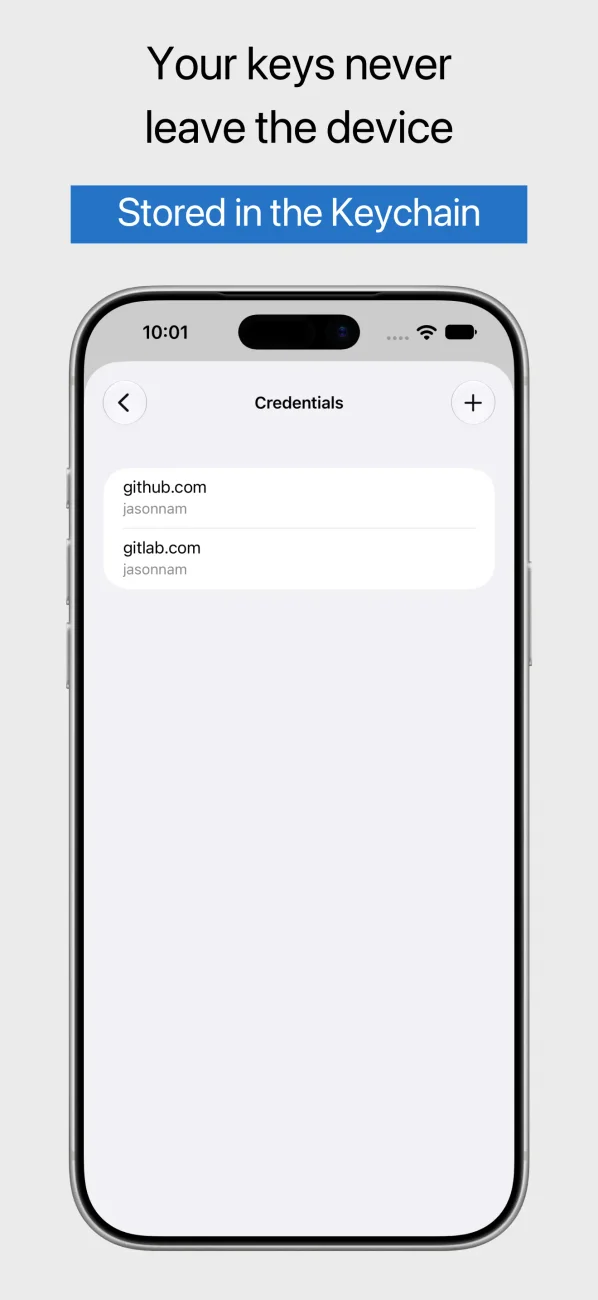
Tangkapan layar
Tentang
Pengembang belum menyediakan teks ini dalam bahasa Anda.
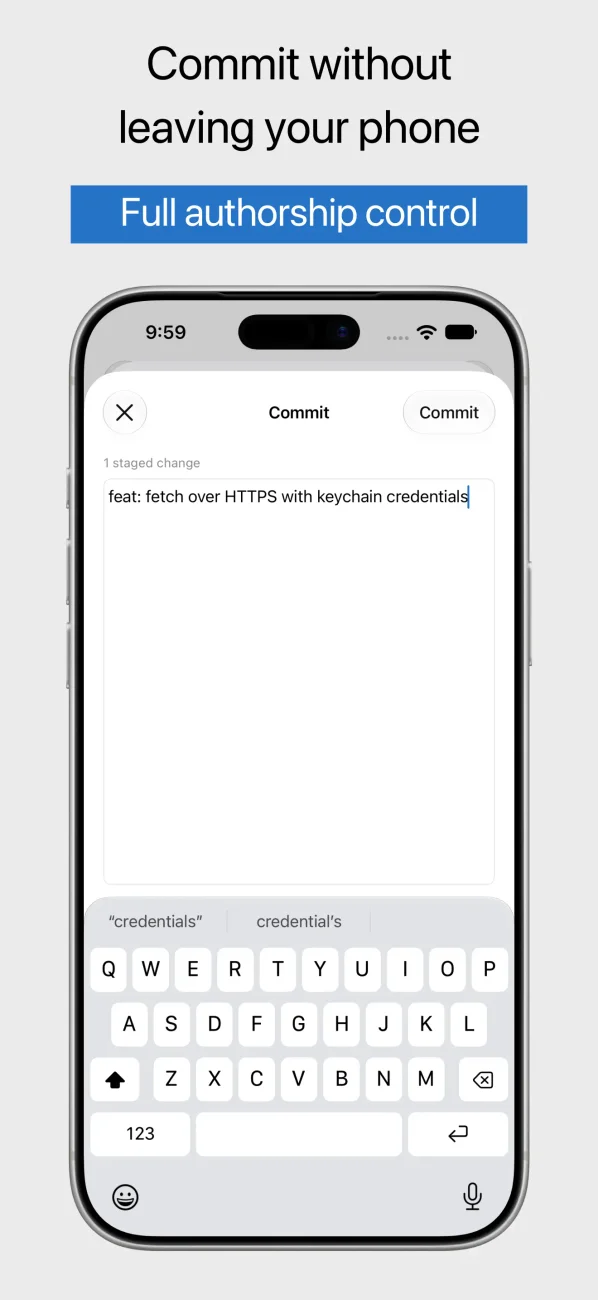
Porcelain is a clean, native, and fast Git client designed for iPhone and iPad.
KEY FEATURES:
• Full Git engine powered by libgit2
• Clone repositories over HTTPS, signing in with a personal access token
• Anonymous clone for open-source repositories
• Preview the web page in your repository: one tap opens index.html with its styles, scripts, and links working
• Open that preview in a browser on your Mac or any device on the same Wi-Fi
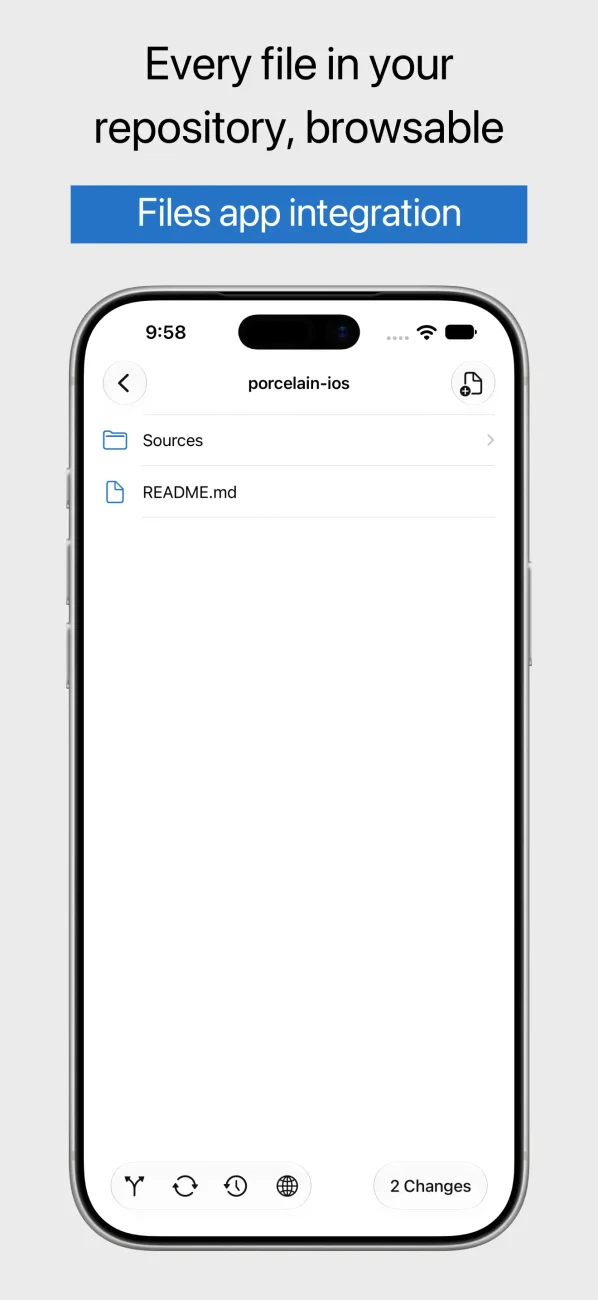
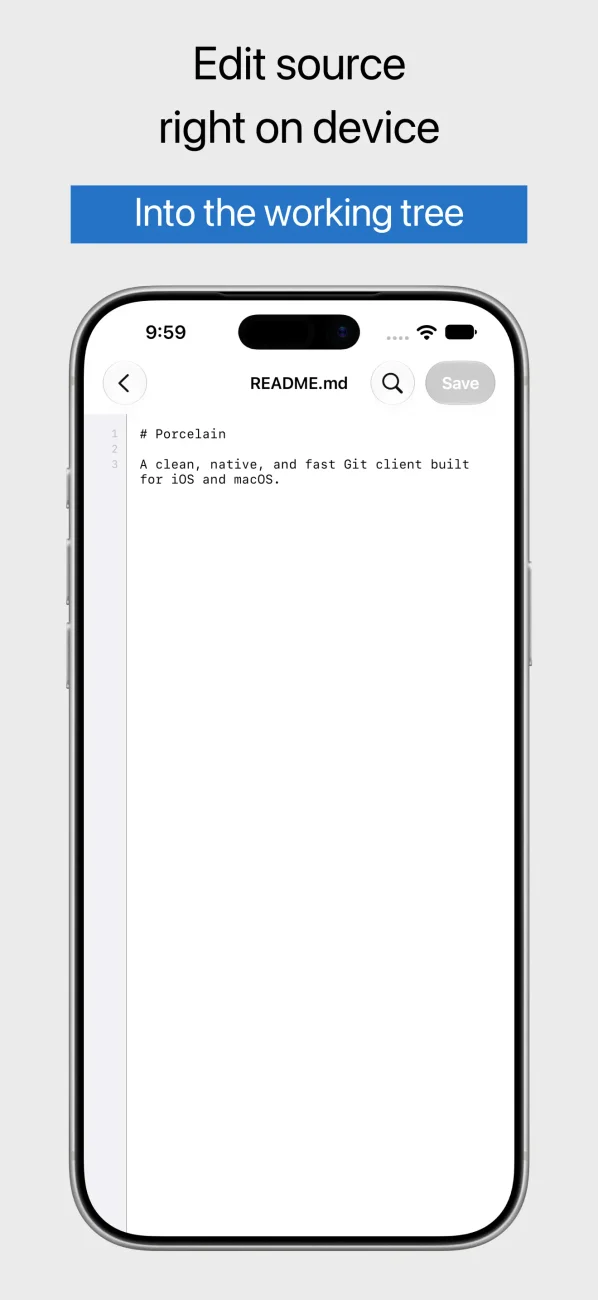
• Create and edit files, and rename files and folders
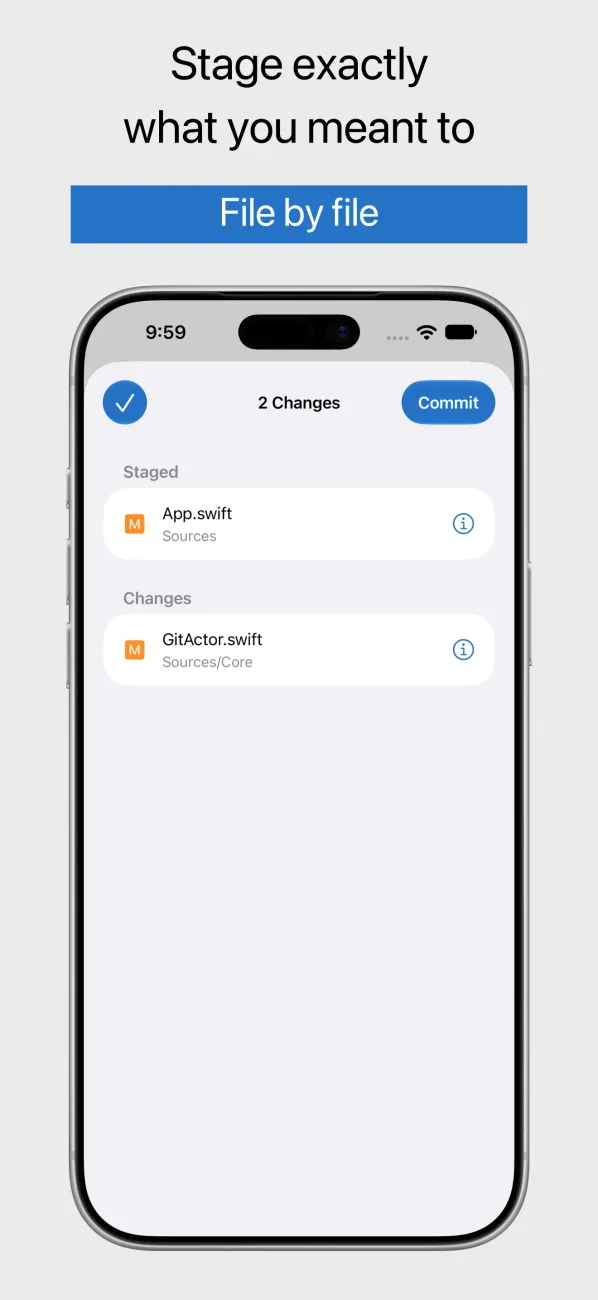
• Stage and unstage individual files
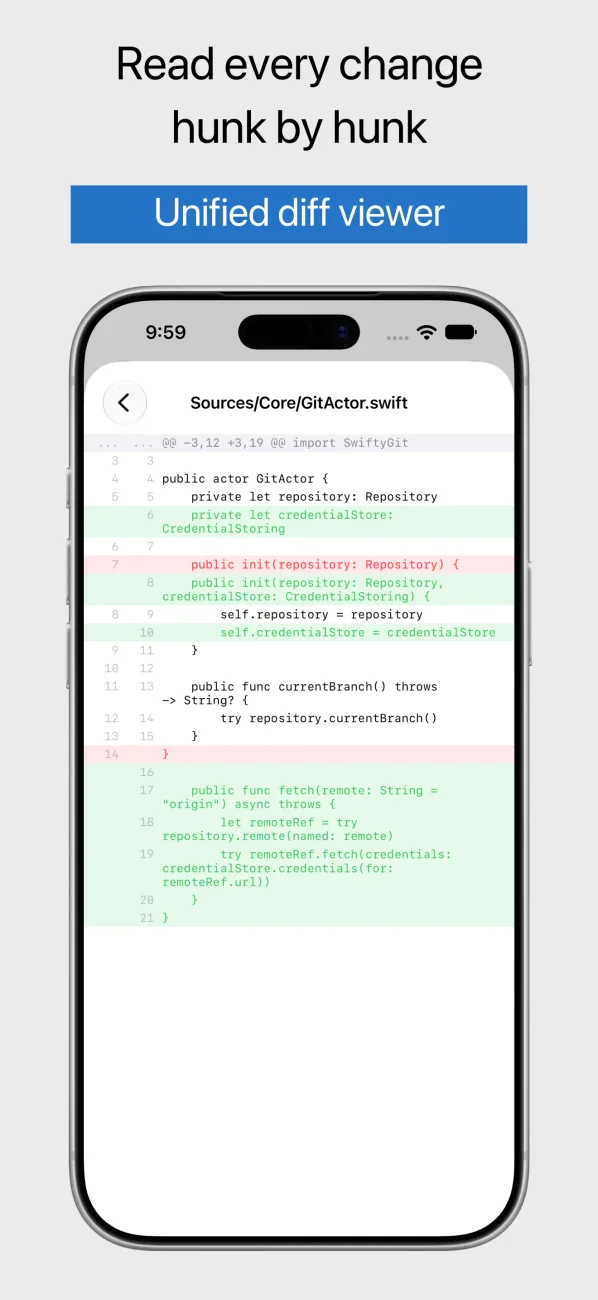
• Unified diff viewer with hunk headers and color-coded changes
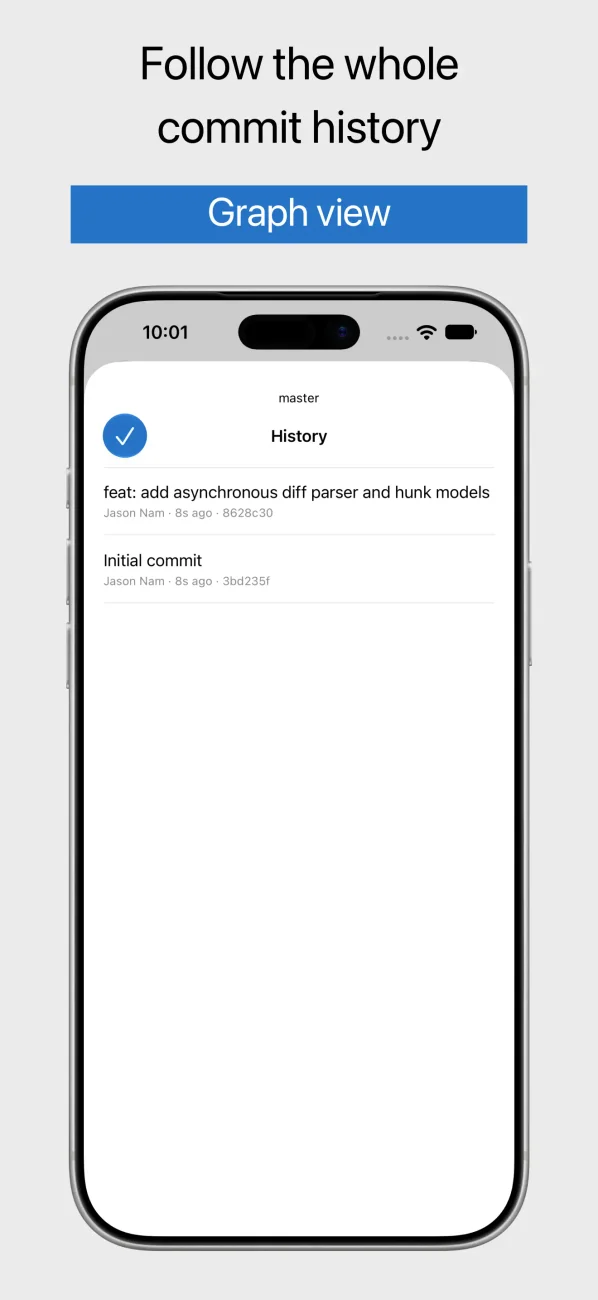
• Commit history graph
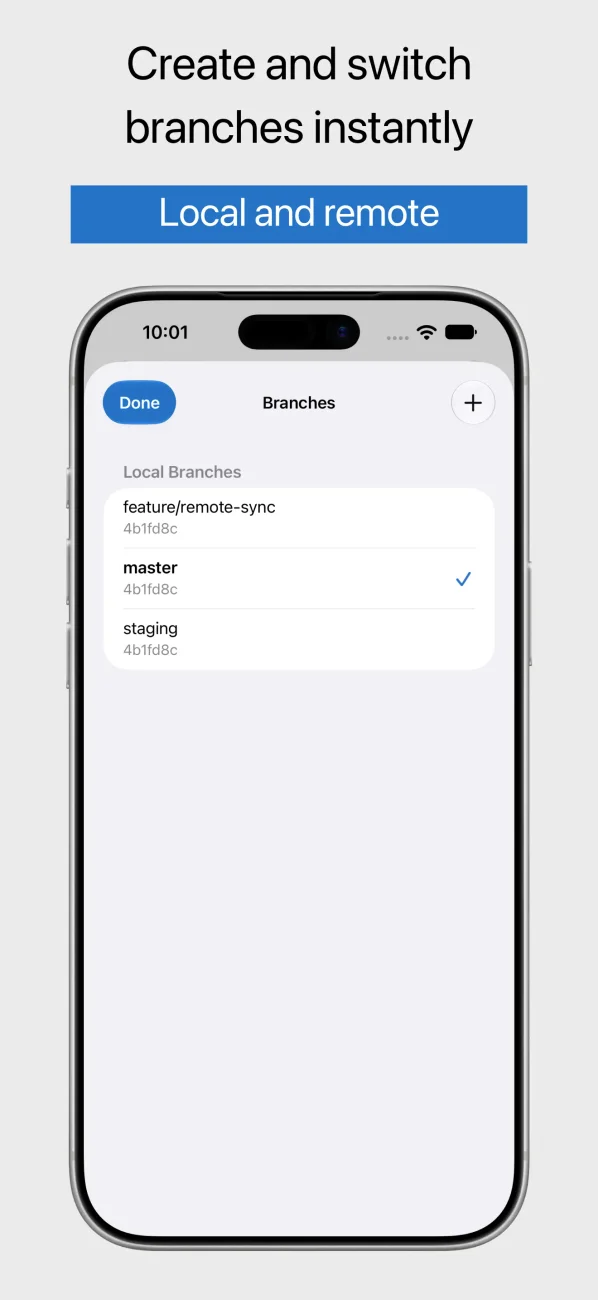
• Branch management: create, list, and switch branches
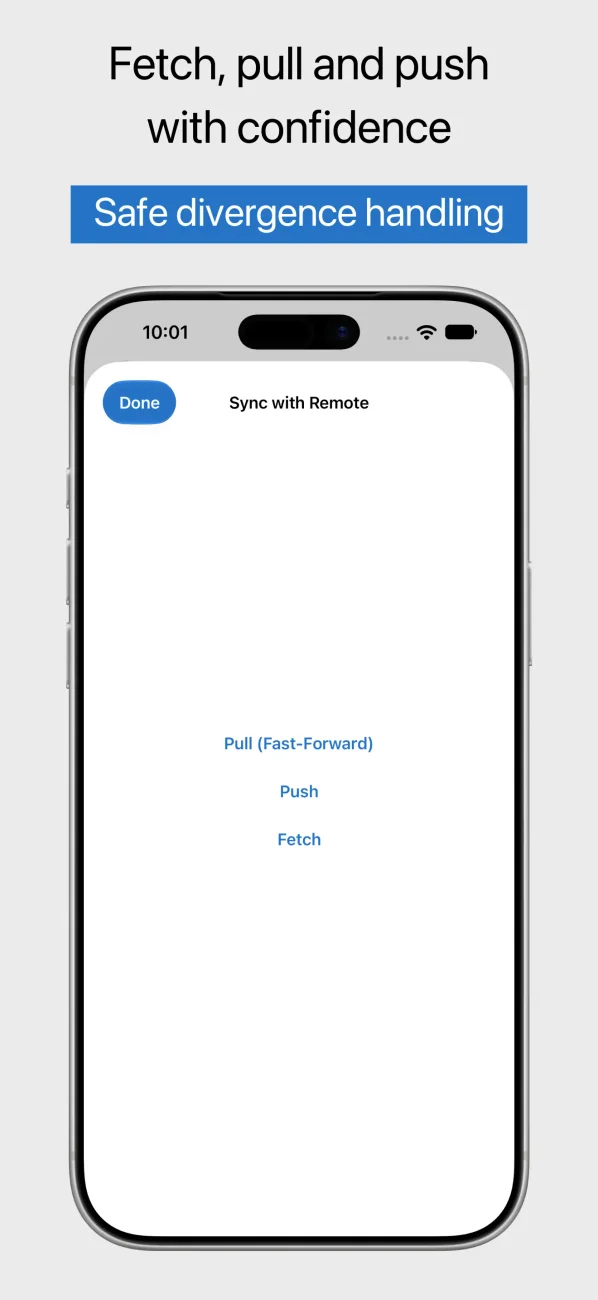
• Fetch, pull, and push with safe divergence handling
• Secure credentials stored exclusively in your device's Keychain
• Direct access to repository files via the iOS Files app
• Built for iPhone and iPad, with split view on iPad
Yang baru
Versi 2.1.3 · 11/11/2026
Porcelain 2.1.3 sharpens the file editor and brings Porcelain to iPhone Duo.
What's new:
• Line numbers and diff markers in the editor. Added, modified and deleted lines are marked in the gutter beside the line numbers.
• Editor toolbar and shortcuts. Undo, redo, indent and outdent sit above the keyboard, with Command-S, Command-F and Tab on hardware keyboards.
• Invisible characters. Turn on spaces, tabs and line breaks in Settings.
• Support for iPhone Duo. Unfolding keeps your place in the file tree and opens the editor beside it.
Privasi aplikasi
Yang dinyatakan Seokhyeon Nam di App Store tentang cara aplikasi ini menangani data.
-
Data tidak dikumpulkan
Pengembang tidak mengumpulkan data apa pun dari aplikasi ini.
Praktik privasi dapat bervariasi, misalnya berdasarkan fitur yang Anda gunakan atau usia Anda.
Informasi
- Penjual
- Seokhyeon Nam
- Kategori
- Alat Pengembang
- Versi
- 2.1.3
- Diperbarui
- 11/11/2026
- Dirilis
- 1/11/2016
- Ukuran
- 10,1 MB
- Memerlukan
- iOS 17.0 atau yang lebih baru
- Batasan usia
- 4+
- Harga
- Gratis
- Bahasa
- Inggris
- Hak cipta
- © 2026 Jason Nam