Print Plus - Smart Printer App
For HP, Epson, Canon & Brother
Entwickelt für iPhone
Kostenlos · In-App-Käufe
- Altersfreigabe17+
- KategorieWirtschaft
- EntwicklerMobleaf
- SprachenEnglisch
- Größe59,9 MB
Verlinkt auf die offizielle App Store-Seite
Download.org hostet keine Datei von Print Plus - Smart Printer App. Die Schaltfläche öffnet die App-Seite bei App Store, wo Mobleaf die App veröffentlicht. Eintrag zuletzt geprüft am 22.11.2026.
Screenshots

Info
Der Entwickler hat diesen Text nicht in Ihrer Sprache bereitgestellt.
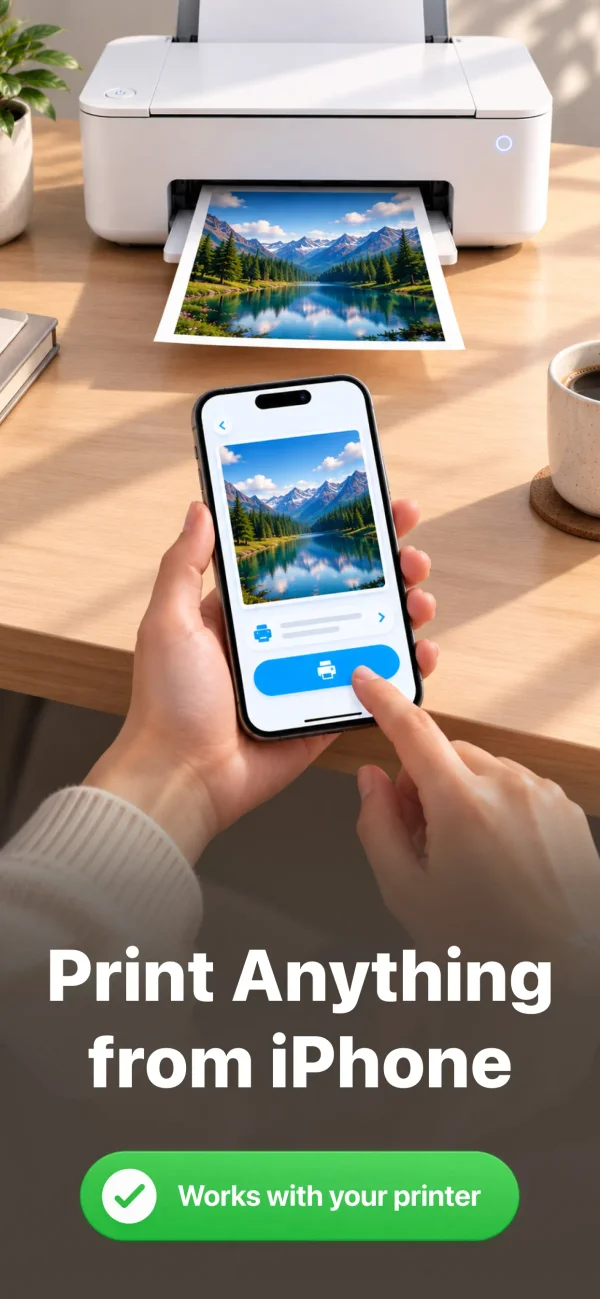
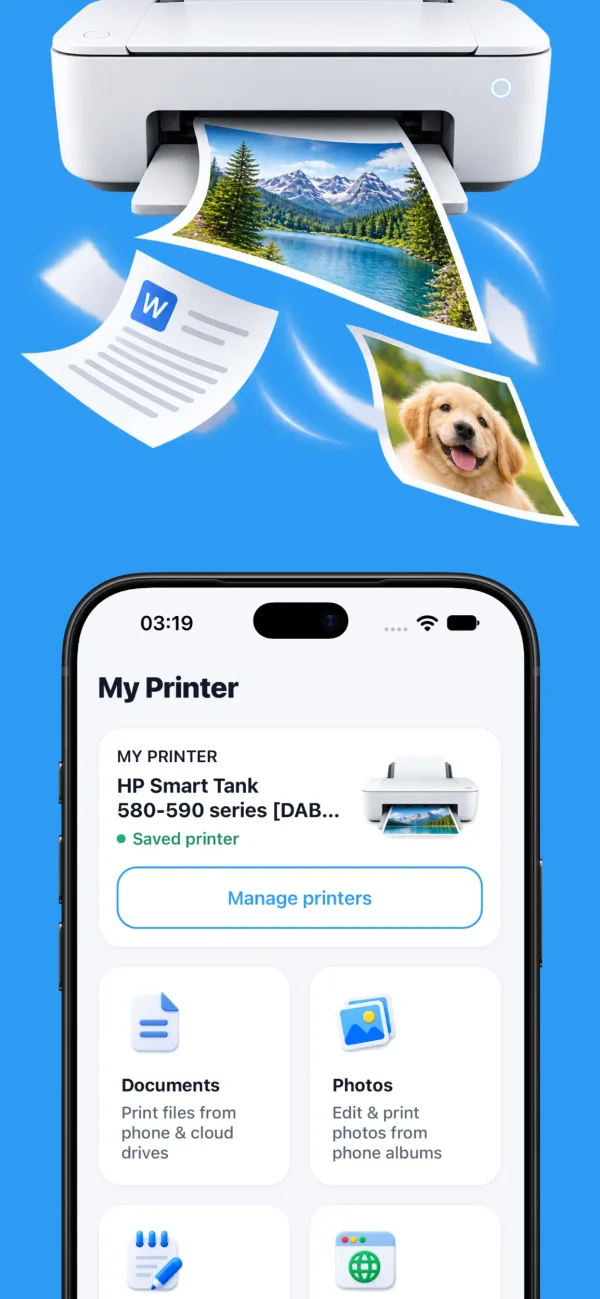
Connect wirelessly to 8,000+ printers and start printing from your iPhone in seconds. No drivers to install, no software to download. Just connect to the same Wi-Fi network as your printer and you're ready to go.
PRINT DOCUMENTS
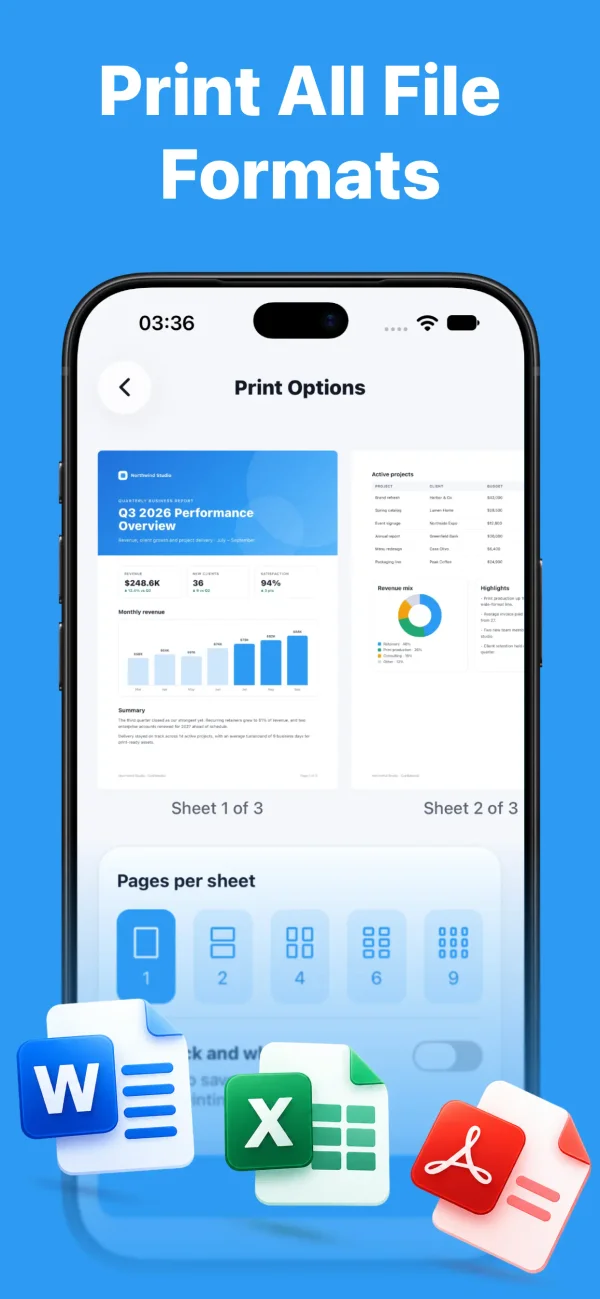
Open any file directly from your device storage, iCloud, Dropbox, or Google Drive and send it to your printer without conversion. The app supports PDF, DOCX, images, and 20+ other formats natively. You can also print full-size web pages by entering any URL, or import email attachments through the iOS share sheet and print them on the spot.
PRINT PHOTOS
Pick your favorite moments from your camera roll, edit them before printing with built-in filters like grayscale, sepia, vivid, and warm tones, and print them in full quality. Crop, rotate, or resize your photos to get the exact framing you want all without leaving the app.
PRINT NOTES & TEXT
Type or paste any text into the built-in notepad with heading and body formatting, then send it straight to your printer. Great for quick lists, meeting notes, or anything you need on paper fast.
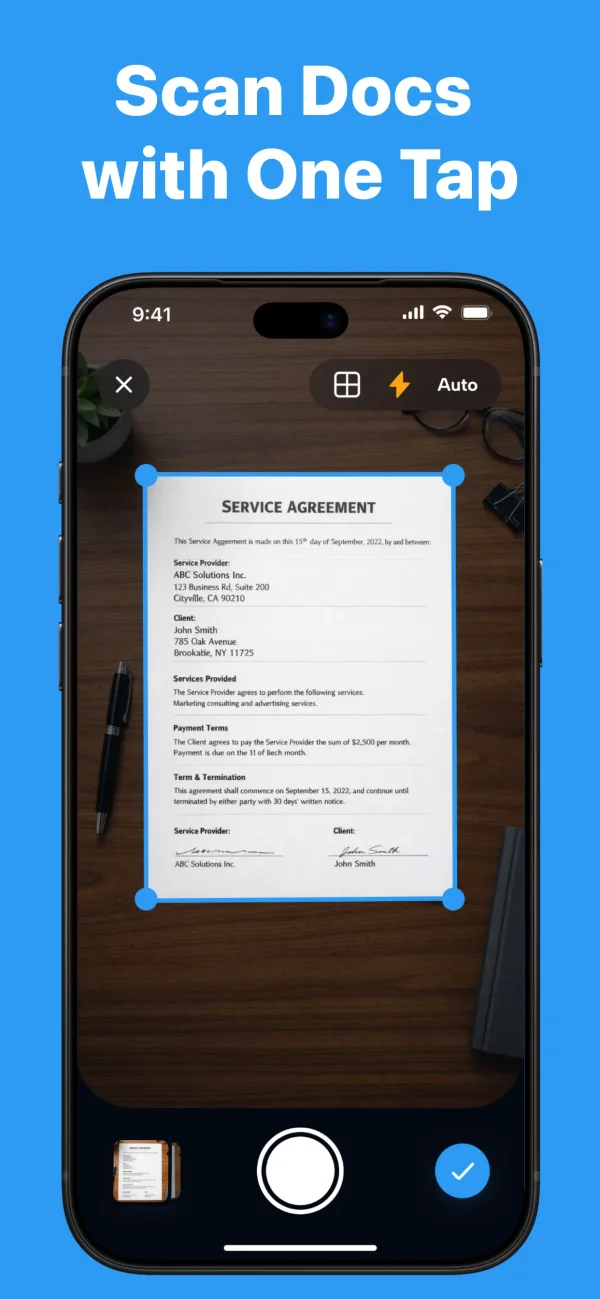
SCAN DOCUMENTS
Use your iPhone camera to scan contracts, receipts, forms, or any paper document. Intelligent edge detection automatically finds the document corners and corrects the perspective so your scan comes out straight and clean. Apply filters, rotate, or crop your scanned pages, and scan multiple pages in one session to create a single PDF. Share your scans via AirDrop, email, or save them to your files.
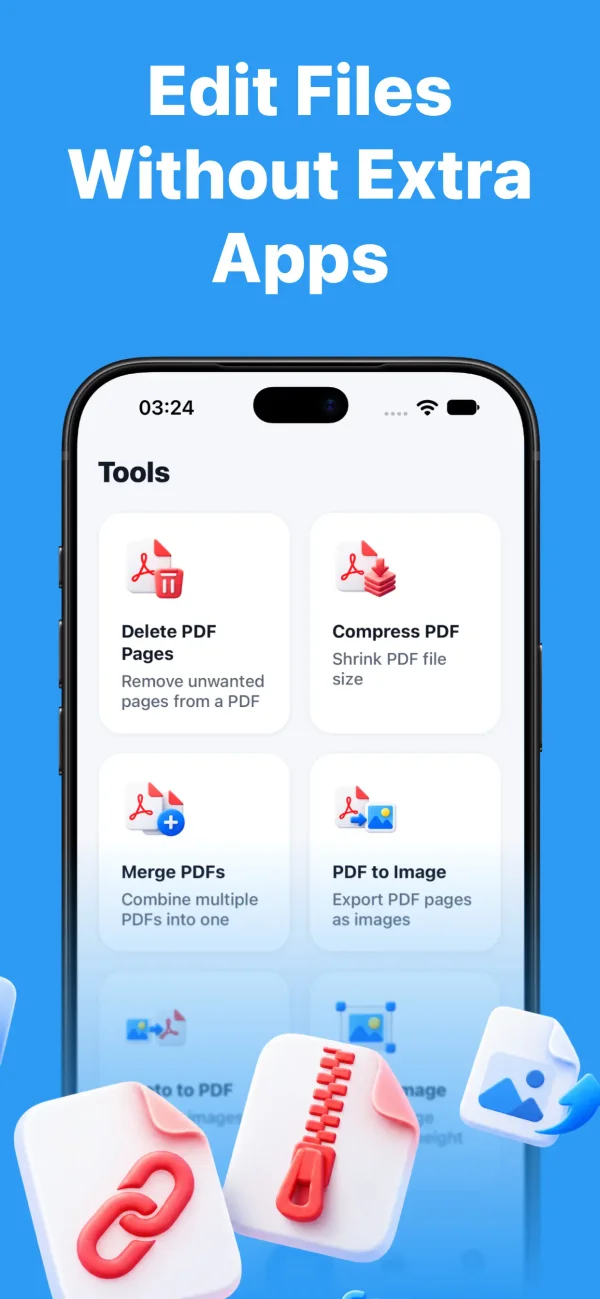
PDF & IMAGE TOOLS
Merge multiple PDFs into a single file, compress large documents to reduce file size before printing or sharing, and delete unwanted pages from any PDF. Convert PDF pages to images for presentations, or turn a set of photos into a multi-page PDF document. Resize images to exact dimensions, crop to any aspect ratio, rotate sideways scans, and apply color filters — all processed locally on your device.
ADVANCED PRINT OPTIONS
Choose portrait or landscape orientation, set multiple pages per sheet to save paper, switch between color and black & white printing, and select the number of copies. The print preview shows you exactly what will come out before you send the job.
PRINTER SUPPORT
Compatible with thousands of inkjet, laser, and all-in-one AirPrint-compatible printers from all major manufacturers. The app automatically discovers printers on your Wi-Fi network. If your printer needs manual setup, built-in step-by-step guides walk you through WPS and laptop-based connections.
Download now and send your first print job in under a minute.
----
Privacy Policy: https://mobleaf.com/privacy
Terms of Use: https://mobleaf.com/terms
Neue Funktionen
Version 1.1.3 · 13.11.2026
Bug fixes and performance improvements.
App-Datenschutz
Was Mobleaf im App Store zum Umgang dieser App mit Daten angibt.
-
Daten, die zum Tracking Ihrer Person verwendet werden
Können verwendet werden, um Sie über Apps und Websites anderer Unternehmen hinweg zu verfolgen.
- Kennungen
- Nutzungsdaten
-
Nicht mit Ihnen verknüpfte Daten
Können erfasst werden, sind aber nicht mit Ihrer Identität verknüpft.
- Käufe
- Kennungen
- Nutzungsdaten
- Diagnose
Die Datenschutzpraktiken können variieren, zum Beispiel je nach den von Ihnen verwendeten Funktionen oder Ihrem Alter.
Informationen
- Anbieter
- MOBLEAF YAZILIM TEKNOLOJI LIMITED SIRKETI
- Kategorie
- Wirtschaft
- Version
- 1.1.3
- Aktualisiert
- 13.11.2026
- Veröffentlicht
- 02.04.2026
- Größe
- 59,9 MB
- Erfordert
- iOS 18.0 oder neuer
- Altersfreigabe
- 17+
- Preis
- Kostenlos
- In-App-Käufe
- Ja
- Sprachen
- Englisch
- Copyright
- © Mobleaf
Das könnte Ihnen auch gefallen
-
 Smart Printer App for HP *Wirtschaft
-
 Smart-Drucker für HP*All-in-One-Drucklösung für HP
-
 Drucker App - Smart AirprintAir Printer: Scannen & Drucken
-
 Smart Air Printer App & ScanWirtschaft
-
 Smart Printer - Auto AirPrintWirtschaft
-
 AnyPrint-Smart Air Printer ProDrucker-Print & Scan PDF,Photo
-
 Drucker App für HP Canon, PDFDrucken vom Iphone, Ipad
-
 Intelligenter Drucker ScannenAlles foto dateien pdf drucken
-
 Smart Drucker App für HP CanonEpson, Brother, Dell, Scan PDF