- 対象年齢17+
- カテゴリビジネス
- 開発元Mobleaf
- 言語英語
- サイズ59.9 MB
App Storeの公式ページにリンクしています
Download.orgはPrint Plus - Smart Printer Appのファイルを一切ホストしていません。ボタンを押すと、Mobleafが公開しているApp Storeのアプリページが開きます。ページの最終確認:2026/11/22。
スクリーンショット

概要
開発元はこのテキストをお使いの言語で提供していません。
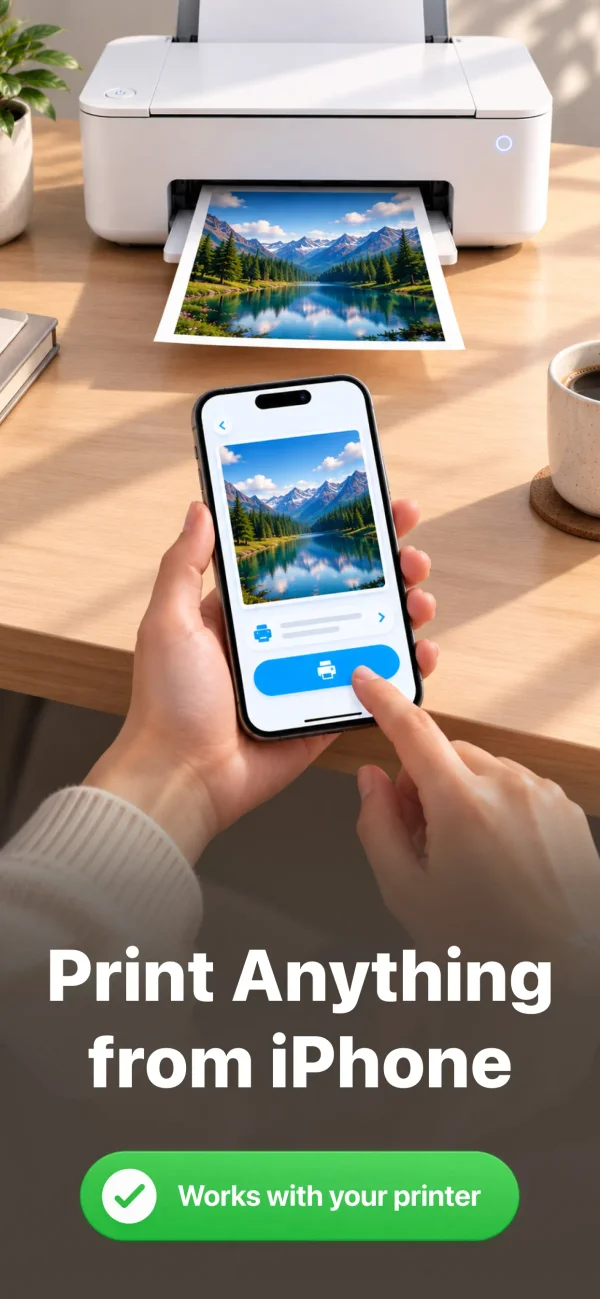
Connect wirelessly to 8,000+ printers and start printing from your iPhone in seconds. No drivers to install, no software to download. Just connect to the same Wi-Fi network as your printer and you're ready to go.
PRINT DOCUMENTS
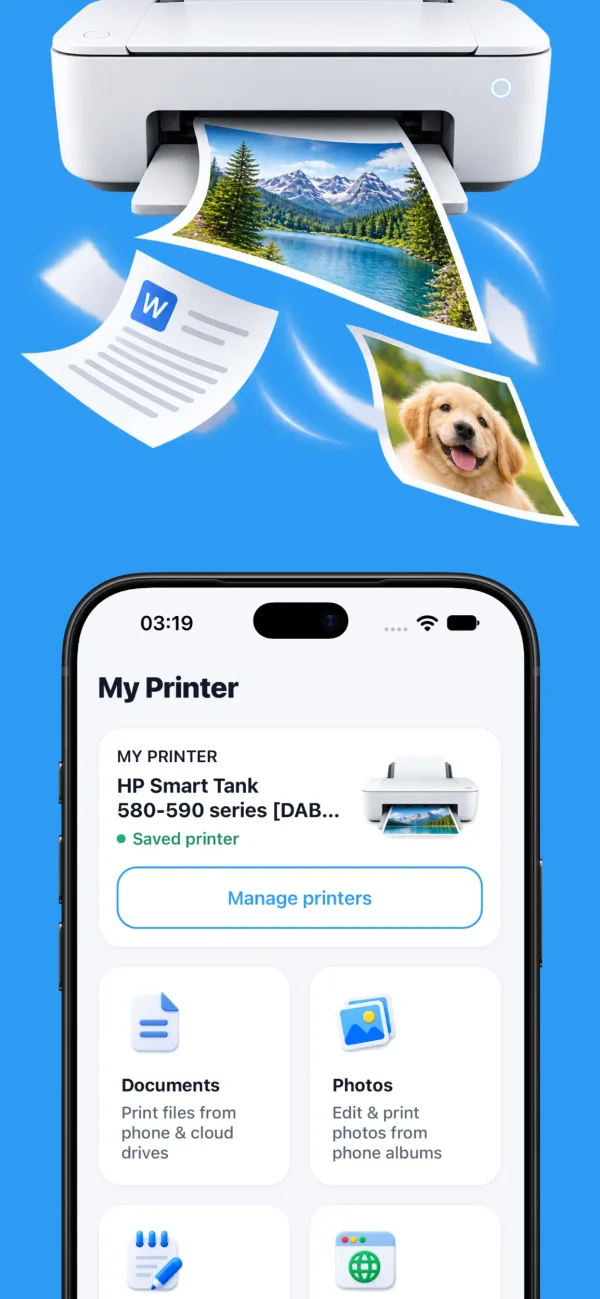
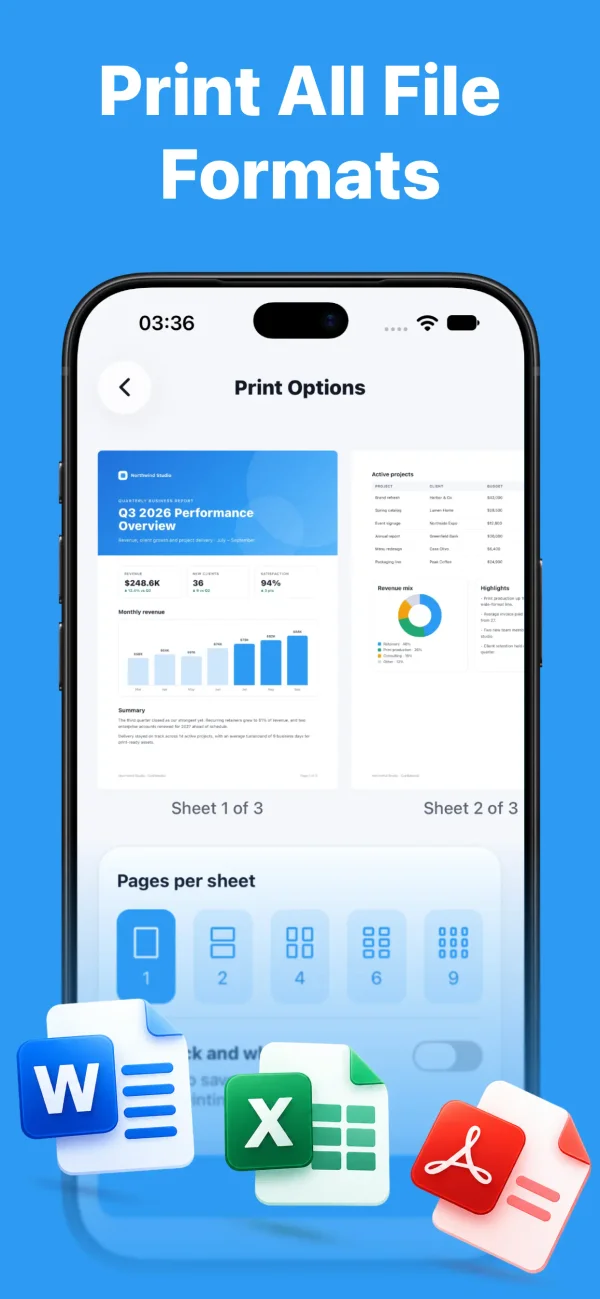
Open any file directly from your device storage, iCloud, Dropbox, or Google Drive and send it to your printer without conversion. The app supports PDF, DOCX, images, and 20+ other formats natively. You can also print full-size web pages by entering any URL, or import email attachments through the iOS share sheet and print them on the spot.
PRINT PHOTOS
Pick your favorite moments from your camera roll, edit them before printing with built-in filters like grayscale, sepia, vivid, and warm tones, and print them in full quality. Crop, rotate, or resize your photos to get the exact framing you want all without leaving the app.
PRINT NOTES & TEXT
Type or paste any text into the built-in notepad with heading and body formatting, then send it straight to your printer. Great for quick lists, meeting notes, or anything you need on paper fast.
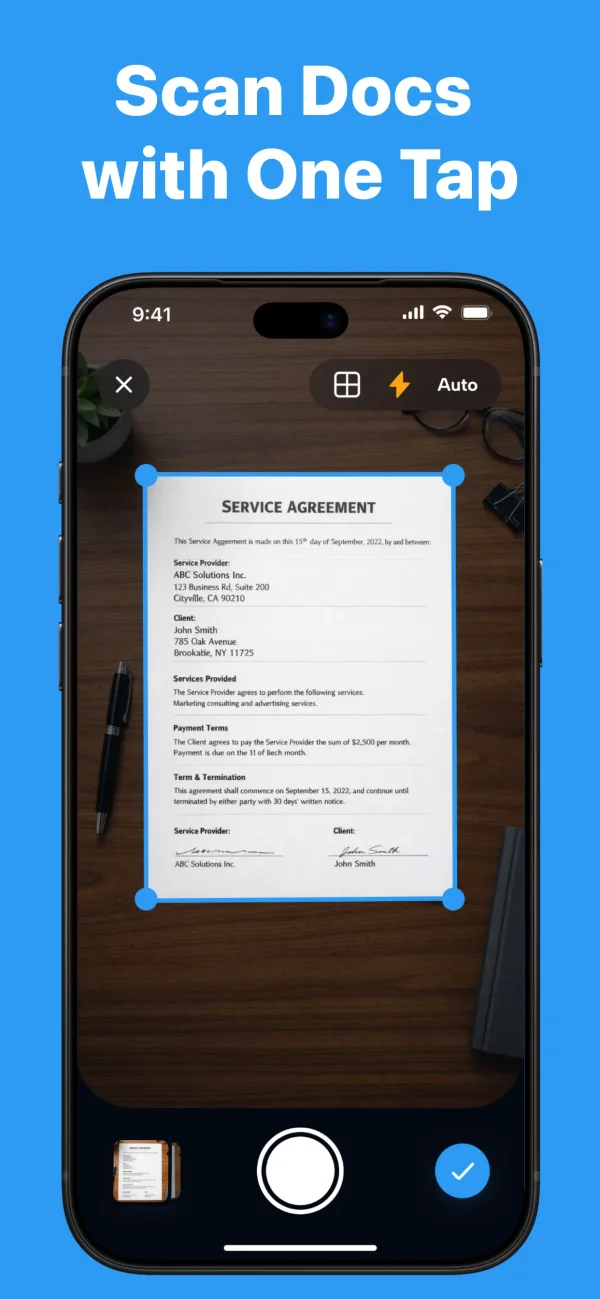
SCAN DOCUMENTS
Use your iPhone camera to scan contracts, receipts, forms, or any paper document. Intelligent edge detection automatically finds the document corners and corrects the perspective so your scan comes out straight and clean. Apply filters, rotate, or crop your scanned pages, and scan multiple pages in one session to create a single PDF. Share your scans via AirDrop, email, or save them to your files.
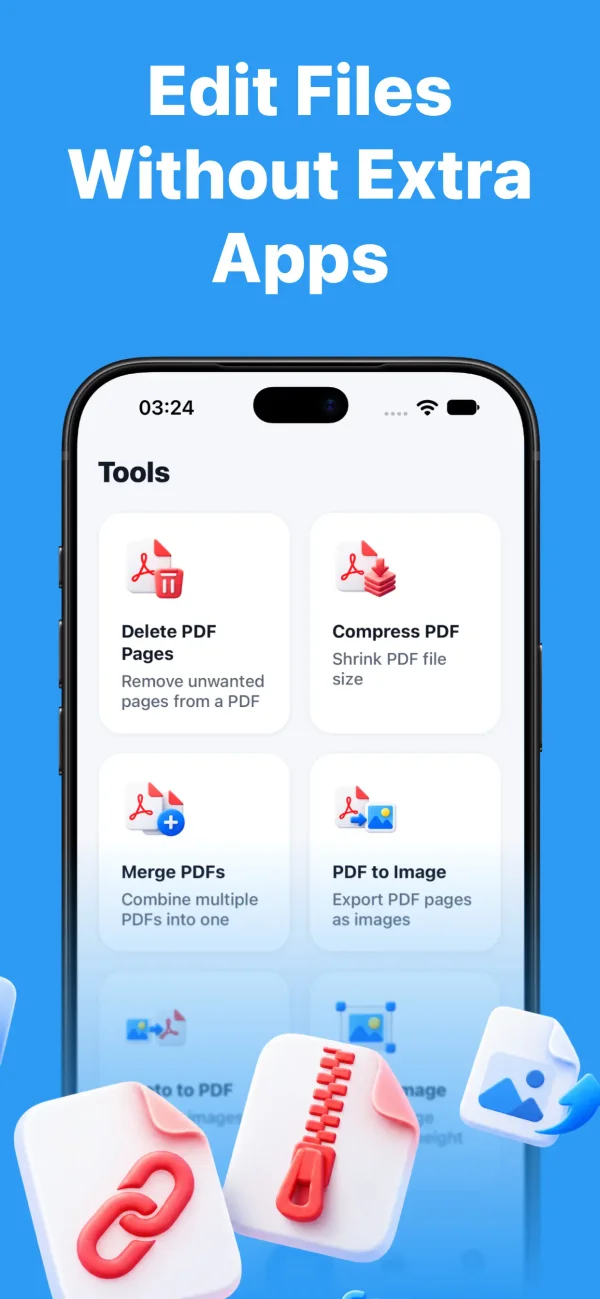
PDF & IMAGE TOOLS
Merge multiple PDFs into a single file, compress large documents to reduce file size before printing or sharing, and delete unwanted pages from any PDF. Convert PDF pages to images for presentations, or turn a set of photos into a multi-page PDF document. Resize images to exact dimensions, crop to any aspect ratio, rotate sideways scans, and apply color filters — all processed locally on your device.
ADVANCED PRINT OPTIONS
Choose portrait or landscape orientation, set multiple pages per sheet to save paper, switch between color and black & white printing, and select the number of copies. The print preview shows you exactly what will come out before you send the job.
PRINTER SUPPORT
Compatible with thousands of inkjet, laser, and all-in-one AirPrint-compatible printers from all major manufacturers. The app automatically discovers printers on your Wi-Fi network. If your printer needs manual setup, built-in step-by-step guides walk you through WPS and laptop-based connections.
Download now and send your first print job in under a minute.
----
Privacy Policy: https://mobleaf.com/privacy
Terms of Use: https://mobleaf.com/terms
新機能
バージョン 1.1.3 · 2026/11/13
Bug fixes and performance improvements.
アプリのプライバシー
このアプリのデータの取り扱いについて、MobleafがApp Storeで申告している内容です。
-
ユーザーのトラッキングに使用されるデータ
他社のアプリやウェブサイトを横断してユーザーをトラッキングする目的で使用される場合があります。
- ID
- 使用状況データ
-
ユーザーに関連付けられないデータ
収集される場合がありますが、ユーザーの識別情報には関連付けられません。
- 購入
- ID
- 使用状況データ
- 診断
プライバシーの取り扱いは、ご利用の機能やお客様の年齢などに応じて異なる場合があります。
情報
- 販売元
- MOBLEAF YAZILIM TEKNOLOJI LIMITED SIRKETI
- カテゴリ
- ビジネス
- バージョン
- 1.1.3
- 更新日
- 2026/11/13
- リリース
- 2026/4/2
- サイズ
- 59.9 MB
- 必要条件
- iOS 18.0以降
- 対象年齢
- 17+
- 価格
- 無料
- アプリ内課金
- あり
- 言語
- 英語
- 著作権
- © Mobleaf
こちらもおすすめ
-
 Smart Printer App for HP *ビジネス
-
 HP対応スマートプリンター\*HP対応オールインワン印刷
-
 スマート プリンター: モバイル エアープリントAirprint - 書類や写真をスキャン、編集、印刷する
-
 Smart Air Printer App & Scanビジネス
-
 Smart Printer - Auto AirPrintビジネス
-
 Smart Air Printer - AnyPrintビジネス
-
 PDF プリンター アプリ写真、文書、プリント
-
 モバイルプリント スキャン スマートアプリ スマートプリント書類 写真 印刷 プリント 文字 アプリ 文書 プリンタ
-
 SmartPrinter:写真そして PDF 書類印刷アプリIprint scan - こぴー機印刷