Print Plus - Smart Printer App
For HP, Epson, Canon & Brother
Conçue pour iPhone
Gratuit · Achats intégrés
- Classification d’âge17+
- CatégorieÉconomie et entreprise
- DéveloppeurMobleaf
- LanguesAnglais
- Taille59,9 Mo
Renvoie vers la page App Store officielle
Download.org n’héberge aucun fichier de Print Plus - Smart Printer App. Le bouton ouvre la page de l’application sur App Store, où Mobleaf la publie. Fiche vérifiée pour la dernière fois le 22/11/2026.
Captures d’écran

À propos
Le développeur n’a pas fourni ce texte dans votre langue.
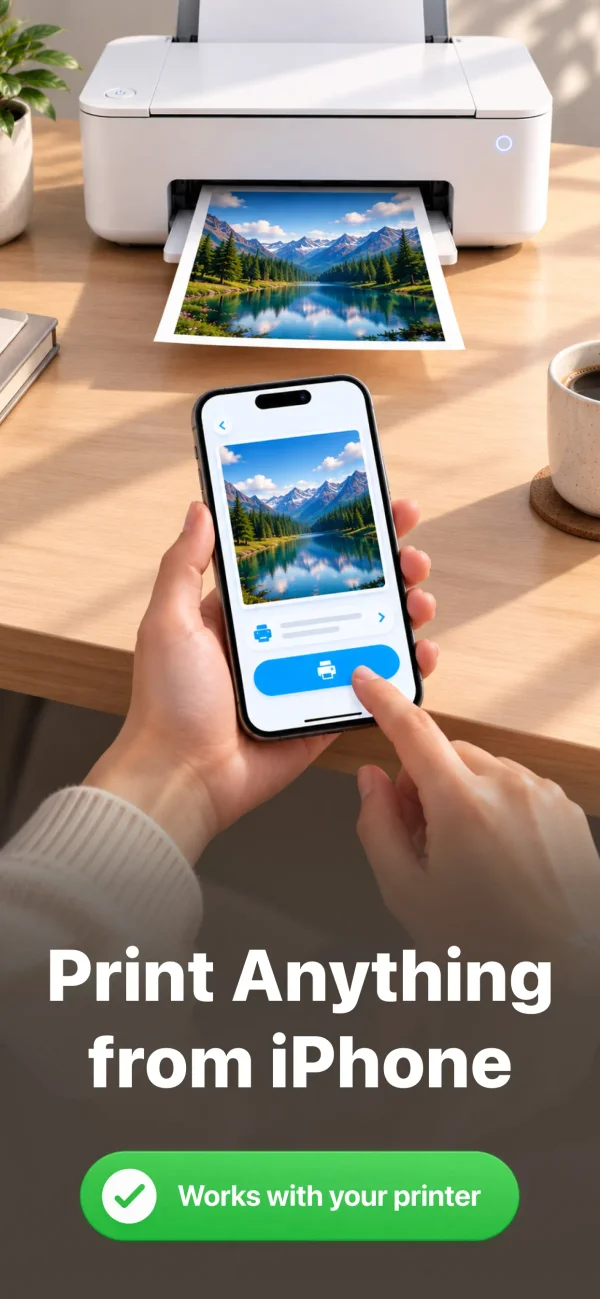
Connect wirelessly to 8,000+ printers and start printing from your iPhone in seconds. No drivers to install, no software to download. Just connect to the same Wi-Fi network as your printer and you're ready to go.
PRINT DOCUMENTS
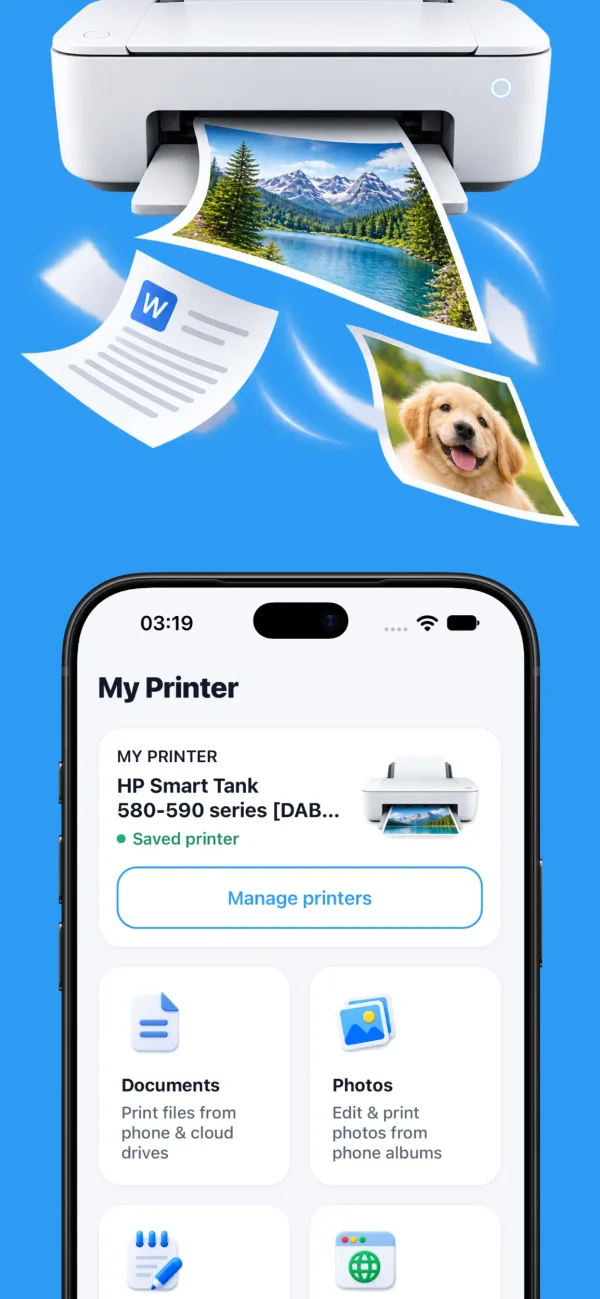
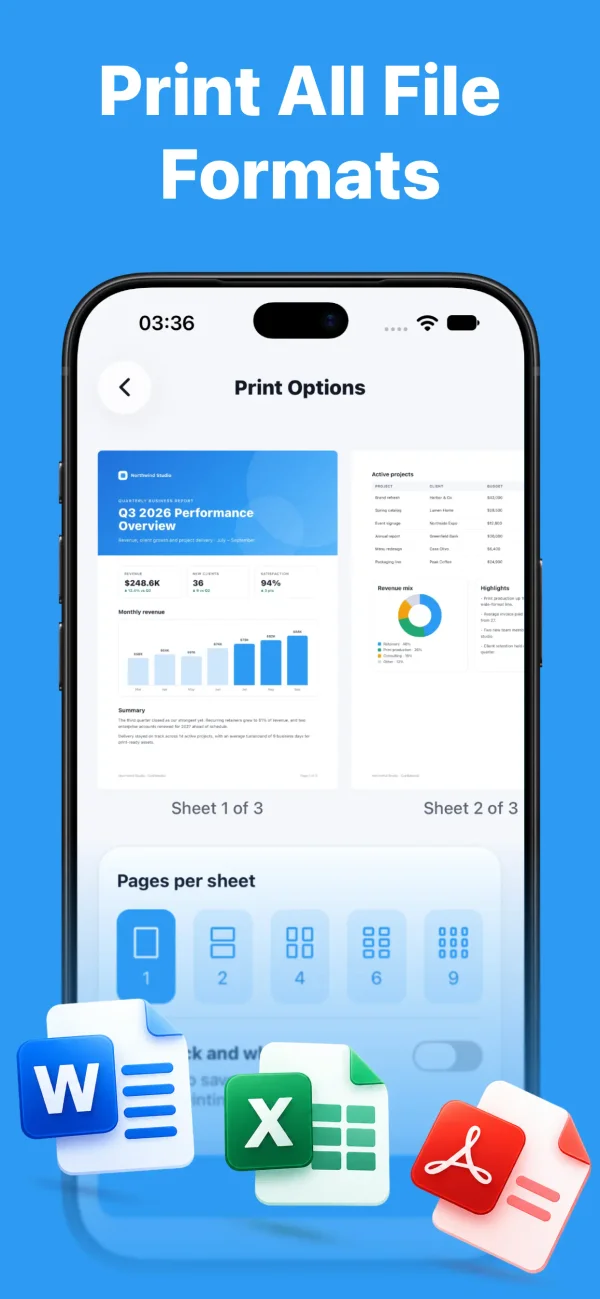
Open any file directly from your device storage, iCloud, Dropbox, or Google Drive and send it to your printer without conversion. The app supports PDF, DOCX, images, and 20+ other formats natively. You can also print full-size web pages by entering any URL, or import email attachments through the iOS share sheet and print them on the spot.
PRINT PHOTOS
Pick your favorite moments from your camera roll, edit them before printing with built-in filters like grayscale, sepia, vivid, and warm tones, and print them in full quality. Crop, rotate, or resize your photos to get the exact framing you want all without leaving the app.
PRINT NOTES & TEXT
Type or paste any text into the built-in notepad with heading and body formatting, then send it straight to your printer. Great for quick lists, meeting notes, or anything you need on paper fast.
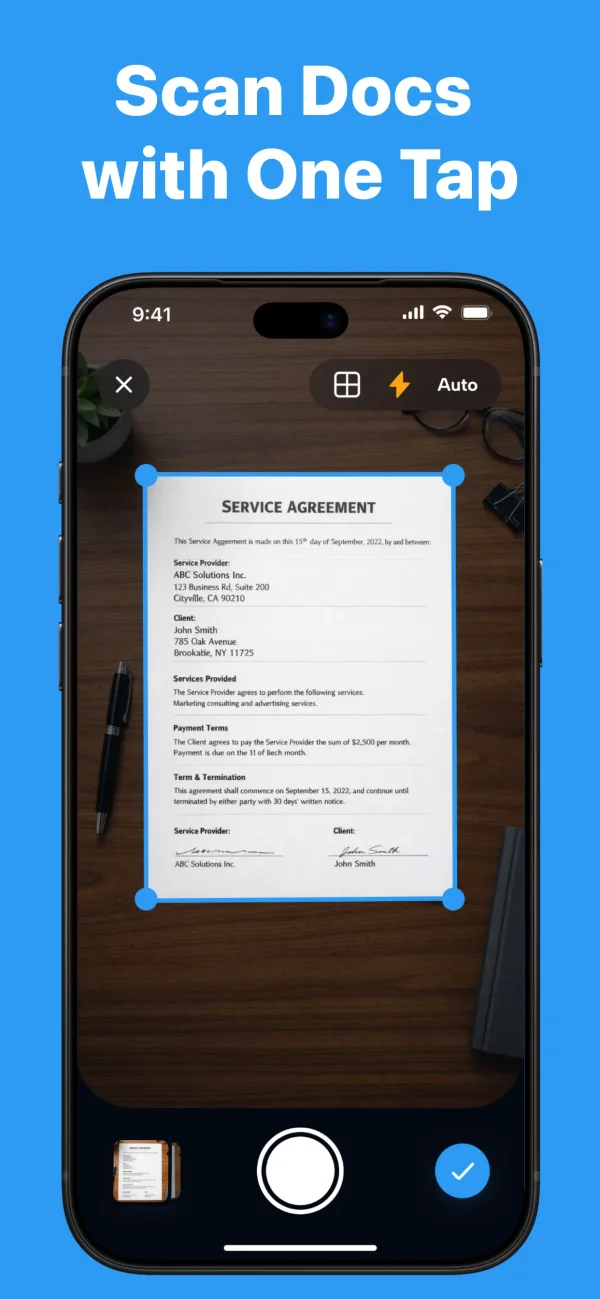
SCAN DOCUMENTS
Use your iPhone camera to scan contracts, receipts, forms, or any paper document. Intelligent edge detection automatically finds the document corners and corrects the perspective so your scan comes out straight and clean. Apply filters, rotate, or crop your scanned pages, and scan multiple pages in one session to create a single PDF. Share your scans via AirDrop, email, or save them to your files.
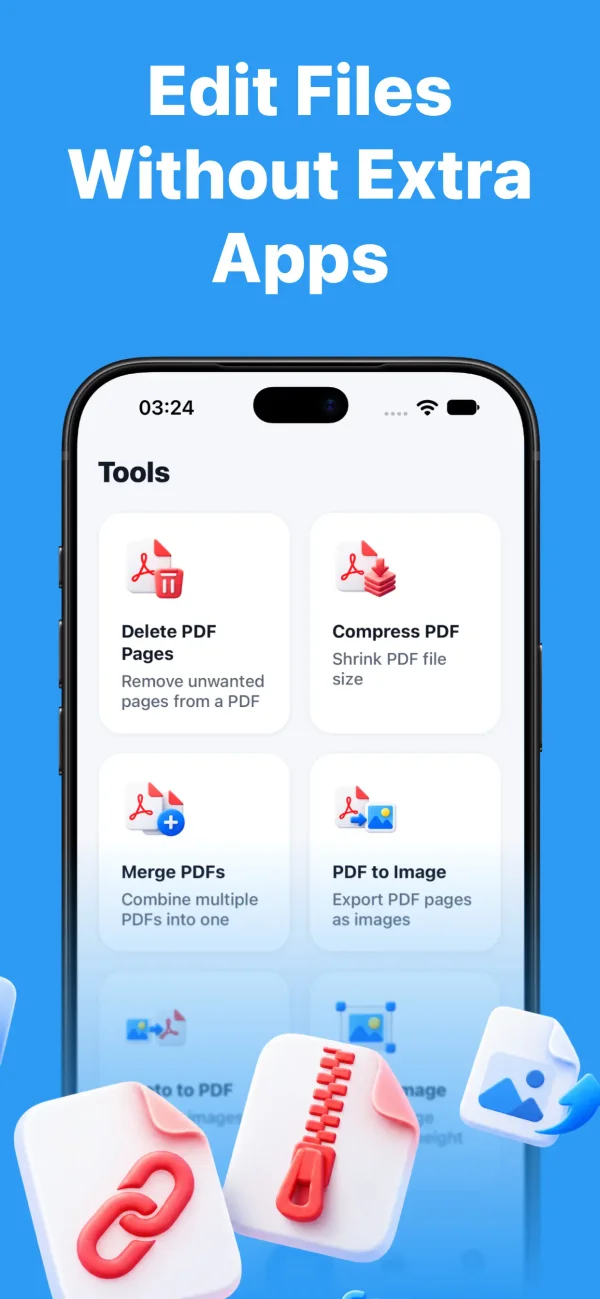
PDF & IMAGE TOOLS
Merge multiple PDFs into a single file, compress large documents to reduce file size before printing or sharing, and delete unwanted pages from any PDF. Convert PDF pages to images for presentations, or turn a set of photos into a multi-page PDF document. Resize images to exact dimensions, crop to any aspect ratio, rotate sideways scans, and apply color filters — all processed locally on your device.
ADVANCED PRINT OPTIONS
Choose portrait or landscape orientation, set multiple pages per sheet to save paper, switch between color and black & white printing, and select the number of copies. The print preview shows you exactly what will come out before you send the job.
PRINTER SUPPORT
Compatible with thousands of inkjet, laser, and all-in-one AirPrint-compatible printers from all major manufacturers. The app automatically discovers printers on your Wi-Fi network. If your printer needs manual setup, built-in step-by-step guides walk you through WPS and laptop-based connections.
Download now and send your first print job in under a minute.
----
Privacy Policy: https://mobleaf.com/privacy
Terms of Use: https://mobleaf.com/terms
Nouveautés
Version 1.1.3 · 13/11/2026
Bug fixes and performance improvements.
Confidentialité de l’application
Ce que Mobleaf déclare sur l’App Store au sujet du traitement des données par cette application.
-
Données utilisées pour vous suivre
Peuvent être utilisées pour vous suivre sur des applications et des sites web appartenant à d’autres sociétés.
- Identifiants
- Données d’utilisation
-
Données n’établissant aucun lien avec vous
Peuvent être collectées, mais ne sont pas liées à votre identité.
- Achats
- Identifiants
- Données d’utilisation
- Diagnostic
Les pratiques en matière de confidentialité peuvent varier, notamment en fonction des fonctionnalités que vous utilisez ou de votre âge.
Informations
- Vendeur
- MOBLEAF YAZILIM TEKNOLOJI LIMITED SIRKETI
- Catégorie
- Économie et entreprise
- Version
- 1.1.3
- Mis à jour
- 13/11/2026
- Publié
- 02/04/2026
- Taille
- 59,9 Mo
- Nécessite
- iOS 18.0 ou version ultérieure
- Classification d’âge
- 17+
- Prix
- Gratuit
- Achats intégrés
- Oui
- Langues
- Anglais
- Copyright
- © Mobleaf
Vous aimerez peut-être aussi
-
 Smart Printer App for HP *Économie et entreprise
-
 Smart Printer for HP*All-in-One Printing for HP
-
 Imprimante Smart App: AirPrintImprimez, Scannez, Éditez Docs
-
 Smart Air Printer App & ScanÉconomie et entreprise
-
 Smart Printer - Auto AirPrintÉconomie et entreprise
-
 Smart Air Imprimante-AnyPrintPrinter-Print Photo & Scan
-
 Imprimante pour HP et CanonImprimer des PDF et des photos
-
 Imprimante Mobile—IntelligentePhoto pdf drucken vom phone
-
 Imprimante pour HP Canon EpsonImprimante Smart Pour Imprimer