Print Plus - Smart Printer App
For HP, Epson, Canon & Brother
iPhone için tasarlandı
Uygulama içi satın alma
- Yaş sınırı17+
- Kategoriİş
- GeliştiriciMobleaf
- Dillerİngilizce
- Boyut59,9 MB
Print Plus - Smart Printer App şu anda App Store üzerinde mevcut olmayabilir
Son kontrolümüzde mağaza sayfasına ulaşılamadı. Bağlantı yine de resmi App Store sayfasına gider.
Ekran görüntüleri

Hakkında
Geliştirici bu metni dilinizde sunmamış.
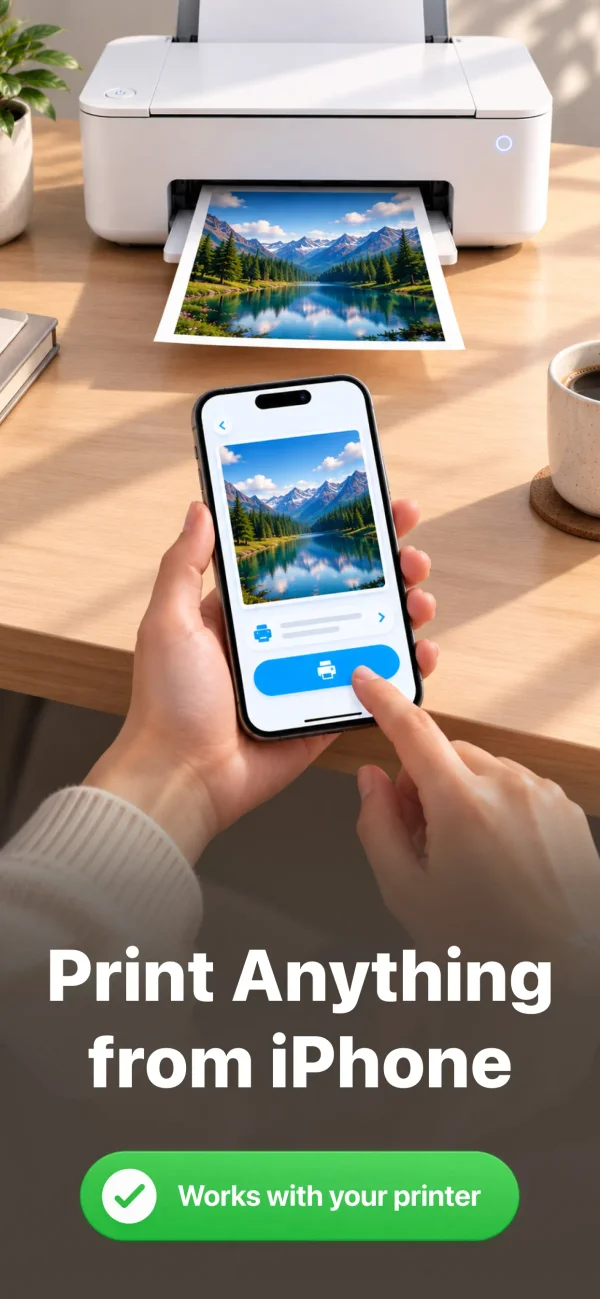
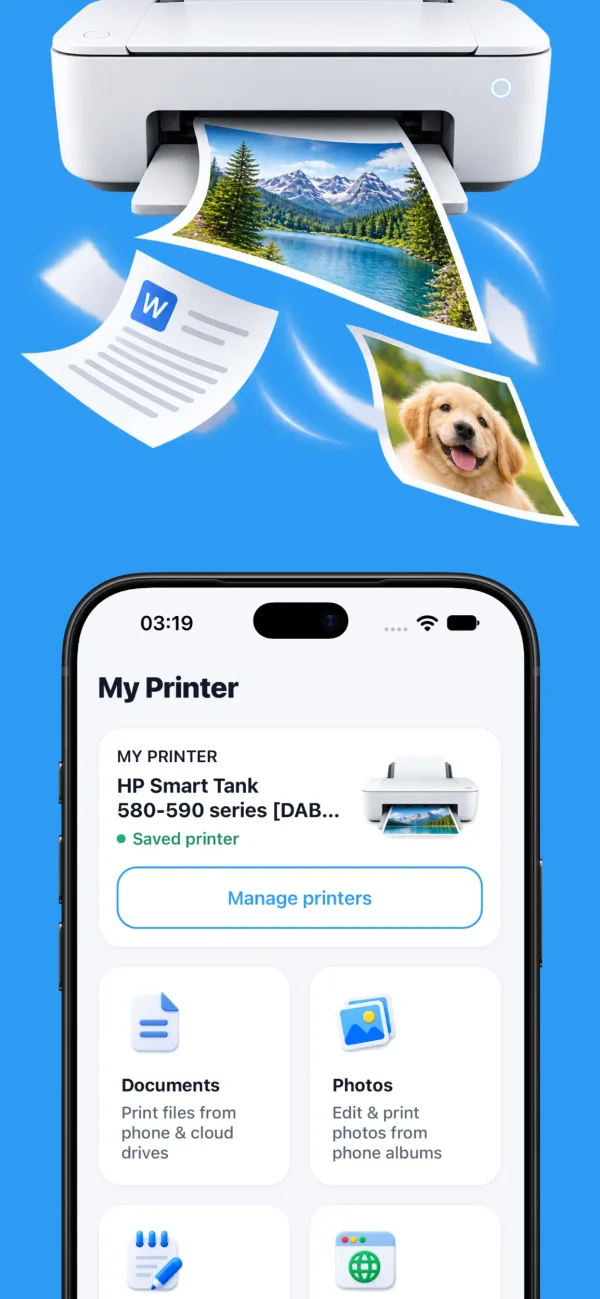
Connect wirelessly to 8,000+ printers and start printing from your iPhone in seconds. No drivers to install, no software to download. Just connect to the same Wi-Fi network as your printer and you're ready to go.
PRINT DOCUMENTS
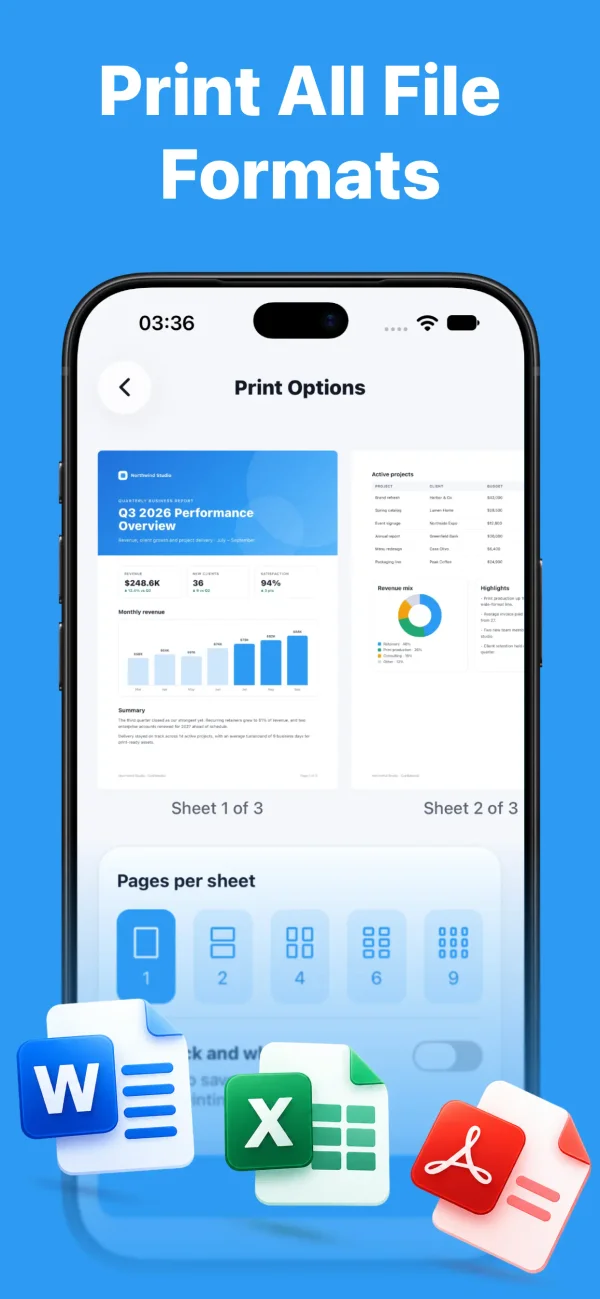
Open any file directly from your device storage, iCloud, Dropbox, or Google Drive and send it to your printer without conversion. The app supports PDF, DOCX, images, and 20+ other formats natively. You can also print full-size web pages by entering any URL, or import email attachments through the iOS share sheet and print them on the spot.
PRINT PHOTOS
Pick your favorite moments from your camera roll, edit them before printing with built-in filters like grayscale, sepia, vivid, and warm tones, and print them in full quality. Crop, rotate, or resize your photos to get the exact framing you want all without leaving the app.
PRINT NOTES & TEXT
Type or paste any text into the built-in notepad with heading and body formatting, then send it straight to your printer. Great for quick lists, meeting notes, or anything you need on paper fast.
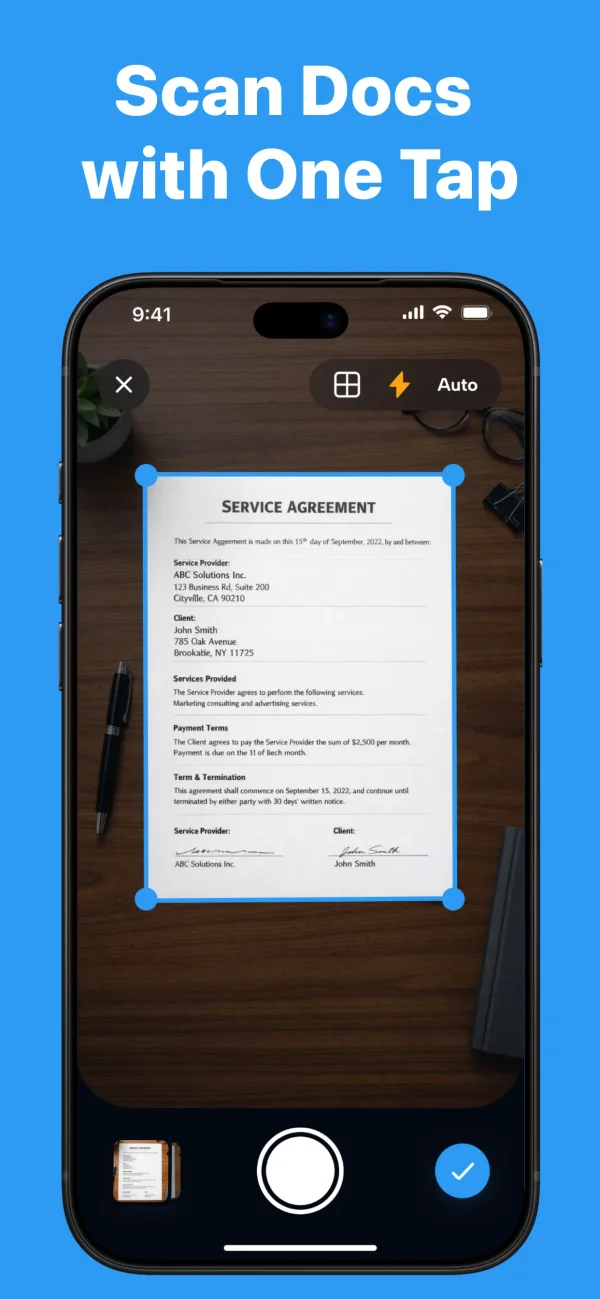
SCAN DOCUMENTS
Use your iPhone camera to scan contracts, receipts, forms, or any paper document. Intelligent edge detection automatically finds the document corners and corrects the perspective so your scan comes out straight and clean. Apply filters, rotate, or crop your scanned pages, and scan multiple pages in one session to create a single PDF. Share your scans via AirDrop, email, or save them to your files.
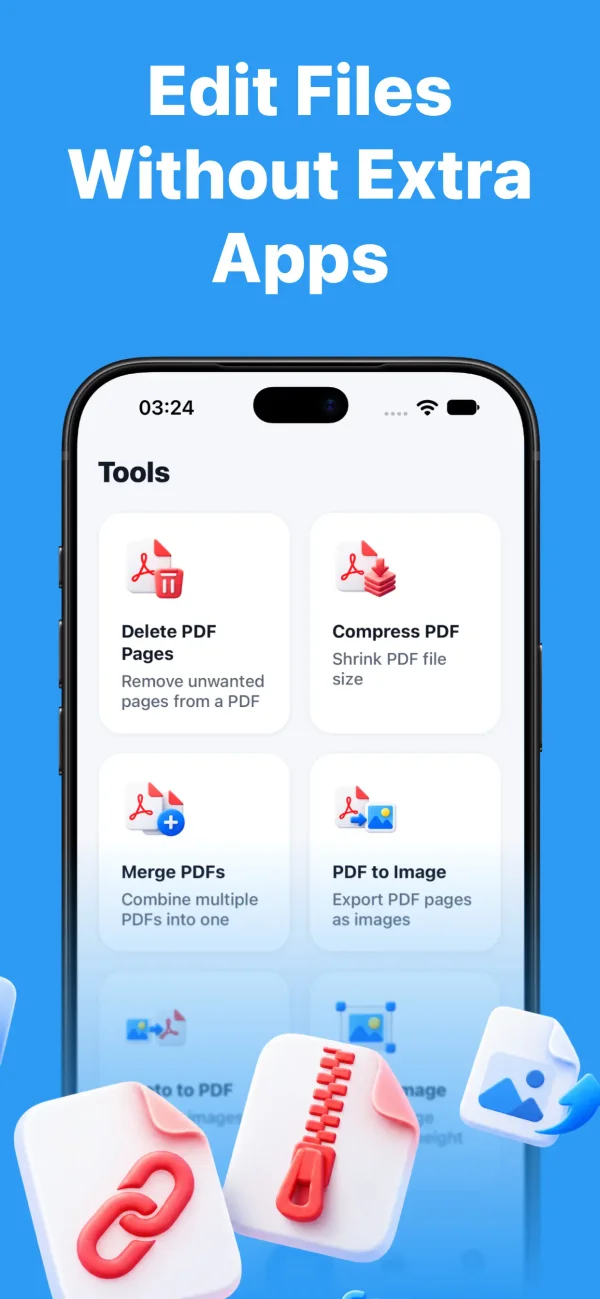
PDF & IMAGE TOOLS
Merge multiple PDFs into a single file, compress large documents to reduce file size before printing or sharing, and delete unwanted pages from any PDF. Convert PDF pages to images for presentations, or turn a set of photos into a multi-page PDF document. Resize images to exact dimensions, crop to any aspect ratio, rotate sideways scans, and apply color filters — all processed locally on your device.
ADVANCED PRINT OPTIONS
Choose portrait or landscape orientation, set multiple pages per sheet to save paper, switch between color and black & white printing, and select the number of copies. The print preview shows you exactly what will come out before you send the job.
PRINTER SUPPORT
Compatible with thousands of inkjet, laser, and all-in-one AirPrint-compatible printers from all major manufacturers. The app automatically discovers printers on your Wi-Fi network. If your printer needs manual setup, built-in step-by-step guides walk you through WPS and laptop-based connections.
Download now and send your first print job in under a minute.
----
Privacy Policy: https://mobleaf.com/privacy
Terms of Use: https://mobleaf.com/terms
Yenilikler
Sürüm 1.1.3 · 13.11.2026
Bug fixes and performance improvements.
Uygulama gizliliği
Bu uygulamanın verileri nasıl işlediği hakkında Mobleaf tarafından App Store üzerinde yapılan beyan.
-
Sizi izlemek için kullanılan veriler
Başka şirketlere ait uygulamalarda ve web sitelerinde sizi izlemek için kullanılabilir.
- Tanımlayıcılar
- Kullanım verileri
-
Sizinle ilişkilendirilmeyen veriler
Toplanabilir ancak kimliğinizle ilişkilendirilmez.
- Satın alımlar
- Tanımlayıcılar
- Kullanım verileri
- Tanılama
Gizlilik uygulamaları, örneğin kullandığınız özelliklere veya yaşınıza göre değişiklik gösterebilir.
Bilgiler
- Satıcı
- MOBLEAF YAZILIM TEKNOLOJI LIMITED SIRKETI
- Kategori
- İş
- Sürüm
- 1.1.3
- Güncellendi
- 13.11.2026
- Yayın tarihi
- 02.04.2026
- Boyut
- 59,9 MB
- Gereksinim
- iOS 18.0 veya sonrası
- Yaş sınırı
- 17+
- Uygulama içi satın alma
- Evet
- Diller
- İngilizce
- Telif hakkı
- © Mobleaf
Bunları da beğenebilirsiniz
-
 Smart Printer App for HP *İş
-
 Smart Printer for HP*İş
-
 Printer App · Smart Air PrintSmart airprint: office service
-
 Smart Air Printer App & Scanİş
-
 Smart Printer - Auto AirPrintİş
-
 Smart Air Printer - AnyPrintİş
-
 Belge Yazıcı Programı PrintTelefondan Belge Yazdırma, PDF
-
 Smart Printer App Scan — Printİş
-
 Smart Printer App · Air Printİş