
QLab Remote
Easy remote editing for QLab
Entwickelt für iPhone, iPad, iPod touch
Kostenlos · In-App-Käufe
- Altersfreigabe4+
- KategorieDienstprogramme
- EntwicklerFigure 53
- SprachenEnglisch
- Größe19,5 MB
Verlinkt auf die offizielle App Store-Seite
Download.org hostet keine Datei von QLab Remote. Die Schaltfläche öffnet die App-Seite bei App Store, wo Figure 53 die App veröffentlicht. Eintrag zuletzt geprüft am 12.11.2026.
Screenshots

Info
Der Entwickler hat diesen Text nicht in Ihrer Sprache bereitgestellt.
QLab Remote is the official iOS companion app for remote control of QLab, the award-winning live show control software for macOS. QLab Remote requires a connection to QLab 3.0 or later. Some features require a specific minimum version of QLab 4 or 5. See https://qlab.app/docs/v5/networking/qlab-remote/#requirements for details.
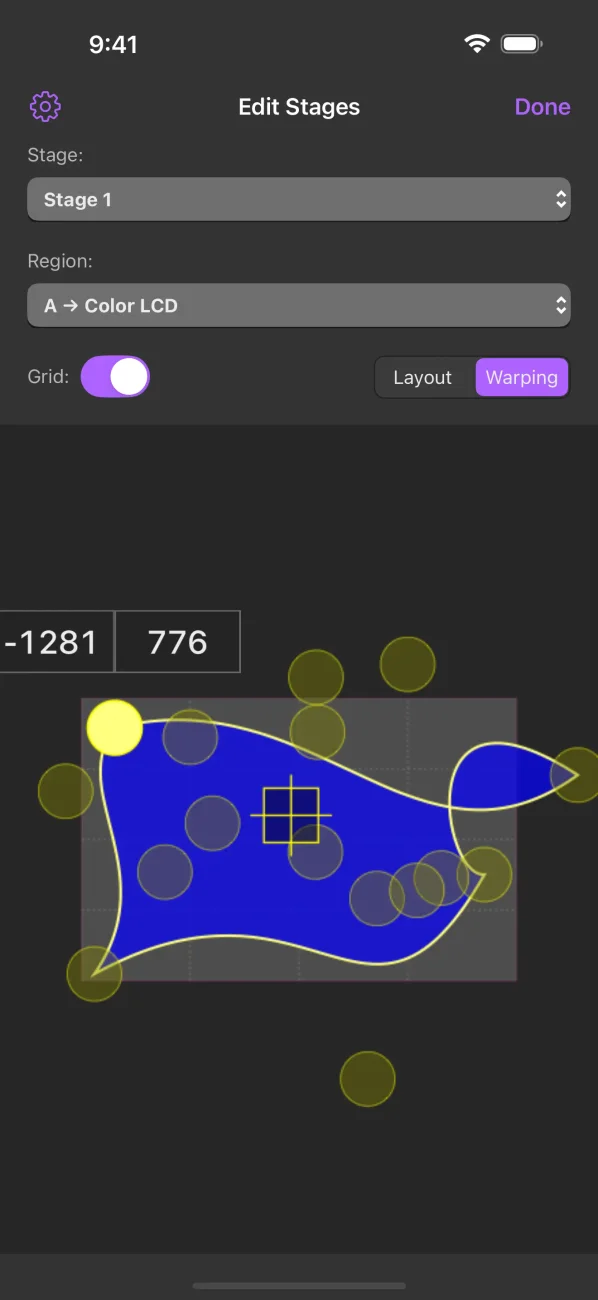
Get out of the booth and edit your QLab workspace from wherever you are. Flag cues as you sit in tech rehearsal. Adjust audio levels from the front row. Change the geometry of a video cue from the stage.
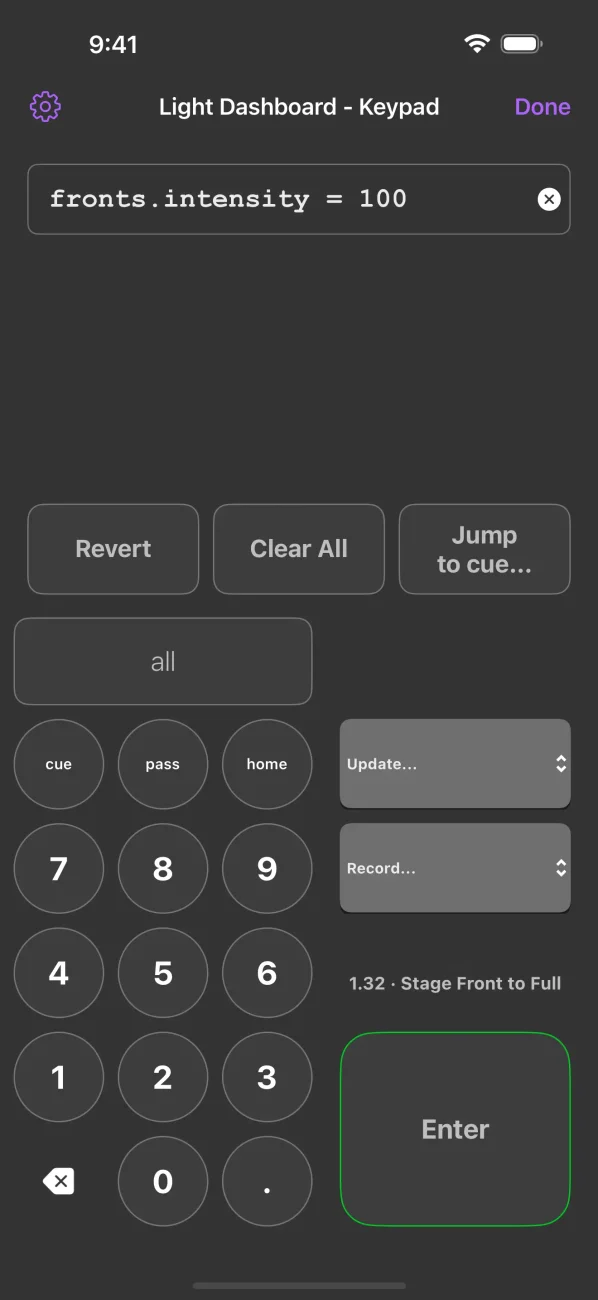
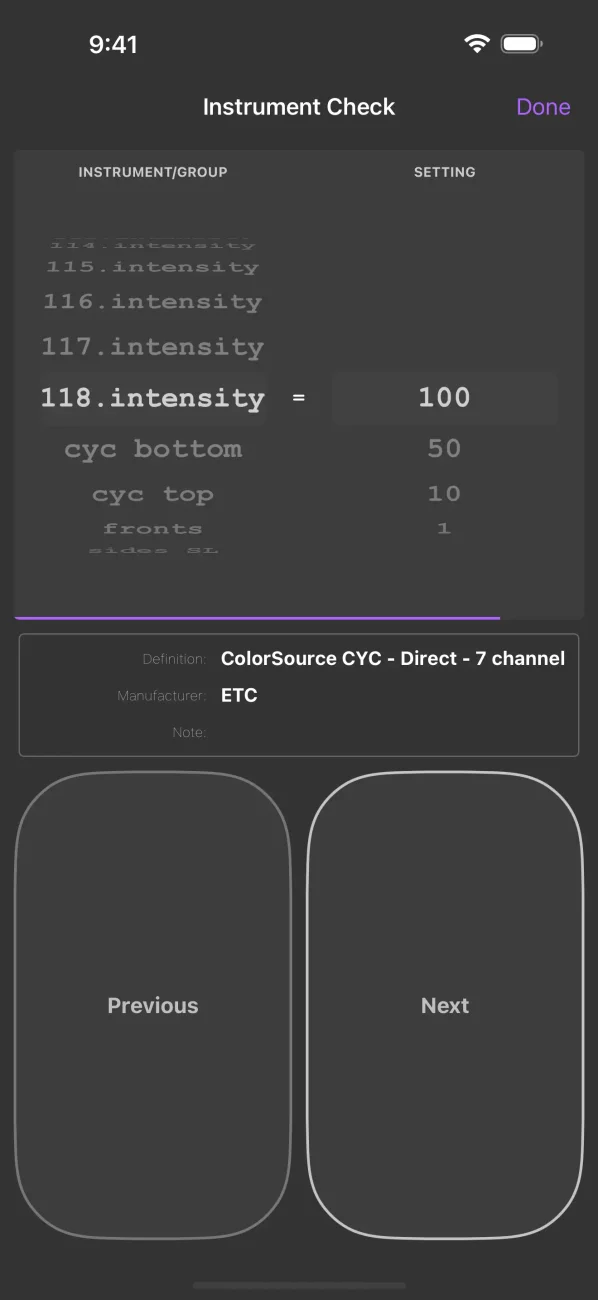
QLab Remote is free to use in "Read-Only Mode", which allows you to view a workspace & follow along worry-free and also includes the unlimited ability to flag cues & edit cue notes. Optional In-App Purchases are available to unlock show control, editing, and light tools features.
FEATURES
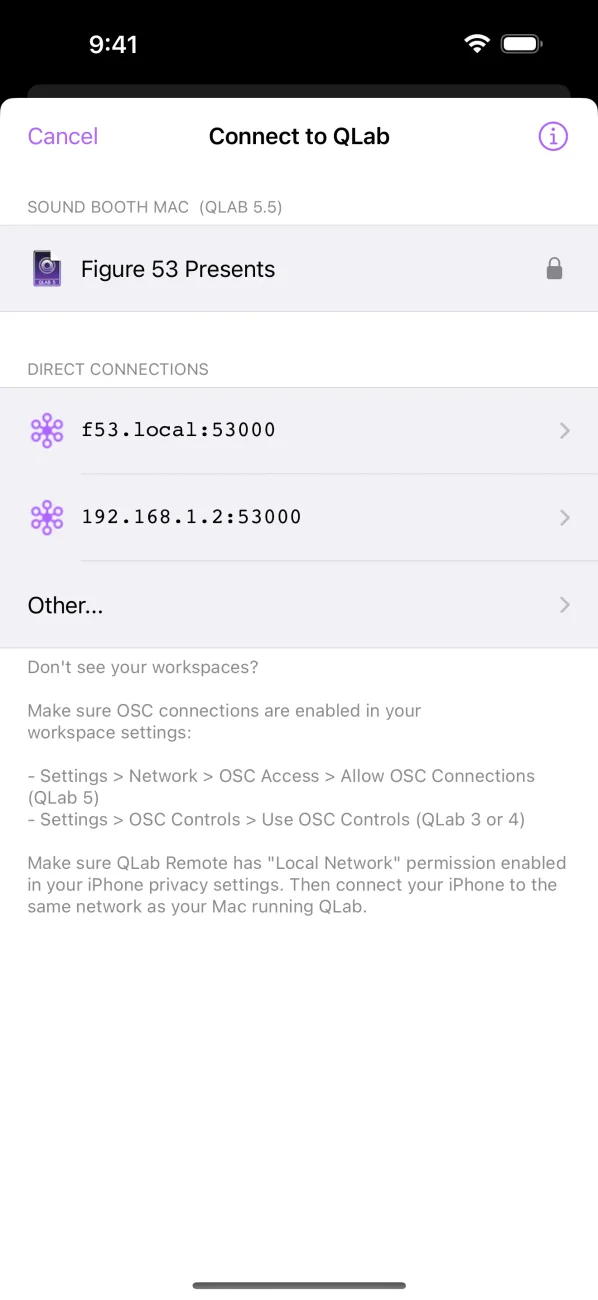
- Automatically finds any QLab workspace on the network.
- Updates in QLab are instantly reflected in QLab Remote and vice versa.
- Open multiple windows on iPad to view workspaces side-by-side on one screen.
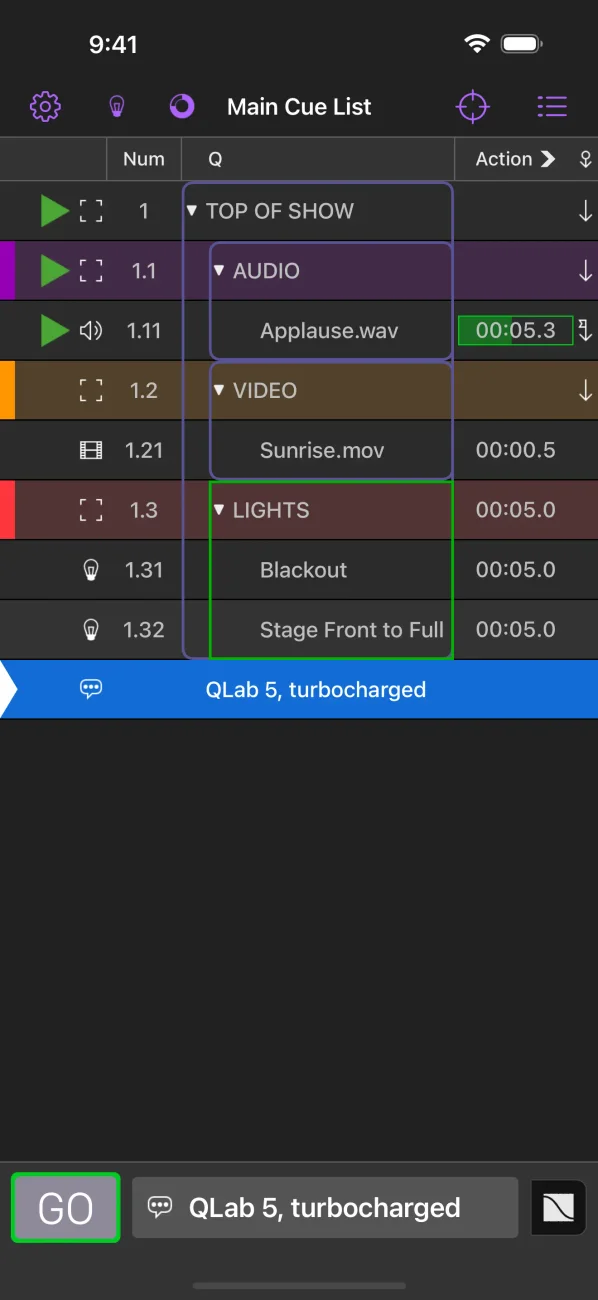
- Quickly flag and edit notes for cues.
- Easily switch between cue lists.
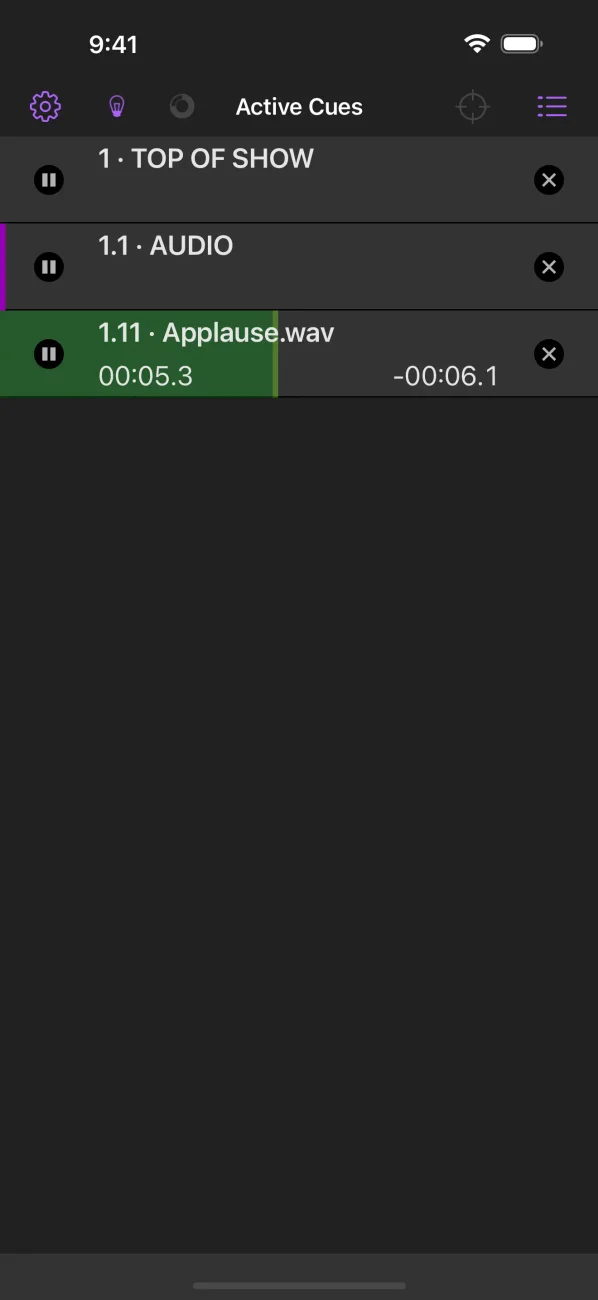
- Watch active cues update in real-time.
- Enable "Read-Only Mode" to follow along without worrying you'll accidentally trigger a cue.
- Edit basic properties for all cues, such as name, number, notes, color, armed, flagged, etc.
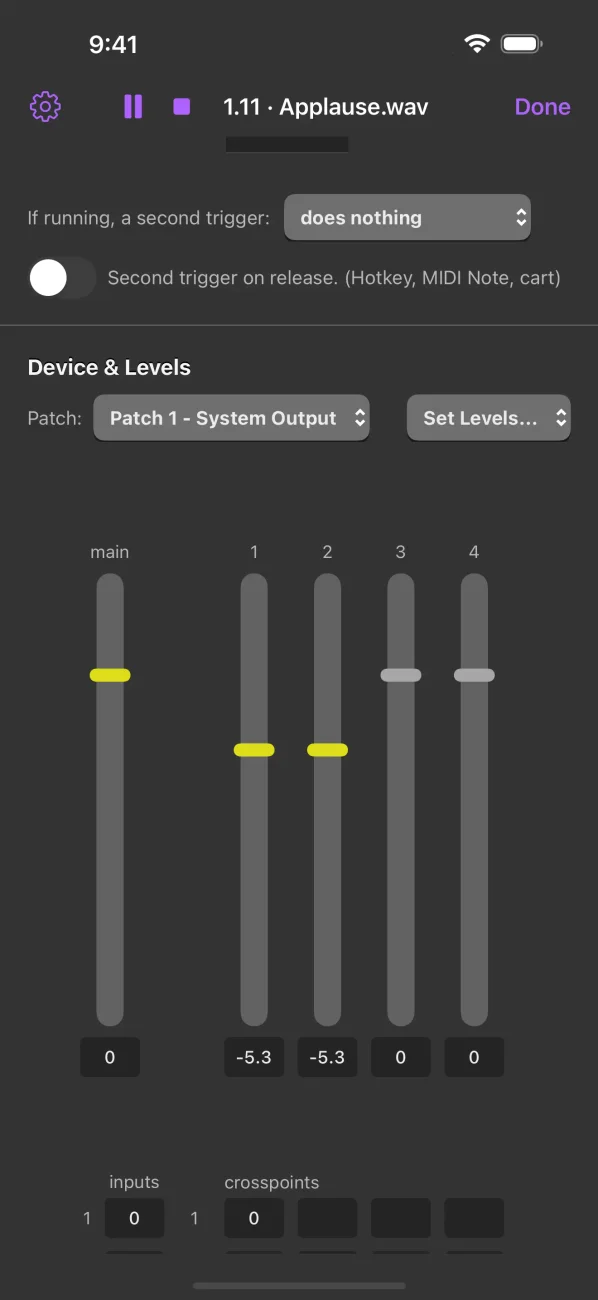
- Adjust audio levels and patches for audio, mic, and video cues.
- Change display geometry for video, text, and camera cues.
- Double-tap a cue to quickly edit it.
Please contact support@figure53.com with issues or feedback.
Neue Funktionen
Version 5.6.1 · 19.10.2026
- Fixes a bug introduced in 5.6.0 that sometimes displayed incomplete information in the on-deck view for offscreen cues.
NEW in 5.6.0
- Optimized for faster loading of large workspaces.
- Updates the app icon to support light, dark, clear, and tinted appearances.
- Fixes a bug that delayed restoring in-app purchases on devices with network access but no internet.
- Fixes a rare crash when an in-app purchase fails.
- Fixes the redrawing of Group cue outlines after dragging and dropping in the cue list.
- Fixes the progress bars of cart cues that are loaded but not yet playing to show the correct loaded time.
App-Datenschutz
Was Figure 53 im App Store zum Umgang dieser App mit Daten angibt.
-
Keine Daten erfasst
Der Entwickler erfasst keine Daten von dieser App.
Die Datenschutzpraktiken können variieren, zum Beispiel je nach den von Ihnen verwendeten Funktionen oder Ihrem Alter.
Informationen
- Anbieter
- Figure 53, LLC
- Kategorie
- Dienstprogramme
- Version
- 5.6.1
- Aktualisiert
- 19.10.2026
- Veröffentlicht
- 08.05.2013
- Größe
- 19,5 MB
- Erfordert
- iOS 15.0 oder neuer
- Altersfreigabe
- 4+
- Preis
- Kostenlos
- In-App-Käufe
- Ja
- Sprachen
- Englisch
- Copyright
- © 2013-2026 Figure 53, LLC
Das könnte Ihnen auch gefallen
-
 Wireless Workbench MobileFunküberwachung und -steuerung
-
 iRFR PreviewDienstprogramme
-
 DMXcat®Dienstprogramme
-
iRFR - BTSDienstprogramme
-
 Set LightDienstprogramme
-
 Lab MonkeyDienstprogramme
-
 MyETC: PhotometricsDienstprogramme
-
 Ludus MobileDienstprogramme
-
 Mixing StationDienstprogramme
-
 Easy CueDienstprogramme