- 対象年齢4+
- カテゴリユーティリティ
- 開発元Figure 53
- 言語英語
- サイズ19.5 MB
App Storeの公式ページにリンクしています
Download.orgはQLab Remoteのファイルを一切ホストしていません。ボタンを押すと、Figure 53が公開しているApp Storeのアプリページが開きます。ページの最終確認:2026/11/12。
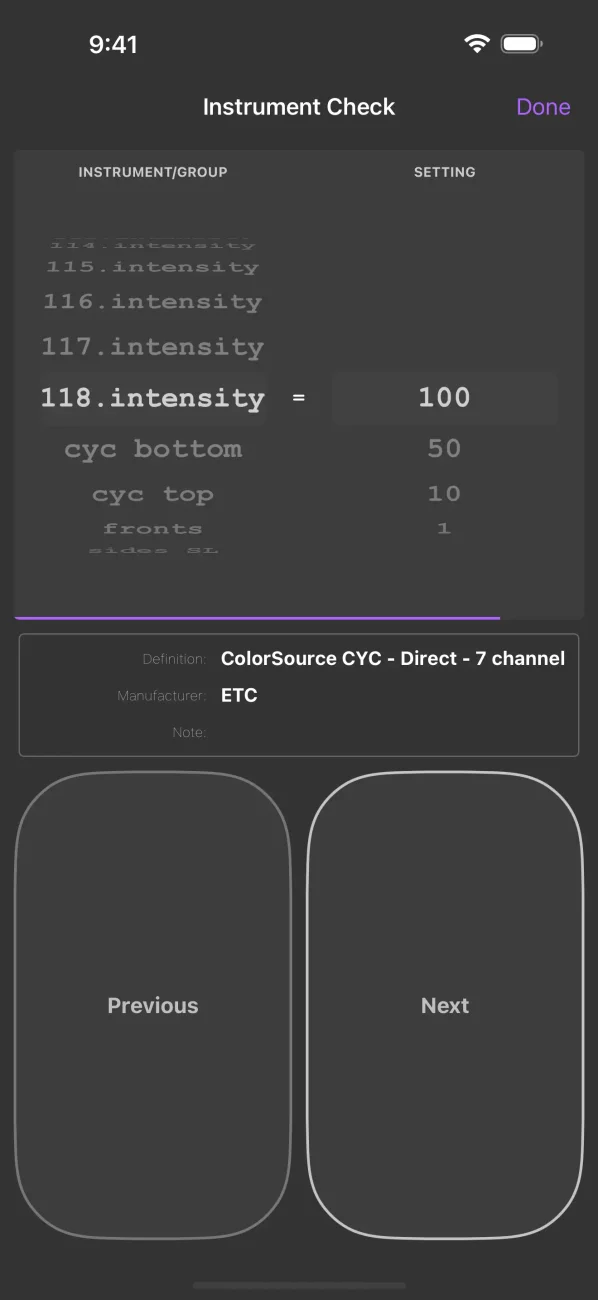
スクリーンショット

概要
開発元はこのテキストをお使いの言語で提供していません。
QLab Remote is the official iOS companion app for remote control of QLab, the award-winning live show control software for macOS. QLab Remote requires a connection to QLab 3.0 or later. Some features require a specific minimum version of QLab 4 or 5. See https://qlab.app/docs/v5/networking/qlab-remote/#requirements for details.
Get out of the booth and edit your QLab workspace from wherever you are. Flag cues as you sit in tech rehearsal. Adjust audio levels from the front row. Change the geometry of a video cue from the stage.
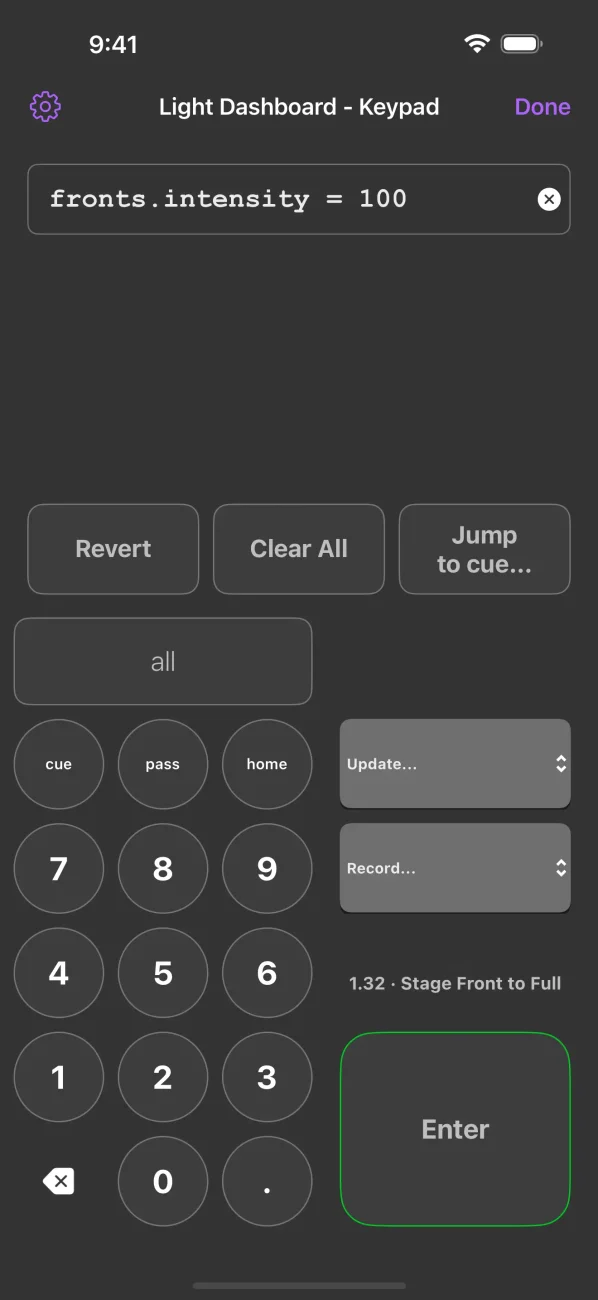
QLab Remote is free to use in "Read-Only Mode", which allows you to view a workspace & follow along worry-free and also includes the unlimited ability to flag cues & edit cue notes. Optional In-App Purchases are available to unlock show control, editing, and light tools features.
FEATURES
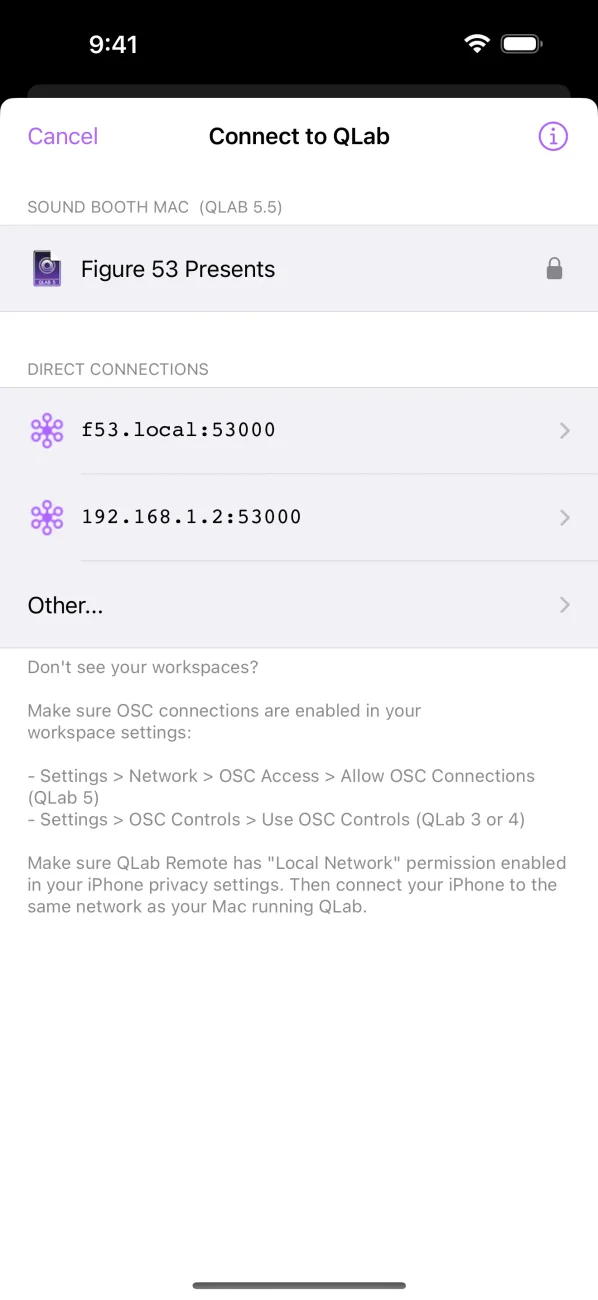
- Automatically finds any QLab workspace on the network.
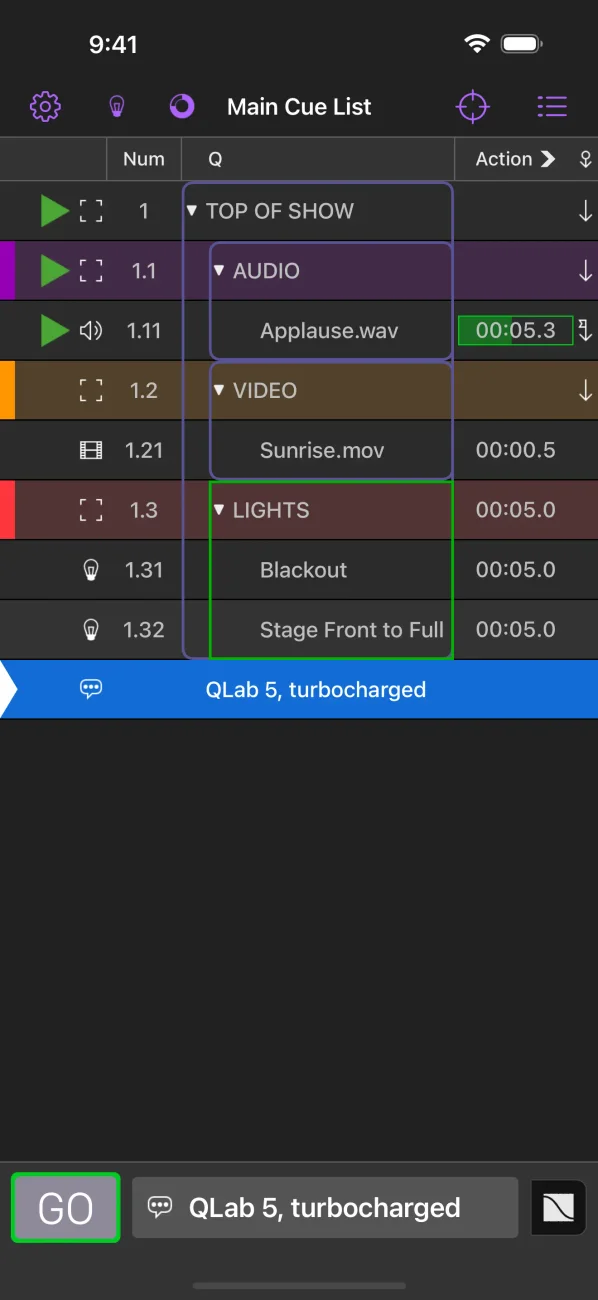
- Updates in QLab are instantly reflected in QLab Remote and vice versa.
- Open multiple windows on iPad to view workspaces side-by-side on one screen.
- Quickly flag and edit notes for cues.
- Easily switch between cue lists.
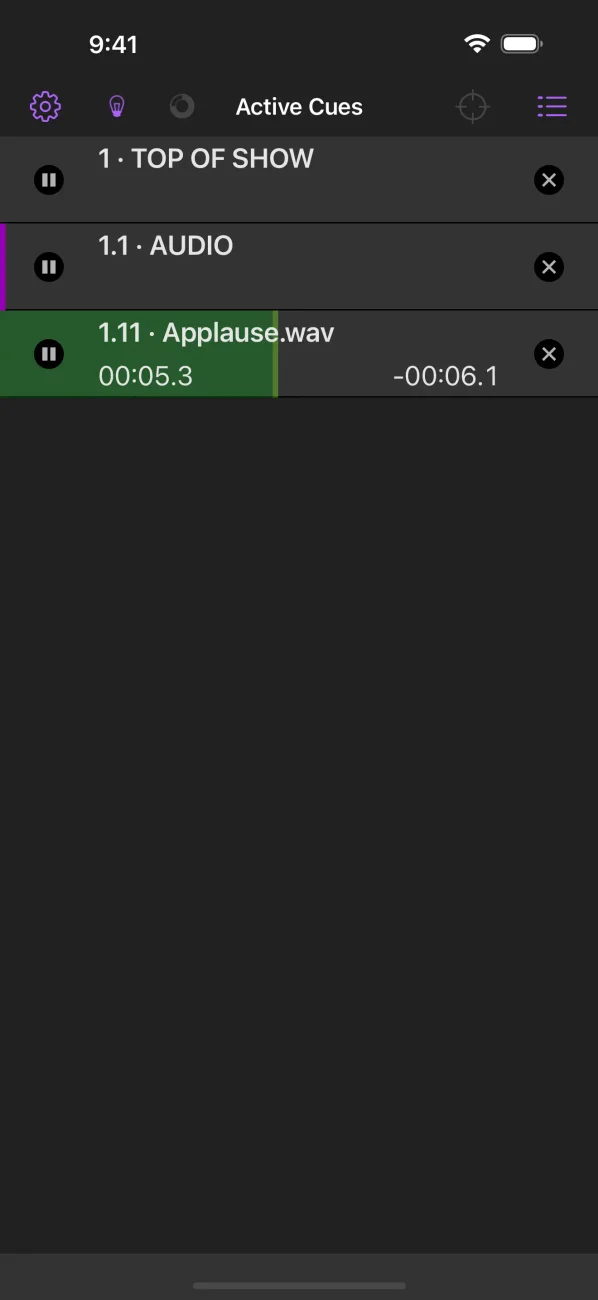
- Watch active cues update in real-time.
- Enable "Read-Only Mode" to follow along without worrying you'll accidentally trigger a cue.
- Edit basic properties for all cues, such as name, number, notes, color, armed, flagged, etc.
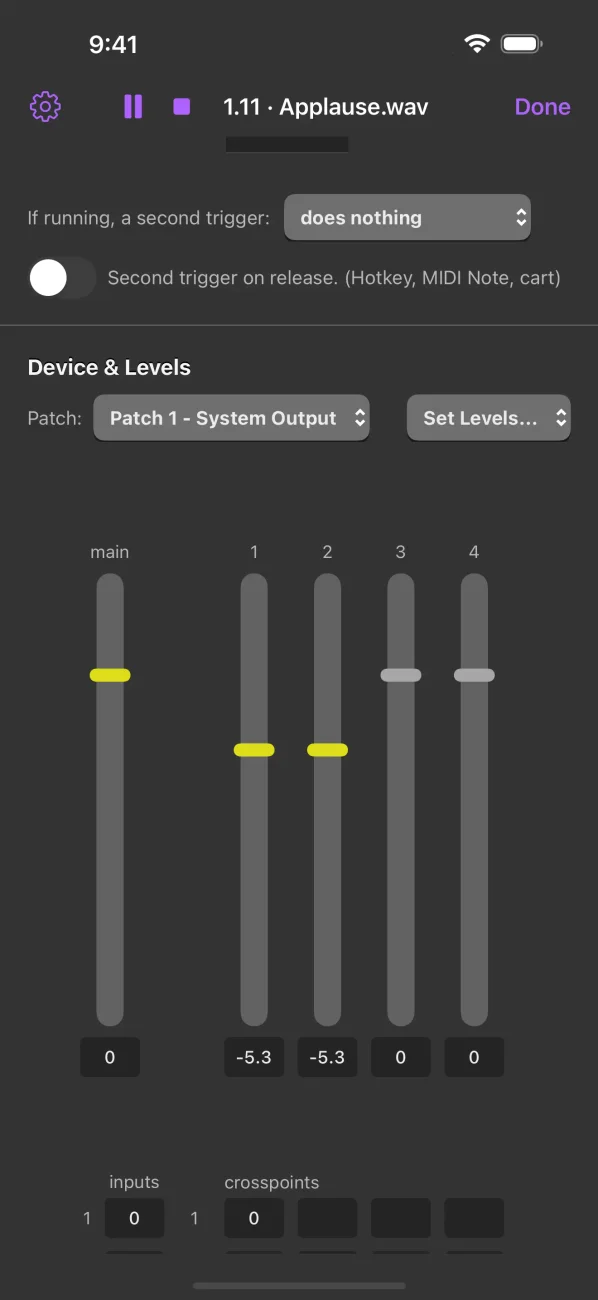
- Adjust audio levels and patches for audio, mic, and video cues.
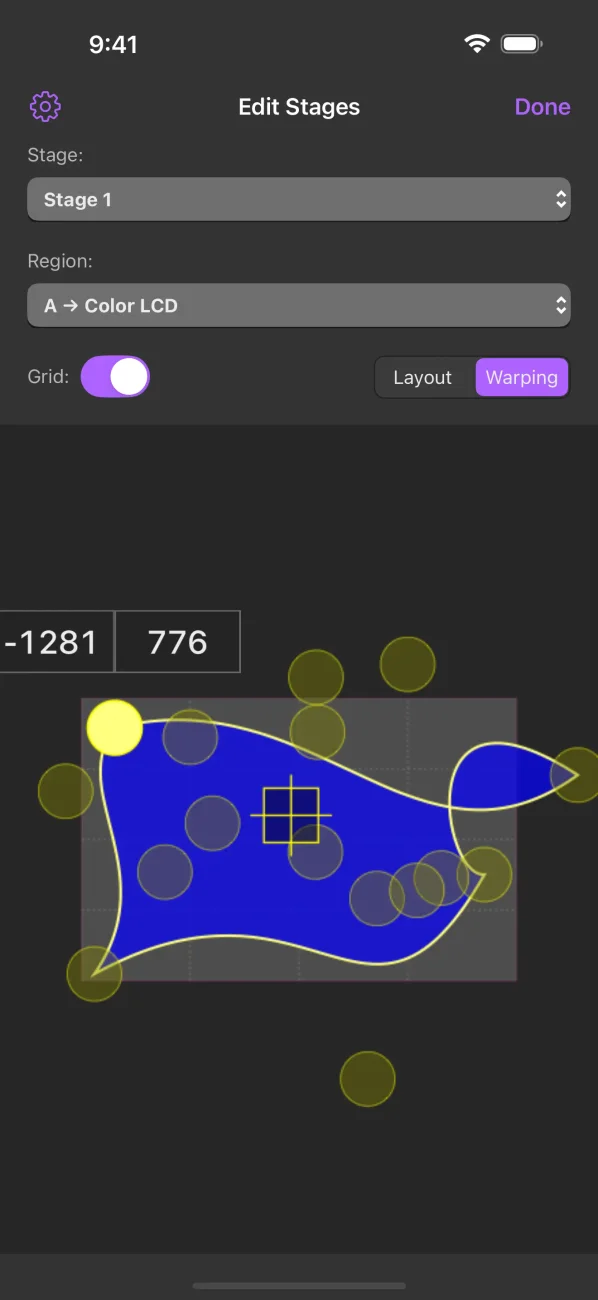
- Change display geometry for video, text, and camera cues.
- Double-tap a cue to quickly edit it.
Please contact support@figure53.com with issues or feedback.
新機能
バージョン 5.6.1 · 2026/10/19
- Fixes a bug introduced in 5.6.0 that sometimes displayed incomplete information in the on-deck view for offscreen cues.
NEW in 5.6.0
- Optimized for faster loading of large workspaces.
- Updates the app icon to support light, dark, clear, and tinted appearances.
- Fixes a bug that delayed restoring in-app purchases on devices with network access but no internet.
- Fixes a rare crash when an in-app purchase fails.
- Fixes the redrawing of Group cue outlines after dragging and dropping in the cue list.
- Fixes the progress bars of cart cues that are loaded but not yet playing to show the correct loaded time.
アプリのプライバシー
このアプリのデータの取り扱いについて、Figure 53がApp Storeで申告している内容です。
-
データの収集なし
開発元はこのアプリからデータを収集しません。
プライバシーの取り扱いは、ご利用の機能やお客様の年齢などに応じて異なる場合があります。
情報
- 販売元
- Figure 53, LLC
- カテゴリ
- ユーティリティ
- バージョン
- 5.6.1
- 更新日
- 2026/10/19
- リリース
- 2013/5/8
- サイズ
- 19.5 MB
- 必要条件
- iOS 15.0以降
- 対象年齢
- 4+
- 価格
- 無料
- アプリ内課金
- あり
- 言語
- 英語
- 著作権
- © 2013-2026 Figure 53, LLC