QLab Remote
Easy remote editing for QLab
Được thiết kế cho iPhone, iPad, iPod touch
Miễn phí · Mua hàng trong ứng dụng
- Độ tuổi4+
- Danh mụcTiện Ích
- Nhà phát triểnFigure 53
- Ngôn ngữTiếng Anh
- Kích thước19,5 MB
Liên kết đến trang App Store chính thức
Download.org không lưu trữ tệp nào của QLab Remote. Nút này mở trang ứng dụng trên App Store, nơi Figure 53 phát hành ứng dụng. Trang được kiểm tra lần cuối: 12/11/2026.
Ảnh chụp màn hình
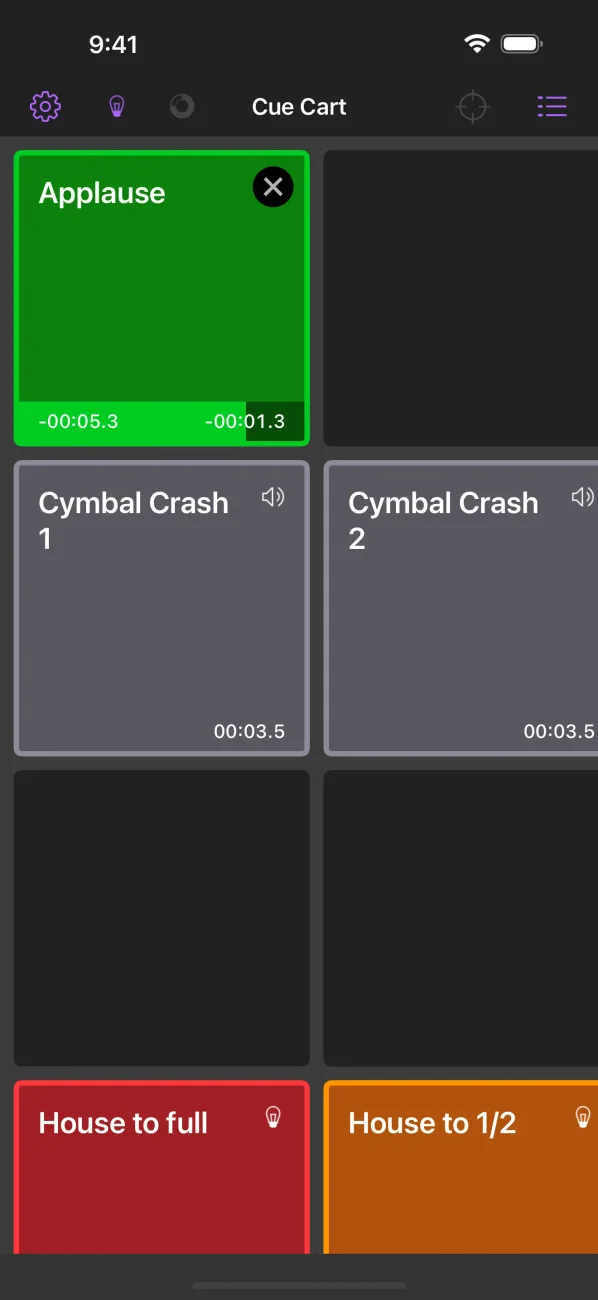
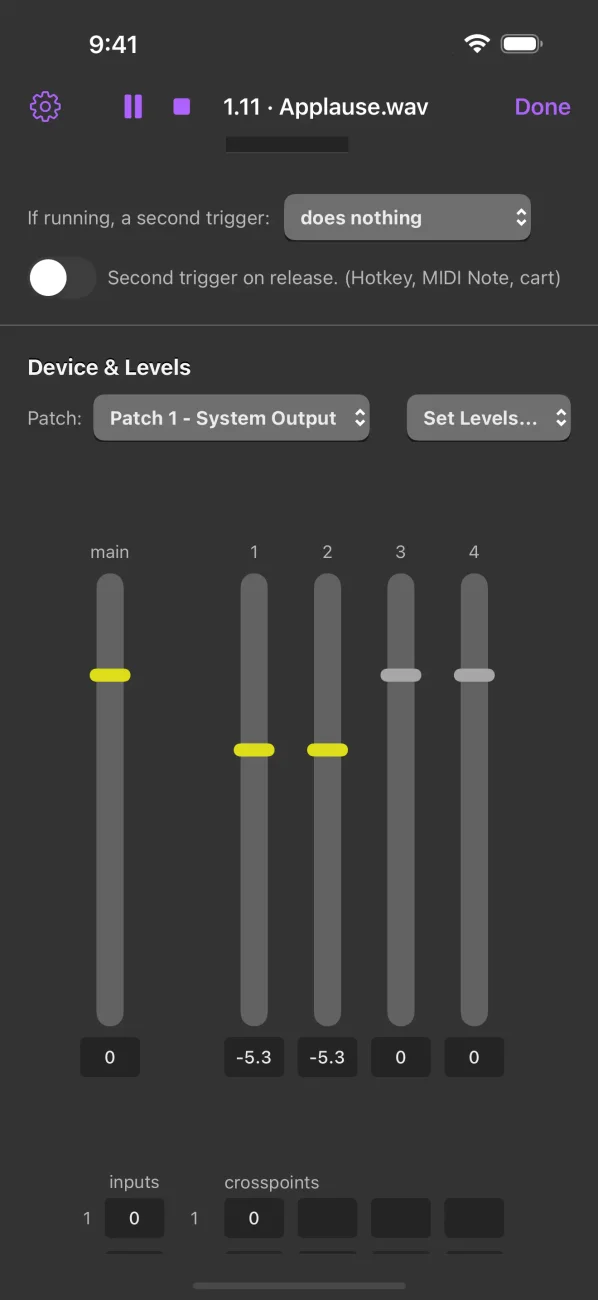
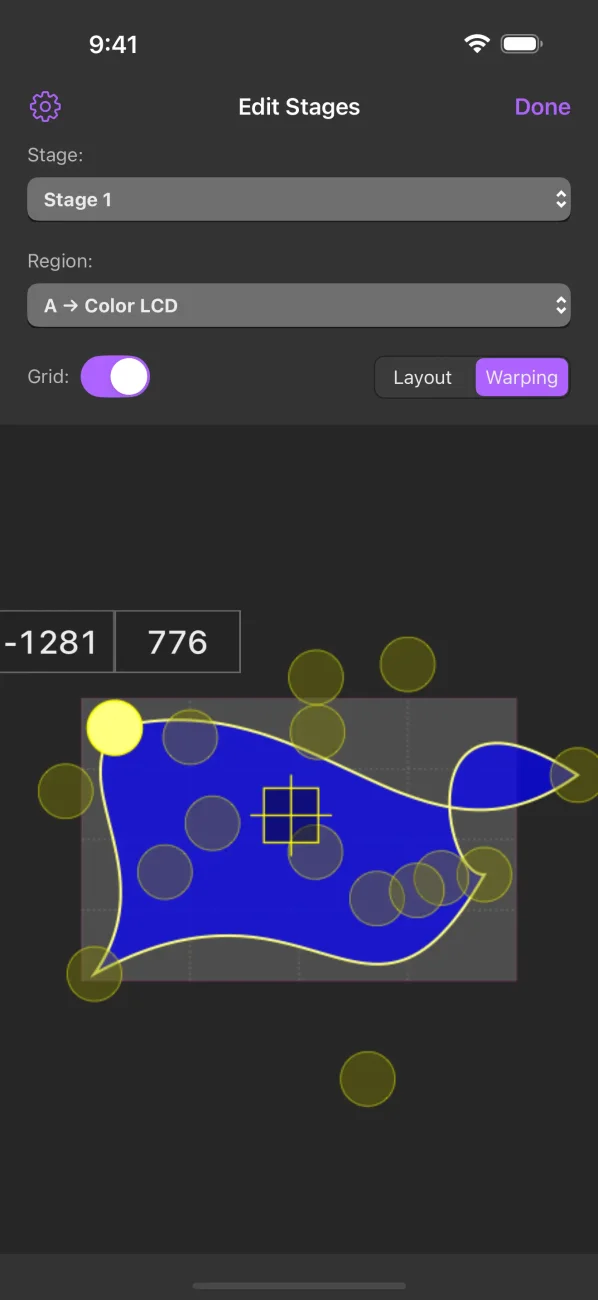
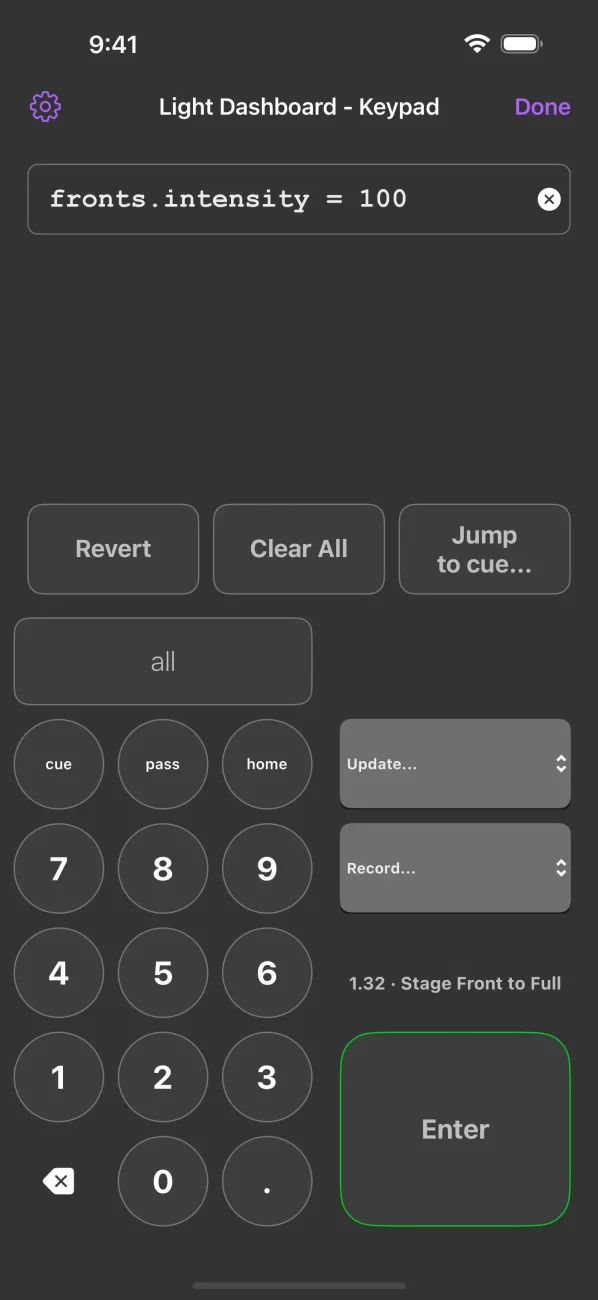
Giới thiệu
Nhà phát triển chưa cung cấp nội dung này bằng ngôn ngữ của bạn.
QLab Remote is the official iOS companion app for remote control of QLab, the award-winning live show control software for macOS. QLab Remote requires a connection to QLab 3.0 or later. Some features require a specific minimum version of QLab 4 or 5. See https://qlab.app/docs/v5/networking/qlab-remote/#requirements for details.
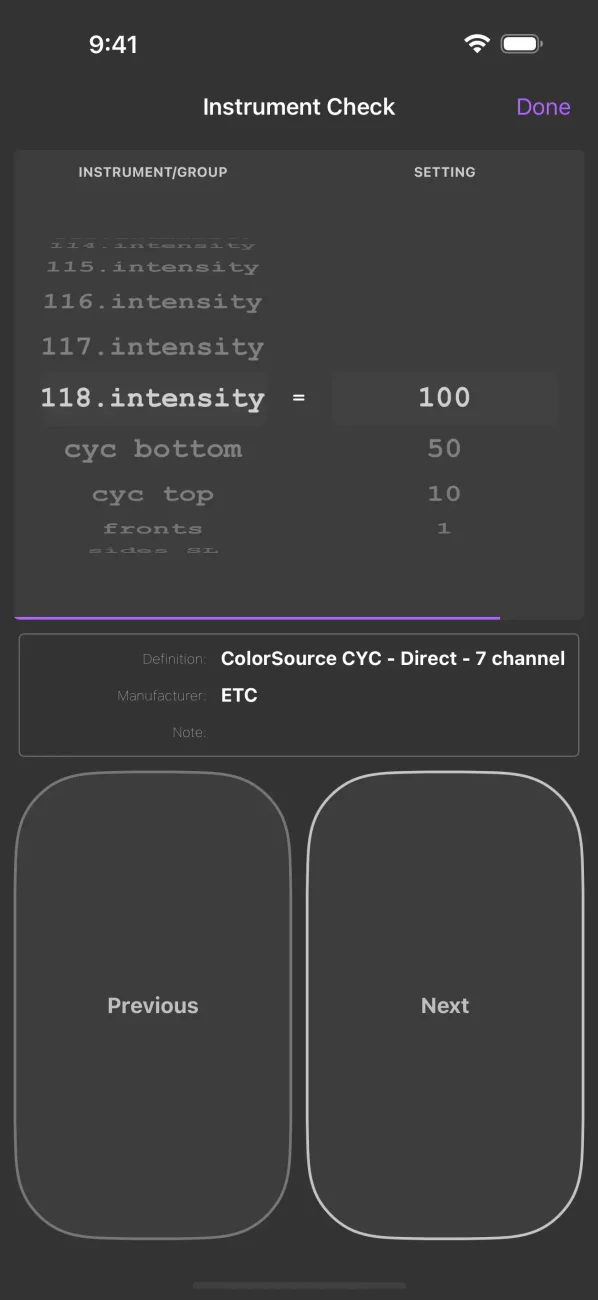
Get out of the booth and edit your QLab workspace from wherever you are. Flag cues as you sit in tech rehearsal. Adjust audio levels from the front row. Change the geometry of a video cue from the stage.
QLab Remote is free to use in "Read-Only Mode", which allows you to view a workspace & follow along worry-free and also includes the unlimited ability to flag cues & edit cue notes. Optional In-App Purchases are available to unlock show control, editing, and light tools features.
FEATURES
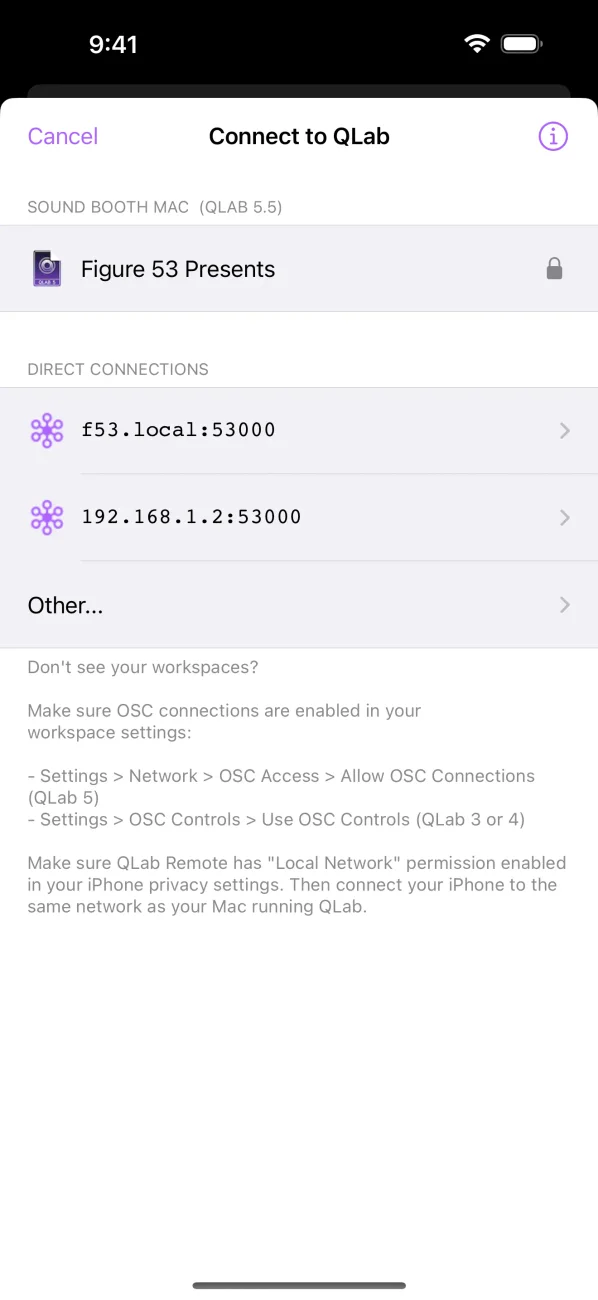
- Automatically finds any QLab workspace on the network.
- Updates in QLab are instantly reflected in QLab Remote and vice versa.
- Open multiple windows on iPad to view workspaces side-by-side on one screen.
- Quickly flag and edit notes for cues.
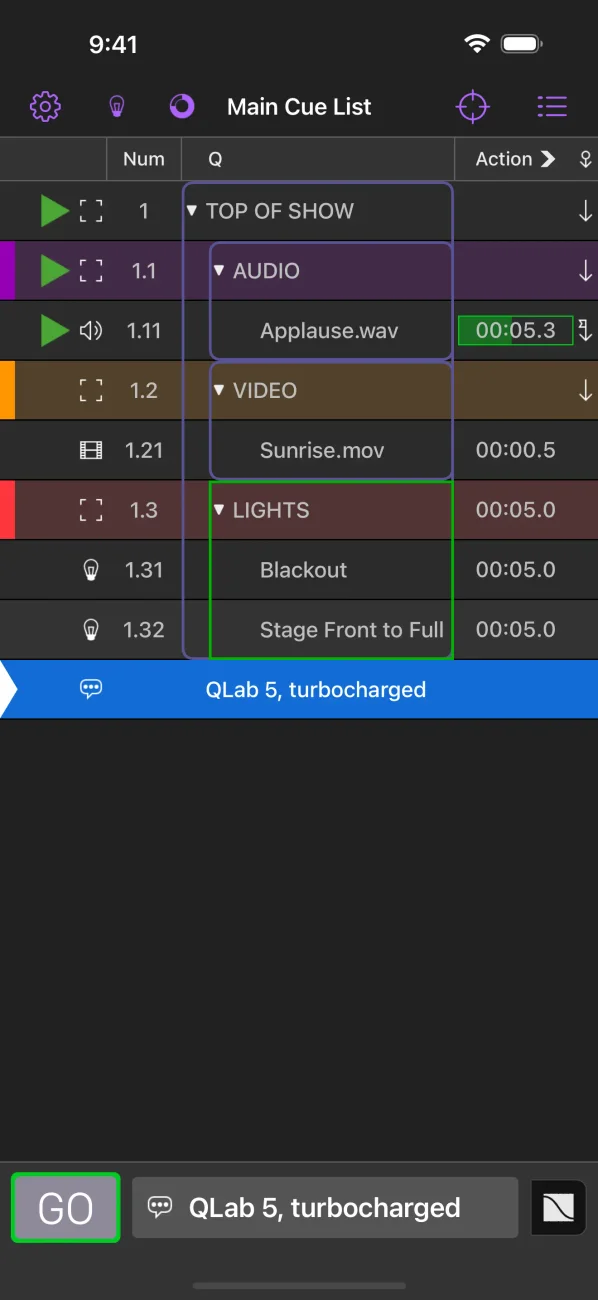
- Easily switch between cue lists.
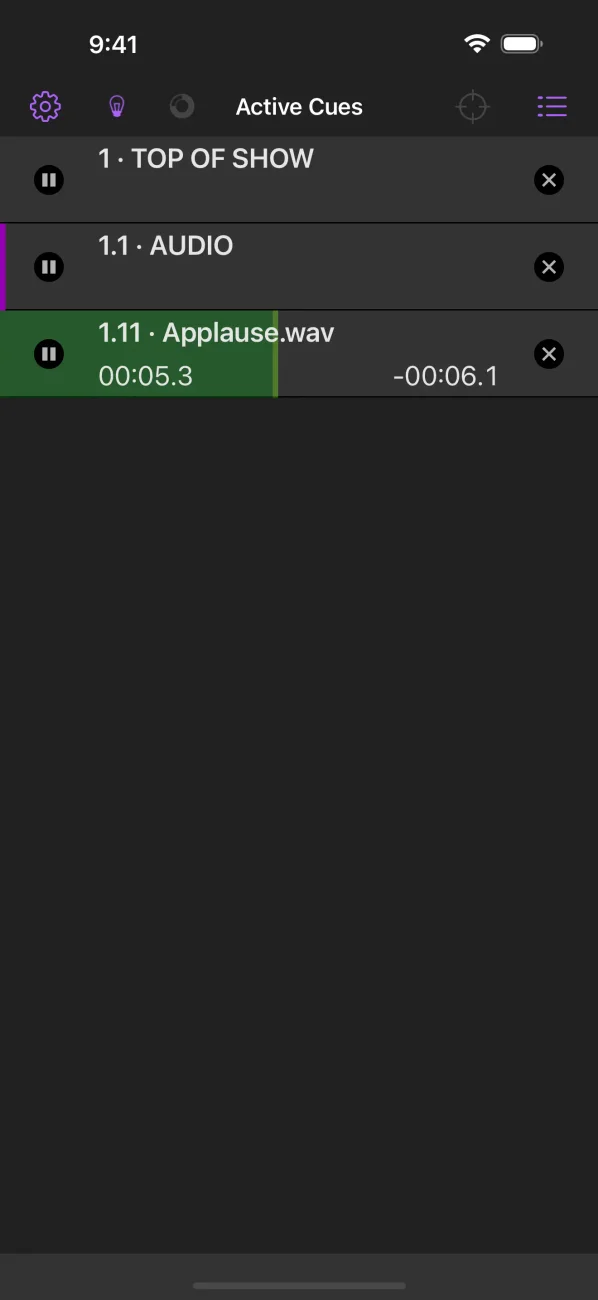
- Watch active cues update in real-time.
- Enable "Read-Only Mode" to follow along without worrying you'll accidentally trigger a cue.
- Edit basic properties for all cues, such as name, number, notes, color, armed, flagged, etc.
- Adjust audio levels and patches for audio, mic, and video cues.
- Change display geometry for video, text, and camera cues.
- Double-tap a cue to quickly edit it.
Please contact support@figure53.com with issues or feedback.
Có gì mới
Phiên bản 5.6.1 · 19/10/2026
- Fixes a bug introduced in 5.6.0 that sometimes displayed incomplete information in the on-deck view for offscreen cues.
NEW in 5.6.0
- Optimized for faster loading of large workspaces.
- Updates the app icon to support light, dark, clear, and tinted appearances.
- Fixes a bug that delayed restoring in-app purchases on devices with network access but no internet.
- Fixes a rare crash when an in-app purchase fails.
- Fixes the redrawing of Group cue outlines after dragging and dropping in the cue list.
- Fixes the progress bars of cart cues that are loaded but not yet playing to show the correct loaded time.
Quyền riêng tư của ứng dụng
Những gì Figure 53 khai báo trên App Store về cách ứng dụng này xử lý dữ liệu.
-
Dữ liệu không được thu thập
Nhà phát triển không thu thập bất kỳ dữ liệu nào từ ứng dụng này.
Phương thức đảm bảo quyền riêng tư có thể khác nhau, chẳng hạn như tuỳ theo các tính năng bạn sử dụng hoặc độ tuổi của bạn.
Thông tin
- Người bán
- Figure 53, LLC
- Danh mục
- Tiện Ích
- Phiên bản
- 5.6.1
- Cập nhật
- 19/10/2026
- Phát hành
- 08/05/2013
- Kích thước
- 19,5 MB
- Yêu cầu
- iOS 15.0 trở lên
- Độ tuổi
- 4+
- Giá
- Miễn phí
- Mua hàng trong ứng dụng
- Có
- Ngôn ngữ
- Tiếng Anh
- Bản quyền
- © 2013-2026 Figure 53, LLC