QLab Remote
Easy remote editing for QLab
iPhone, iPad, iPod touch için tasarlandı
Ücretsiz · Uygulama içi satın alma
- Yaş sınırı4+
- KategoriYardımcılar
- GeliştiriciFigure 53
- Dillerİngilizce
- Boyut19,5 MB
Resmi App Store sayfasına bağlanır
Download.org, QLab Remote için hiçbir dosya barındırmaz. Düğme, uygulamanın App Store üzerindeki sayfasını açar; uygulamayı orada Figure 53 yayınlar. Sayfanın son kontrolü: 12.11.2026.
Ekran görüntüleri

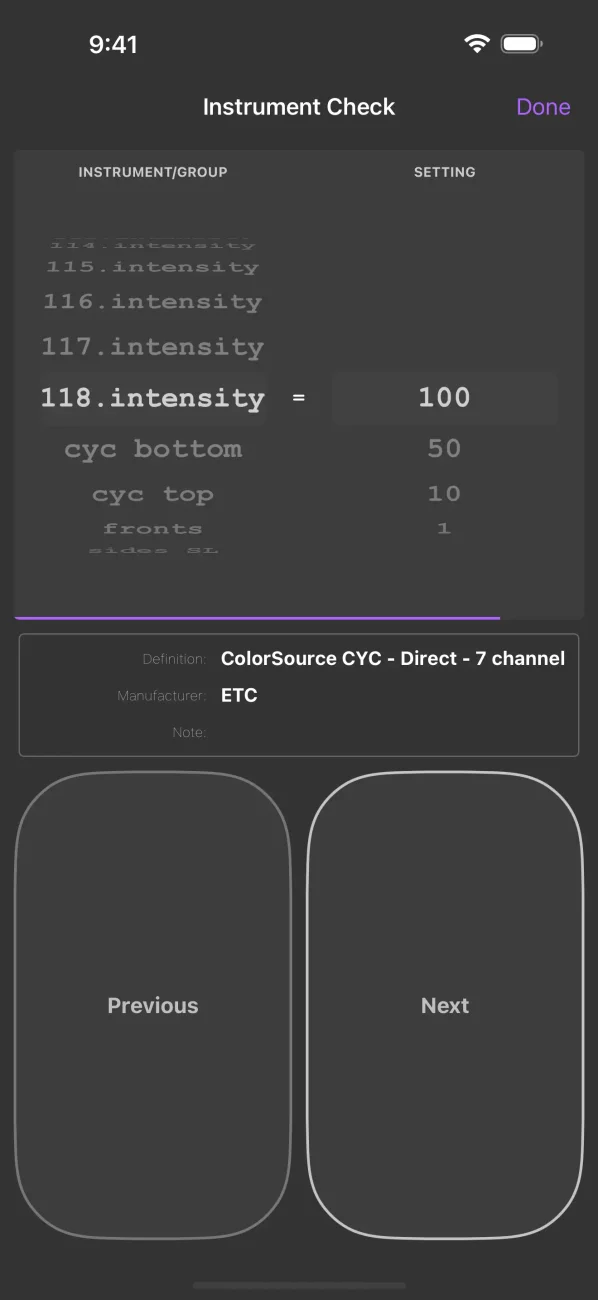
Hakkında
Geliştirici bu metni dilinizde sunmamış.
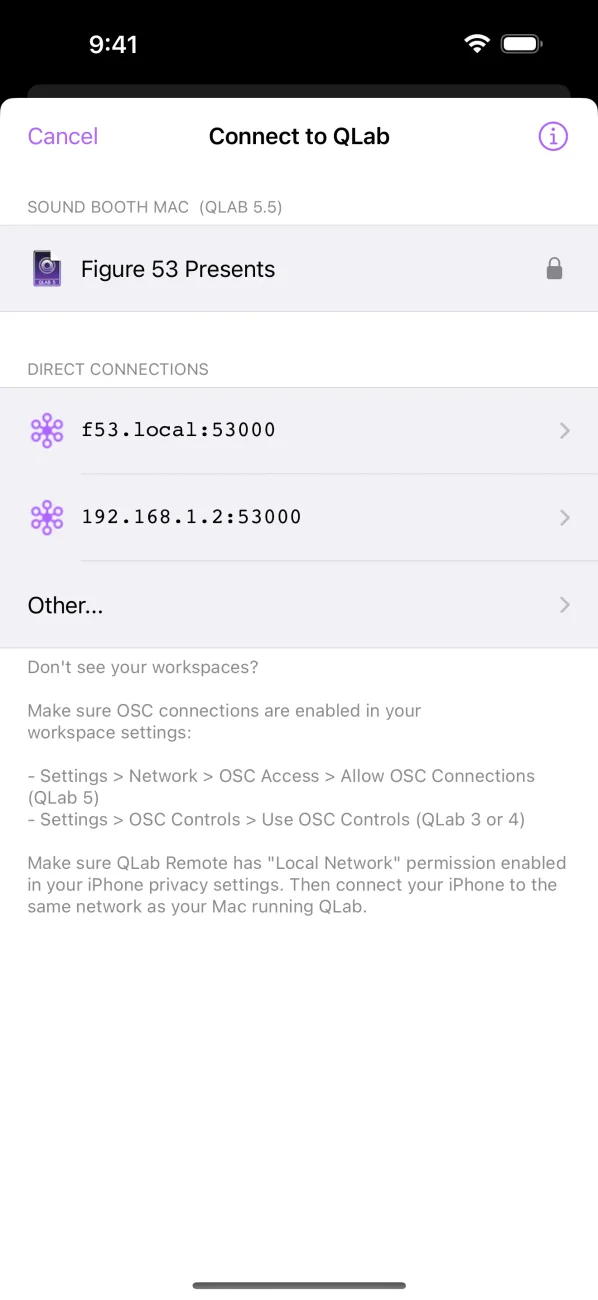
QLab Remote is the official iOS companion app for remote control of QLab, the award-winning live show control software for macOS. QLab Remote requires a connection to QLab 3.0 or later. Some features require a specific minimum version of QLab 4 or 5. See https://qlab.app/docs/v5/networking/qlab-remote/#requirements for details.
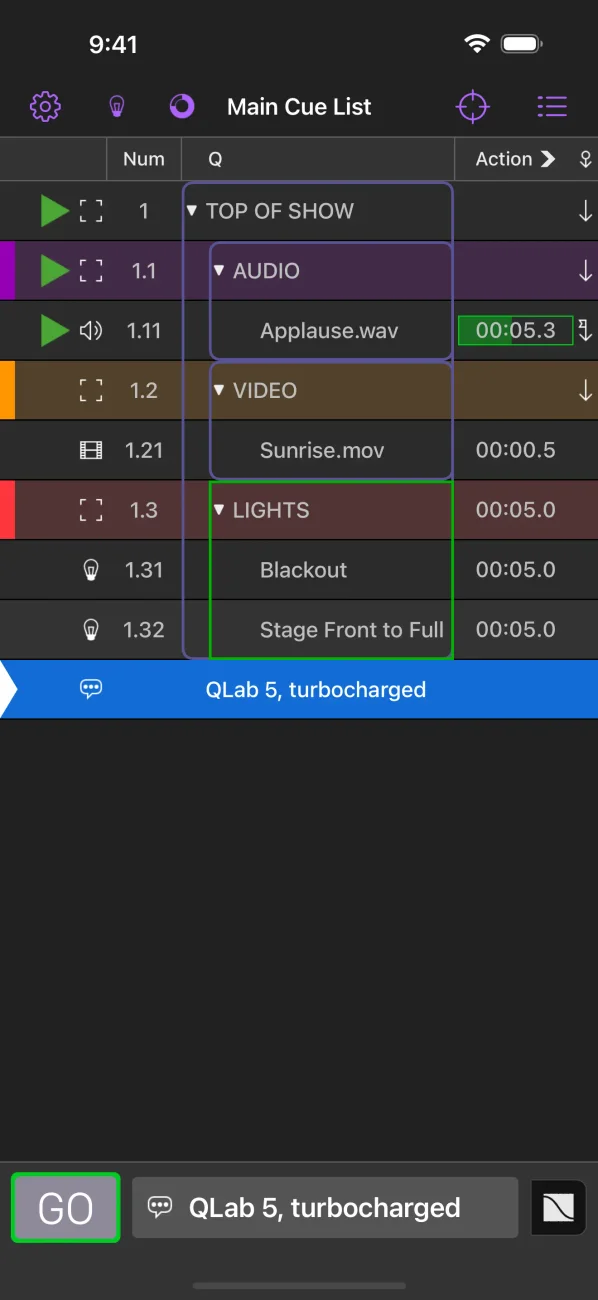
Get out of the booth and edit your QLab workspace from wherever you are. Flag cues as you sit in tech rehearsal. Adjust audio levels from the front row. Change the geometry of a video cue from the stage.
QLab Remote is free to use in "Read-Only Mode", which allows you to view a workspace & follow along worry-free and also includes the unlimited ability to flag cues & edit cue notes. Optional In-App Purchases are available to unlock show control, editing, and light tools features.
FEATURES
- Automatically finds any QLab workspace on the network.
- Updates in QLab are instantly reflected in QLab Remote and vice versa.
- Open multiple windows on iPad to view workspaces side-by-side on one screen.
- Quickly flag and edit notes for cues.
- Easily switch between cue lists.
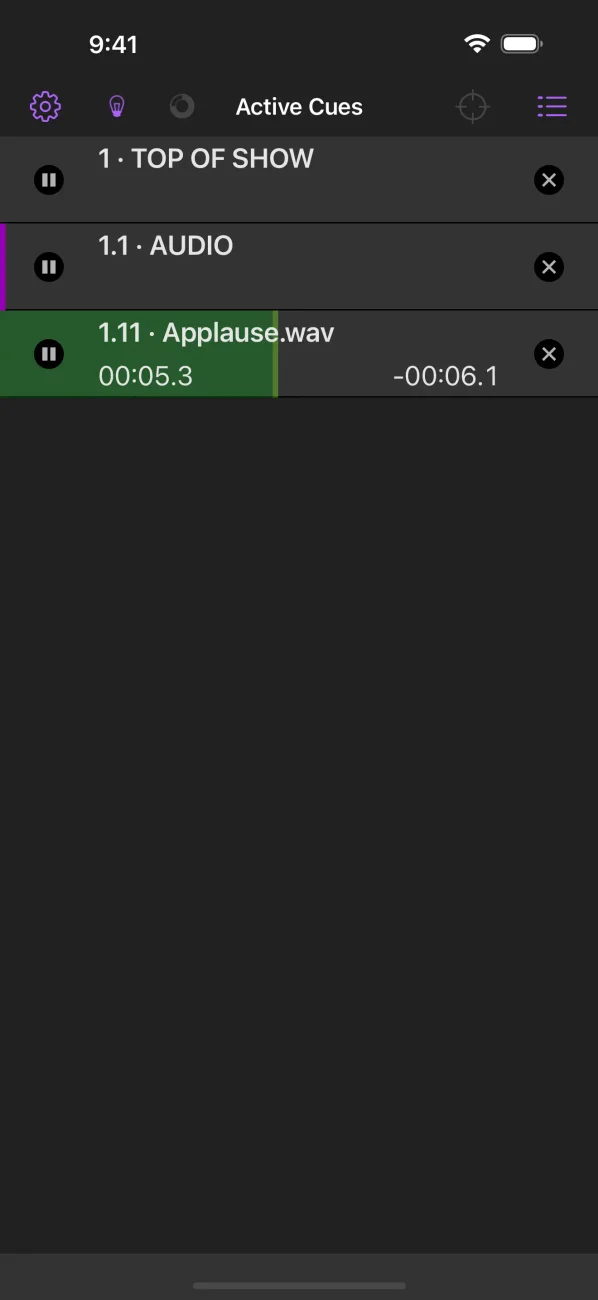
- Watch active cues update in real-time.
- Enable "Read-Only Mode" to follow along without worrying you'll accidentally trigger a cue.
- Edit basic properties for all cues, such as name, number, notes, color, armed, flagged, etc.
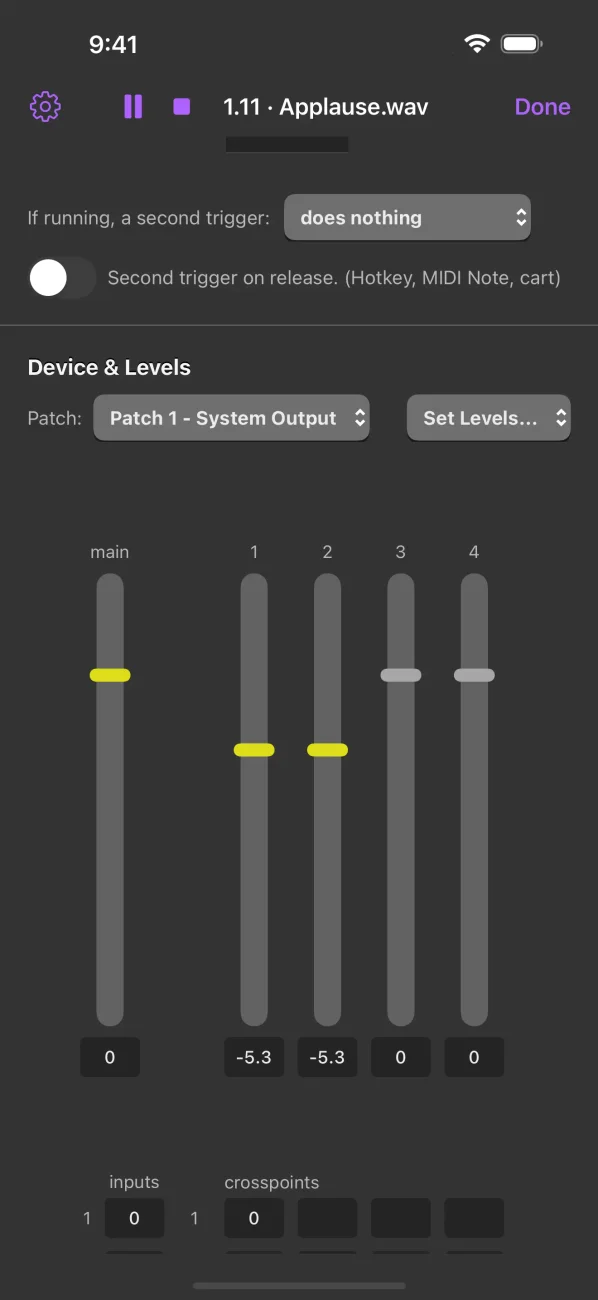
- Adjust audio levels and patches for audio, mic, and video cues.
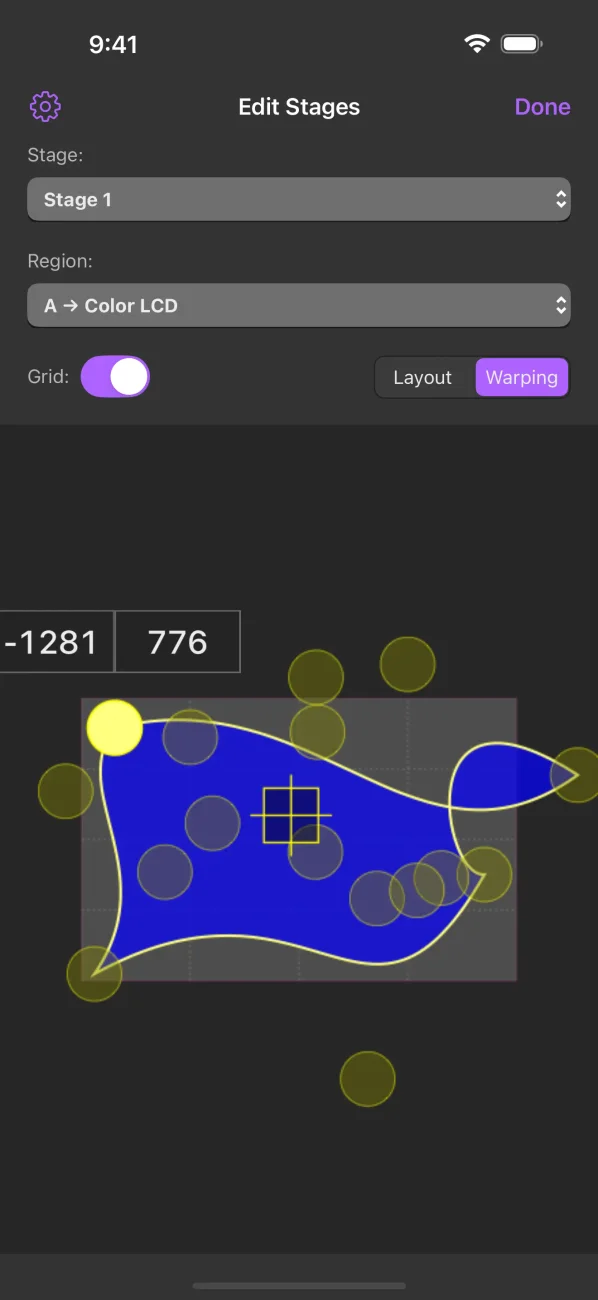
- Change display geometry for video, text, and camera cues.
- Double-tap a cue to quickly edit it.
Please contact support@figure53.com with issues or feedback.
Yenilikler
Sürüm 5.6.1 · 19.10.2026
- Fixes a bug introduced in 5.6.0 that sometimes displayed incomplete information in the on-deck view for offscreen cues.
NEW in 5.6.0
- Optimized for faster loading of large workspaces.
- Updates the app icon to support light, dark, clear, and tinted appearances.
- Fixes a bug that delayed restoring in-app purchases on devices with network access but no internet.
- Fixes a rare crash when an in-app purchase fails.
- Fixes the redrawing of Group cue outlines after dragging and dropping in the cue list.
- Fixes the progress bars of cart cues that are loaded but not yet playing to show the correct loaded time.
Uygulama gizliliği
Bu uygulamanın verileri nasıl işlediği hakkında Figure 53 tarafından App Store üzerinde yapılan beyan.
-
Veri toplanmıyor
Geliştirici bu uygulamadan hiçbir veri toplamıyor.
Gizlilik uygulamaları, örneğin kullandığınız özelliklere veya yaşınıza göre değişiklik gösterebilir.
Bilgiler
- Satıcı
- Figure 53, LLC
- Kategori
- Yardımcılar
- Sürüm
- 5.6.1
- Güncellendi
- 19.10.2026
- Yayın tarihi
- 08.05.2013
- Boyut
- 19,5 MB
- Gereksinim
- iOS 15.0 veya sonrası
- Yaş sınırı
- 4+
- Fiyat
- Ücretsiz
- Uygulama içi satın alma
- Evet
- Diller
- İngilizce
- Telif hakkı
- © 2013-2026 Figure 53, LLC