
QuickDialer Sales
No more typing phone numbers!
Entwickelt für iPhone
Kostenlos · In-App-Käufe
- Altersfreigabe4+
- KategorieWirtschaft
- EntwicklerXi Lu
- SprachenEnglisch
- Größe54,7 MB
Verlinkt auf die offizielle App Store-Seite
Download.org hostet keine Datei von QuickDialer Sales. Die Schaltfläche öffnet die App-Seite bei App Store, wo Xi Lu die App veröffentlicht. Eintrag zuletzt geprüft am 20.11.2026.
Screenshots
Info
Der Entwickler hat diesen Text nicht in Ihrer Sprache bereitgestellt.
QUICKDIALER SALES
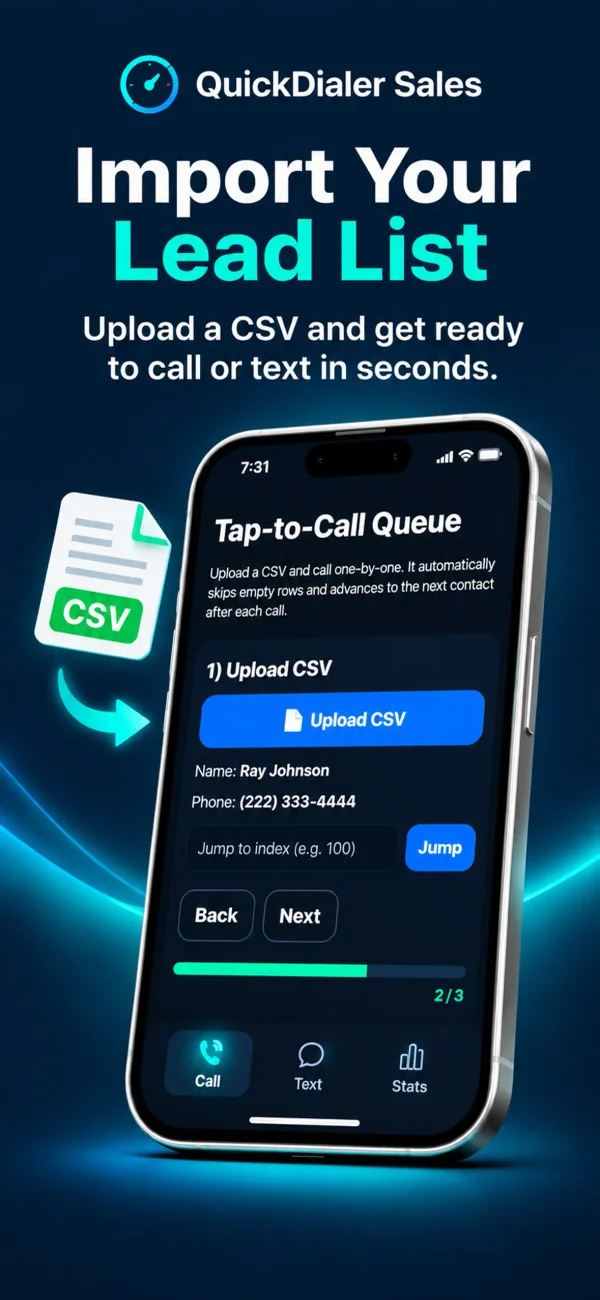
Turn your contact list into a tap-to-call and tap-to-text queue. Import your list, contact people one by one, and pick up where you left off. Built for sales reps and business professionals who want less manual typing and simpler follow-ups.
HOW TO USE
1. Create your contact list
Use Excel, Google Sheets, or another spreadsheet app. Add two columns with the headers name and phone, and put one contact on each row.
Example:
name, phone
Alex Morgan, 2025550101
Jordan Lee, 2025550102
These are example contacts. Replace them with your own, then save or export the spreadsheet as a CSV (.csv) file.
2. Save the CSV to your iPhone
Email the CSV to yourself or transfer it to your iPhone. Open the attachment, tap Share, then choose Save to Files. Save it in a folder you can easily find.
3. Import your list
Open QuickDialer Sales and choose the calling or texting queue. Tap Upload CSV and select your saved .csv file from Files.
4. Make calls
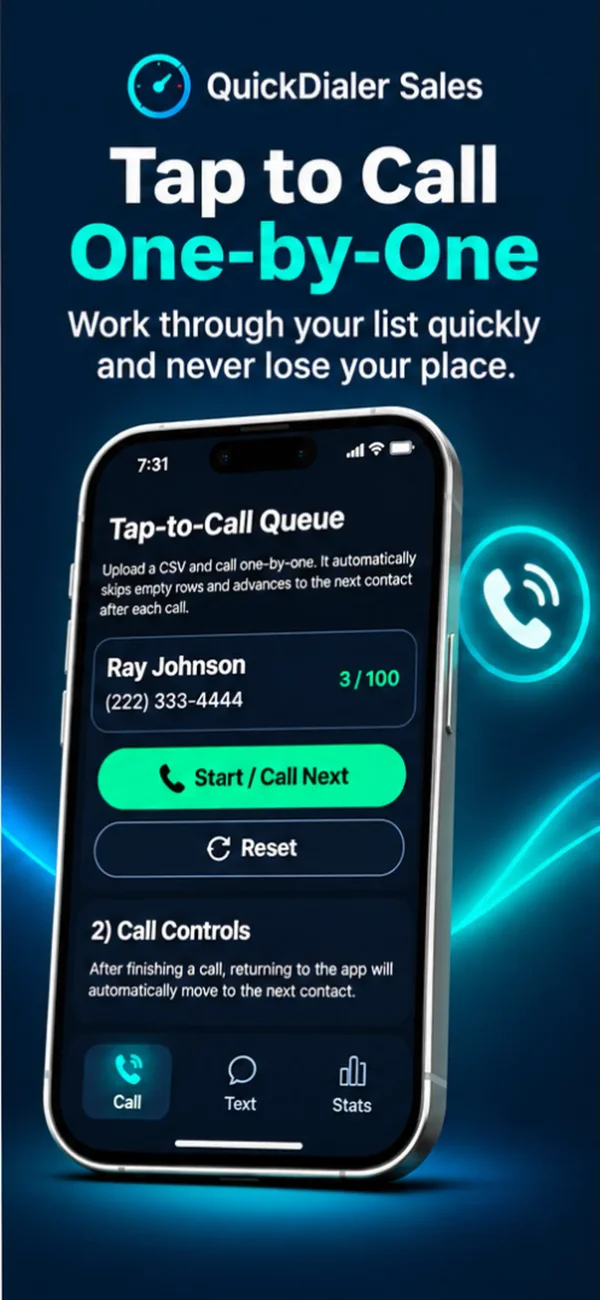
In the calling queue, tap Start / Call Next and confirm the call if your iPhone asks. After each call, return to QuickDialer Sales to advance to the next contact. Tap Start / Call Next when you are ready to call again.
5. Send text messages
In the texting queue, import your CSV and enter your message template. Tap Start / Send Next, review the message, and send it in Messages. Return to QuickDialer Sales and repeat for the next contact. You review and send each text yourself.
6. Pause and resume
Your position in the queue is saved automatically, so you can take a break and continue where you left off.
KEY FEATURES
• CSV import — prepare your list in a spreadsheet and import it into your calling or texting queue
• Tap-to-call with auto-advance — skip empty rows and move to the next contact when you return after a call
• Smart text templates — personalize messages with each contact's name
• Local contact storage — imported contact lists are saved on your device
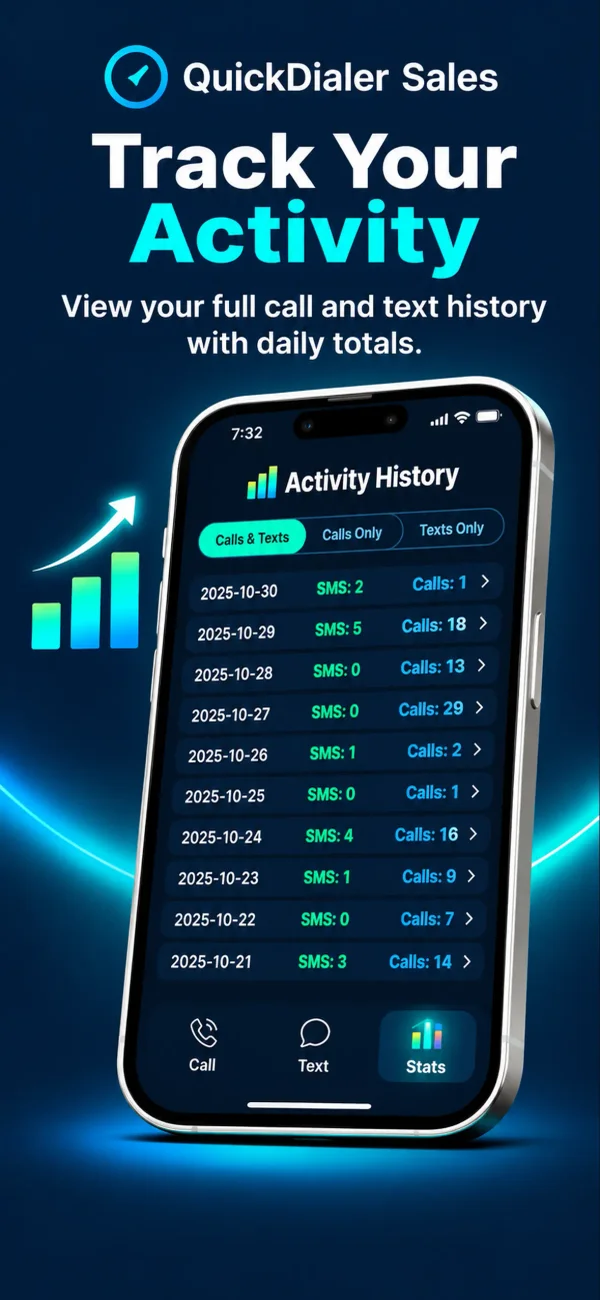
• Daily call and text stats — view your activity for the last 10 days
• Resume your queue — continue from your saved position
• Duplicate skipping — avoid contacting the same number again within your queue
WHY PROFESSIONALS LOVE IT
• No more typing each phone number manually
• Work through your contact list one person at a time
• Keep track of your calling and texting activity
• Spend more time on conversations and follow-ups
SUBSCRIPTION
A paid monthly or annual subscription is required to unlock full features. Review the available plans and subscription terms in the app before subscribing.
Terms of Use (EULA):
https://www.apple.com/legal/internet-services/itunes/dev/stdeula/
QUESTIONS OR FEEDBACK?
Contact [appsfunlu@gmail.com](mailto:appsfunlu@gmail.com)
Neue Funktionen
Version 1.0.6 · 13.11.2026
UI updated.
App-Datenschutz
Was Xi Lu im App Store zum Umgang dieser App mit Daten angibt.
-
Keine Daten erfasst
Der Entwickler erfasst keine Daten von dieser App.
Die Datenschutzpraktiken können variieren, zum Beispiel je nach den von Ihnen verwendeten Funktionen oder Ihrem Alter.
Informationen
- Anbieter
- Xi Lu
- Kategorie
- Wirtschaft
- Version
- 1.0.6
- Aktualisiert
- 13.11.2026
- Veröffentlicht
- 22.03.2026
- Größe
- 54,7 MB
- Erfordert
- iOS 16.4 oder neuer
- Altersfreigabe
- 4+
- Preis
- Kostenlos
- In-App-Käufe
- Ja
- Sprachen
- Englisch
- Copyright
- © 2026 Xi Lu
Das könnte Ihnen auch gefallen
-
 CSV架電 – 営業電話リストと顧客管理Wirtschaft
-
 ZentroDialWirtschaft
-
 Dialer AgentWirtschaft
-
 Cold Call X: Sales DialerWirtschaft
-
 Sales Dialer by JustCallWirtschaft
-
 GoDial: Auto Dialer & CRMRechnungen & Visitenkarten
-
 AutoDial: AI Phone CallsProduktivität
-
 Auto Redial - WiederwahlAutomatisch Besetzt Anrufen
-
 Clara - AI ReceptionistWirtschaft
-
 Caddy - Business Phone AppWirtschaft