
QuickDialer Sales
No more typing phone numbers!
Được thiết kế cho iPhone
Miễn phí · Mua hàng trong ứng dụng
- Độ tuổi4+
- Danh mụcKinh Doanh
- Nhà phát triểnXi Lu
- Ngôn ngữTiếng Anh
- Kích thước54,7 MB
Liên kết đến trang App Store chính thức
Download.org không lưu trữ tệp nào của QuickDialer Sales. Nút này mở trang ứng dụng trên App Store, nơi Xi Lu phát hành ứng dụng. Trang được kiểm tra lần cuối: 20/11/2026.
Ảnh chụp màn hình
Giới thiệu
Nhà phát triển chưa cung cấp nội dung này bằng ngôn ngữ của bạn.
QUICKDIALER SALES
Turn your contact list into a tap-to-call and tap-to-text queue. Import your list, contact people one by one, and pick up where you left off. Built for sales reps and business professionals who want less manual typing and simpler follow-ups.
HOW TO USE
1. Create your contact list
Use Excel, Google Sheets, or another spreadsheet app. Add two columns with the headers name and phone, and put one contact on each row.
Example:
name, phone
Alex Morgan, 2025550101
Jordan Lee, 2025550102
These are example contacts. Replace them with your own, then save or export the spreadsheet as a CSV (.csv) file.
2. Save the CSV to your iPhone
Email the CSV to yourself or transfer it to your iPhone. Open the attachment, tap Share, then choose Save to Files. Save it in a folder you can easily find.
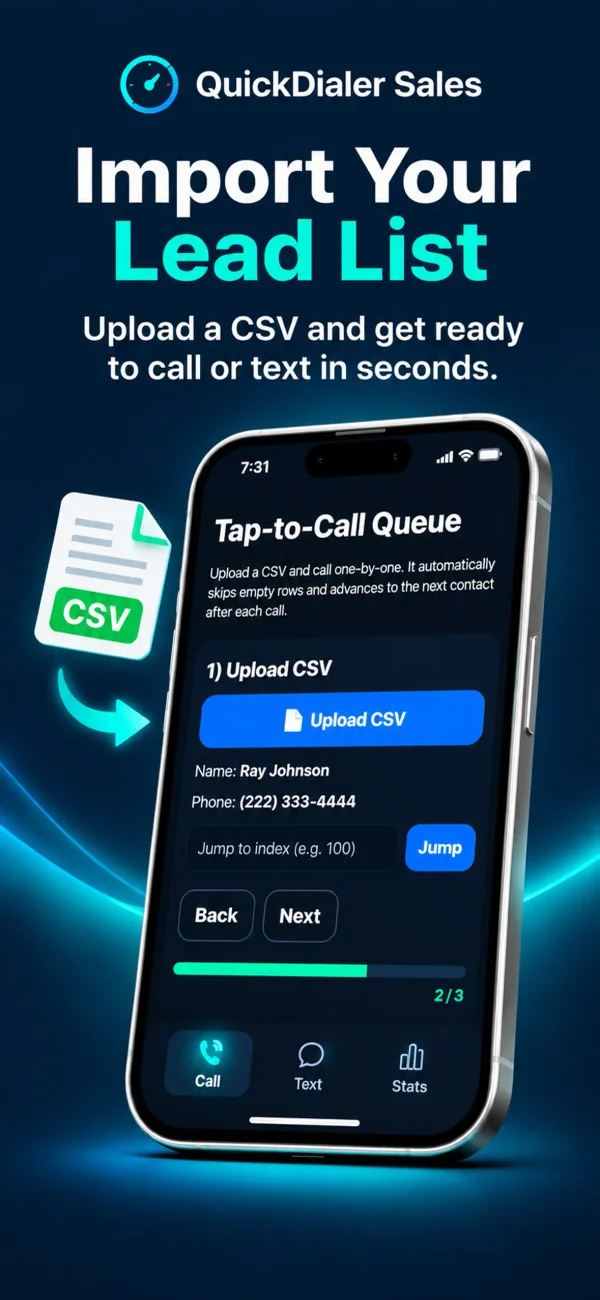
3. Import your list
Open QuickDialer Sales and choose the calling or texting queue. Tap Upload CSV and select your saved .csv file from Files.
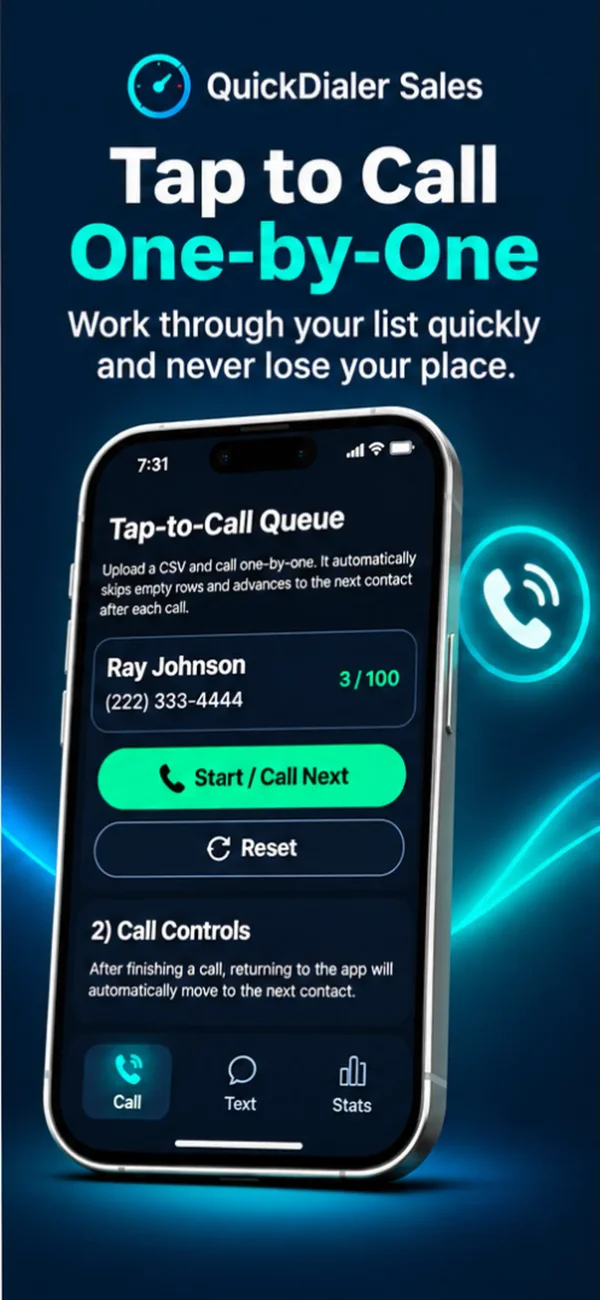
4. Make calls
In the calling queue, tap Start / Call Next and confirm the call if your iPhone asks. After each call, return to QuickDialer Sales to advance to the next contact. Tap Start / Call Next when you are ready to call again.
5. Send text messages
In the texting queue, import your CSV and enter your message template. Tap Start / Send Next, review the message, and send it in Messages. Return to QuickDialer Sales and repeat for the next contact. You review and send each text yourself.
6. Pause and resume
Your position in the queue is saved automatically, so you can take a break and continue where you left off.
KEY FEATURES
• CSV import — prepare your list in a spreadsheet and import it into your calling or texting queue
• Tap-to-call with auto-advance — skip empty rows and move to the next contact when you return after a call
• Smart text templates — personalize messages with each contact's name
• Local contact storage — imported contact lists are saved on your device
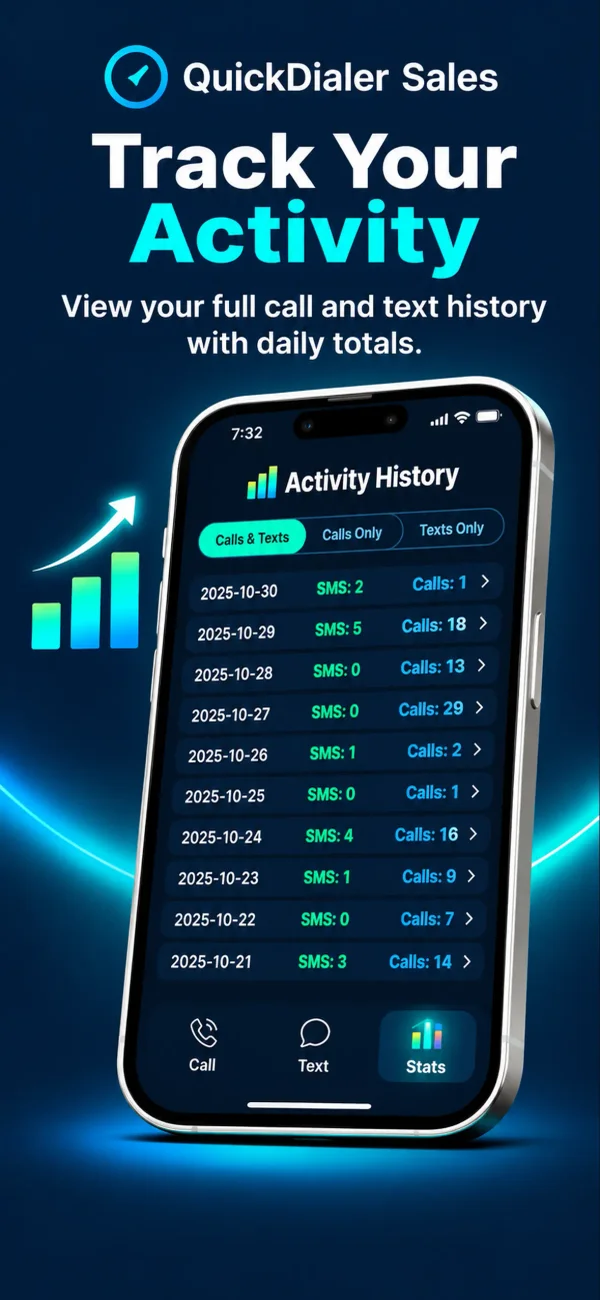
• Daily call and text stats — view your activity for the last 10 days
• Resume your queue — continue from your saved position
• Duplicate skipping — avoid contacting the same number again within your queue
WHY PROFESSIONALS LOVE IT
• No more typing each phone number manually
• Work through your contact list one person at a time
• Keep track of your calling and texting activity
• Spend more time on conversations and follow-ups
SUBSCRIPTION
A paid monthly or annual subscription is required to unlock full features. Review the available plans and subscription terms in the app before subscribing.
Terms of Use (EULA):
https://www.apple.com/legal/internet-services/itunes/dev/stdeula/
QUESTIONS OR FEEDBACK?
Contact [appsfunlu@gmail.com](mailto:appsfunlu@gmail.com)
Có gì mới
Phiên bản 1.0.6 · 13/11/2026
UI updated.
Quyền riêng tư của ứng dụng
Những gì Xi Lu khai báo trên App Store về cách ứng dụng này xử lý dữ liệu.
-
Dữ liệu không được thu thập
Nhà phát triển không thu thập bất kỳ dữ liệu nào từ ứng dụng này.
Phương thức đảm bảo quyền riêng tư có thể khác nhau, chẳng hạn như tuỳ theo các tính năng bạn sử dụng hoặc độ tuổi của bạn.
Thông tin
- Người bán
- Xi Lu
- Danh mục
- Kinh Doanh
- Phiên bản
- 1.0.6
- Cập nhật
- 13/11/2026
- Phát hành
- 22/03/2026
- Kích thước
- 54,7 MB
- Yêu cầu
- iOS 16.4 trở lên
- Độ tuổi
- 4+
- Giá
- Miễn phí
- Mua hàng trong ứng dụng
- Có
- Ngôn ngữ
- Tiếng Anh
- Bản quyền
- © 2026 Xi Lu
Có thể bạn cũng thích
-
 Sales Dialer – CSV Call ListKinh Doanh
-
 ZentroDialKinh Doanh
-
 Dialer AgentKinh Doanh
-
 Cold Call X: Sales DialerKinh Doanh
-
 Sales Dialer by JustCallKinh Doanh
-
 GoDial Auto Dialer Mobile CRMHiệu Suất
-
 AutoDial: AI Phone CallsHiệu Suất
-
 Auto Redial - Phone Call RetryHiệu Suất
-
 Clara - AI ReceptionistKinh Doanh
-
 Caddy - Business Phone AppKinh Doanh