
- 対象年齢4+
- カテゴリビジネス
- 開発元Xi Lu
- 言語英語
- サイズ54.7 MB
App Storeの公式ページにリンクしています
Download.orgはQuickDialer Salesのファイルを一切ホストしていません。ボタンを押すと、Xi Luが公開しているApp Storeのアプリページが開きます。ページの最終確認:2026/11/20。
スクリーンショット
概要
開発元はこのテキストをお使いの言語で提供していません。
QUICKDIALER SALES
Turn your contact list into a tap-to-call and tap-to-text queue. Import your list, contact people one by one, and pick up where you left off. Built for sales reps and business professionals who want less manual typing and simpler follow-ups.
HOW TO USE
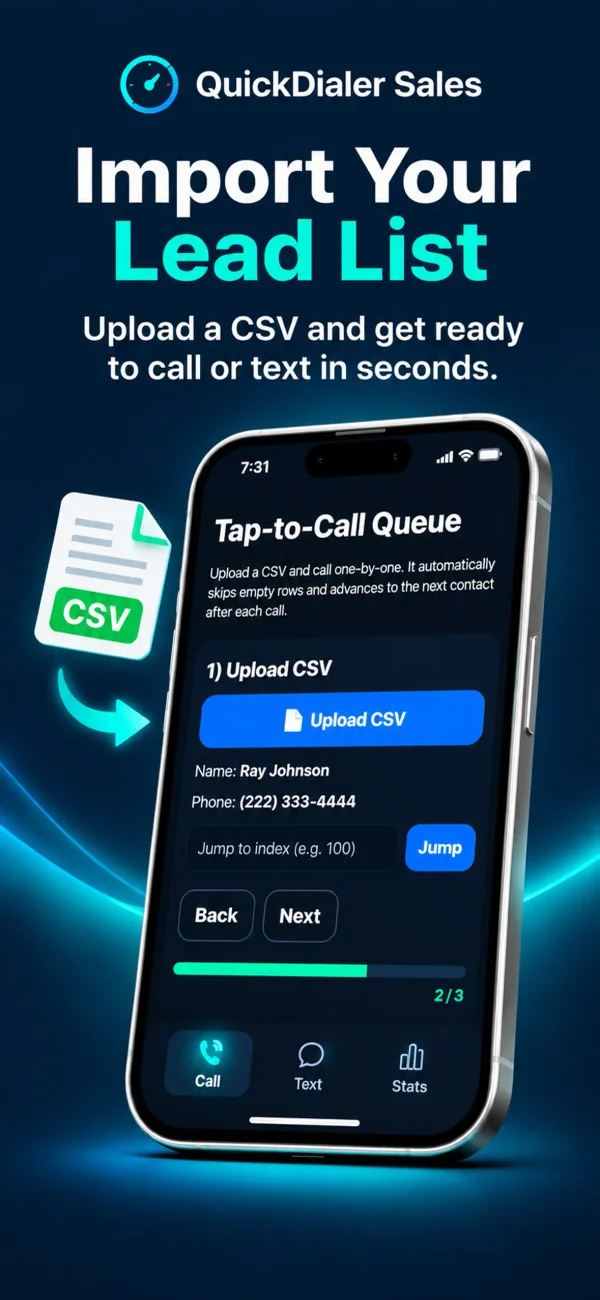
1. Create your contact list
Use Excel, Google Sheets, or another spreadsheet app. Add two columns with the headers name and phone, and put one contact on each row.
Example:
name, phone
Alex Morgan, 2025550101
Jordan Lee, 2025550102
These are example contacts. Replace them with your own, then save or export the spreadsheet as a CSV (.csv) file.
2. Save the CSV to your iPhone
Email the CSV to yourself or transfer it to your iPhone. Open the attachment, tap Share, then choose Save to Files. Save it in a folder you can easily find.
3. Import your list
Open QuickDialer Sales and choose the calling or texting queue. Tap Upload CSV and select your saved .csv file from Files.
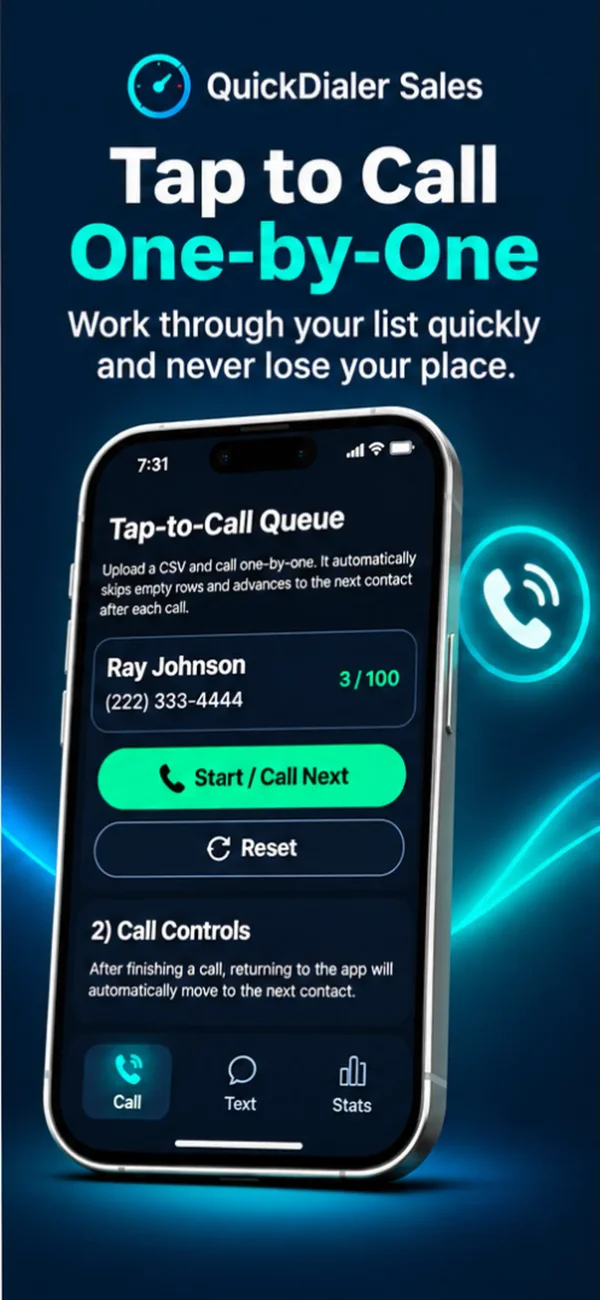
4. Make calls
In the calling queue, tap Start / Call Next and confirm the call if your iPhone asks. After each call, return to QuickDialer Sales to advance to the next contact. Tap Start / Call Next when you are ready to call again.
5. Send text messages
In the texting queue, import your CSV and enter your message template. Tap Start / Send Next, review the message, and send it in Messages. Return to QuickDialer Sales and repeat for the next contact. You review and send each text yourself.
6. Pause and resume
Your position in the queue is saved automatically, so you can take a break and continue where you left off.
KEY FEATURES
• CSV import — prepare your list in a spreadsheet and import it into your calling or texting queue
• Tap-to-call with auto-advance — skip empty rows and move to the next contact when you return after a call
• Smart text templates — personalize messages with each contact's name
• Local contact storage — imported contact lists are saved on your device
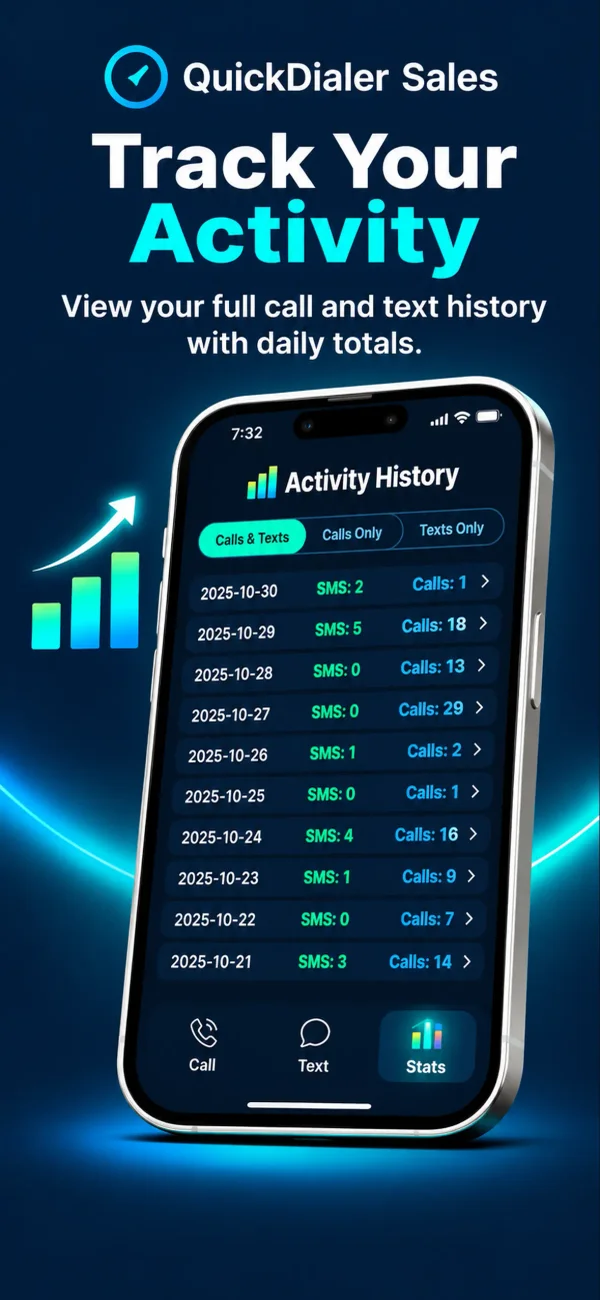
• Daily call and text stats — view your activity for the last 10 days
• Resume your queue — continue from your saved position
• Duplicate skipping — avoid contacting the same number again within your queue
WHY PROFESSIONALS LOVE IT
• No more typing each phone number manually
• Work through your contact list one person at a time
• Keep track of your calling and texting activity
• Spend more time on conversations and follow-ups
SUBSCRIPTION
A paid monthly or annual subscription is required to unlock full features. Review the available plans and subscription terms in the app before subscribing.
Terms of Use (EULA):
https://www.apple.com/legal/internet-services/itunes/dev/stdeula/
QUESTIONS OR FEEDBACK?
Contact [appsfunlu@gmail.com](mailto:appsfunlu@gmail.com)
新機能
バージョン 1.0.6 · 2026/11/13
UI updated.
アプリのプライバシー
このアプリのデータの取り扱いについて、Xi LuがApp Storeで申告している内容です。
-
データの収集なし
開発元はこのアプリからデータを収集しません。
プライバシーの取り扱いは、ご利用の機能やお客様の年齢などに応じて異なる場合があります。
情報
- 販売元
- Xi Lu
- カテゴリ
- ビジネス
- バージョン
- 1.0.6
- 更新日
- 2026/11/13
- リリース
- 2026/3/22
- サイズ
- 54.7 MB
- 必要条件
- iOS 16.4以降
- 対象年齢
- 4+
- 価格
- 無料
- アプリ内課金
- あり
- 言語
- 英語
- 著作権
- © 2026 Xi Lu
こちらもおすすめ
-
 CSV架電 – 営業電話リストと顧客管理顧客リストを順に発信、結果・メモ・再架電を記録
-
 ZentroDialビジネス
-
 Dialer Agentビジネス
-
 Cold Call X: Sales Dialerビジネス
-
 Sales Dialer by JustCallビジネス
-
 GoDial オートダイヤラー & 顧客管理CRMテレアポ営業・見積請求書・名刺管理
-
 AutoDial: AI Phone Calls仕事効率化
-
 Auto Redial - 自動再ダイヤル話し中の電話を連続リトライ
-
 Clara - AI Receptionistビジネス
-
 Caddy - Business Phone Appビジネス