
QuickDialer Sales
No more typing phone numbers!
iPhone için tasarlandı
Ücretsiz · Uygulama içi satın alma
- Yaş sınırı4+
- Kategoriİş
- GeliştiriciXi Lu
- Dillerİngilizce
- Boyut54,7 MB
Resmi App Store sayfasına bağlanır
Download.org, QuickDialer Sales için hiçbir dosya barındırmaz. Düğme, uygulamanın App Store üzerindeki sayfasını açar; uygulamayı orada Xi Lu yayınlar. Sayfanın son kontrolü: 20.11.2026.
Ekran görüntüleri
Hakkında
Geliştirici bu metni dilinizde sunmamış.
QUICKDIALER SALES
Turn your contact list into a tap-to-call and tap-to-text queue. Import your list, contact people one by one, and pick up where you left off. Built for sales reps and business professionals who want less manual typing and simpler follow-ups.
HOW TO USE
1. Create your contact list
Use Excel, Google Sheets, or another spreadsheet app. Add two columns with the headers name and phone, and put one contact on each row.
Example:
name, phone
Alex Morgan, 2025550101
Jordan Lee, 2025550102
These are example contacts. Replace them with your own, then save or export the spreadsheet as a CSV (.csv) file.
2. Save the CSV to your iPhone
Email the CSV to yourself or transfer it to your iPhone. Open the attachment, tap Share, then choose Save to Files. Save it in a folder you can easily find.
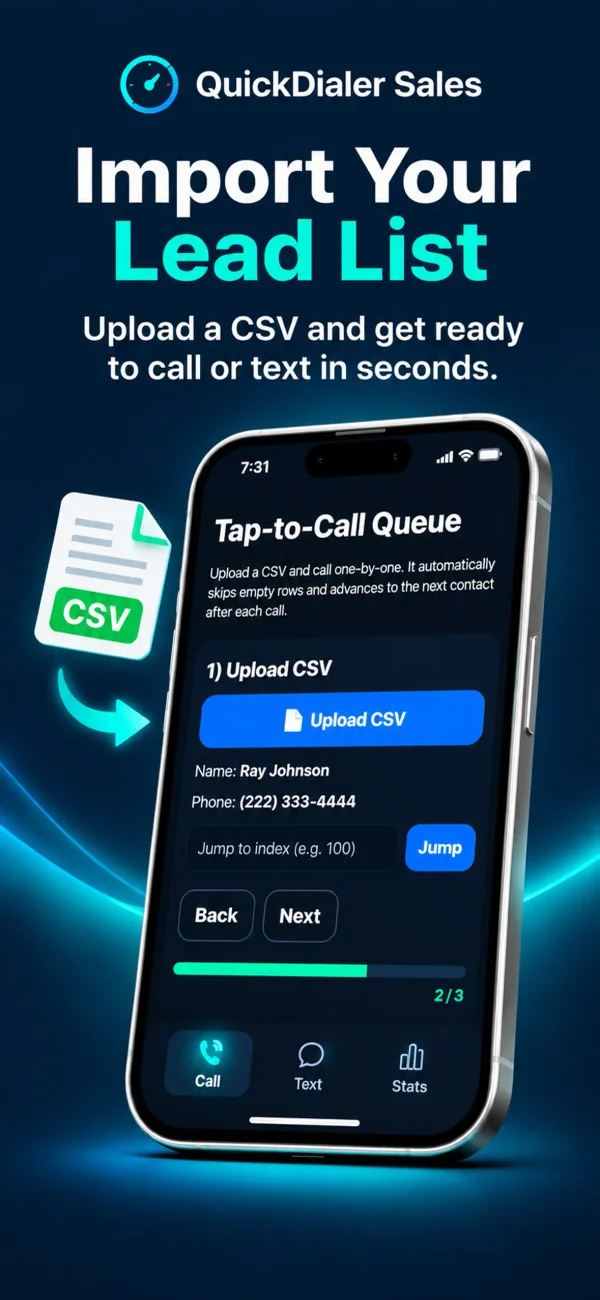
3. Import your list
Open QuickDialer Sales and choose the calling or texting queue. Tap Upload CSV and select your saved .csv file from Files.
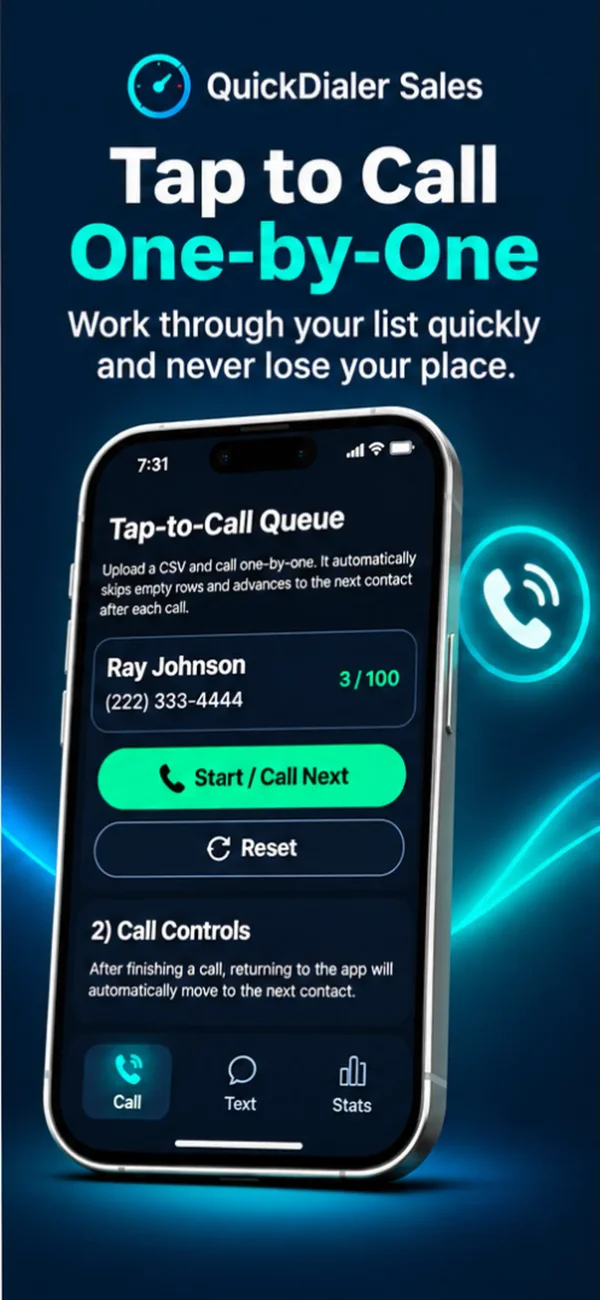
4. Make calls
In the calling queue, tap Start / Call Next and confirm the call if your iPhone asks. After each call, return to QuickDialer Sales to advance to the next contact. Tap Start / Call Next when you are ready to call again.
5. Send text messages
In the texting queue, import your CSV and enter your message template. Tap Start / Send Next, review the message, and send it in Messages. Return to QuickDialer Sales and repeat for the next contact. You review and send each text yourself.
6. Pause and resume
Your position in the queue is saved automatically, so you can take a break and continue where you left off.
KEY FEATURES
• CSV import — prepare your list in a spreadsheet and import it into your calling or texting queue
• Tap-to-call with auto-advance — skip empty rows and move to the next contact when you return after a call
• Smart text templates — personalize messages with each contact's name
• Local contact storage — imported contact lists are saved on your device
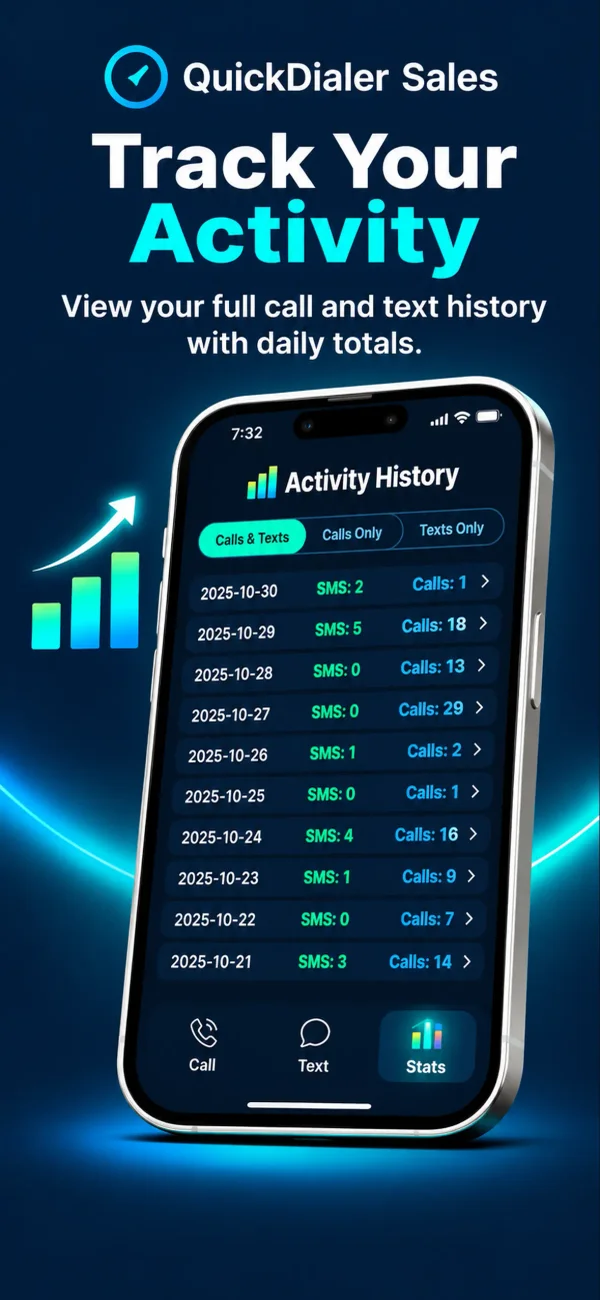
• Daily call and text stats — view your activity for the last 10 days
• Resume your queue — continue from your saved position
• Duplicate skipping — avoid contacting the same number again within your queue
WHY PROFESSIONALS LOVE IT
• No more typing each phone number manually
• Work through your contact list one person at a time
• Keep track of your calling and texting activity
• Spend more time on conversations and follow-ups
SUBSCRIPTION
A paid monthly or annual subscription is required to unlock full features. Review the available plans and subscription terms in the app before subscribing.
Terms of Use (EULA):
https://www.apple.com/legal/internet-services/itunes/dev/stdeula/
QUESTIONS OR FEEDBACK?
Contact [appsfunlu@gmail.com](mailto:appsfunlu@gmail.com)
Yenilikler
Sürüm 1.0.6 · 13.11.2026
UI updated.
Uygulama gizliliği
Bu uygulamanın verileri nasıl işlediği hakkında Xi Lu tarafından App Store üzerinde yapılan beyan.
-
Veri toplanmıyor
Geliştirici bu uygulamadan hiçbir veri toplamıyor.
Gizlilik uygulamaları, örneğin kullandığınız özelliklere veya yaşınıza göre değişiklik gösterebilir.
Bilgiler
- Satıcı
- Xi Lu
- Kategori
- İş
- Sürüm
- 1.0.6
- Güncellendi
- 13.11.2026
- Yayın tarihi
- 22.03.2026
- Boyut
- 54,7 MB
- Gereksinim
- iOS 16.4 veya sonrası
- Yaş sınırı
- 4+
- Fiyat
- Ücretsiz
- Uygulama içi satın alma
- Evet
- Diller
- İngilizce
- Telif hakkı
- © 2026 Xi Lu
Bunları da beğenebilirsiniz
-
 Sales Dialer – CSV Call Listİş
-
 ZentroDialİş
-
 Dialer Agentİş
-
 Cold Call X: Sales Dialerİş
-
 Sales Dialer by JustCallİş
-
 GoDial: Otomatik Arama ve CRMFatura Teklif Kartvizit Tara
-
 AutoDial: AI Phone CallsÜretkenlik
-
 Auto Redial AppRetry busy calls automatically
-
 Clara - AI Receptionistİş
-
 Caddy - Business Phone Appİş