
- Altersfreigabe4+
- KategorieFoto und Video
- EntwicklerChristopher Krueger
- SprachenEnglisch
- Größe2,8 MB
RetroAlign ist bei App Store derzeit möglicherweise nicht verfügbar
Bei unserer letzten Prüfung war der Store-Eintrag nicht erreichbar. Der Link führt weiterhin zur offiziellen App Store-Seite.
Screenshots
Info
Der Entwickler hat diesen Text nicht in Ihrer Sprache bereitgestellt.
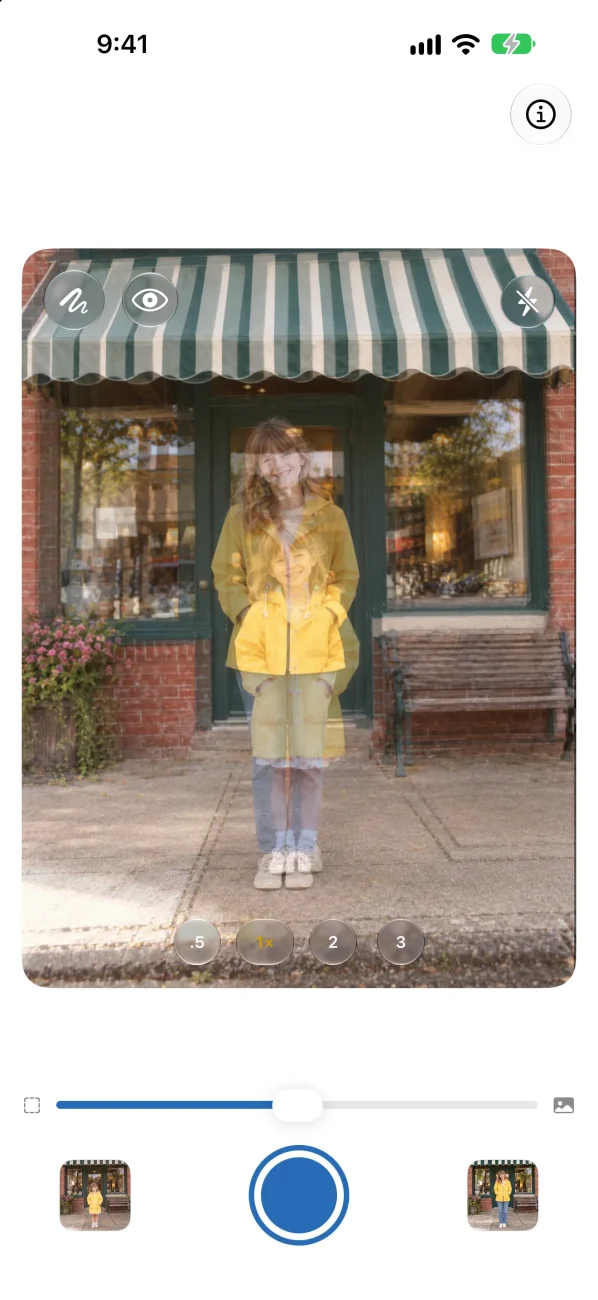
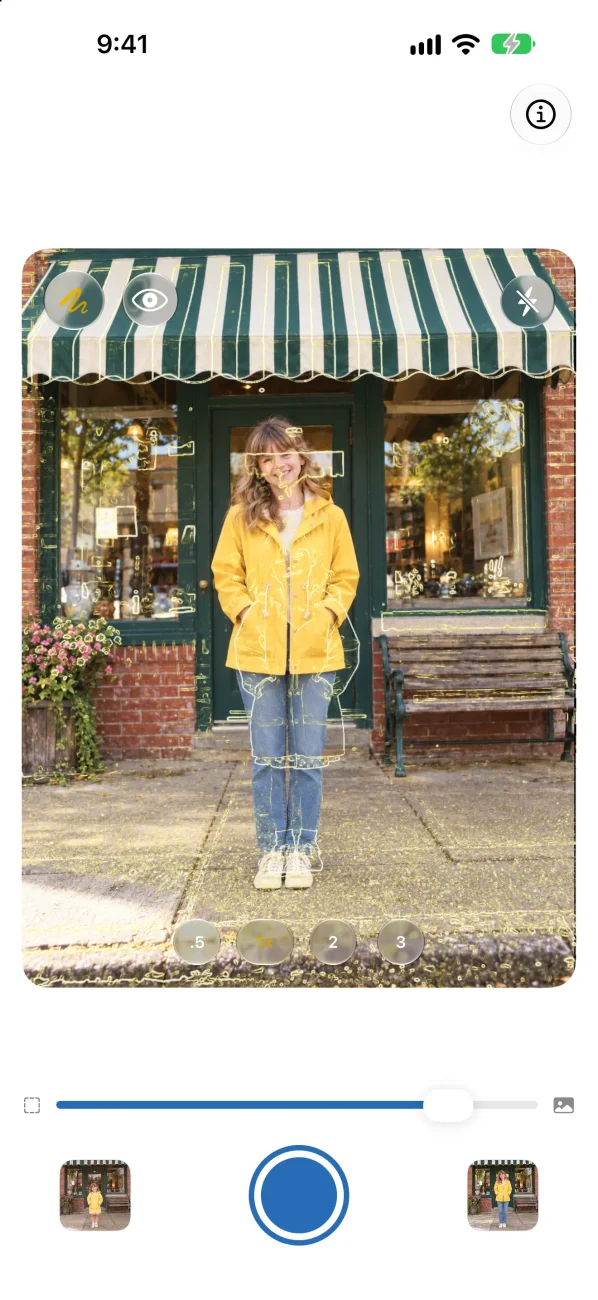
RetroAlign helps you capture perfectly aligned photos by overlaying reference images on your camera view. Perfect for photographers, artists, and anyone who needs precise alignment when recreating shots.
KEY FEATURES:
• Overlay Reference Photos - Select any photo from your library and overlay it on your live camera view
• Adjustable Transparency - Use the slider to fine-tune overlay opacity for perfect alignment
• Real Lens Zoom - Switch between your iPhone's cameras, pinch to zoom, and tap to focus
• Outline Mode - See the reference as an outline instead of a faded photo
• Flash Control - Cycle through off, on, and auto flash modes
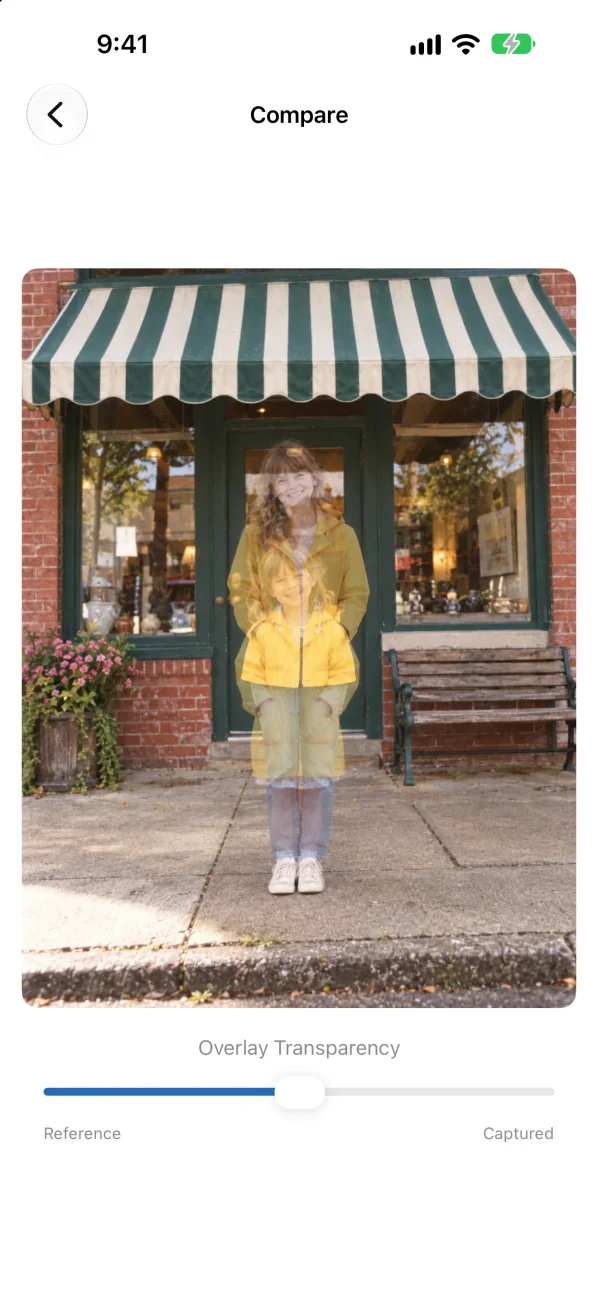
• Side-by-Side Comparison - Compare your captured photo with the reference image
• Auto-Save - Photos automatically save to your camera roll
PERFECT FOR:
• Photographers recreating shots
• Artists aligning new work with references
• Anyone needing precise camera alignment
• Before/after comparisons
• Matching angles and compositions
HOW IT WORKS:
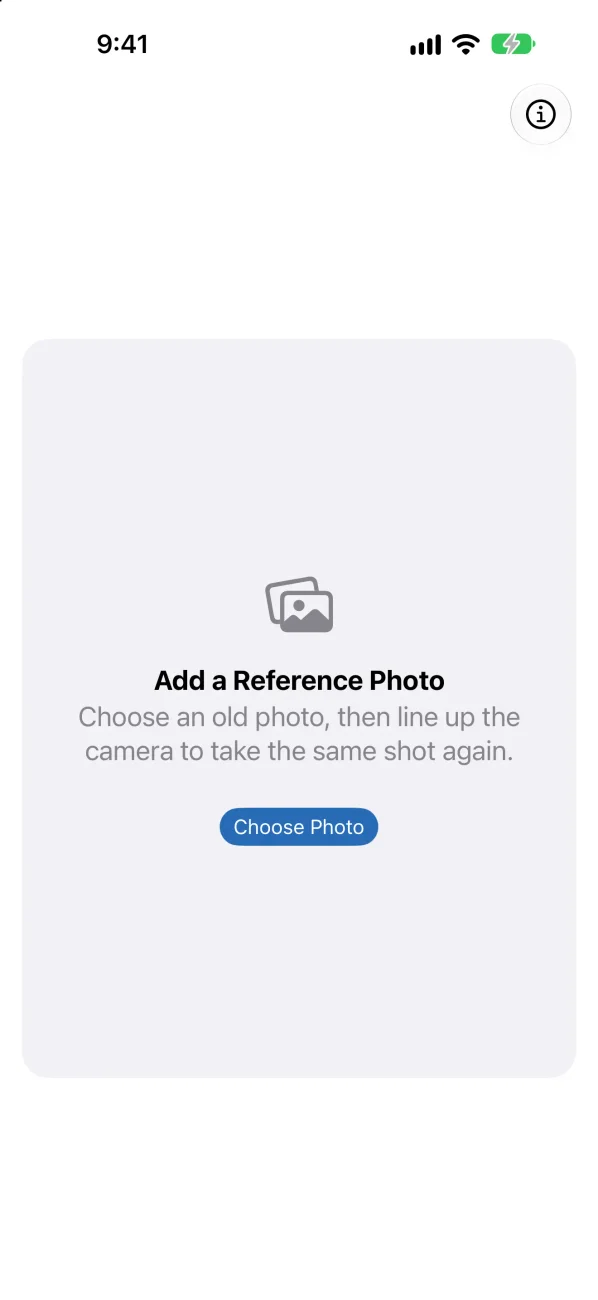
1. Select a reference photo from your library
2. Adjust overlay transparency to see both images
3. Align your camera view with the reference
4. Zoom with your iPhone's lenses for precision
5. Capture your perfectly aligned photo
6. Compare and save
Simple, intuitive, and designed for precision.
Neue Funktionen
Version 1.1 · 26.10.2026
• Support for iPhone Duo: the layout adapts when folded or unfolded, with landscape on the large screen
• Full-quality photos (up to 24 MP, HEIC) with flash, matching what the viewfinder shows
• Real lens zoom: switch between your iPhone's cameras and pinch to zoom
• Tap to focus and set exposure
• New outline overlay, and press and hold to peek at the reference
• Simpler, Camera-style controls, now in landscape too
• Take photos with the volume buttons or Camera Control
• Remembers your last reference photo and overlay settings
App-Datenschutz
Was Christopher Krueger im App Store zum Umgang dieser App mit Daten angibt.
-
Keine Daten erfasst
Der Entwickler erfasst keine Daten von dieser App.
Die Datenschutzpraktiken können variieren, zum Beispiel je nach den von Ihnen verwendeten Funktionen oder Ihrem Alter.
Informationen
- Anbieter
- Christopher Krueger
- Kategorie
- Foto und Video
- Version
- 1.1
- Aktualisiert
- 26.10.2026
- Veröffentlicht
- 17.12.2025
- Größe
- 2,8 MB
- Erfordert
- iOS 17 oder neuer
- Altersfreigabe
- 4+
- Sprachen
- Englisch
- Copyright
- © 2025 TheNewHobbyist
Das könnte Ihnen auch gefallen
-
 SameSpot: Before & AfterFoto und Video
-
 Then & Now: Auto-Align CameraFoto und Video
-
 Stack: Before & After PhotosFoto und Video
-
 Align: Stop Motion CameraFoto und Video
-
 Handpick: Photo OrganizerFoto und Video
-
 PicturePresenterFotos nativ auf Beamer & TV
-
 ALIGNCAM Onion SkinFoto und Video
-
 ReShoot: Before & After CameraFoto und Video
-
 OverCam - Overlay-KameraMotive ausrichten & treffen
-
 AlignShot: ÜberlagerungReferenz & Ebenen