ScannerGo PDF Document Scanner
Robust PDF and Document maker
Entwickelt für iPhone, iPad, iPod touch
Kostenlos · In-App-Käufe
- Altersfreigabe4+
- KategorieDienstprogramme
- EntwicklerAppyhigh Technology LLP
- SprachenEnglisch
- Größe112,6 MB
Verlinkt auf die offizielle App Store-Seite
Download.org hostet keine Datei von ScannerGo PDF Document Scanner. Die Schaltfläche öffnet die App-Seite bei App Store, wo Appyhigh Technology LLP die App veröffentlicht. Eintrag zuletzt geprüft am 14.11.2026.
Screenshots

Info
Der Entwickler hat diesen Text nicht in Ihrer Sprache bereitgestellt.
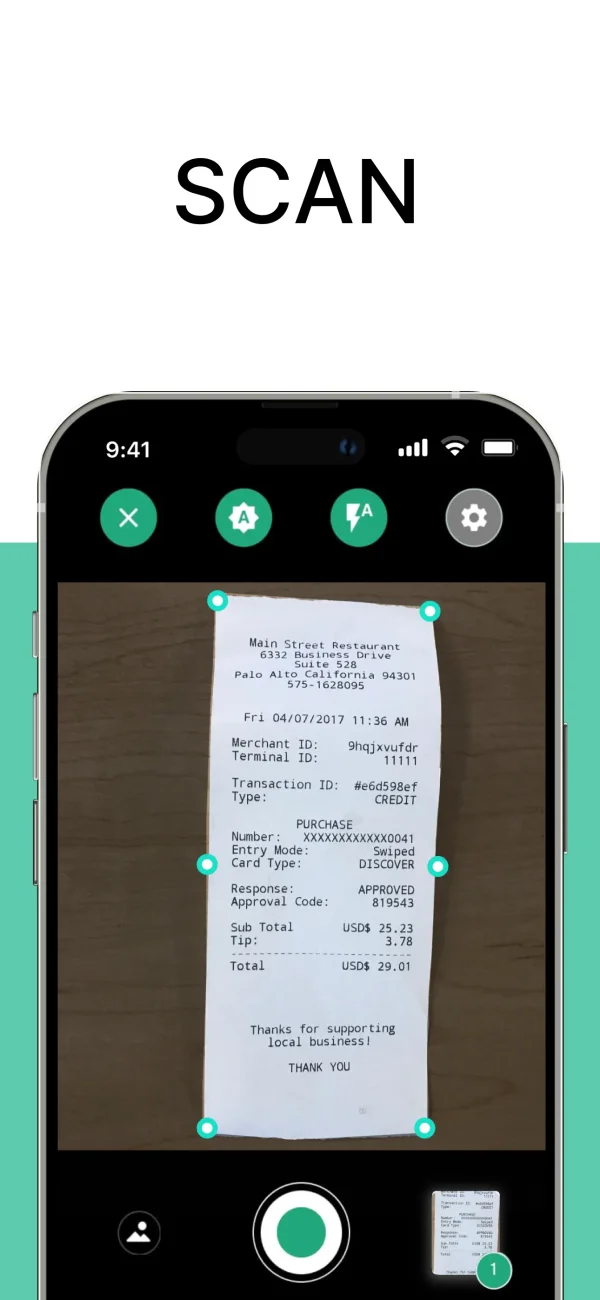
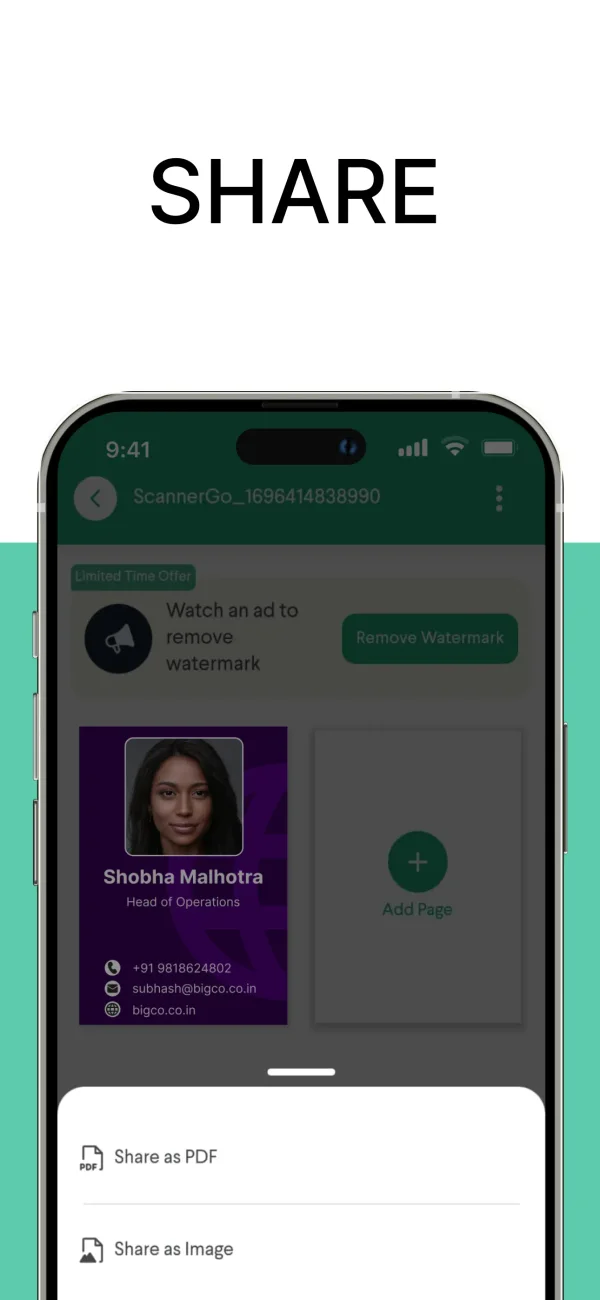
Scanner Go is a powerful cam scanner app and doc scanner application for scanning documents anywhere and anytime. You can scan, save, archive, and share the documents to be more productive.
Turn your phone camera to a PDF Scanner and instantly share scanned files in PDF or JPG format
ScannerGo, the camera scanner app is a must have application for those people who are always traveling for business, students, and lawyers. In one tap easily send scanned documents while being on the move, PDF Conversion is completely offline and requires no internet connection.
Using this Pdf Maker, save your PDF file in history and in the list of recently used documents.
SAFE PRIVACY
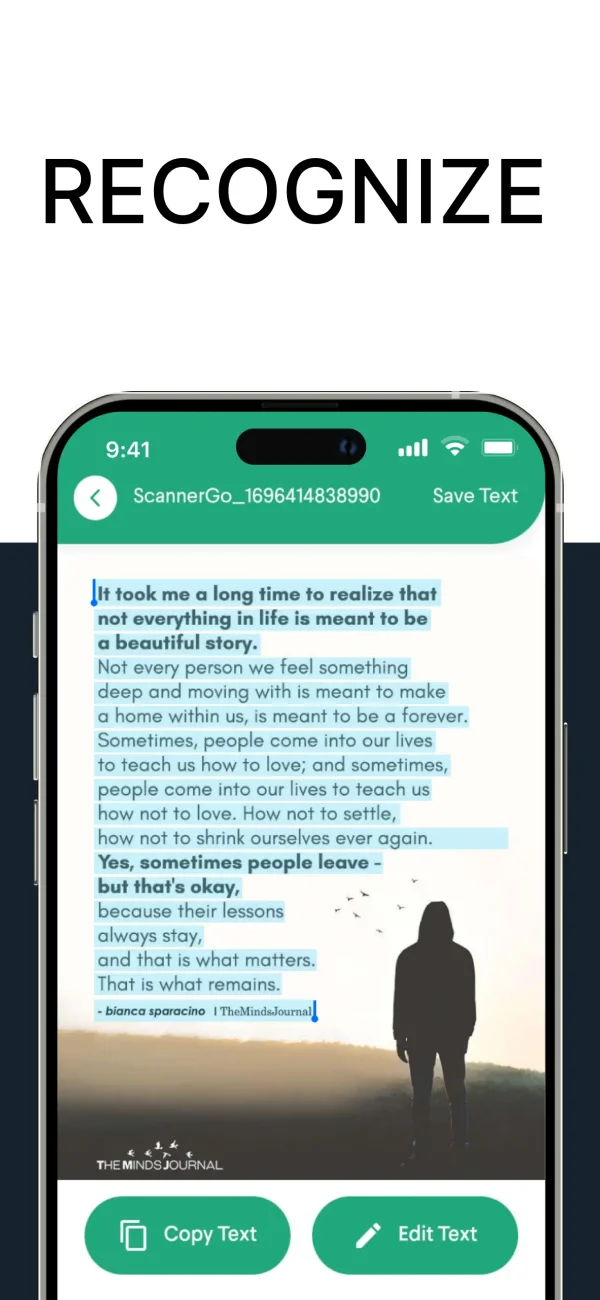
The documents scanned in are not uploaded to any server for any processing. Document recognition in the photos after scanning is done on the device.
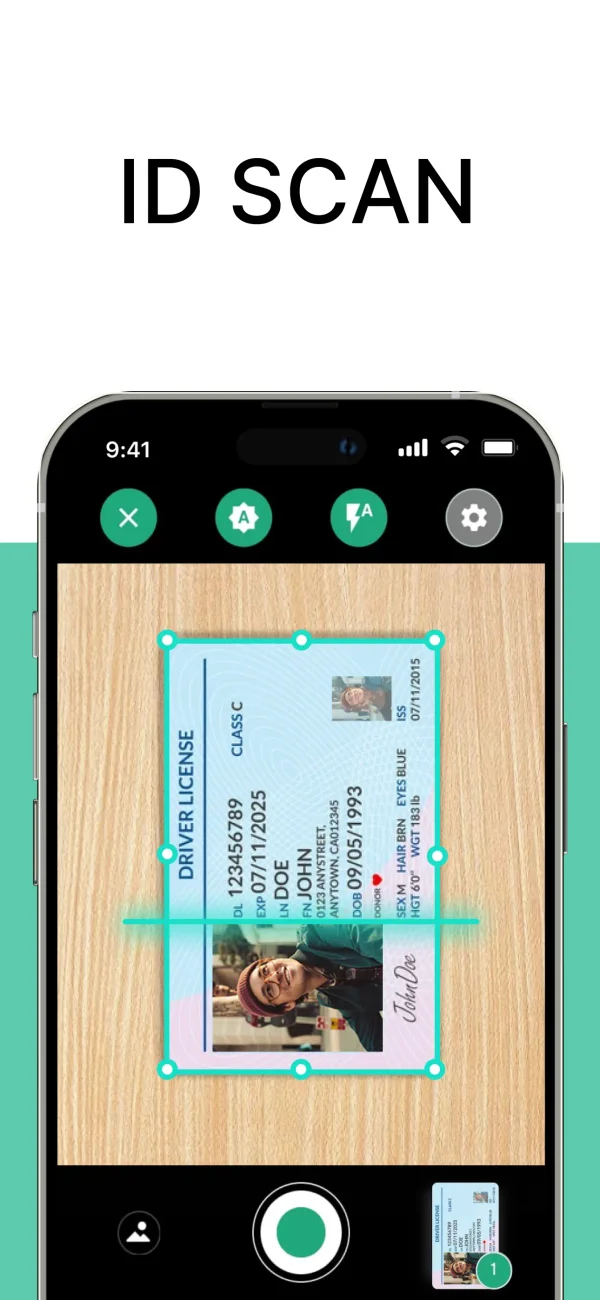
Scan almost anything from receipts to business cards to QR codes with the Camera scanner or Document scanner.
ENVIRONMENT FRIENDLY
No need to store your documents on paper. Just scan it with Scanner Go and keep it offline on your devices.
How to scan documents –
1. Just click on the create new pdf tab and start scanning your document.
2. You can also select an image or a document from your gallery to scan.
3. Crop the edges according to your requirement.
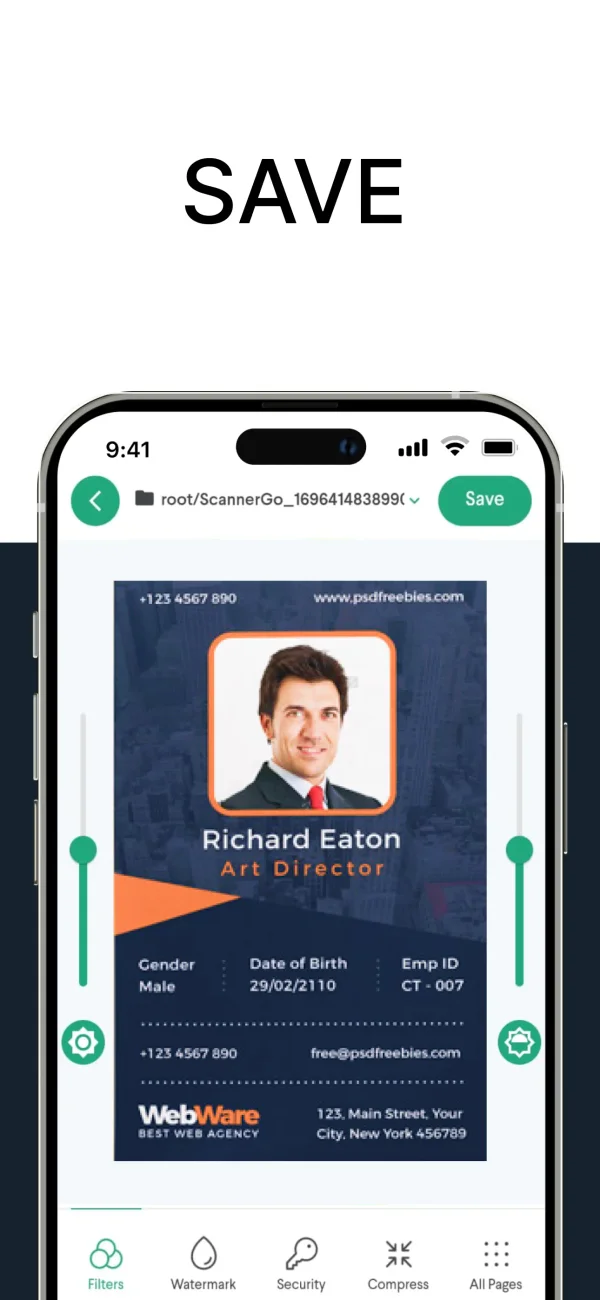
4. Free filters for your documents and also you can use a brush to add your own colors.
5. You can compress your file according to the size you need.
6. You can choose the page type e.g A4, Legal, Ledger etc
7. Send and share documents via email, Whatsapp etc
8. PDF maker to make your life easy with managing documents
Features of Scanner Go -
1. Unlimited scans of documents.
2. Completely free with no subscriptions whatsoever
3. No internet needed to scan the documents.
4. PDF Maker : Select images to make a single pdf, Also use pdf converter
5. PDF reader, Additional pdf converter features added recently e.g text to pdf, excel to pdf, images to pdf.You can create a password protected pdf file also.
6. Remove the duplicate pages .
7. Automatic edge Detection
ScannerGo detects the edges of your document automatically so that only the document is scanned and nothing else.
Neue Funktionen
Version 2.3.0 · 23.04.2024
Pesky bug fixes and Enhancements
App-Datenschutz
Was Appyhigh Technology LLP im App Store zum Umgang dieser App mit Daten angibt.
-
Daten, die zum Tracking Ihrer Person verwendet werden
Können verwendet werden, um Sie über Apps und Websites anderer Unternehmen hinweg zu verfolgen.
- Kontaktinformationen
- Nutzungsdaten
-
Mit Ihnen verknüpfte Daten
Können erfasst und mit Ihrer Identität verknüpft werden.
- Kontaktinformationen
- Kennungen
-
Nicht mit Ihnen verknüpfte Daten
Können erfasst werden, sind aber nicht mit Ihrer Identität verknüpft.
- Benutzerinhalte
- Kennungen
- Nutzungsdaten
- Diagnose
Die Datenschutzpraktiken können variieren, zum Beispiel je nach den von Ihnen verwendeten Funktionen oder Ihrem Alter.
Informationen
- Anbieter
- Appyhigh Technology LLP
- Kategorie
- Dienstprogramme
- Version
- 2.3.0
- Aktualisiert
- 23.04.2024
- Veröffentlicht
- 31.05.2021
- Größe
- 112,6 MB
- Erfordert
- iOS 13.0 oder neuer
- Altersfreigabe
- 4+
- Preis
- Kostenlos
- In-App-Käufe
- Ja
- Sprachen
- Englisch
- Copyright
- © 2022 ATL
Das könnte Ihnen auch gefallen
-
 BMP KonverterBMP Dateien konvertieren
-
 DDS KonverterDDS Dateien konvertieren
-
 DJVU Konverter, DJVU zu PDFDJVU-Dateien konvertieren
-
 XPS KonverterXPS Dateien konvertieren
-
 JPG Konverter, JPG zu PDFJPG-Dateien konvertieren
-
 PDF KonverterPDF Dateien konvertieren
-
 PNG KonverterPNG Dateien konvertieren
-
 ODP KonverterODP Dateien konvertieren
-
 WORD KonverterWORD Dateien konvertieren
-
 TXT KonverterTXT Dateien konvertieren